

YouTube Finally Lets Viewers Disable End-Screen Recommendations
 Arkadiy Andrienko
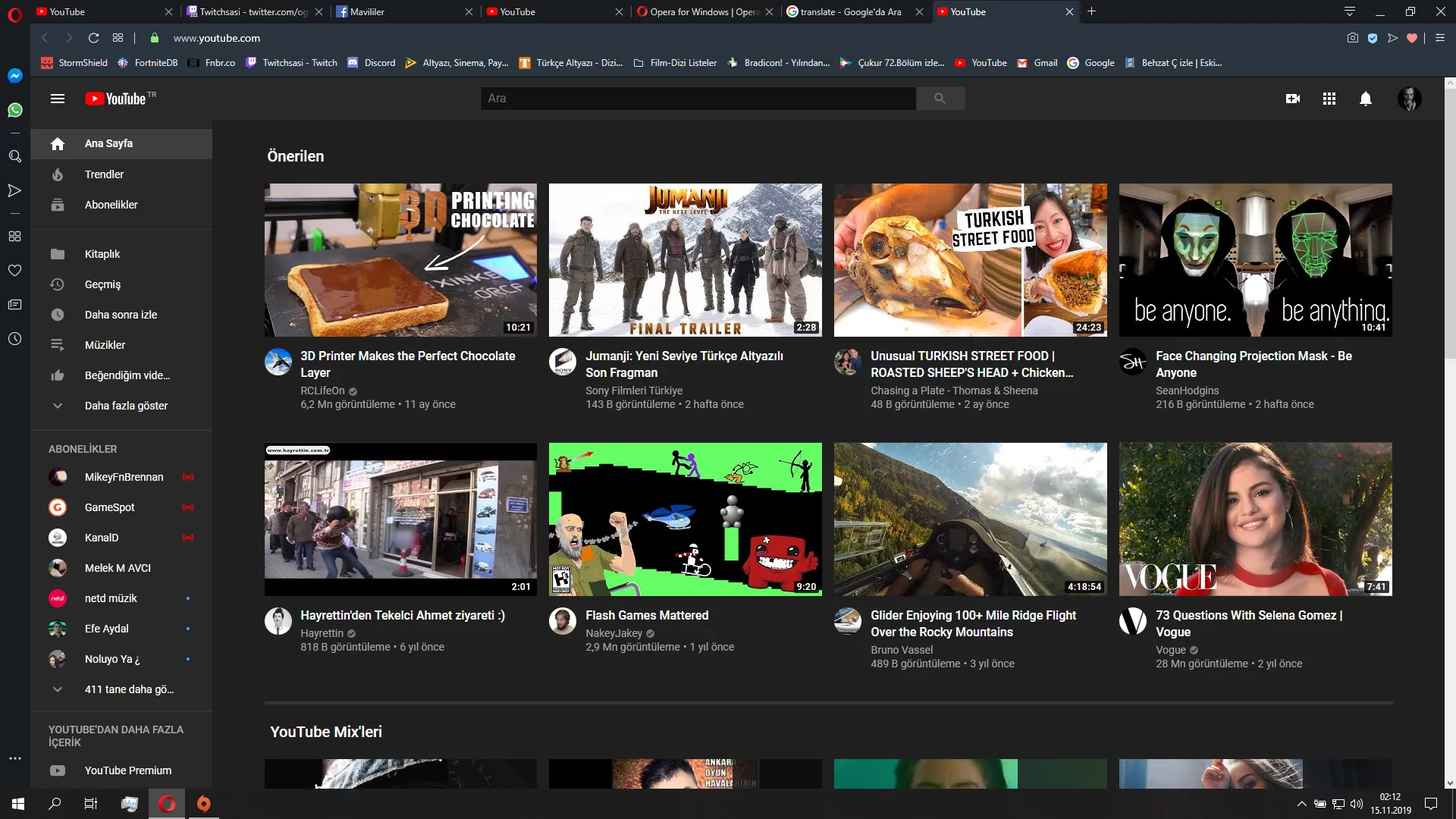
YouTube users are spotting a very welcome change to the video player's interface. A new button has started appearing for some users, allowing them to disable the pop-up recommendations that show up during a video's final moments. This new feature is part of updates aimed at making the viewing experience more comfortable.
Previously, many viewers complained that these end screens, which often suggest other videos, were distracting or obstructed the content they were trying to finish. YouTube seems to have listened. Now, when an end screen appears, a small "Hide" button shows up in the top-right corner of the player. Clicking it makes all the extra elements disappear, letting you focus on the video's conclusion.
There is a catch, however. You can't disable these end screens globally; the setting applies only to the individual video you're currently watching. As soon as you move on to the next video, the end screens will reappear (if the creator has included them). Alongside this change, YouTube is making another minor but noticeable tweak for desktop viewers. The platform is removing the pop-up "Subscribe" button that would appear when you hovered your cursor over the channel's watermark in the corner of the player. Developers explained that the primary, more conveniently located subscribe button is always visible below the video, making the duplicate element unnecessary.
For content creators, these adjustments change very little. They can still add end screens and watermarks to their videos as before. According to YouTube's own data, testing the hideable end-screen feature showed a minimal impact on analytics: clicks on end-screen recommendations dropped by only 1.5%, which falls within the margin of error. As for the watermark subscribe button, it accounted for less than 0.05% of all new subscribers.
Ultimately, these updates are squarely aimed at viewers, who have repeatedly asked for more control over the interface and fewer distractions during playback. This follows a much larger recent update from YouTube—an AI-powered system for automatically dubbing videos into different languages using Gemini. If the new buttons help you focus on a single video, the multi-track audio system does the opposite, opening the door to a vast library of international content by breaking down language barriers.
-
 YouTube Uses AI to Edit Videos Without Creators' Knowledge
-
 YouTube Is Rolling Out Automatic Dubbing for Videos in Dozens of Languages
-
 YouTube Shuts Down Trending Section Amid Declining Viewership
-
 YouTube Restricts Live Streaming for Users Under 16
-
 YouTube Stops Counting Views from Users with Ad Blockers Enabled