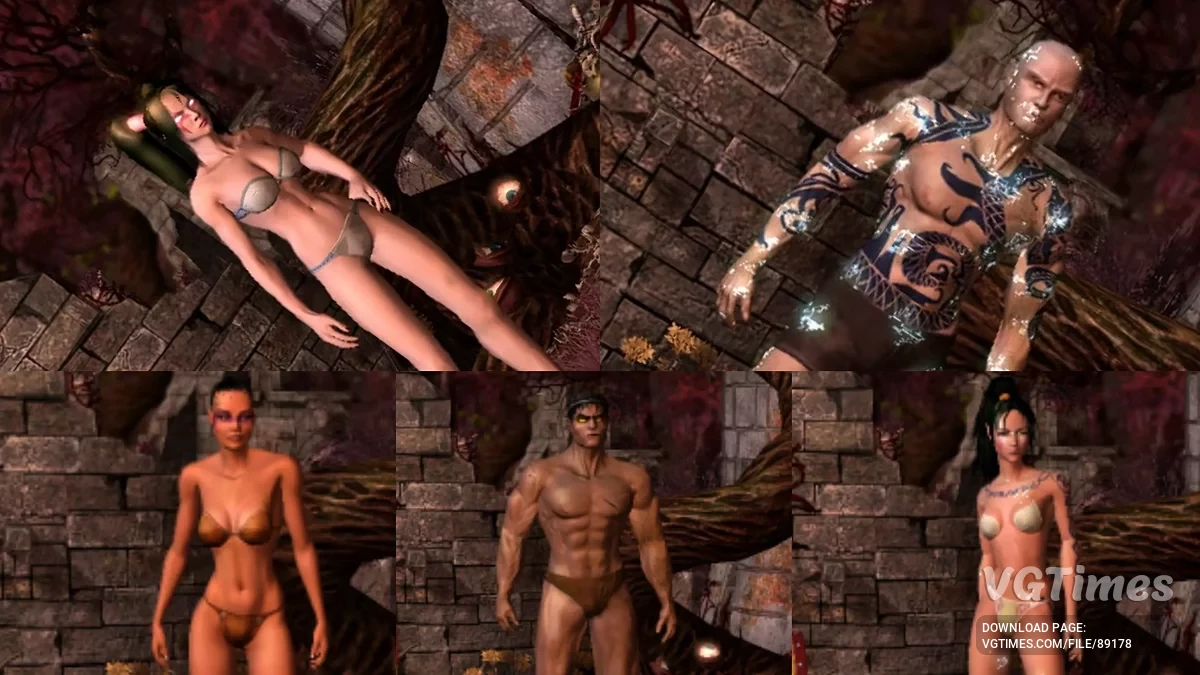
Ancaria is once again torn apart: war, magic, and a spreading plague intertwine in a massive open-world fantasy RPG. Six heroes with unique combat... Read more
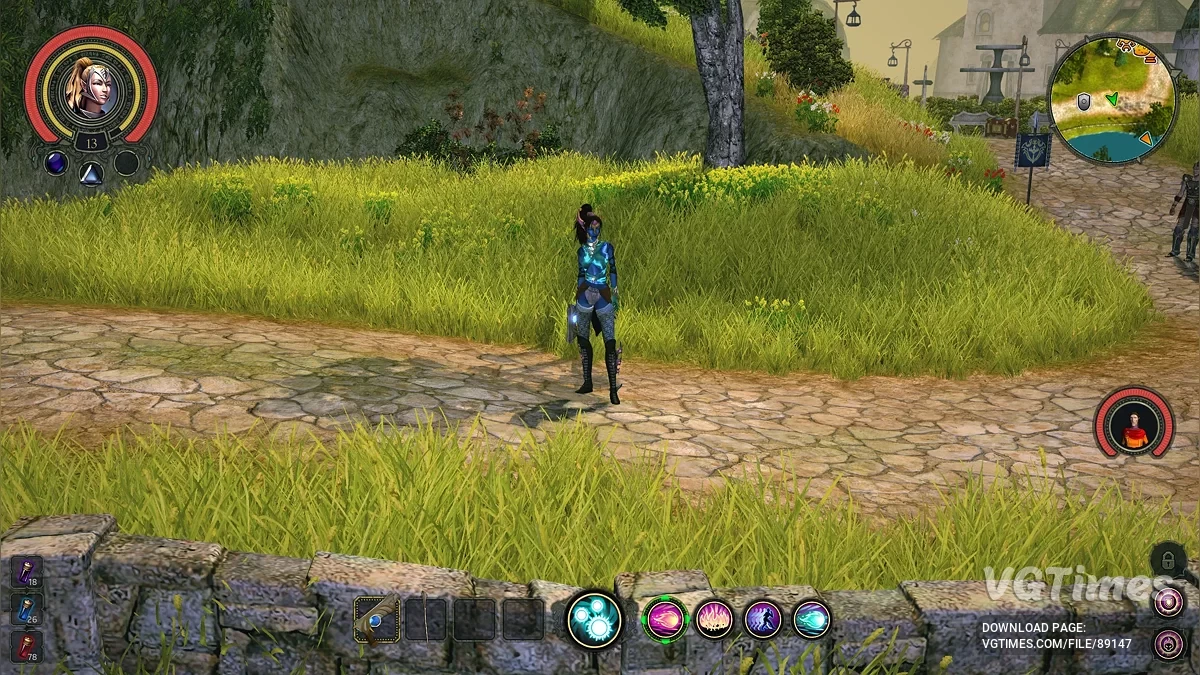
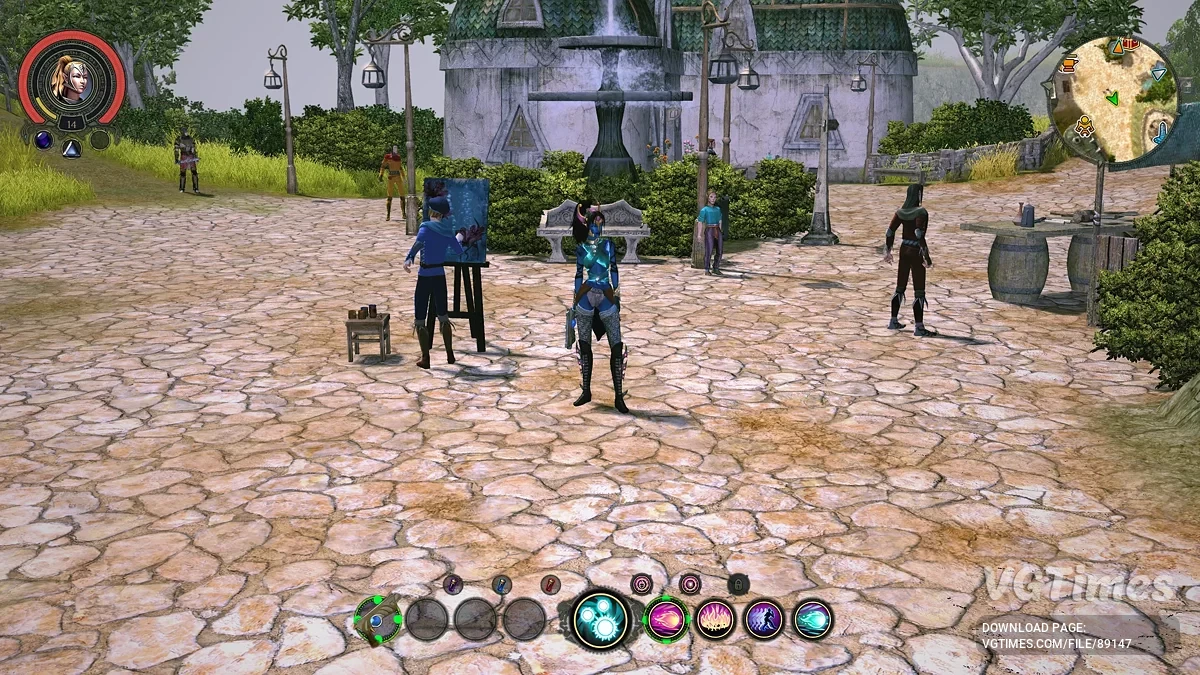
Original game interface

Author:
Marko
Uploaded by:

Size:
11.00 MB
Date:
November 18, 2025, 12:13 PM
Downloads:
38
-
Download (11.00 MB)November 18, 2025, 12:13 PMИнтерфейсinterfejjs-iz-originalnojj-igry_1763457190_974317.zip
-
Download (68.22 MB)November 18, 2025, 12:13 PMТекстурыinterfejjs-iz-originalnojj-igry_1763457190_153111.zip
People familiar with the original game will find this layout more familiar. The minimap has also been slightly modified to be less hidden and more convenient.
How to launch:
- Back up your UI folder at the following location;
- Back up your Textures folder at the following location;
- Download and extract the Marko_UI_MOD archive. Inside, you'll find several UI options depending on your display. Most likely, you have a 16:9 display and will need the folder with the new style interface, not the alternative one. Rename the chosen folder to ui and move it to the path below;
- Download and extract the textures archive and place the folder at /Steam/steamapps/common/Sacred 2 Remaster/Remaster/.
Warning:
- If you have the tiny items mod installed, make sure to reapply/reinstall it after installing this mod.
Useful links: