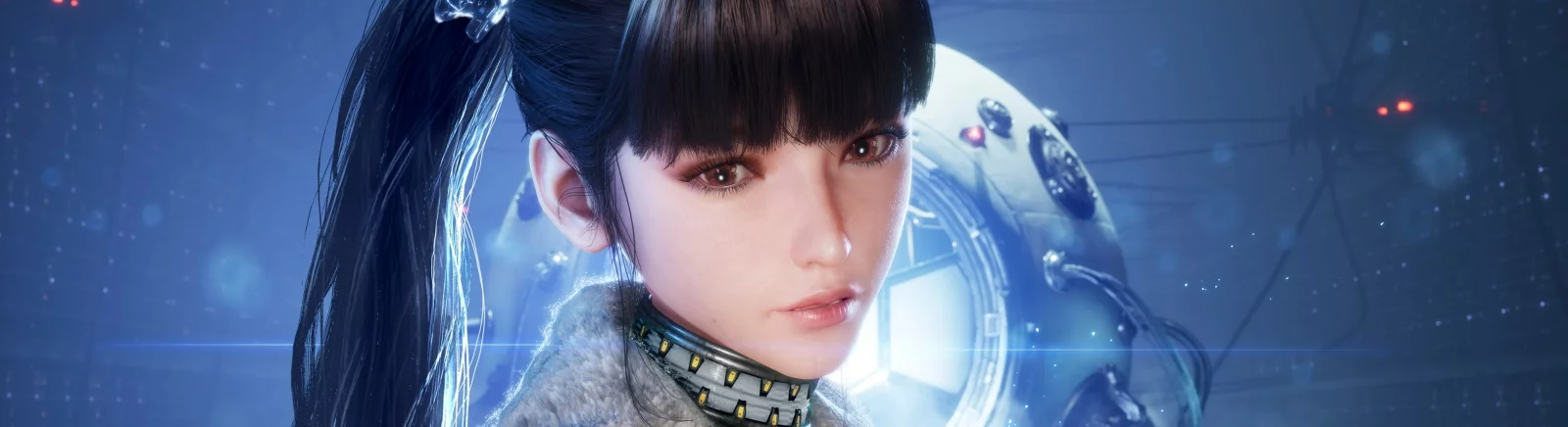
The game takes place in a world where almost all the inhabitants of the Earth were killed by mysterious creatures. The main character is a young... Read more
CNS - Custom Nanosuit System
Author:
DekitaRPG
Uploaded by:

Size:
7.76 MB
Date:
August 11, 2025, 11:25 PM
Updated:
December 7, 2025, 09:22 PM
Downloads:
174


-
Download (7.76 MB)December 7, 2025, 09:22 PMcns-polzovatelskaja-nastrojjka_1765131773_59118.zip
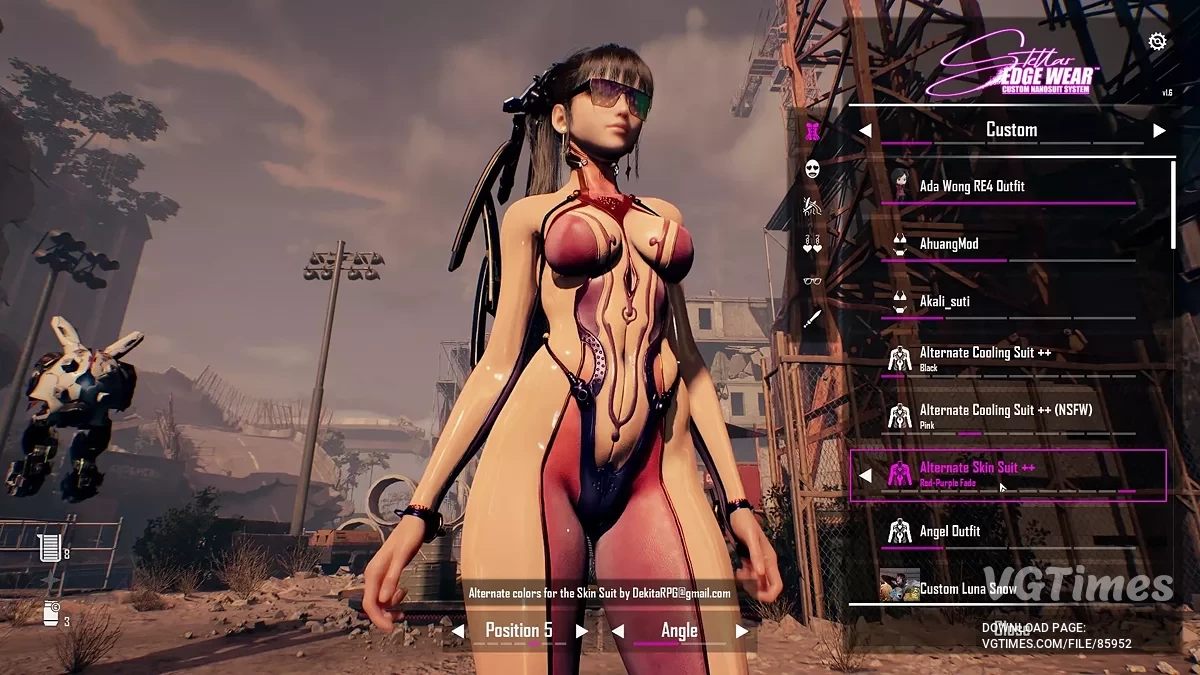
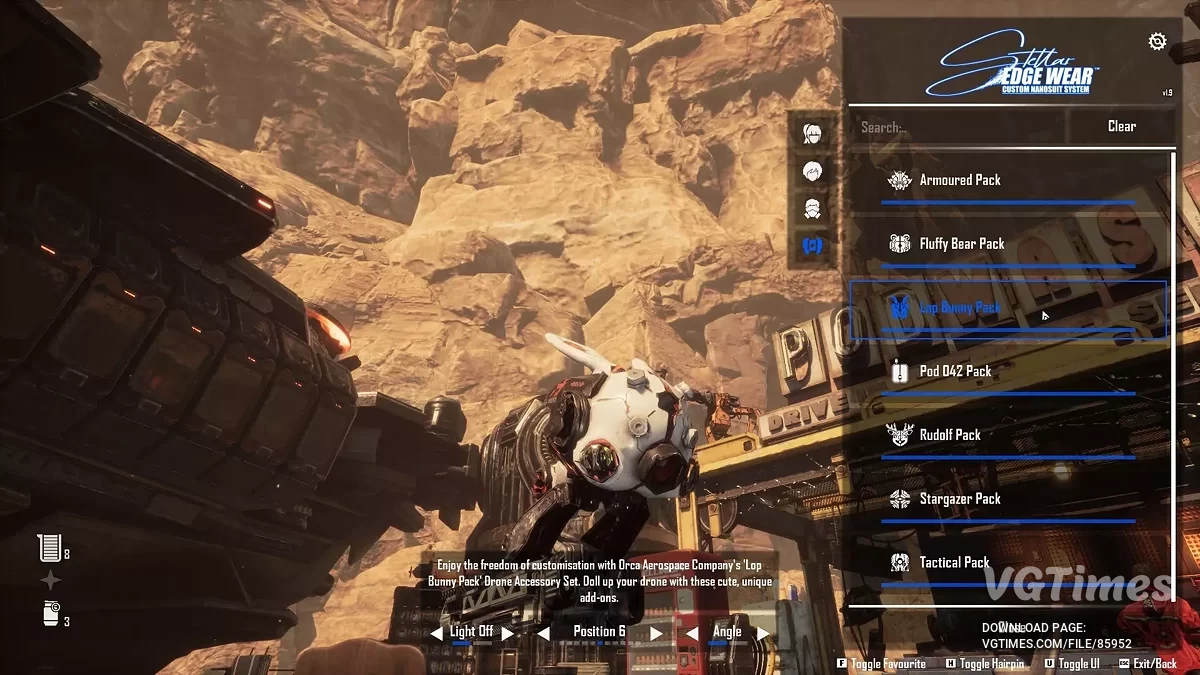
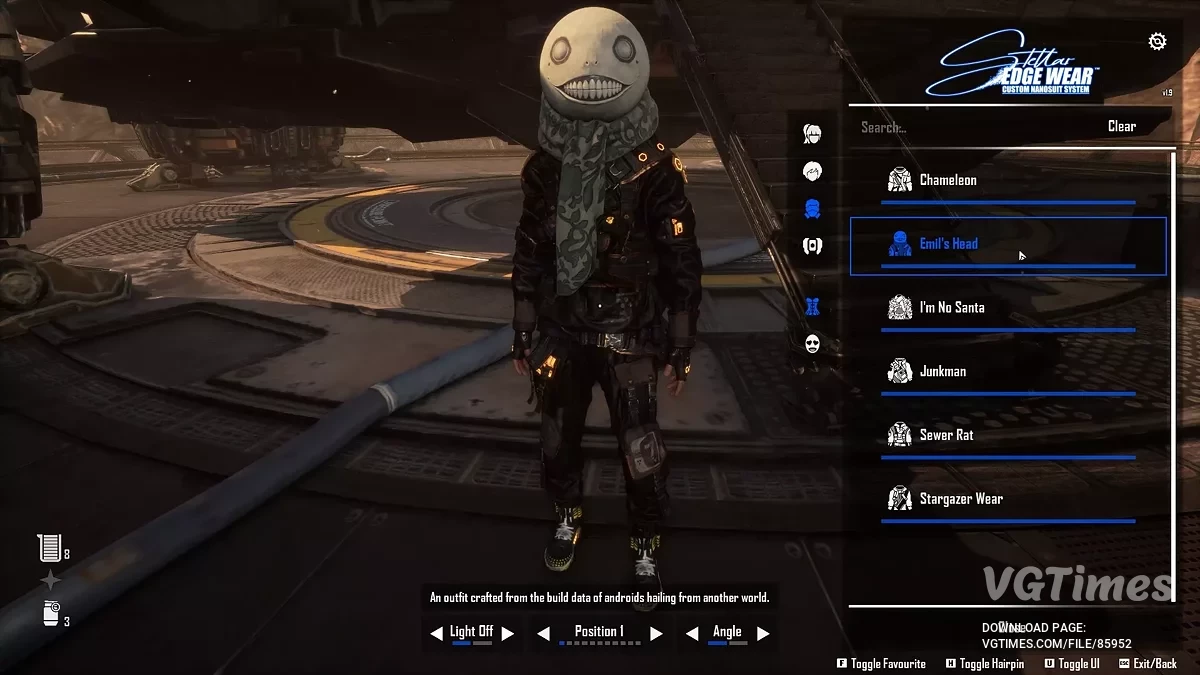
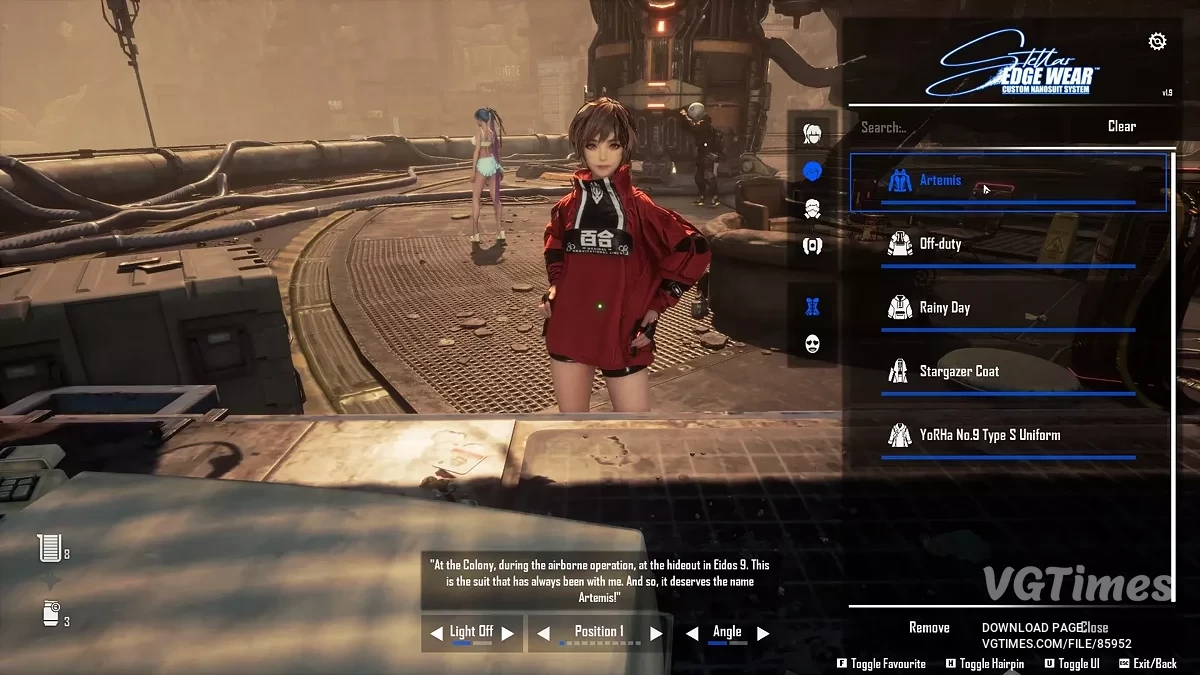
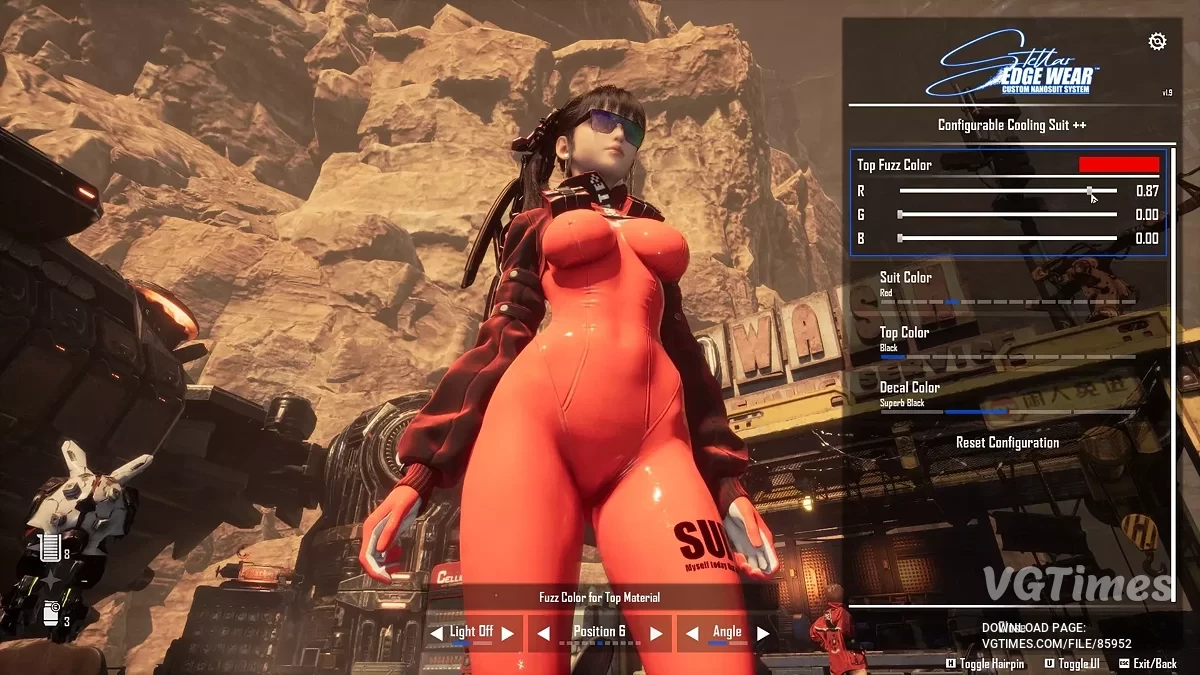
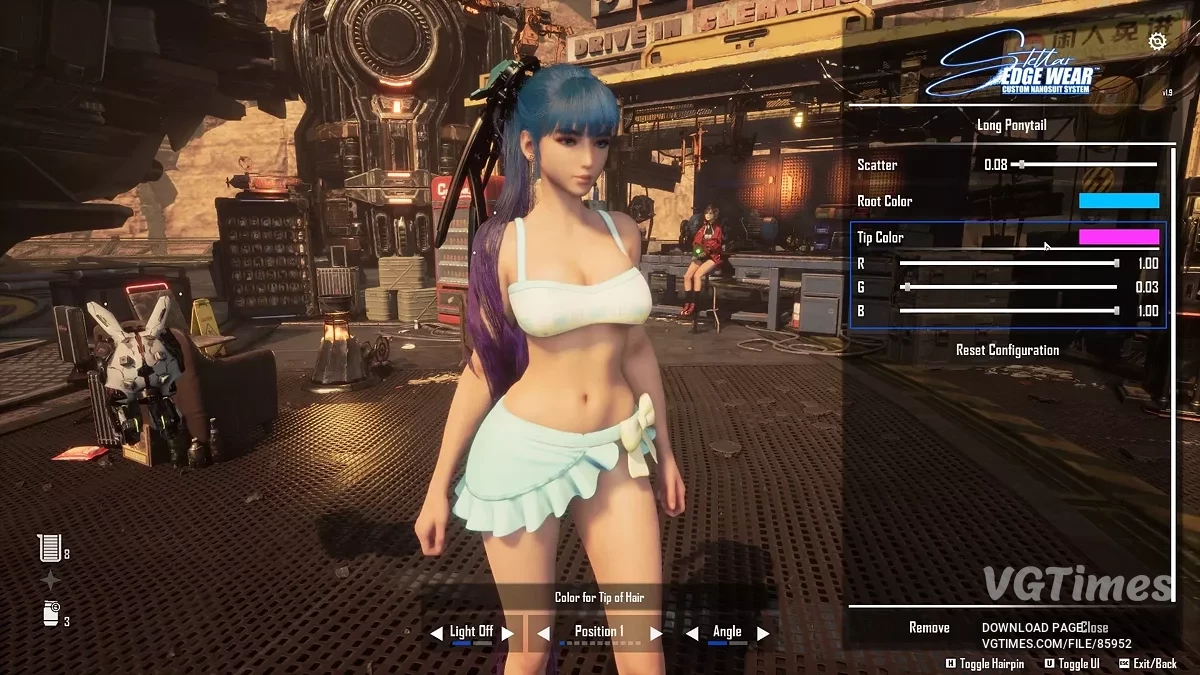
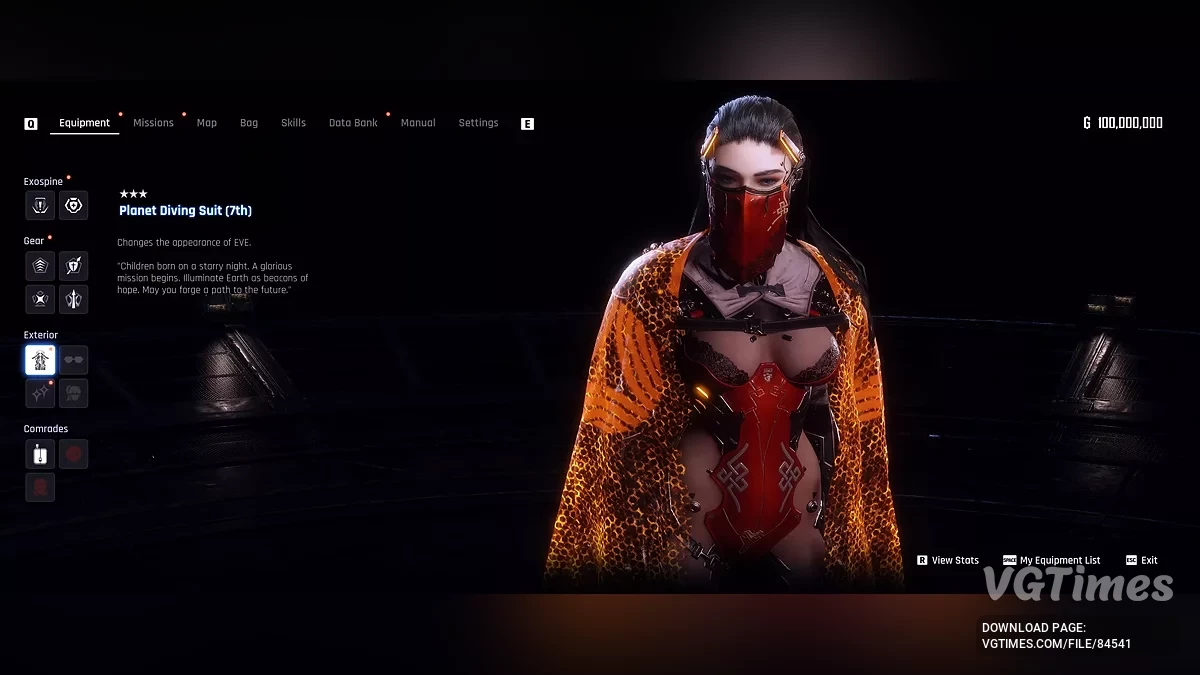
This mod adds support for CNS — the Custom Nanosuit System, allowing modders to easily add custom nanosuits to the game and players to freely switch between them via an in-game UI;
Features:
- Unlimited custom nanosuits, faces, hairstyles, earrings, glasses, and weapons;
- No more choosing between default and custom outfits;
- Equip both default and custom outfits from the CNS menu;
- In-Game UI [accessed via N key (configurable) or Alt+N (hardcoded)] — opens directly in the game world, not in menu;
- Easy expansion for other skin mod developers.
Outfit Mod Developer Features:
- No need to override default game assets;
- Make outfits compatible using simple JSON;
- Show custom icons for skins in the UI;
- Easily add multiple outfit variants;
- Restrict outfits to specific DLC if required;
- Categorize outfit types, name & description;
- Customize material parameters via JSON;
- Supports nanosuits, heads, hairs, earrings, glasses, and weapons;
- Compatibility/setup guide available for outfit mod creators.
Installation:
- Install the latest Stellar Blade UE4SS release [UE4SS For Stellar Blade, last tested with v6] — do not use the Dev version;
- Download the latest release;
- Extract the files from the downloaded zip;
- Copy the ue4ss folder and dwmapi.dll into your game folder SB/Binaries/Win64;
- Download the latest Custom Nanosuit System;
- Extract the files from the zip;
- Copy the SB folder and merge it with your game’s SB folder (into the root StellarBlade folder);
- Use programs like WinRAR, WinZip, or 7Zip to unzip — do not copy the zip archive itself into the game folders.
Useful links:
![Stellar Blade — Table for Cheat Engine [UPD: 14.06.2025]](https://files.vgtimes.com/download/posts/2025-06/thumbs/tablica-dlja-cheat-engine-upd-14-06-2025_1749976749_885044.webp)

![Stellar Blade — Table for Cheat Engine [UPD: 19.06.2025]](https://files.vgtimes.com/download/posts/2025-06/thumbs/tablica-dlja-cheat-engine-upd-19-06-2025_1750400406_442073.webp)
![Stellar Blade — Kaya Face and Hair [CNS]](https://files.vgtimes.com/download/posts/2025-08/thumbs/lico-i-volosy-kai-cns_1754943568_740439.webp)
![Stellar Blade — Table for Cheat Engine [1.4.1]](https://files.vgtimes.com/download/posts/2025-12/thumbs/tablica-dlja-cheat-engine-1-4-1_1767167369_78245.webp)
![Stellar Blade — Rose Hairstyle from Black Desert [CNS]](https://files.vgtimes.com/download/posts/2025-12/thumbs/b19fb74192860b1b2976a8b804f2a8de.webp)
![Stellar Blade — Trainer (+43) [1.1 - 1.4.1]](https://files.vgtimes.com/download/posts/2025-10/thumbs/trejjner-43-1-1-1-4-1_1759311501_83747.webp)