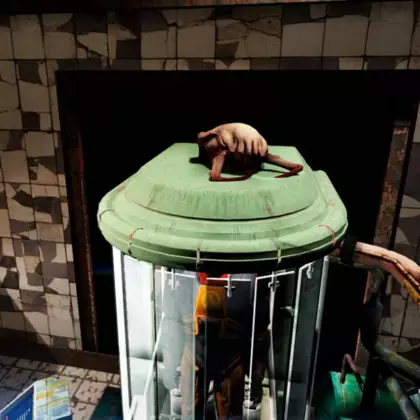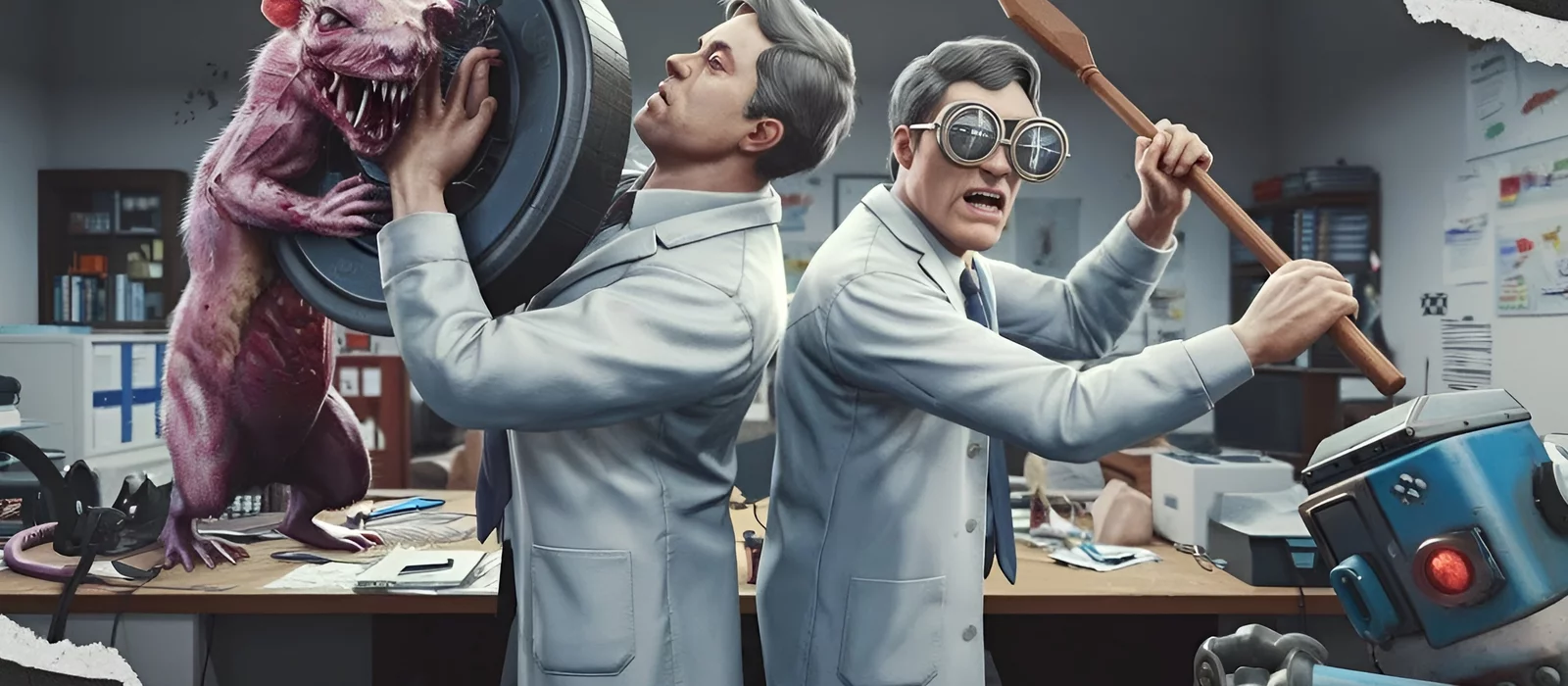
Abiotic Factor is a survival game set in a research complex. Scientists will have to fight creatures from parallel dimensions, as well as cultists who want to get artifacts from other worlds. The game turned out great, but you can make it even better with custom modifications. In this article, we have collected the most interesting of them.

How to install mods on Abiotic Factor
- Download the archive with the mod and unpack it.
- Move the contents to the AbioticFactor\AbioticFactor\Content\Paks folder.
- Launch the game.
If the modification is installed differently, we will leave detailed instructions in the description.
Increasing the number of goods at merchants
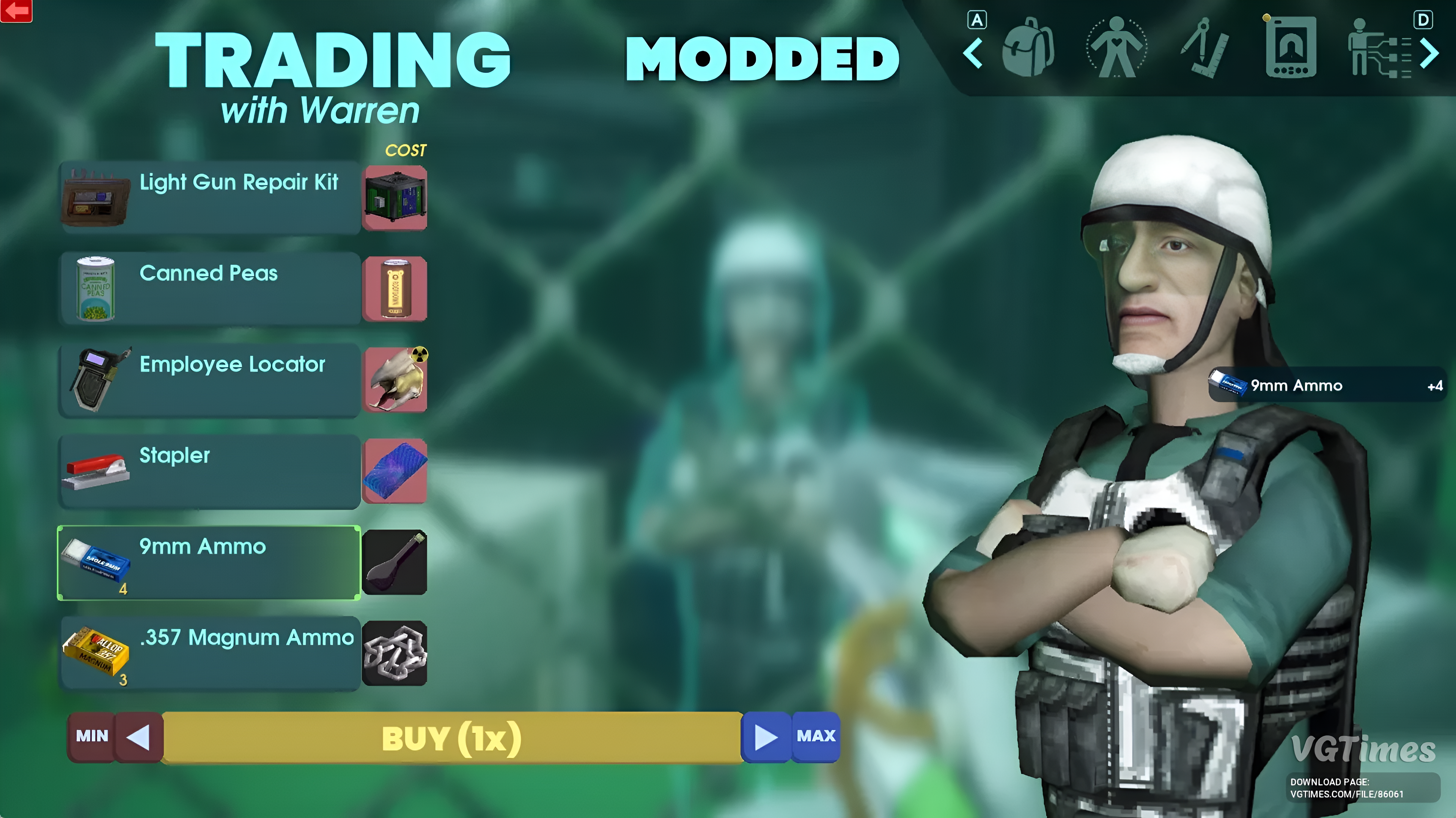
This mod allows you to increase the stocks of merchants several times or even make them infinite. There are four options to choose from, choose the one you need:
- Grayson has 2 times more ammunition;
- Grayson has infinite ammunition;
- Warren and Grayson's guards have infinite supplies;
- All merchants have an infinite amount of goods.
Did you like Abiotic Factor?
Health bars for enemies
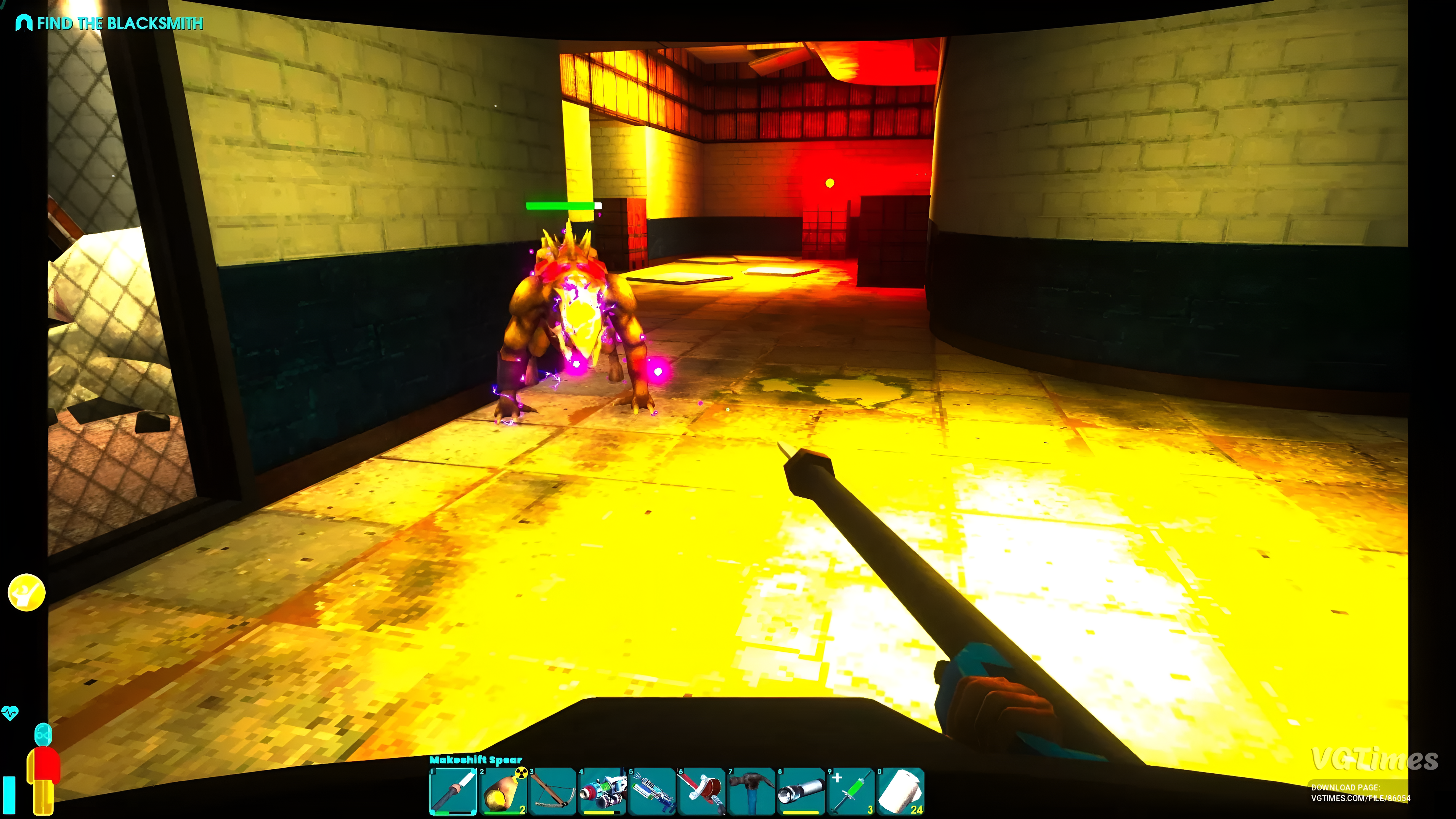
Adds vitality indicators to your opponents. Moreover, for some opponents they are displayed separately for each limb.
Installation procedure:
- Download the utility UE4SS. Move the files with it to the AbioticFactor\Binaries\Win64 folder (for the Steam version) or AbioticFactor\Binaries\WinGDK (for the GamePass version).
- Enable BPModLoaderMod in ue4ss\Mods\mods.txt.
- Download the archive with the mod and unzip it.
- Move the contents to the root folder with Abiotic Factor.
- Launch the game.
Quick cutting of corpses
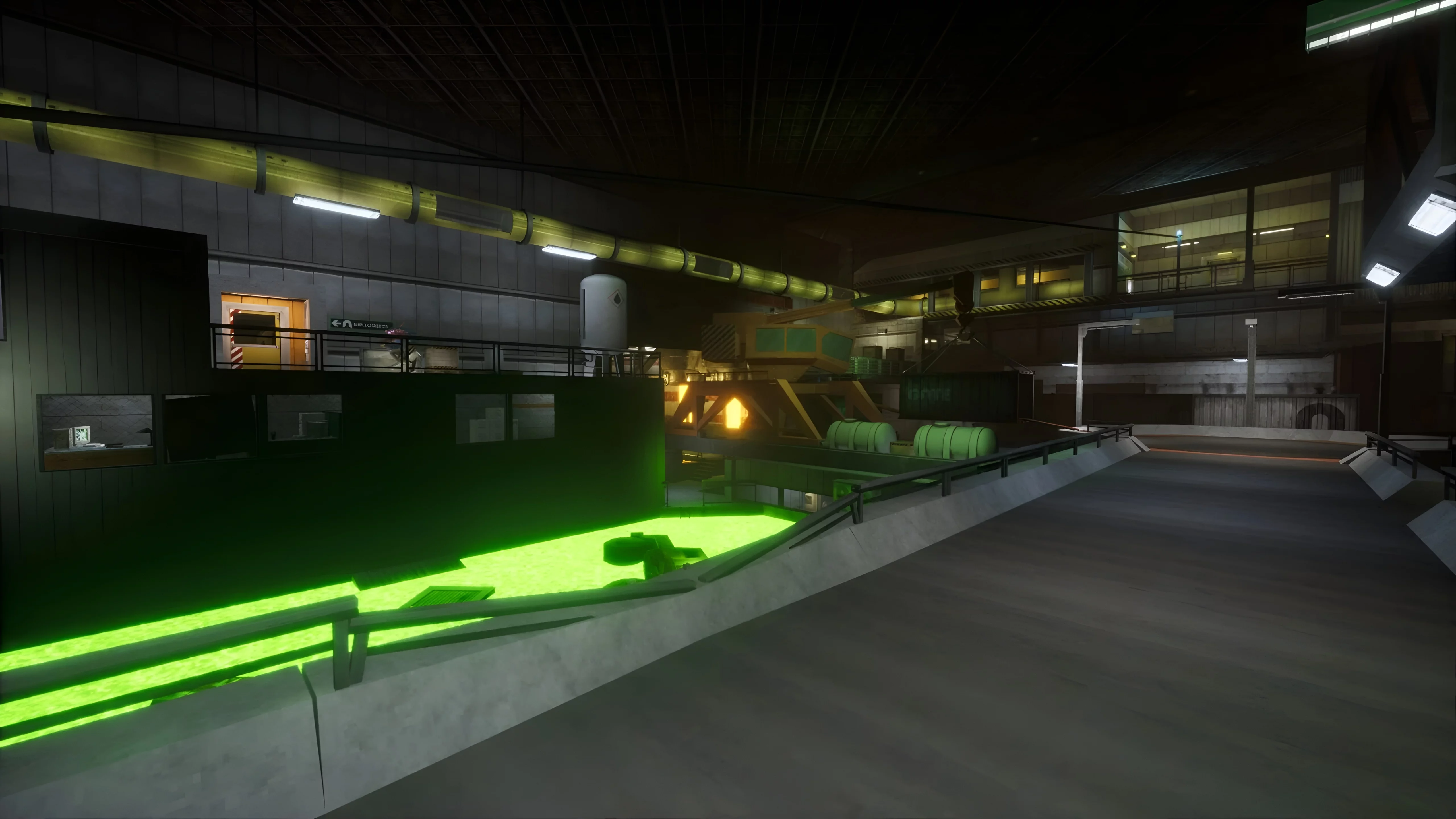
In essence, this modification reduces the "health" of corpses. The first version of the mod allows cutting with one blow of a knife, the second simply reduces the time required to gut a dead body. During installation, you can only choose one option.
Increased storage
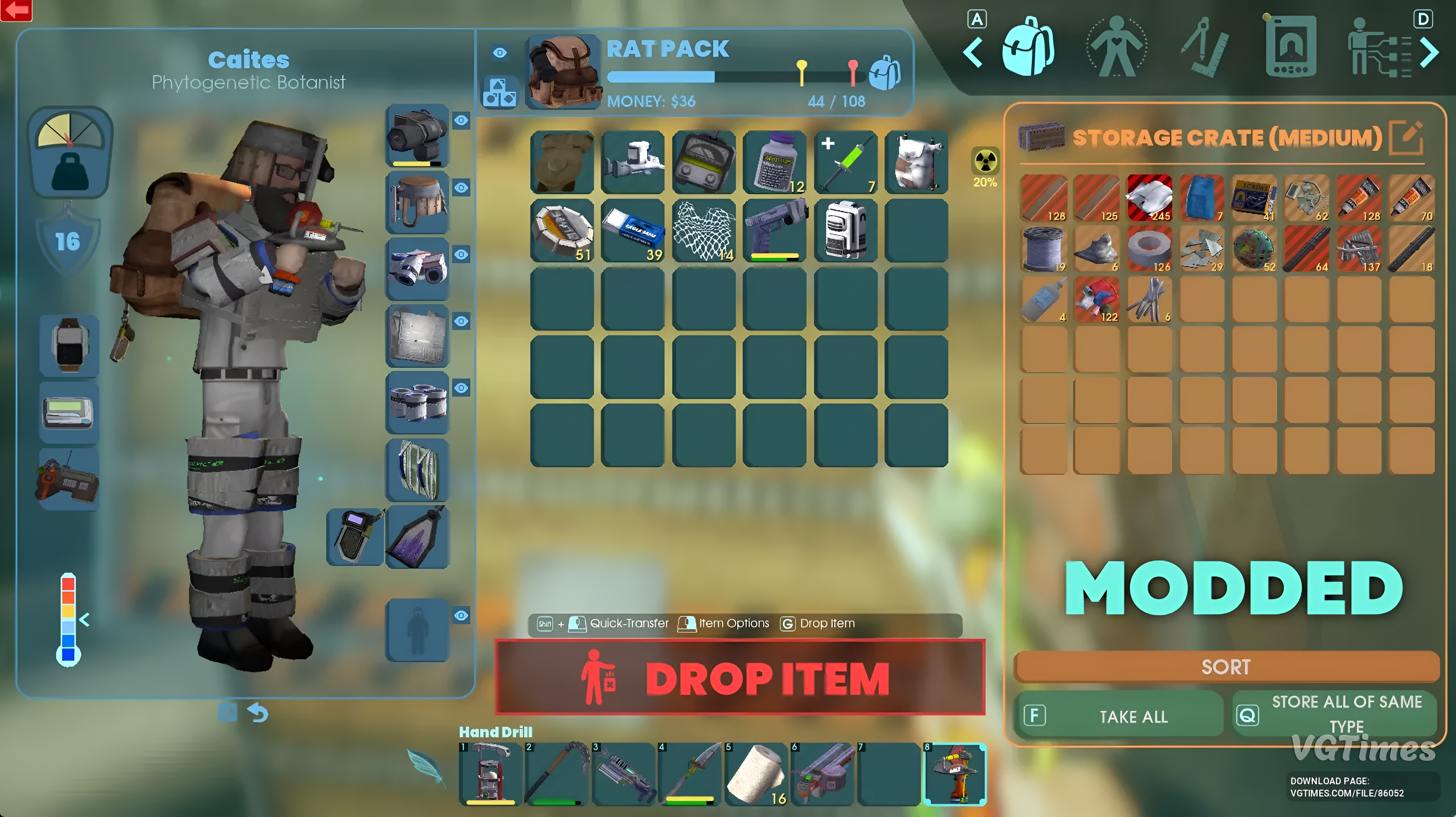
Adds additional cells for all items that can be used as storage. The volume of each of them increases by 1.5-2 times.
Item Duplication
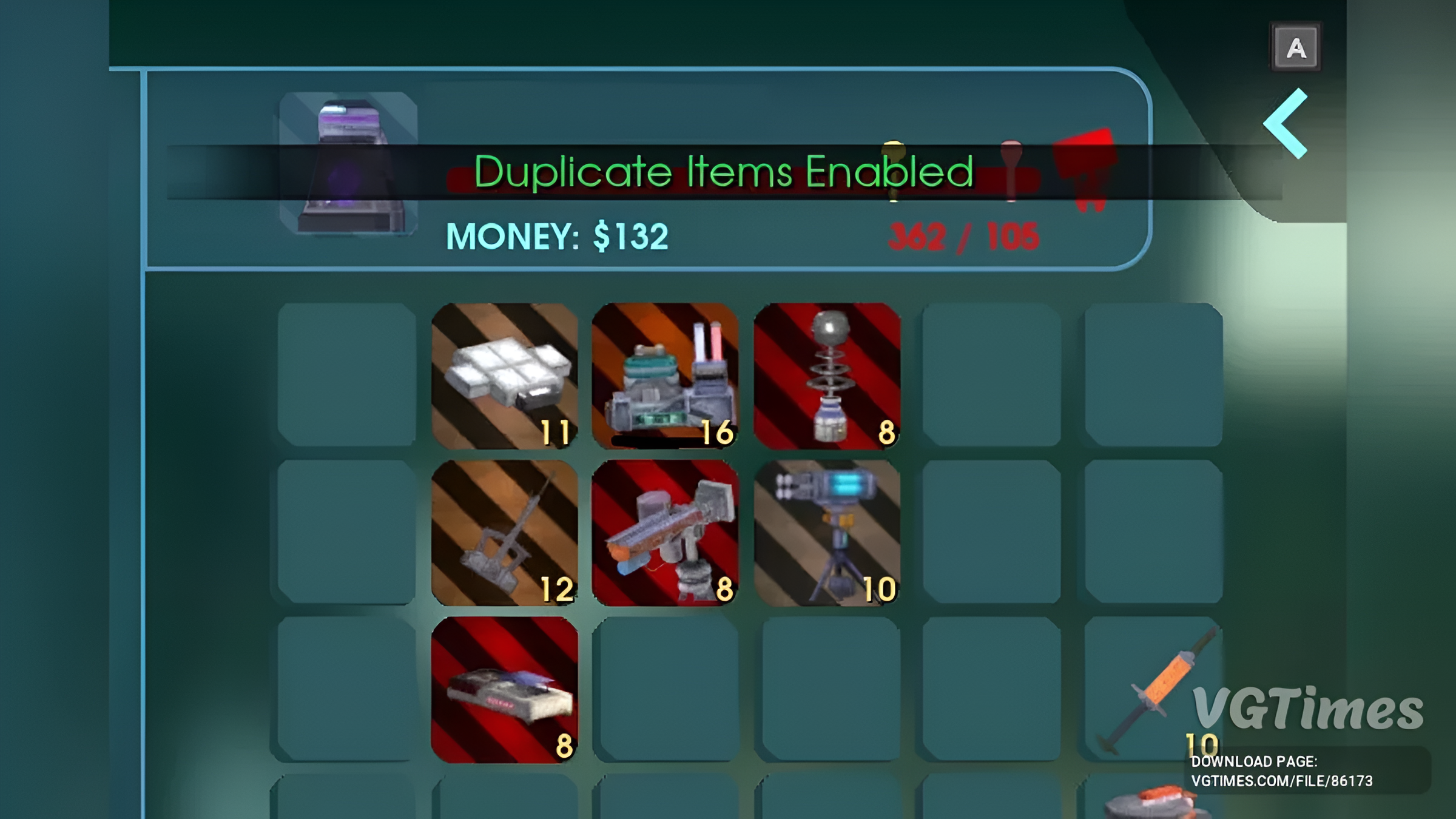
Opens the ability to create copies of items through inventory cells. The modification is activated using the F5 key.
Installation procedure:
- Download the utility UE4SS. Move the files with it to the folder AbioticFactor\Binaries\Win64 (for the Steam version) or AbioticFactor\Binaries\WinGDK (for the GamePass version).
- Download the archive with the mod and unzip it.
- Move the contents to the root folder with Abiotic Factor\Content\AbioticFactor\Binaries\WinGDK\ue4ss\Mods\.
- Launch the game.
New weapon balance, which is focused on open combat
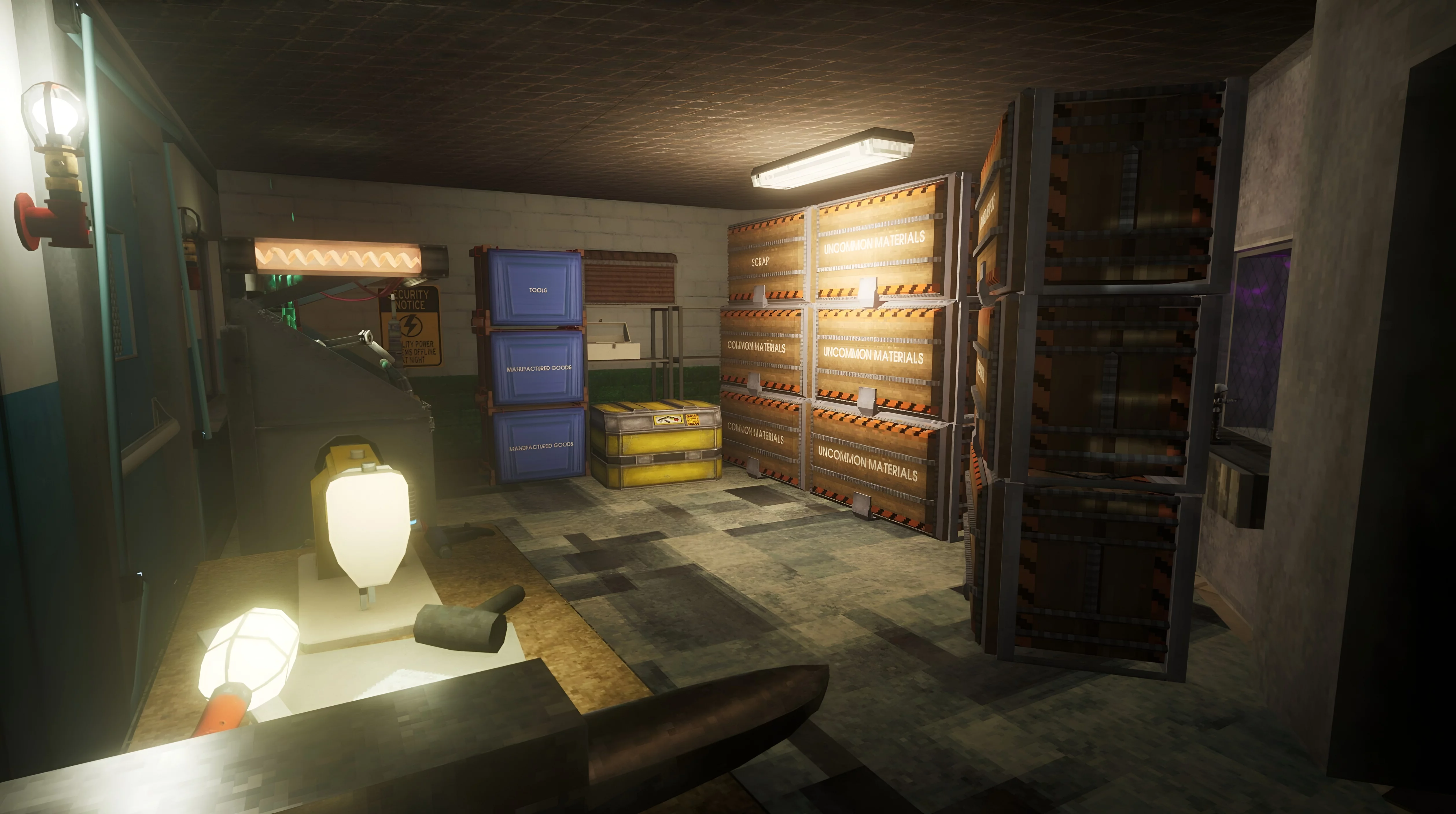
After installing this modification, Abiotic Factor becomes more like a regular shooter. You will be able to solve many problems with the help of firearms.
***
Will you install mods for Abiotic Factor? Share your opinions in the comments!
Will you be installing mods on Abiotic Factor?

-
![Best First Mods for Wuchang: Fallen Feathers]() Best First Mods for Wuchang: Fallen Feathers
Best First Mods for Wuchang: Fallen Feathers -
![Fan-Made Half-Life 2 Remake Showcased with Advanced Graphics — Screenshots and Video Released]() Fan-Made Half-Life 2 Remake Showcased with Advanced Graphics — Screenshots and Video Released
Fan-Made Half-Life 2 Remake Showcased with Advanced Graphics — Screenshots and Video Released -
![Dataminer: Half-Life 3 Will Bring Back Antlions and Feature Mod Support]() Dataminer: Half-Life 3 Will Bring Back Antlions and Feature Mod Support
Dataminer: Half-Life 3 Will Bring Back Antlions and Feature Mod Support -
![Insider on Half-Life 3's Story: “I Think People Might Not Like It”]() Insider on Half-Life 3's Story: “I Think People Might Not Like It”
Insider on Half-Life 3's Story: “I Think People Might Not Like It” -
![Half-Life 2 Unexpectedly Gets a Patch to Fix Bug Introduced in Anniversary Update]() Half-Life 2 Unexpectedly Gets a Patch to Fix Bug Introduced in Anniversary Update
Half-Life 2 Unexpectedly Gets a Patch to Fix Bug Introduced in Anniversary Update