

A cyberpunk role-playing game with action, tactical and stealth elements, Deus Ex: Human Revolution Director's Cut follows security specialist Adam... Read more
Sunny Reshade


-
www.nexusmods.comDownload
Sunny Reshade.
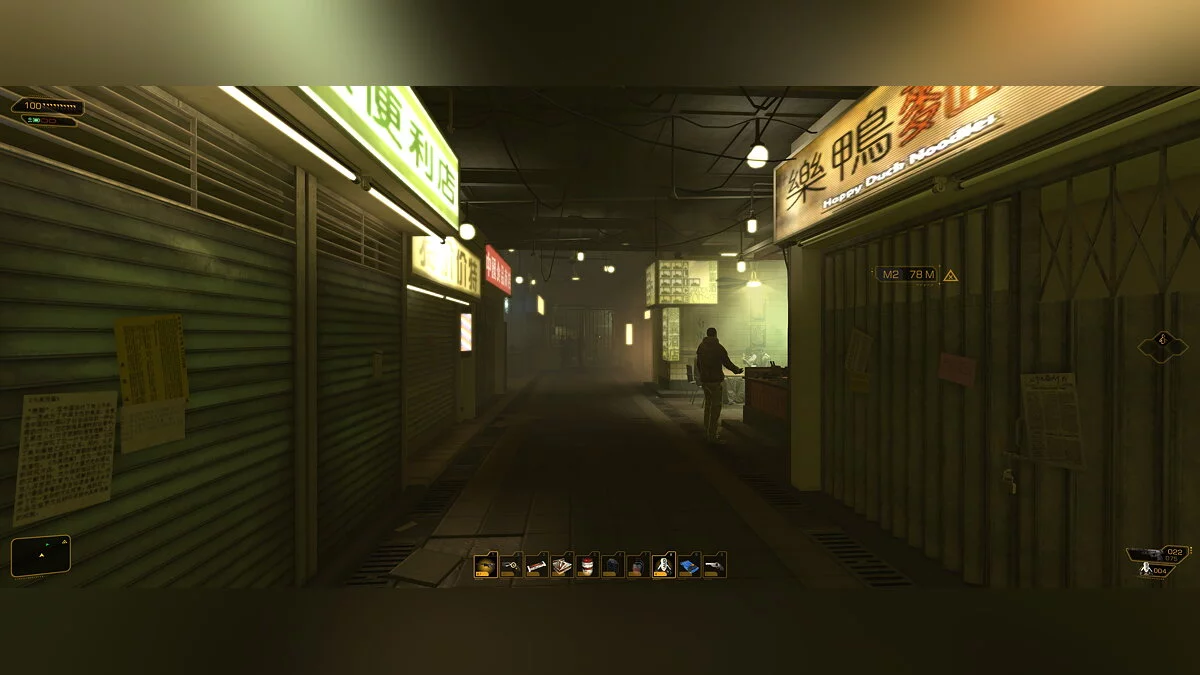
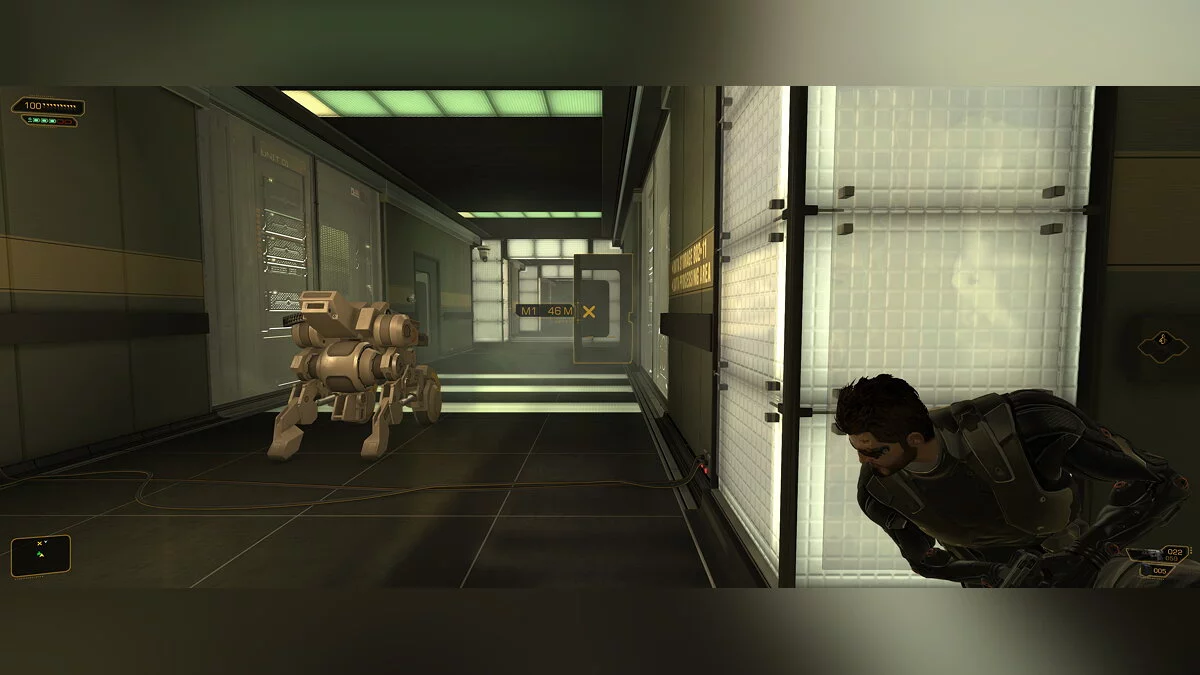
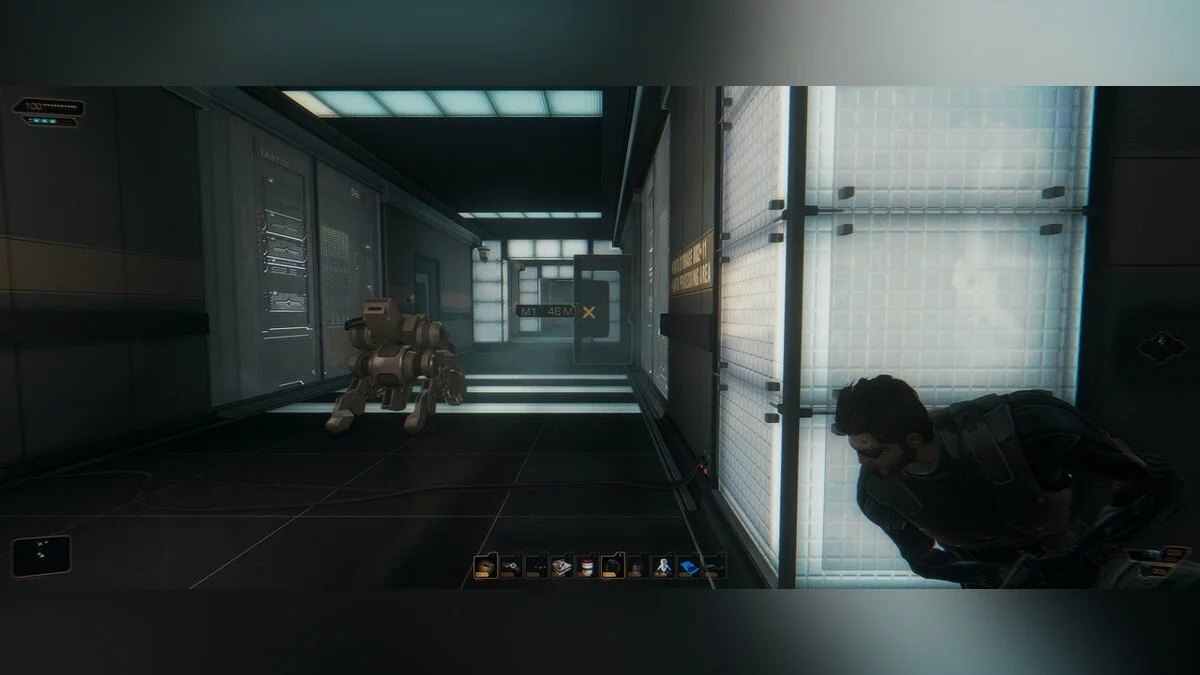
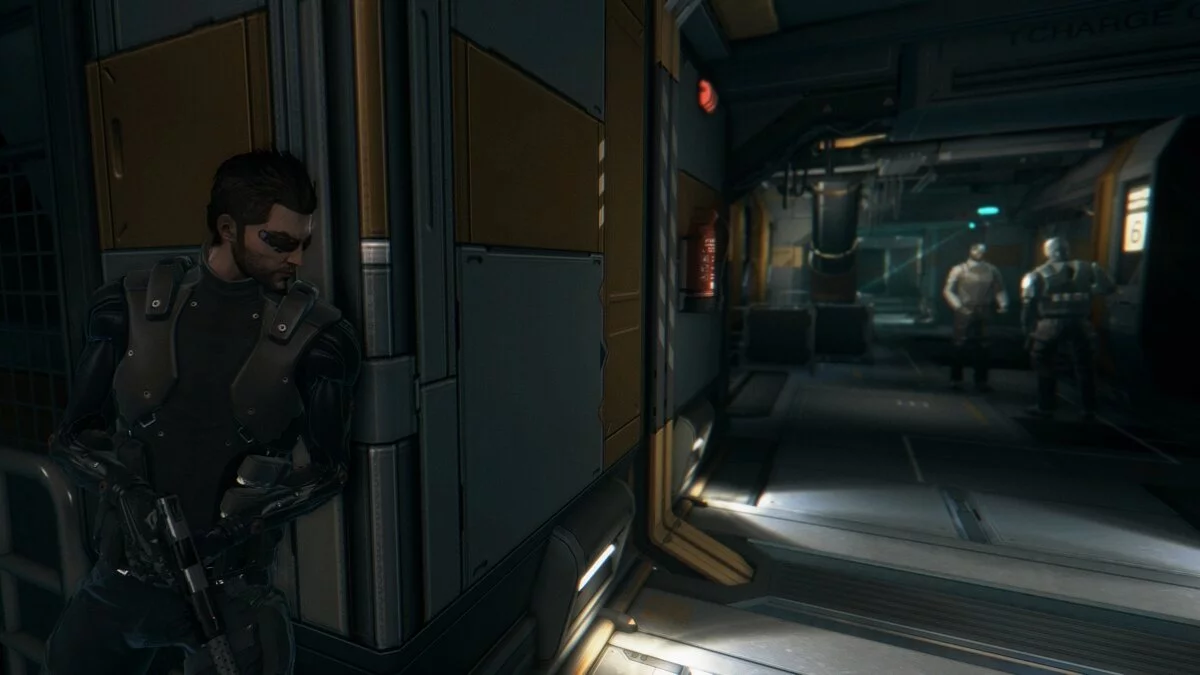
This mod serves as a general graphics enhancer, removing the yellow tint from the game. It includes modified colors, brightness, sharpness, and (optionally) depth of field effects. The author has also made the world a bit brighter, but if that's too much for you, go to the Lightroom settings, find Global Saturation and Global Vibrance, and adjust them to your liking.
Installation:
1 Download ReShade
2 Install it for DXHRDC.exe (use Dx11). Make sure the following shaders are installed: ChromaticAberration.fx, Tonemap.fx, AmbientLight.fx, qUINT_lightroom.fx, Clarity.fx, Prism.fx, FXAA.fx, SMAA.fx, qUINT_sharp.fx, qUINT_dof.fx, qUINT_bloom.fx, PPFX_SSDO.fx, FilmGrain.fx.
3 Extract the preset .ini to the game directory.
4 Launch the game, select the preset.
5 (Optional) press K to toggle DoF on/off.
Sunny Reshade.
Этот мод представляет из себя общий усилитель графики, удаляющий желтый оттенок из игры. Включает измененные цвета, яркость, резкость и (опционально) эффекты глубины резкости. Автор также сделал мир несколько более ярким, но если это слишком для вас, перейдите в настройки Lightroom, найдите Global Saturation и Global Vibrance и уменьшите их, как вам будет угодно.
Установка:
1 Загрузите ReShade
2 Установите его для DXHRDC.exe (используйте Dx11). Убедитесь, что установлены следующие шейдеры: ChromaticAberration.fx, Tonemap.fx, AmbientLight.fx, qUINT_lightroom.fx, Clarity.fx, Prism.fx, FXAA.fx, SMAA.fx, qUINT_sharp.fx, qUINT_dof.fx, qUINT_bloom .fx, PPFX_SSDO.fx, FilmGrain.fx.
3 Извлеките предустановленный .ini в каталог игры.
4 Запускайте игру, выбирайте предустановку.
5 (Необязательно) нажмите K, чтобы включить / выключить DoF.
Useful links:

