
A co-op game where characters mine scrap metal from abandoned Moons to make a profit. The money you earn goes towards traveling to new locations or buying... Read more
Anticipation Rating:
Files for Lethal Company / Page 27
SCP Guard Suit


Download
Adds an SCP object guard suit to the game. Requires the mod More Suits .
24-Hour Format Clock
Download
Switches from 12-hour to 24-hour clock format.
Weight in Kilograms

Download
Displays the weight of items in kilograms.
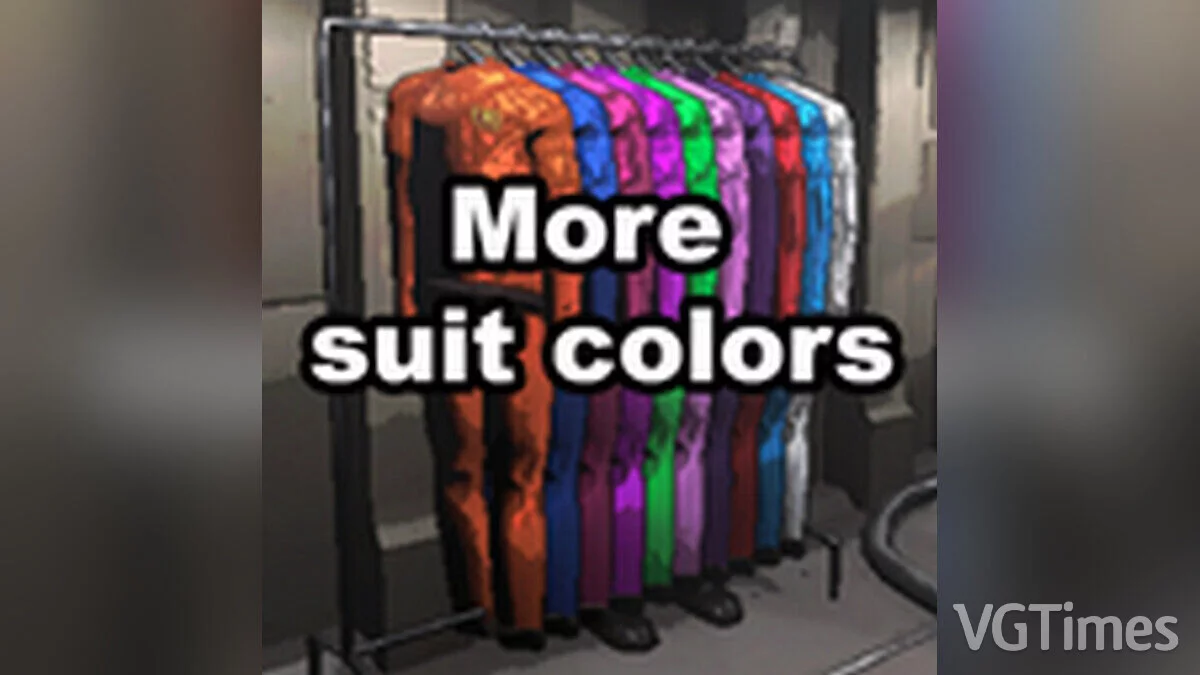
More Colorful Outfits
Download
Adds additional default unlocked colorful outfits so you can better distinguish your friends
Purchasable Suits

Download
This mod replaces the default suits included with More-Suits , and you will need to pay for them as well. Just like when buying suits in the regular game, you will have to wait for them to appear in your terminal's store if you want to purchase the ...
Challenging Work in the Company

Download
Will make work in the company more challenging. increased enemy spawn frequency and difficulty; increased quota for completed profit; upon landing on the moon, several random events are selected and displayed in the chat. This is called Not ...
Weather Hiding

Download
Hides the lunar weather on the computer terminal.
Reassignment of Control Buttons
Download
Allows remapping of most control elements.
New Outfit

Download
A new outfit unlocked by default.
Freddy Instead of Brecken

Download
Replaces Brecken (Flowerman) with Freddy Fazbear.
Boombox Controller


Download
This mod allows you to easily load a track into the boombox without hassle via a link from the chat. Designed specifically for users, everything is top-notch. Features: The mod enables you to play music in the boombox using a link Increases t ...
Enhanced Batteries

Download
Extends the battery life of many battery-powered devices. Values are already set to increase battery runtime, but if the default increase is not sufficient for you, check the configuration file to manually adjust it to your liking.
Boom Box No Power Consumption
Download
The boom box will no longer consume power. How to start: place the BoomBoxNoPower-X.X.X.X folder in the BepInEx/plugins folder.
Support for widescreen monitors

Download
Plugin for supporting widescreen/ultrawide monitors.
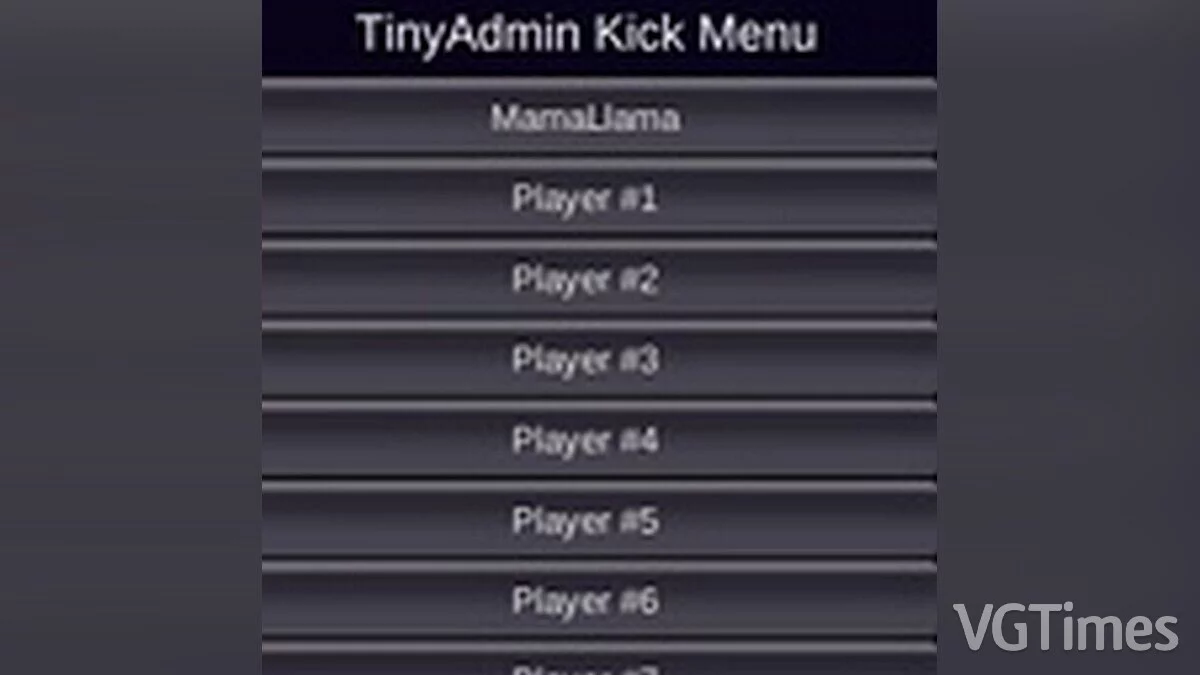
Kick problematic players
Download
Small admin menu for removing problematic players.