
A co-op game where characters mine scrap metal from abandoned Moons to make a profit. The money you earn goes towards traveling to new locations or buying... Read more
Anticipation Rating:
Steam:
Files for Lethal Company / Editors and programs
Download the best cheats and programs for Lethal Company to enhance your gaming experience. New and top editors await you here.
This category offers a wide selection of tools and programs to customize Lethal Company to your liking. Rate the files and leave your comments to help other users.
Our cheats and programs are constantly updated to ensure you always have access to the newest and most effective solutions for Lethal Company.
LethalExpansion


Download
This expansion project adds several settings and features, and comes with an SDK for adding new scrapes and moons on your own. Mod menu with 28 settings for game customization; New moon catalog ready for mods; Landmine expansion that finall ...
Custom Music in Boombox

Download
Allows you to use your own music in the boombox. When mods are installed using r2modman, BepInEx is configured to place mod files in a different location You can find the required folder by going to Settings, clicking Browse Profile Folder, and the ...
Graphics Settings

Download
Provides Unity graphics settings and some other values for editing in ConfigurationManager. Open ConfigurationManager in-game and modify the settings (default hotkey is F11).
BepInEx ConfigurationManager

Download
A simple way to allow users to customize plugin behavior without needing to create their own graphical interface. Users can change any settings, including keybindings. Access to the settings manager can be obtained in-game by pressing the hotkey (d ...
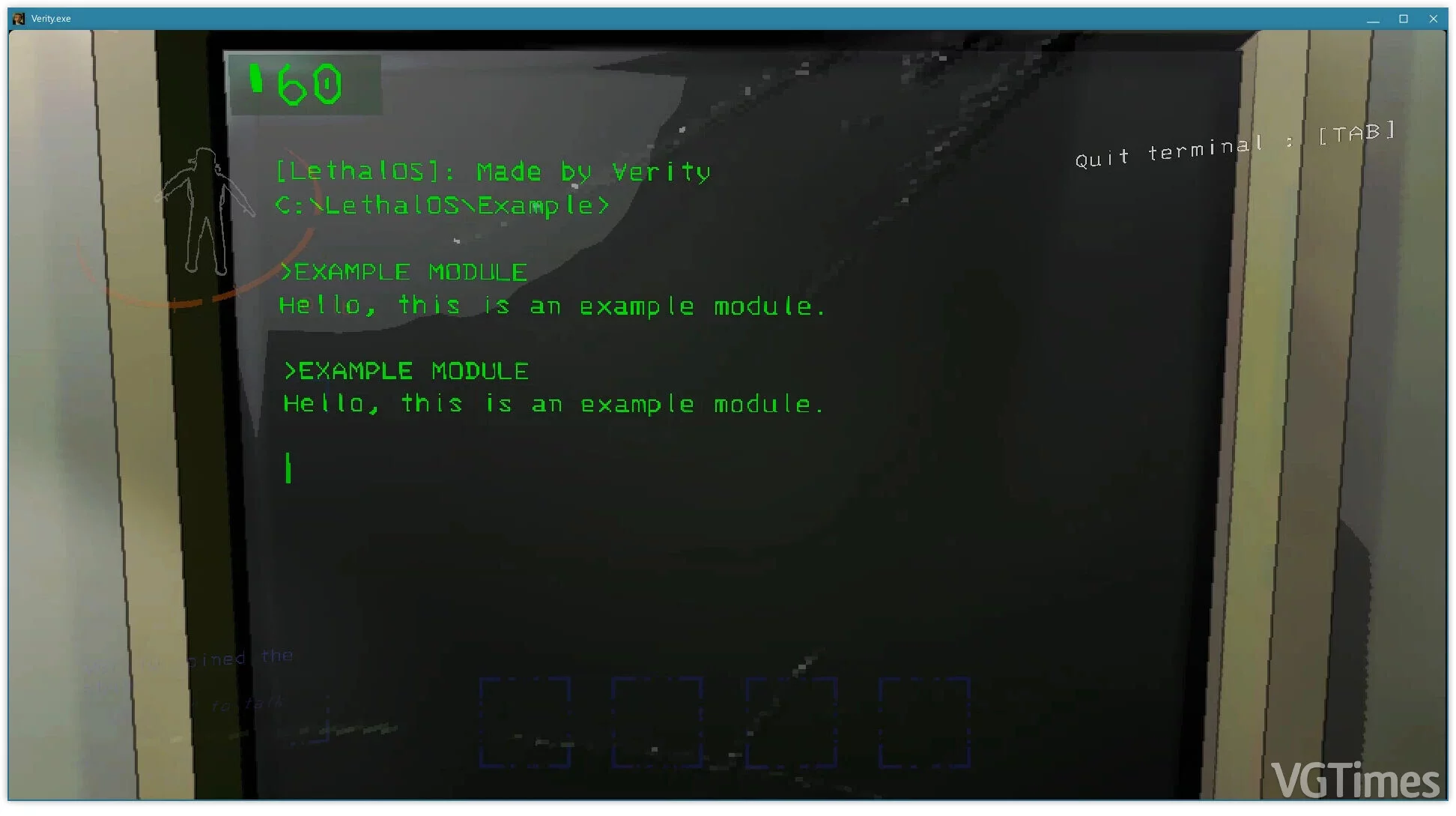
LethalOS
Download
A tool that enables the creation of custom modifications. Adjusting game parameters is so simple that anyone can master all the features of the utility. You will need BepInEx Unity Installer . .
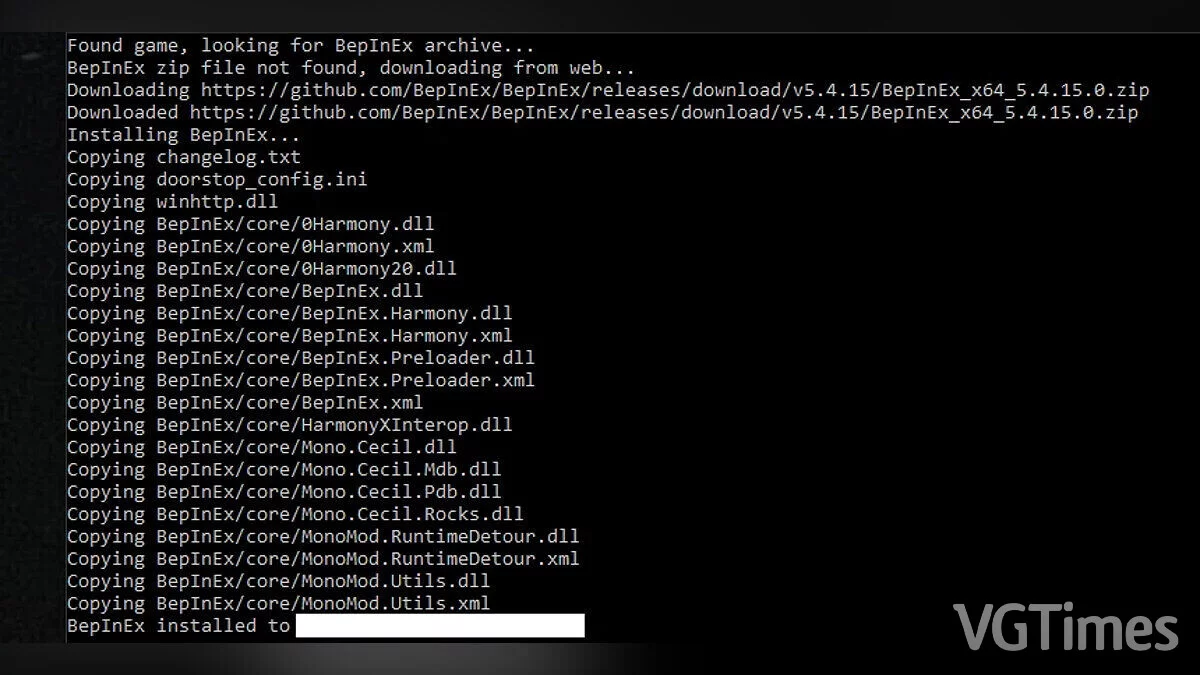
BepInEx Unity Installer
Download
This is a tool that simplifies the installation process of BepInEx on Windows. You will need the Microsoft .NET 4.8 Runtime installed. How to run: just copy the BepInExUnityInstaller.exe file to the game folder next to the UnityPlayer.dll file ...