
A free team-based PvP shooter featuring Marvel comics characters. Fantastic Four supervillain Doctor Doom has teamed up with his successor from 2099. Together, they... Read more
Players:
Metacritic:
Files for Marvel Rivals / Other files
Download the best and newest files from the 'Other Files' category. Find files for Marvel Rivals and much more.
This category offers a wide selection of files that can enhance your experience with Marvel Rivals. You can rate and comment on files, helping other users find the best options.
Universal Jiggle Physics


Download
Does not currently affect the lobby, although this is in the works. A UTOC signature bypass patch is required for this to work. Currently the mod adds jiggle physics for the following characters: 1015: Storm (all skins); 1020: Mantis (all skin ...
Disable Transparency on Approach
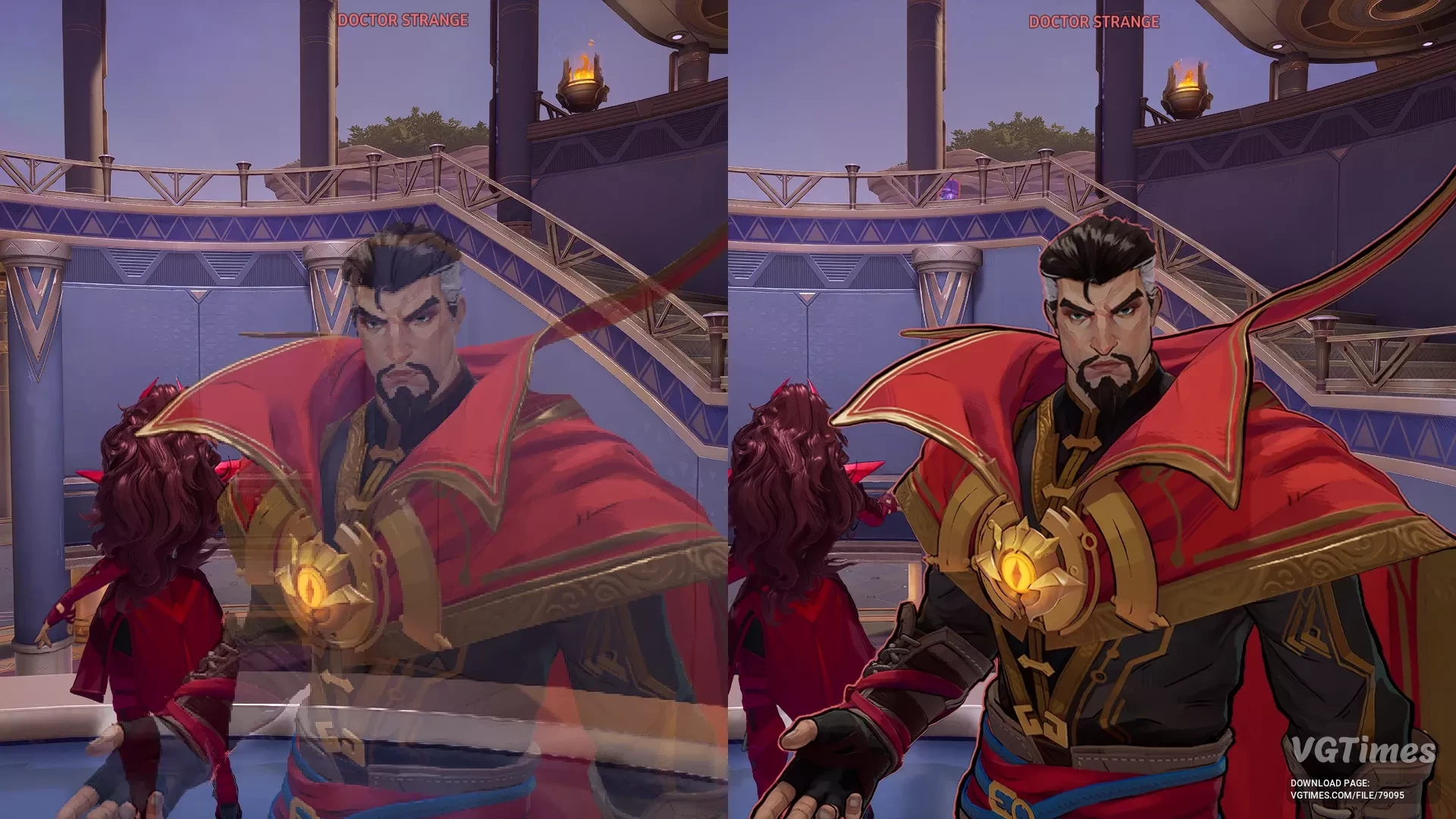
Download
Removes the transparency/fading effect that causes the character to disappear as you get closer. How to launch: Unpack the file into \MarvelRivals\MarvelGame\Marvel\Content\Paks\~mods. If the ~mods folder is missing, create it.
Penny Sits on the Robot
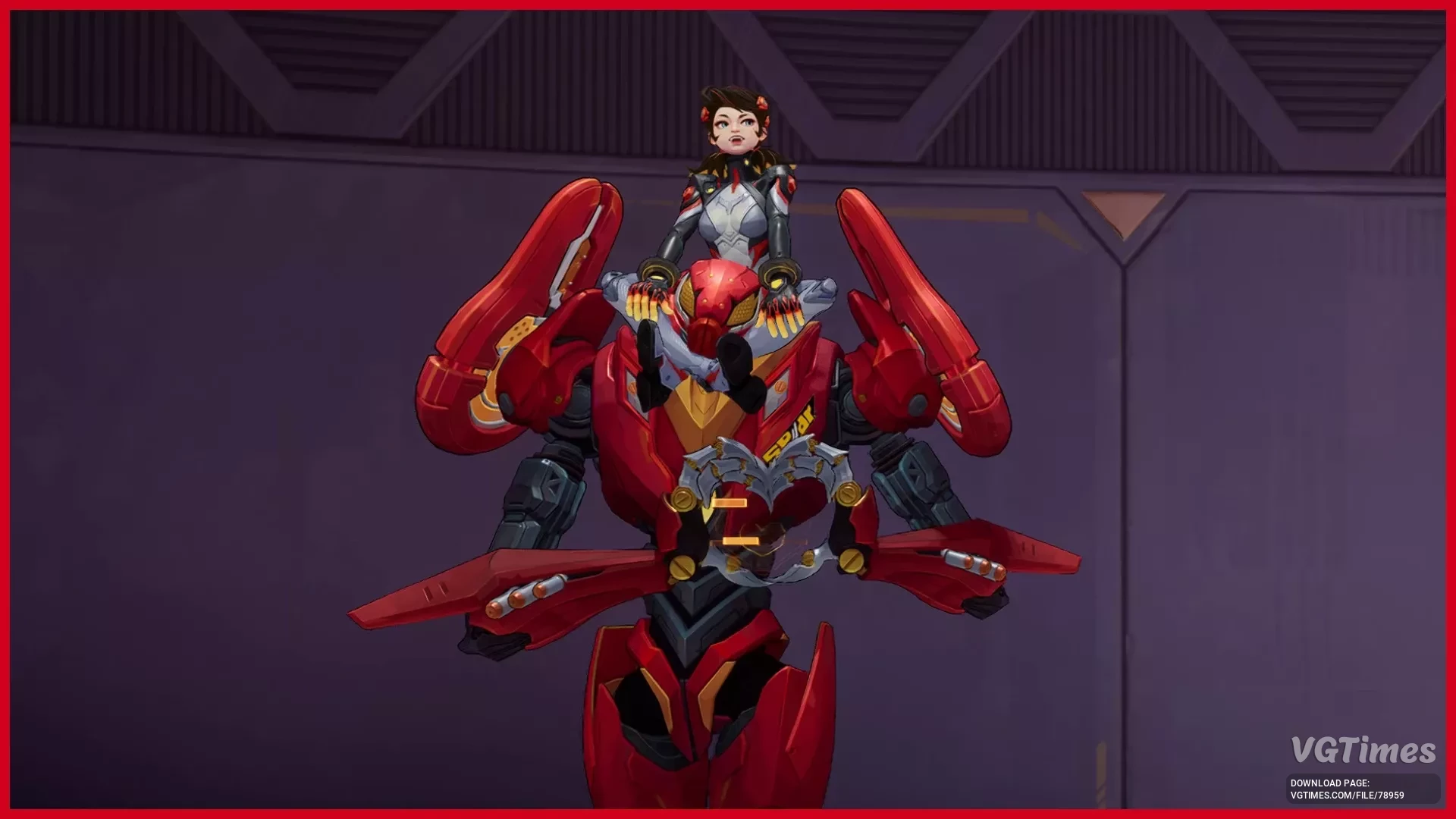
Download
This mod makes Penny Parker sit on the robot's shoulder during gameplay. Works only with the first skin. How to install: Unpack the downloaded archive to this path SteamLibrary\steamapps\common\MarvelRivals\MarvelGame\Marvel\Content\Paks\~mod ...
Disabling Character Outlines
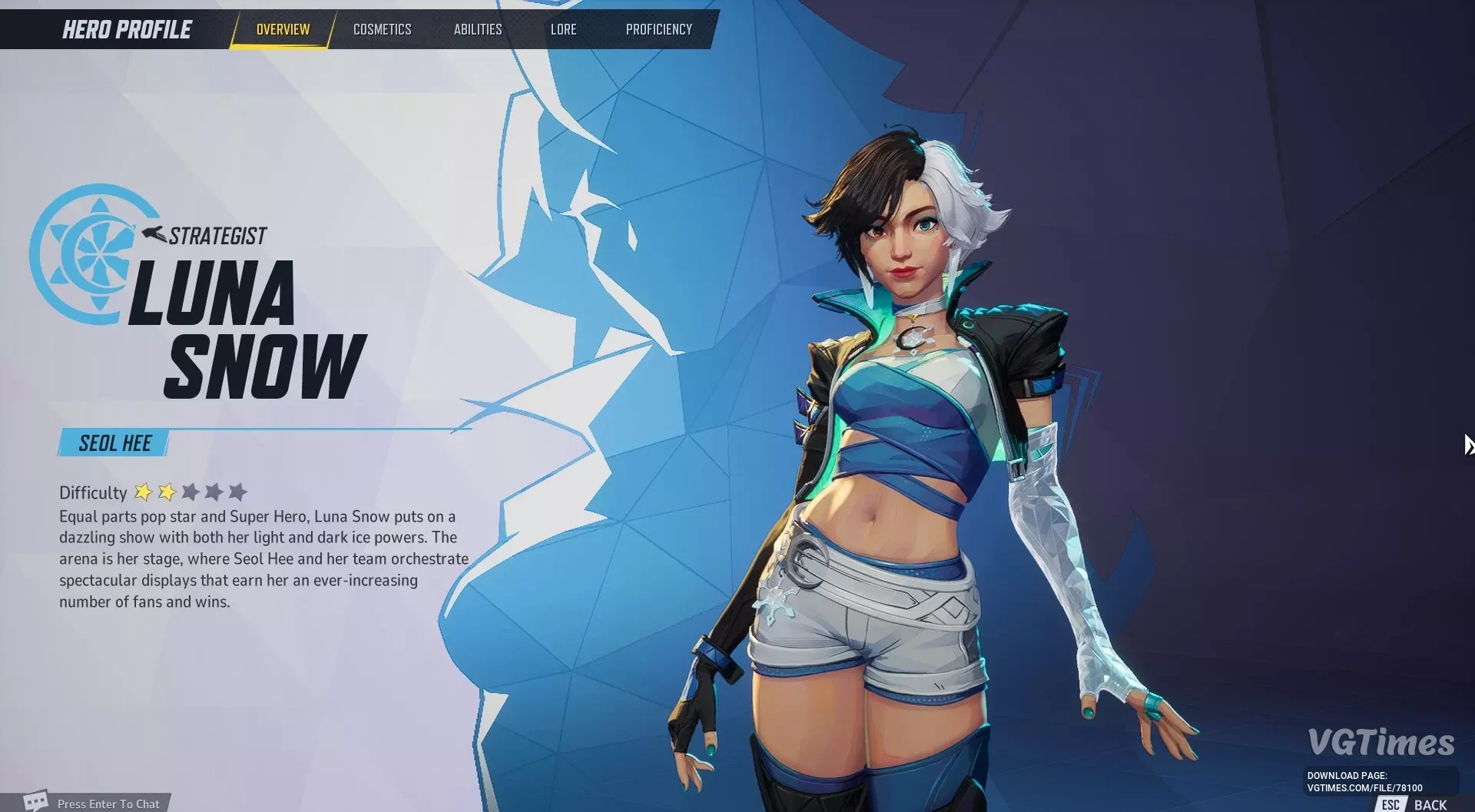
Download
Disables the black outlines around and on characters for a cleaner appearance. It also turns off the white glow effect on characters, which is only visible on the character selection screen and in the heroes menu. Additionally, it disables the outli ...
Skip Intro Video

Download
Automatically skips the video that plays after the "Press to Start" screen. How to run: Go to the folder where the game is installed and find the Paks folder. For example: \SteamLibrary\steamapps\common\MarvelRivals\MarvelGame\Marvel\Content\ ...
Skip Intro

Download
Skips the intro videos with logos (Marvel, Netease, and Unreal Engine logos). How to run: Go to the folder where the game is installed and find the Paks folder. For example: \SteamLibrary\steamapps\common\MarvelRivals\MarvelGame\Marvel\Content\ ...