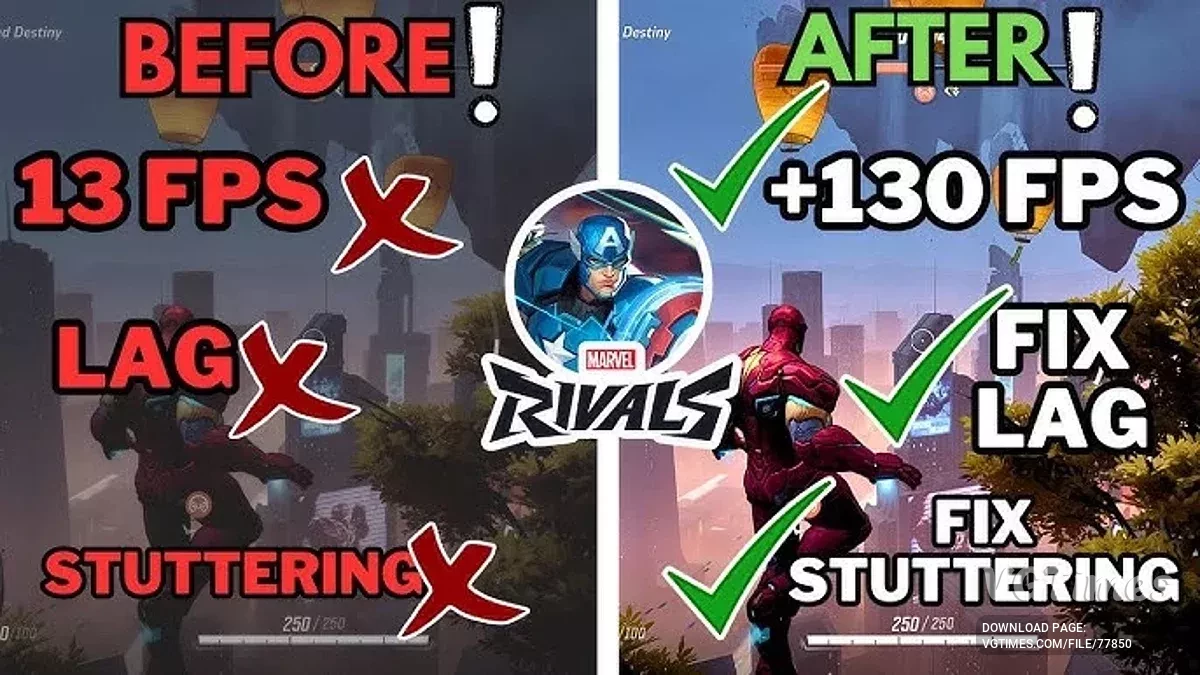
A free team-based PvP shooter featuring Marvel comics characters. Fantastic Four supervillain Doctor Doom has teamed up with his successor from 2099. Together, they... Read more
Players:
Steam:
Metacritic:
Files for Marvel Rivals / Optimization
Discover the best mods and skins to optimize your gaming experience. Download the latest files to enhance Marvel Rivals performance.
This category offers a selection of optimization files that improve gameplay and enrich the user experience. Users can rate and comment on each file, helping the community identify the best available options.
Optimization Expansion

Download
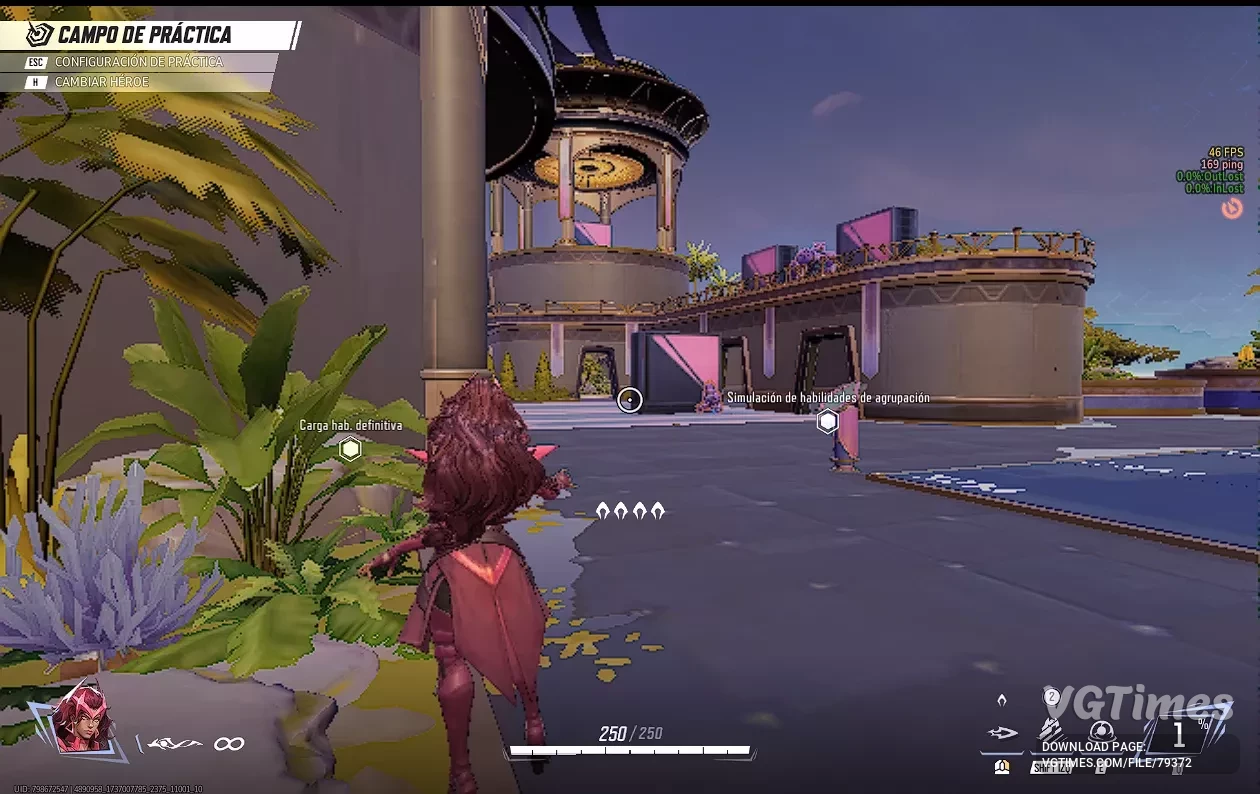
This mod is a comprehensive optimization expansion that includes fully optimized Engine.ini, GameUserSettings.ini, and Scalability.ini files. It is designed to maximize FPS and resource efficiency on low-end PCs and laptops, providing better perform ...
Maximum Performance Boost (Season 1)
Download
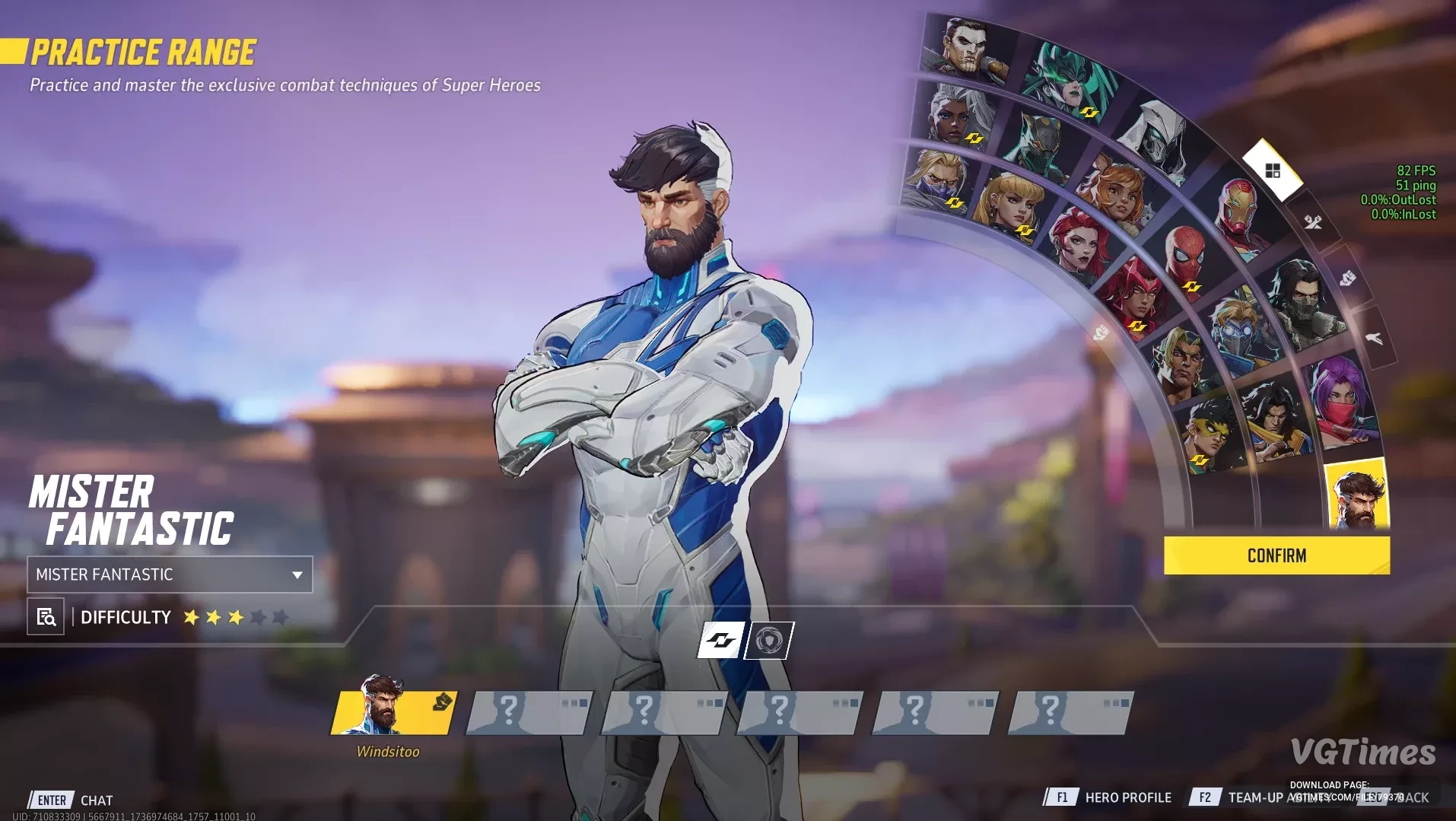
This is maximum performance for the first season. It includes 2 files: No hero outline (provides 10 more FPS); With hero outline enabled. Possible bugs: In the Royale Palace Domination Odin Archive, there is a lighting issue; the only sol ...
Increased Process Priority
Download
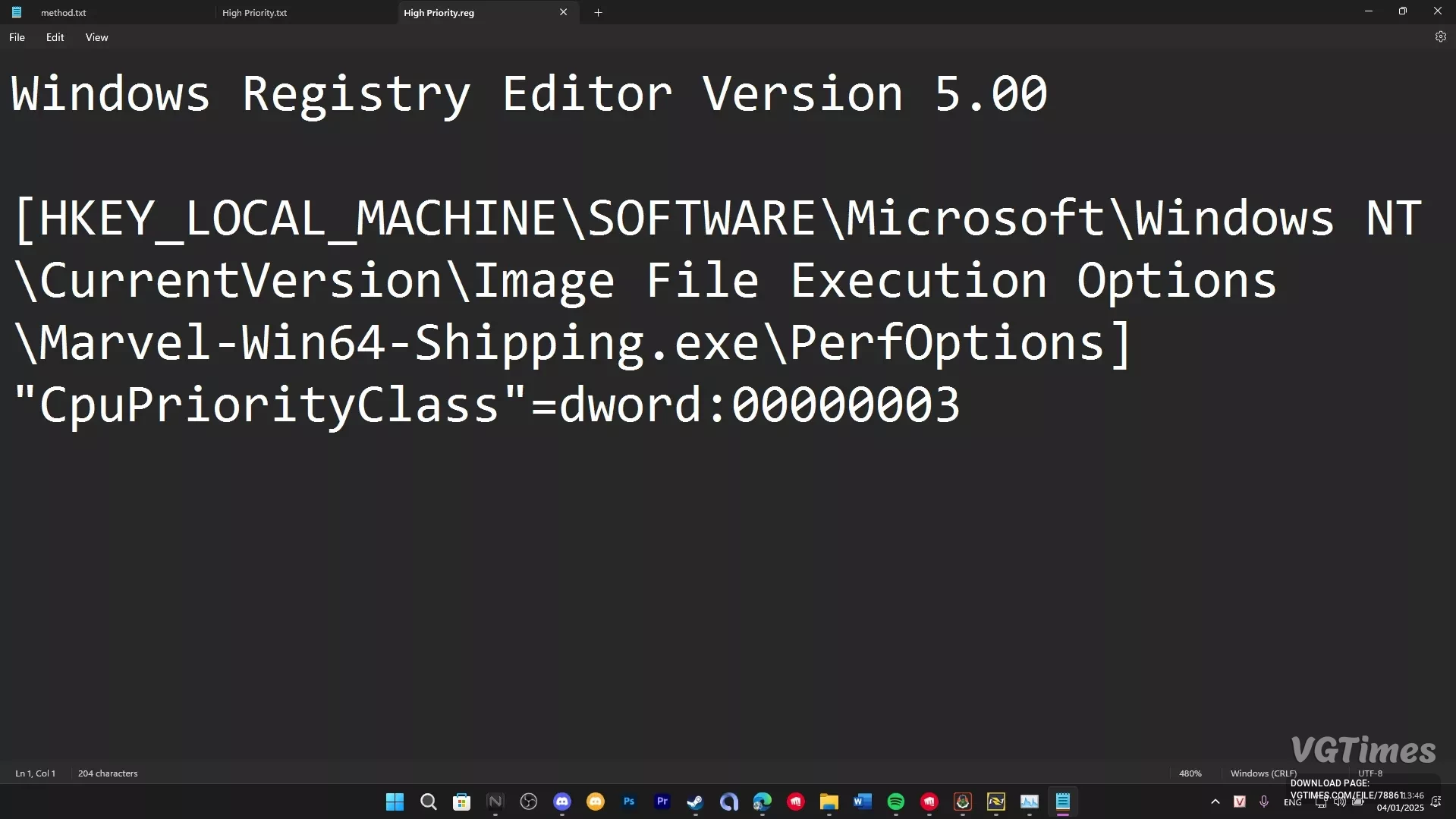
This mod increases the game's priority for the CPU. It boosts FPS.
Performance Boost for Older Graphics Cards
Download
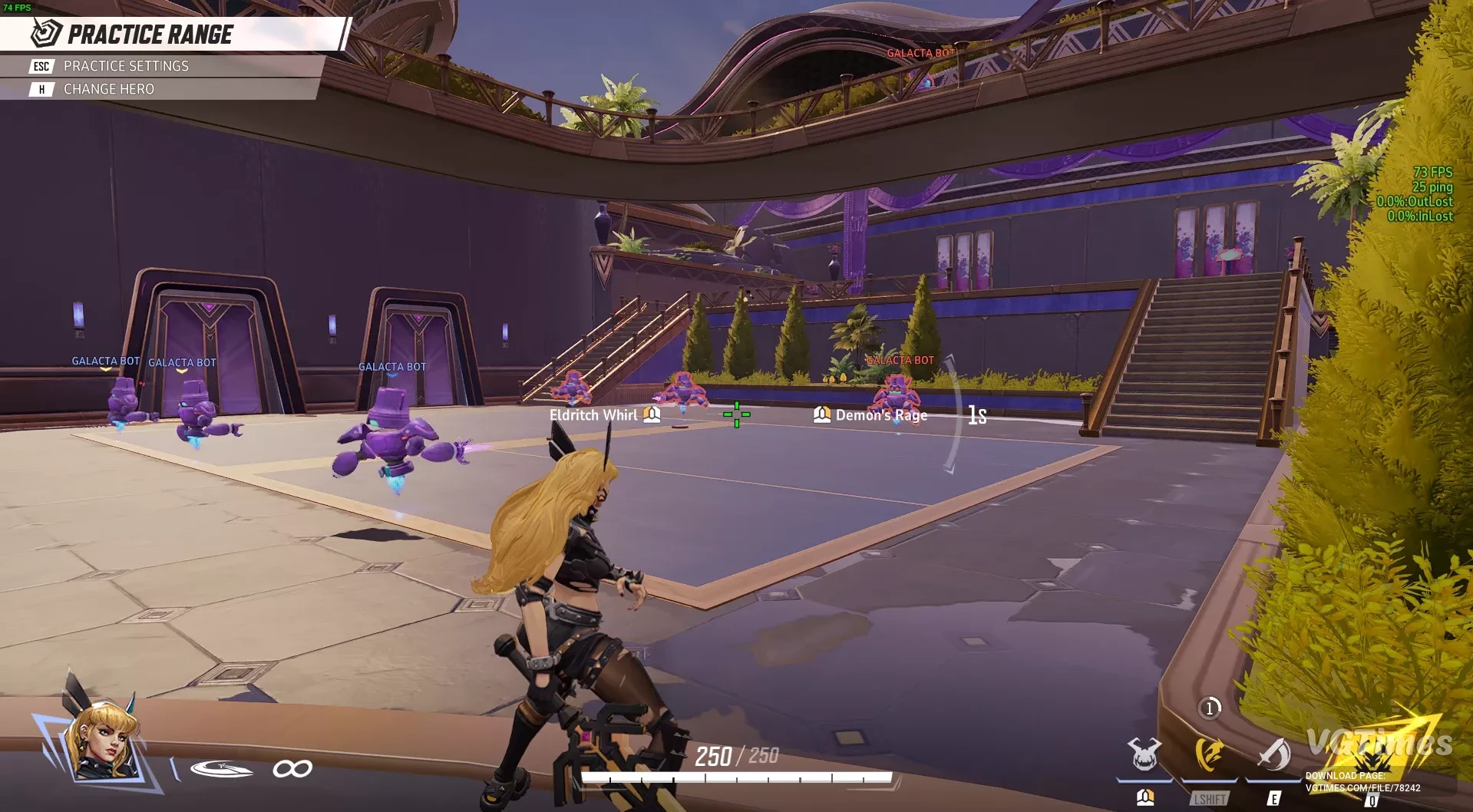
A custom engine.ini file created by merging various optimization settings. Works after patch 19.12.24, also includes code lines to disable mouse smoothing, assuming they function (should function). Graphics will be noticeably degraded. The test was ...
AMD Performance Boost

Download
Optimized UE5 settings for AMD GPUs: asynchronous computing, large texture pools, shader caching, and FSR 2 upscaling. Disabling non-essential effects (motion blur, bloom, DOF) for smoother performance. Provides parallel rendering, reduced latency, ...
Maximum Performance and Lag Elimination
Download
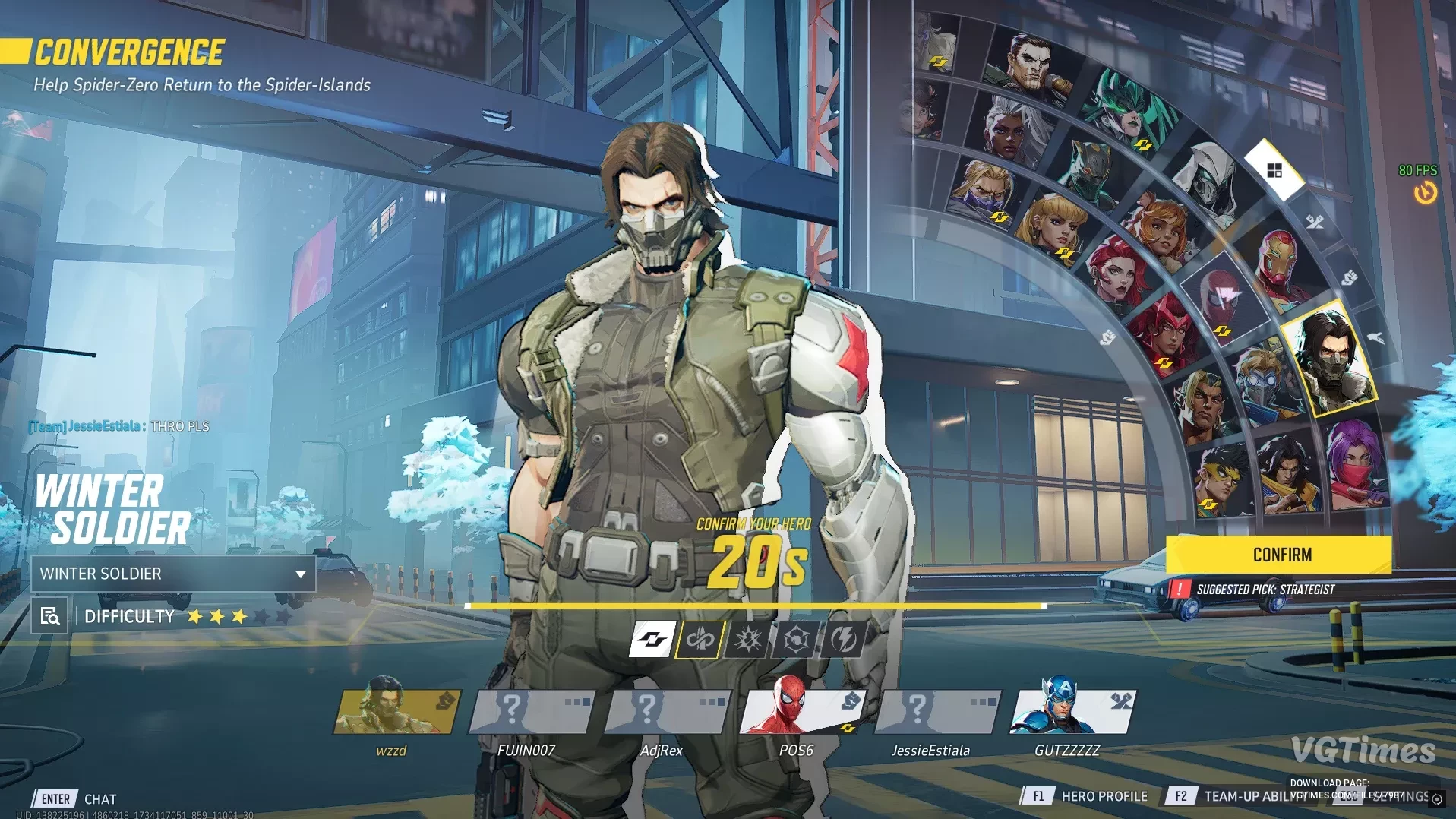
This mod optimizes the game for users with 4 GB of video memory. Video memory usage is capped at 4 GB to ensure no lags or performance drops. It reduces graphics quality. Performance increases from 40-45 FPS on GTX 1650 Ti to 80-90 FPS. It looks ter ...
Performance Boost
Download
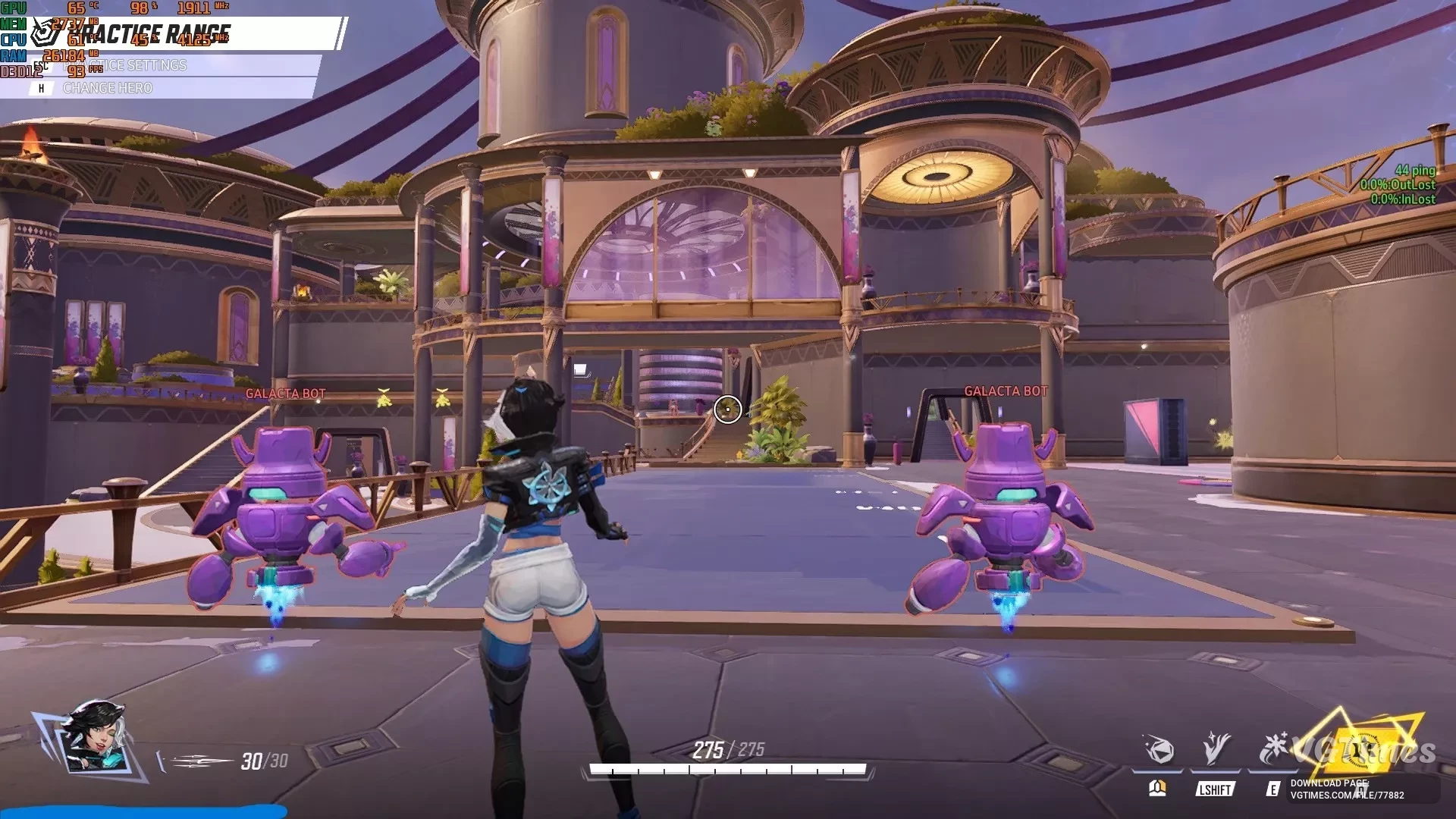
Engine.ini files for game optimization and performance enhancement. Includes 2 files: Potato mode — disables and sets all settings to minimum values to squeeze the most performance out of the game. It's important to set graphical settings to ...
Disabling Post-Processing Effects
Download
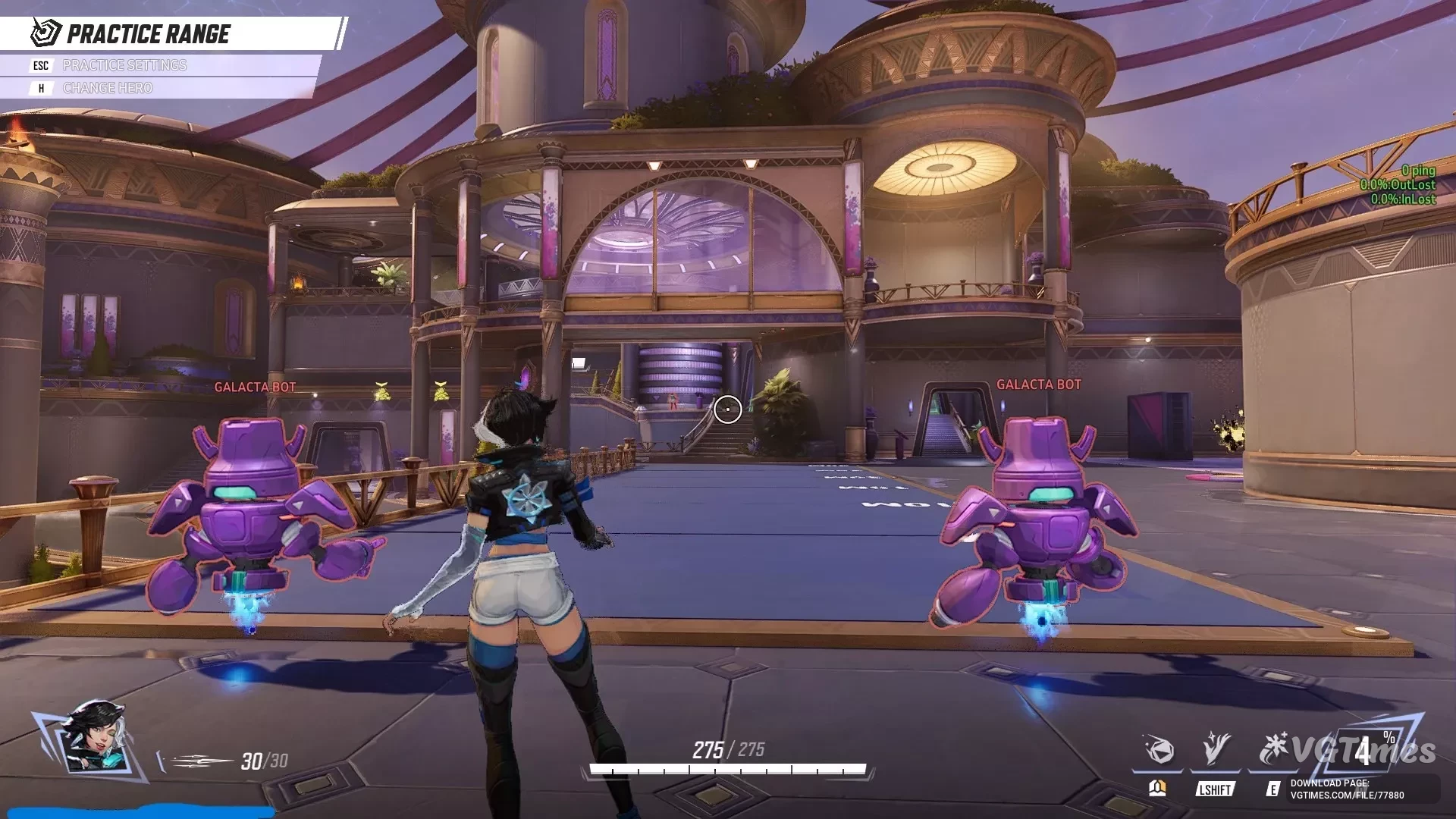
Disables constantly active post-processing effects, such as vignetting that darkens the edges of the screen. Additionally, you can open the file with a text editor like Notepad and remove any line corresponding to the effect you want to keep. You c ...