
An arcade action-survival game from a third-person perspective in a vast open world with the key mechanic of taming unusual creatures called Pal. They resemble... Read more
VGTimes:
Players:
Steam:
Metacritic:

Time Management
Author:
Vucksacha
Uploaded by:

Size:
806 байт
Date:
January 24, 2024, 11:32 AM
Downloads:
610
-
Download (806 байт)January 24, 2024, 11:32 AMupravlenie-vremenem_1706085167_416847.zip
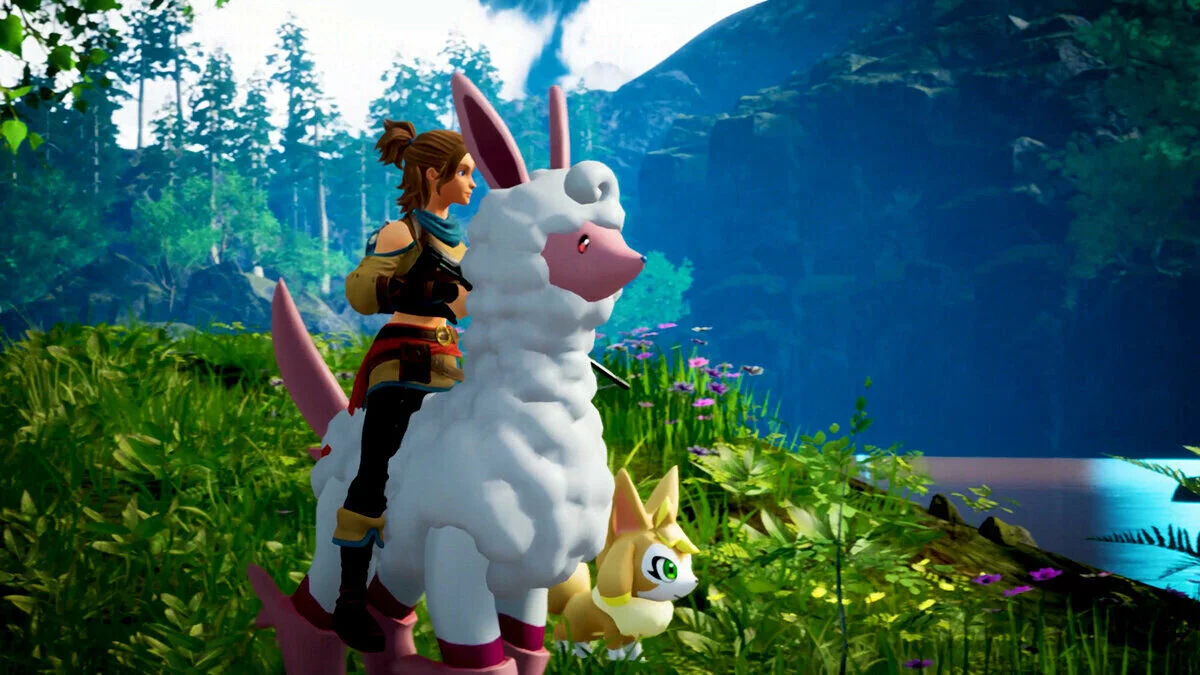
Control the game's speed, increasing it up to 10 times or even slowing it down to a pause using the F1 — F4 keys. The mod manages the speed of the game itself, not just the day/night cycle.
- F1 — normal speed
- F2 — slow down
- F3 — speed up
- F4 — 10x speed
How to launch:
- Download the utility UE4SS (UE4SS_Xinput) and install it in the directory Palworld/Pal/Binaries/Win64/.
- Download the mod archive and unpack it to Palworld/Pal/Binaries/Win64/Mods. Find the file mods.txt in the folder and open it with any text editor.
- Add the line "vuxTimeSpeed: 1" (without quotes).
The file name and description have been translated Show original
(RU)Show translation
(EN)
Управление временем
Управляйте скоростью игры, ускоряя ее до 10 раз или даже замедляя до паузы с помощью клавиш F1 — F4. Мод управляет скоростью самой игры, а не только циклом день/ночь.
- F1 — нормальная скорость
- F2 — замедлить
- F3 — ускорить
- F4 — 10-кратная скорость
Как запустить:
- Скачать утилиту UE4SS (UE4SS_Xinput) и установить её в каталог Palworld/Pal/Binaries/Win64/.
- Скачать архив с модом и распаковать его по пути Palworld/Pal/Binaries/Win64/Mods. Найти в папке файл mods.txt и открыть при помощи любого текстового редактора.
- Прописать в нём строчку «vuxTimeSpeed: 1» (без кавычек).
Useful links:
![Palworld — Cheat Engine Table [0.1.2.0]](https://files.vgtimes.com/download/posts/2024-01/thumbs/tablica-dlja-cheat-engine-0-1-2-0_1705919198_328620.webp)
![Palworld — Trainer (+42) [EA: 01.22.2024]](https://files.vgtimes.com/download/posts/2024-01/thumbs/trejjner-42-ea-22-01-2024_1705998456_688071.webp)
![Palworld — Trainer (+23) from 01.19.2024 [WeMod]](https://files.vgtimes.com/download/posts/2024-01/thumbs/trejjner-23-ot-19-01-2024-wemod_1705744845_983911.webp)

![Palworld — Console Activation [UPD: 22.01.2024]](https://files.vgtimes.com/download/posts/2024-01/thumbs/aktivacija-konsoli-upd-22-01-2024_1705998863_99695.webp)
![Palworld — Cheat Engine Table [UPD: 20.01.2024]](https://files.vgtimes.com/download/posts/2024-01/thumbs/tablica-dlja-cheat-engine-upd-20-01-2024_1705824347_680398.webp)