An atmospheric first-person RPG set in a dark, oppressive version of modern-day Seattle, where vampires secretly rule the politics, streets, and... Read more
Disabling motion blur, depth of field, and chromatic aberration

-
Download (1.08 kB)October 22, 2025, 05:05 AMotkljuchenie-razmytija-glubiny-rezkosti_1761098710_699226.7z
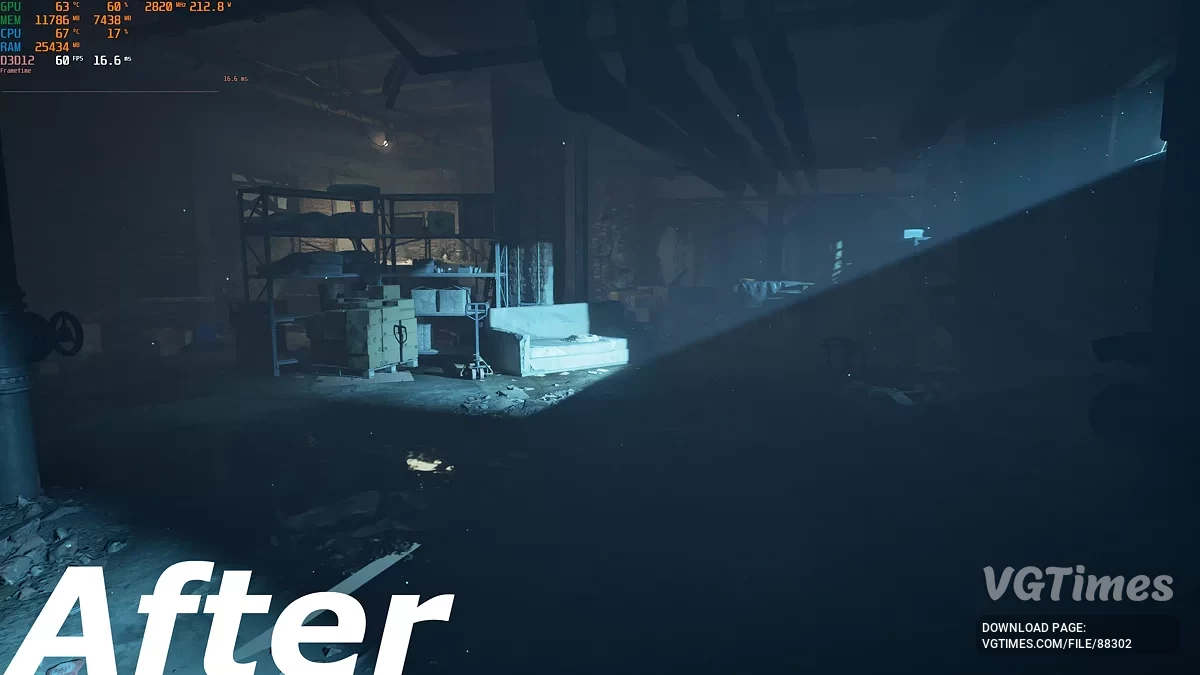
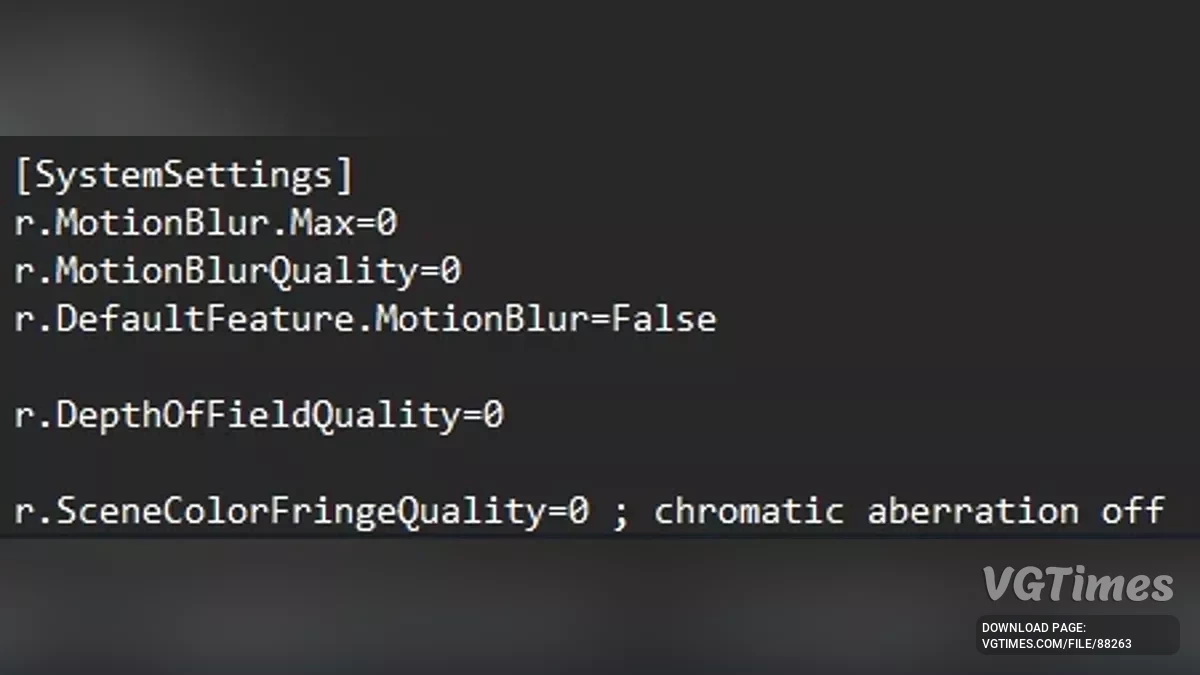
These are just engine.ini tweaks that disable motion blur, chromatic abberation and depth of field. I won't be adding more to this mod, because someone else will probably make a more comprehensive ini file with loads more tweaks. These are just the most basic tweaks so that people can play the game without the nauseauting post-processing effects on release day.
Open run with Windows Key + R, type %localappdata% and then navigate to the engine.ini located in: \Bloodlines2\Steam\Saved\Config\Windows\Engine.ini
Either replace the engine.ini with mine or add the following lines to the bottom of yours:
[SystemSettings]
r.Motionblur.Max=0
r.MotionblurQuality=0
r.DefaultFeature.Motionblur=False
r.DepthOfFieldQuality=0
r.DefaultFeature.DepthOfField=False
r.SceneColorFringeQuality=0
r.DefaultFeature.SceneColorFringe=False
Useful links:
![Vampire: The Masquerade - Bloodlines 2 — Table for Cheat Engine [1.0]](https://files.vgtimes.com/download/posts/2025-10/thumbs/beskonechnye-ochki-navykov-1-0_1761303076_424958.webp)

![Vampire: The Masquerade - Bloodlines 2 — Ultra Plus [v0.1.7]](https://files.vgtimes.com/download/posts/2025-11/thumbs/ultra-plus-v0-1-7_1762884103_343247.webp)