Free role-playing action game from the creators of Genshin Impact and Honkai: Star Rail. In the near future, the world was shaken by a catastrophe: mysterious... Read more
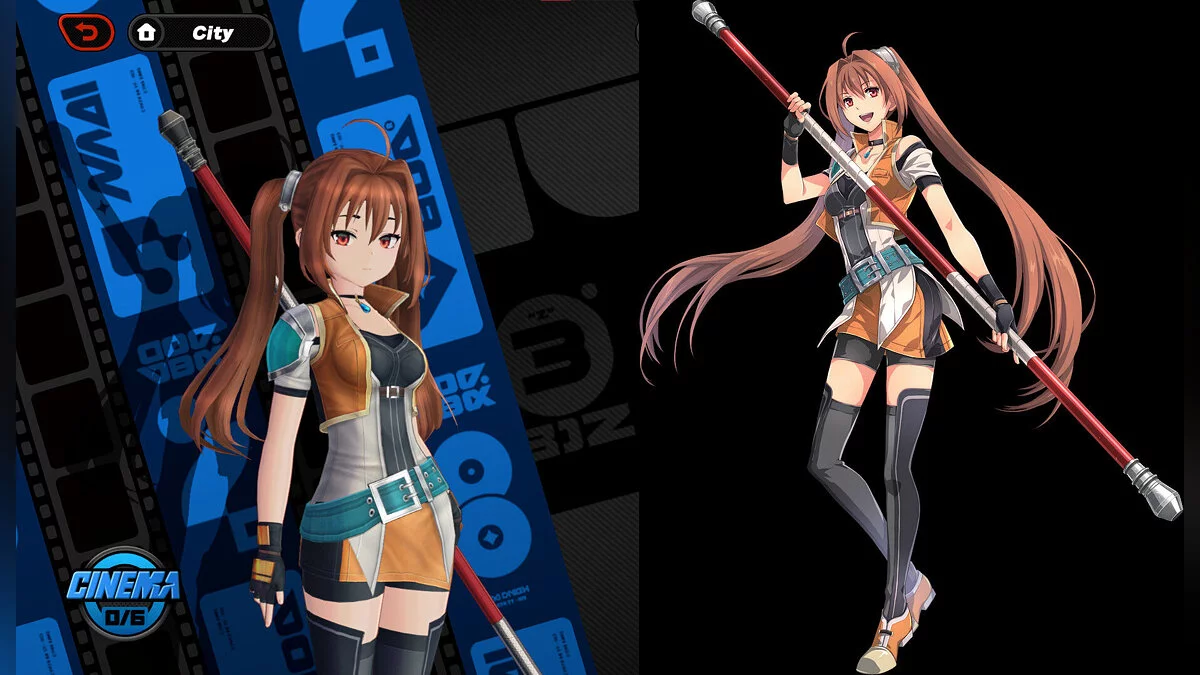
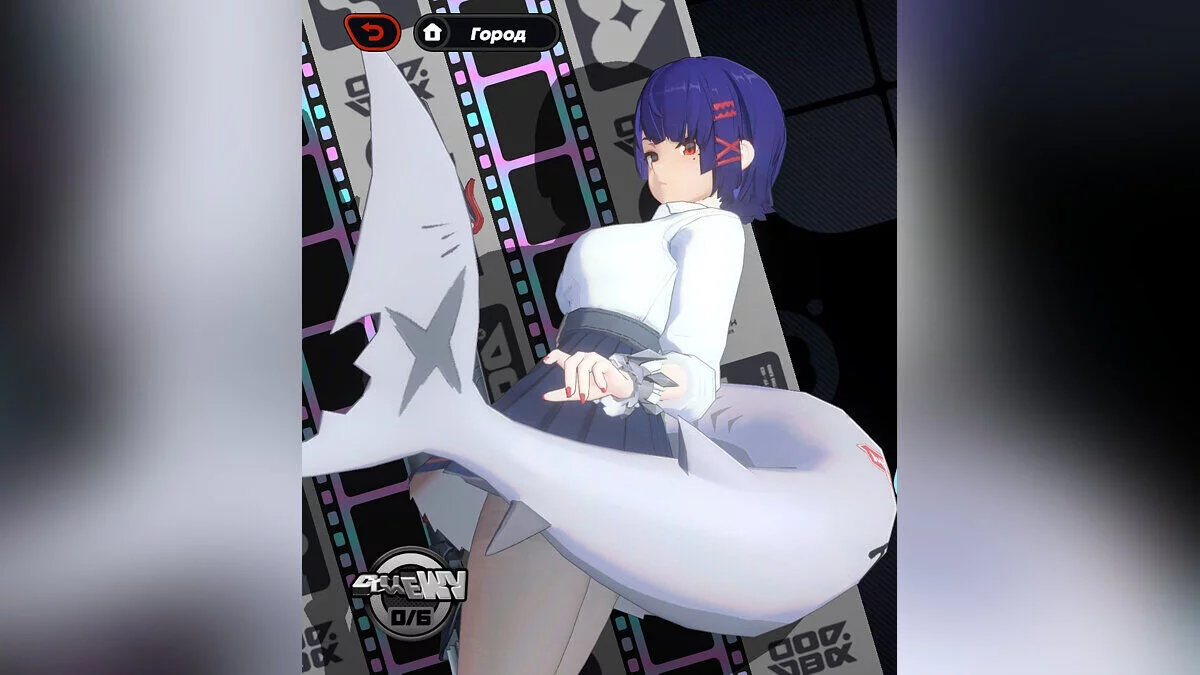
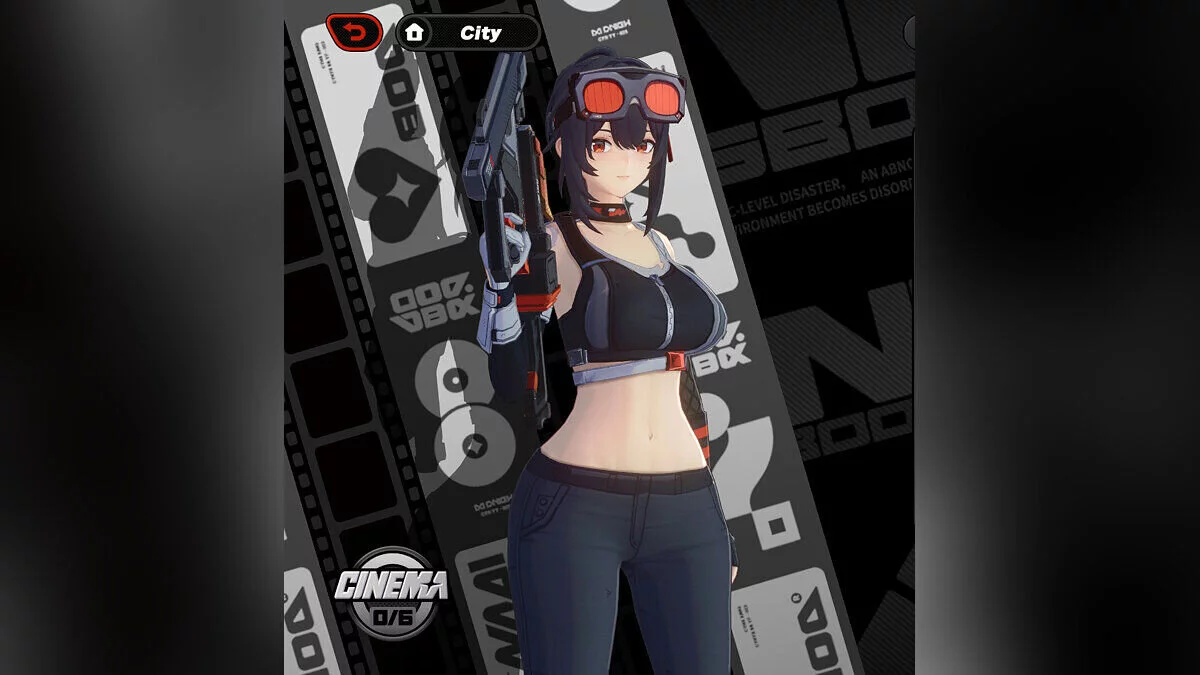
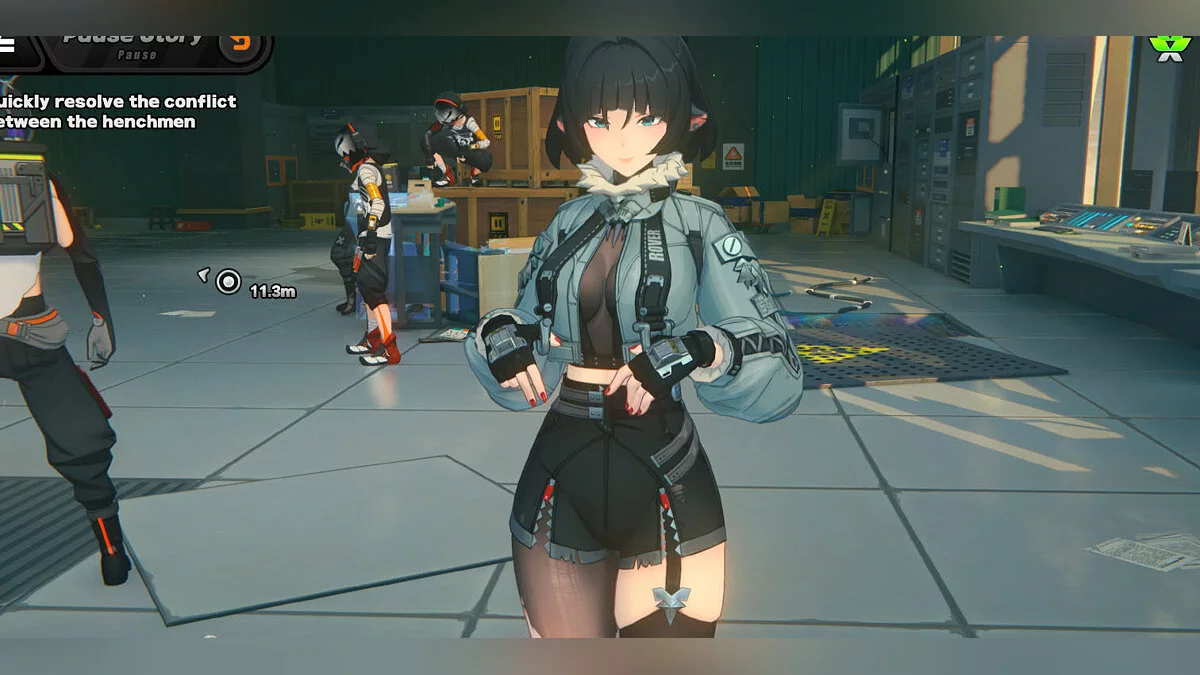
Promeia with outfit toggles


Outfit Mode:You can save and switch between different outfit configurations using Outfit Mode.After setting up all the toggles the way you want, press the Left Arrow ← key to switch outfits.
- Left Arrow ← : switch outfit.
Auto-Change:You can enable the Auto-Change function to automatically switch outfits depending on the current game state. This allows the mod to automatically change your saved looks without having to switch them manually every time.
- Right Arrow → : enable / disable auto-change.
Lock Toggles:Lock Toggles allows you to protect your selected options from accidental changes during gameplay. When enabled, your current settings will be locked until you unlock them again.
- Up Arrow ↑ : lock / unlock toggles.
Controls:
- Alt + H : open / close menu;
- Alt + Y : change menu size.
Hotkeys to cycle through options:
- 0 : hair;
- 5 : shorts;
- 6 : cloak;
- 7 : top;
- 8 : legs;
- 9 : back accessory;
- Down Arrow ↓ : cloak transparency.
Note: Once you find the perfect combination, press F10 to save. Updates:
- 2.3.1 — fixed popup menu labels being reversed.
Related files:
Useful links: