
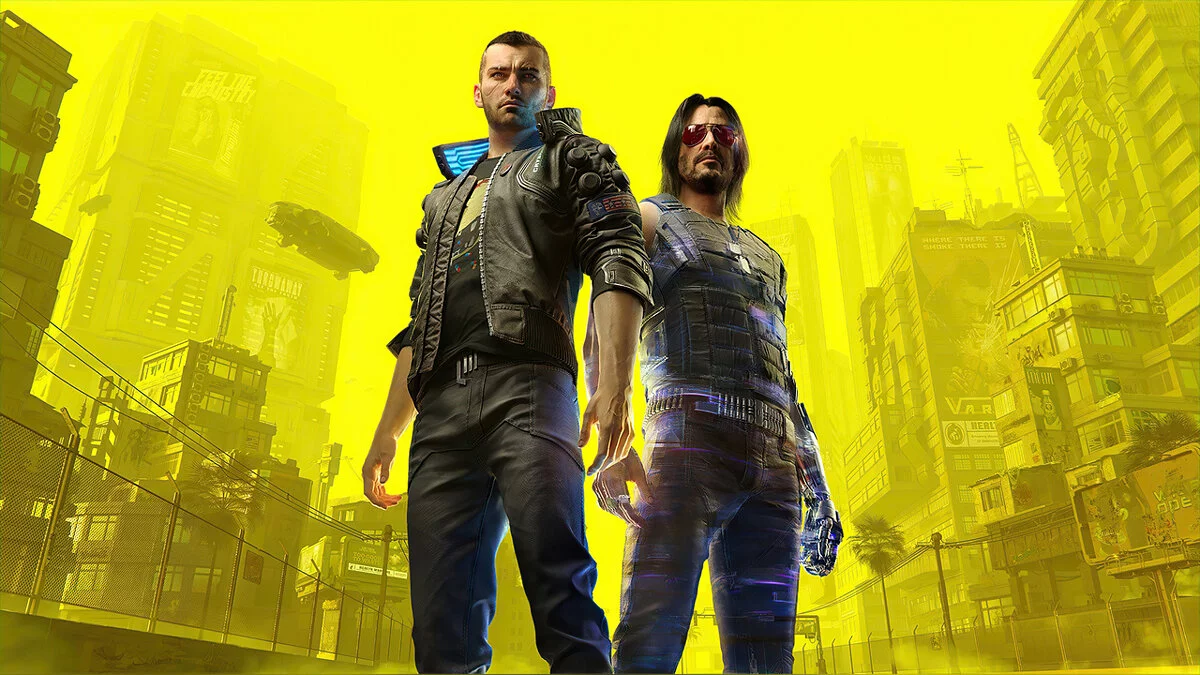
The game from CD Projekt RED, the creators of The Witcher, is based on the tabletop game Cyberpunk 2020 by Mike Pondsmith. The player is sent to the year 2077... Read more

Appearance Menu Mod

-
www.nexusmods.comDownload
Appearance Menu Mod.
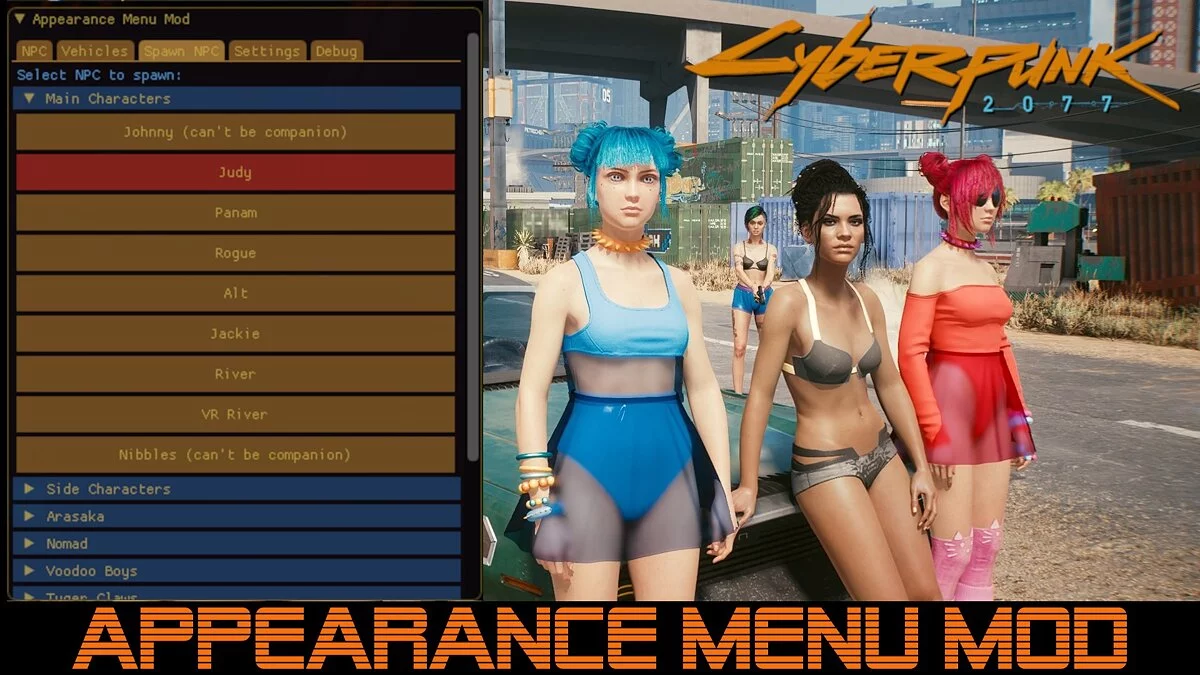
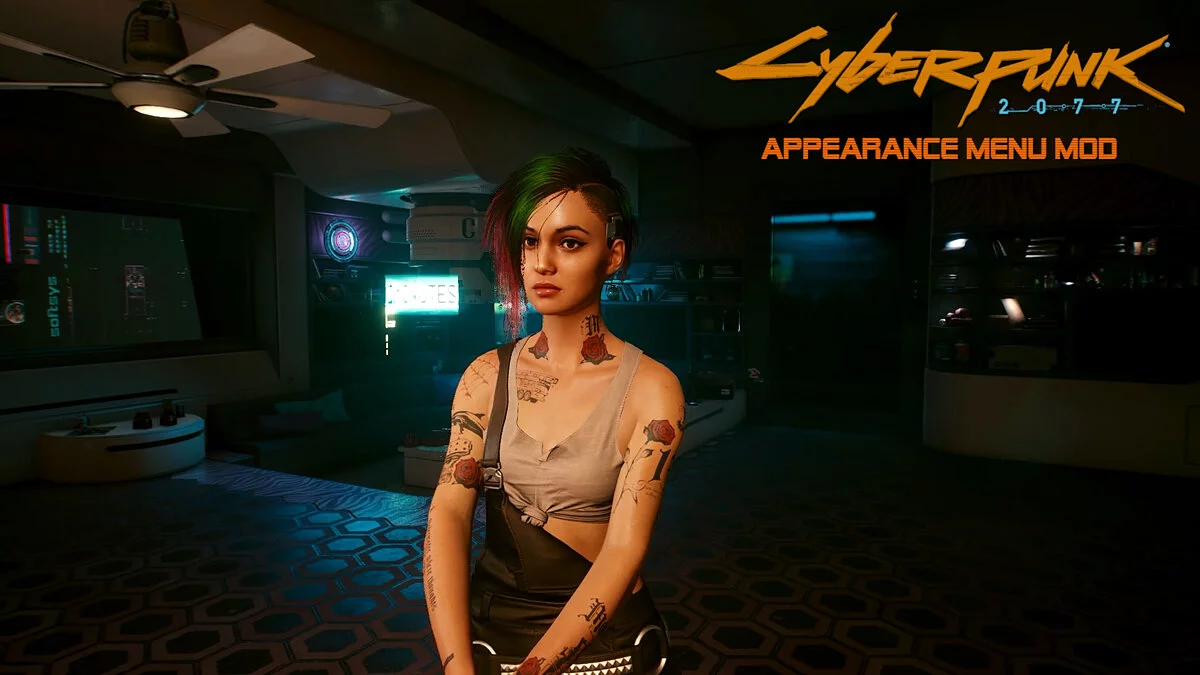
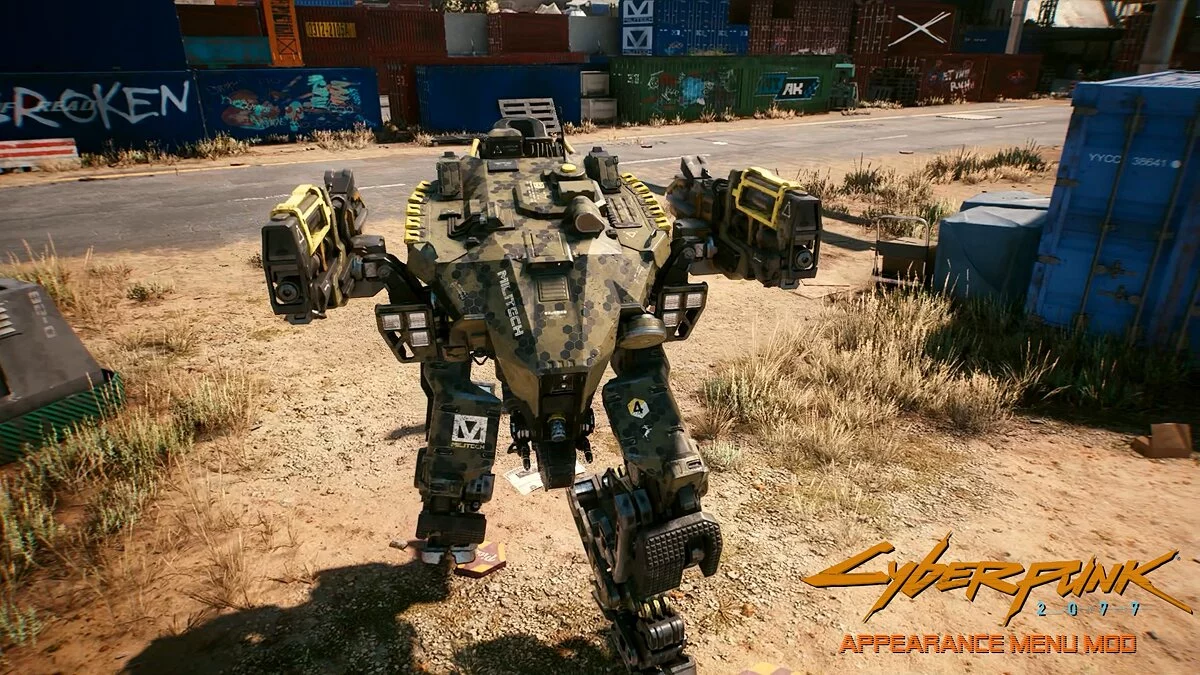
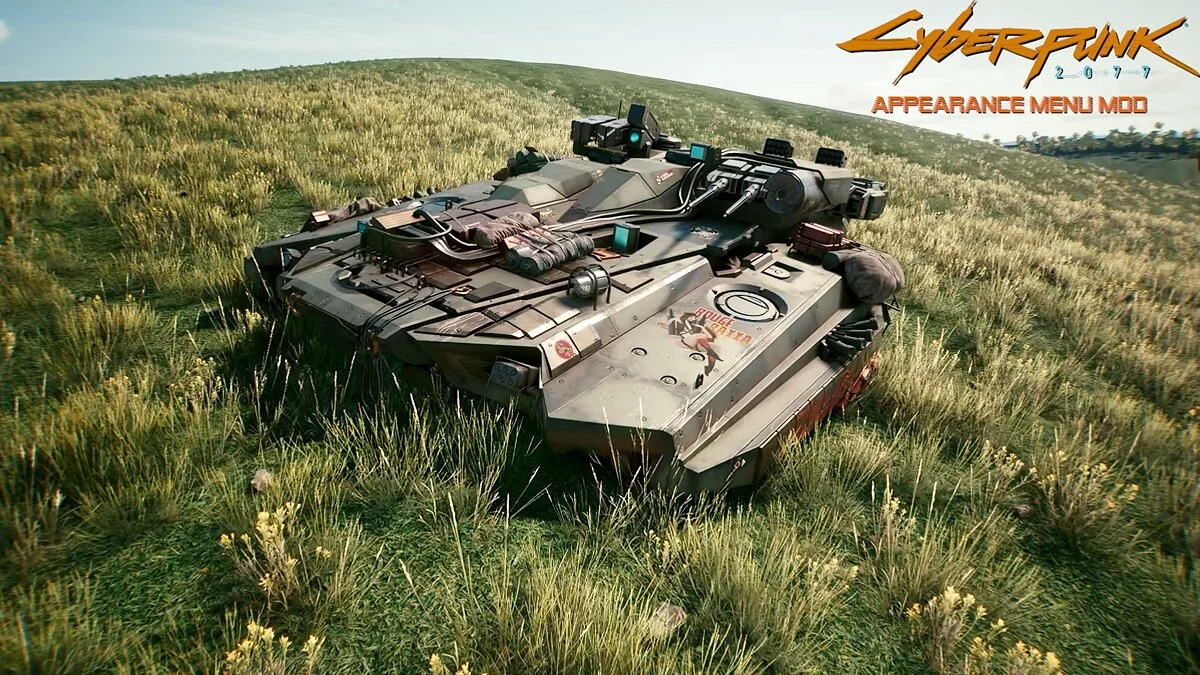
Create NPCs as followers or enemies, create military vehicles, and change the appearance of NPCs and vehicles using the Cycle Appearance button or by selecting from the preset list if available.
Manual installation:
We recommend backing up the x64 folder and performing a clean installation of Cyber Engine Tweaks 1.10.2.
Step 1. Download Cyber Engine Tweaks 1.10.2 and install it. At the time of writing, the current version is 1.10.2. The appearance menu does not work in earlier versions.
Step 2: Unpack the zip archive into the bin / x64 folder. The installation path should look like this: plugins / cyber_engine_tweaks / mods / Appearance Menu Mod / init.lua
Step 3: Upon first launching the game after installing the mod, you will need to set the key binding in Cyber Engine Tweaks. Press the tilde key to open the CET overlay. Click the 'Hotkeys' tab, then find the 'AppearanceMenuMod' section and click the 'UNBOUND' button next to 'Open Appearance Menu'.
Usage:
To open the menu, press the chosen key combination. To access the cursor, you need to open the CET Overlay. If you want the appearance menu window to open when the CET overlay is opened, click the 'Settings' tab in the appearance menu and check the 'Open with CET overlay' box.
WARNING: CET does not allow the use of the mouse cursor when the overlay is not active, so you will need to open the CET overlay window to access the mouse cursor.
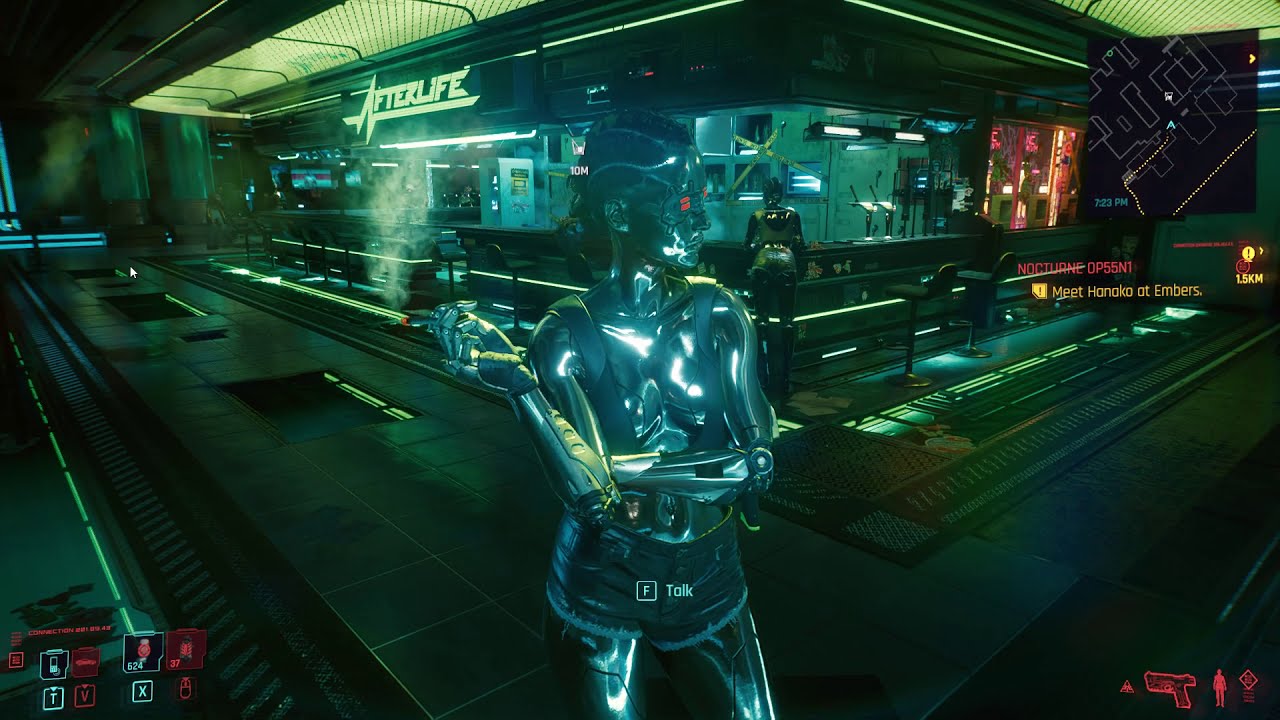
Appearance Menu Mod.
Создавайте NPC в качестве последователей или врагов, создавайте военные машины и меняйте внешний вид NPC и транспортных средств с помощью кнопки Cycle Appearance или выбора из списка предустановок, если они доступны.
Установка вручную:
Мы рекомендуем создать резервную копию папки x64 и выполнить чистую установку Cyber Engine Tweaks 1.10.2.
Шаг 1. Загрузите Cyber Engine Tweaks 1.10.2 и установите его. На момент написания текущая версия — 1.10.2. Меню внешнего вида не работает в более ранних версиях.
Шаг 2: Распакуйте zip-архив в папку bin / x64 . Путь установки должен выглядеть так: plugins / cyber_engine_tweaks / mods / Appearance Menu Mod / init.lua
Шаг 3: При первой загрузке игры после установки мода вам нужно будет установить привязку клавиш в Cyber Engine Tweaks. Нажмите клавишу тильда, чтобы открыть оверлей CET. Щелкните вкладку «Горячие клавиши», затем найдите раздел «AppearanceMenuMod» и нажмите кнопку «НЕ СВЯЗАНЫ» рядом с «Открыть раздел внешнего вида».
Использование:
Чтобы открыть меню, нажмите выбранную комбинацию клавиш. Чтобы получить доступ к курсору, вам необходимо открыть CET Overlay. Если вы хотите, чтобы окно меню внешнего вида открывалось при открытии оверлея CET, щелкните вкладку «Настройки» в меню внешнего вида и установите флажок «Открыть с наложением CET».
ВНИМАНИЕ: CET не позволяет использовать курсор мыши, когда наложение не активно, поэтому вам нужно будет открыть окно наложения CET, чтобы получить доступ к курсору мыши.
Related files:
Useful links:
![Cyberpunk 2077 — Cheat Engine Table [UPD: 12.12.2020 - Steam]](https://files.vgtimes.com/download/posts/2020-12/thumbs/1607855876_01.webp)
![Cyberpunk 2077 — Cheat Engine Table [2.0]](https://files.vgtimes.com/download/posts/2023-09/thumbs/tablica-dlja-cheat-engine-2-0_1695549003_744581.webp)
![Cyberpunk 2077 — Cheat Engine Table [2.01]](https://files.vgtimes.com/download/posts/2023-10/thumbs/tablica-dlja-cheat-engine-2-01_1696844855_222998.webp)
![Cyberpunk 2077 — Cheat Engine Table [2.0 Fixed]](https://files.vgtimes.com/download/posts/2023-10/thumbs/tablica-dlja-cheat-engine-2-0-fixed_1696329925_781946.webp)
![Cyberpunk 2077 — Cheat Engine Table [UPD: 17.01.2024]](https://files.vgtimes.com/download/posts/2024-01/thumbs/tablica-dlja-cheat-engine-upd-17-01-2024_1705570122_915648.webp)