
Files for inZOI / Page 10
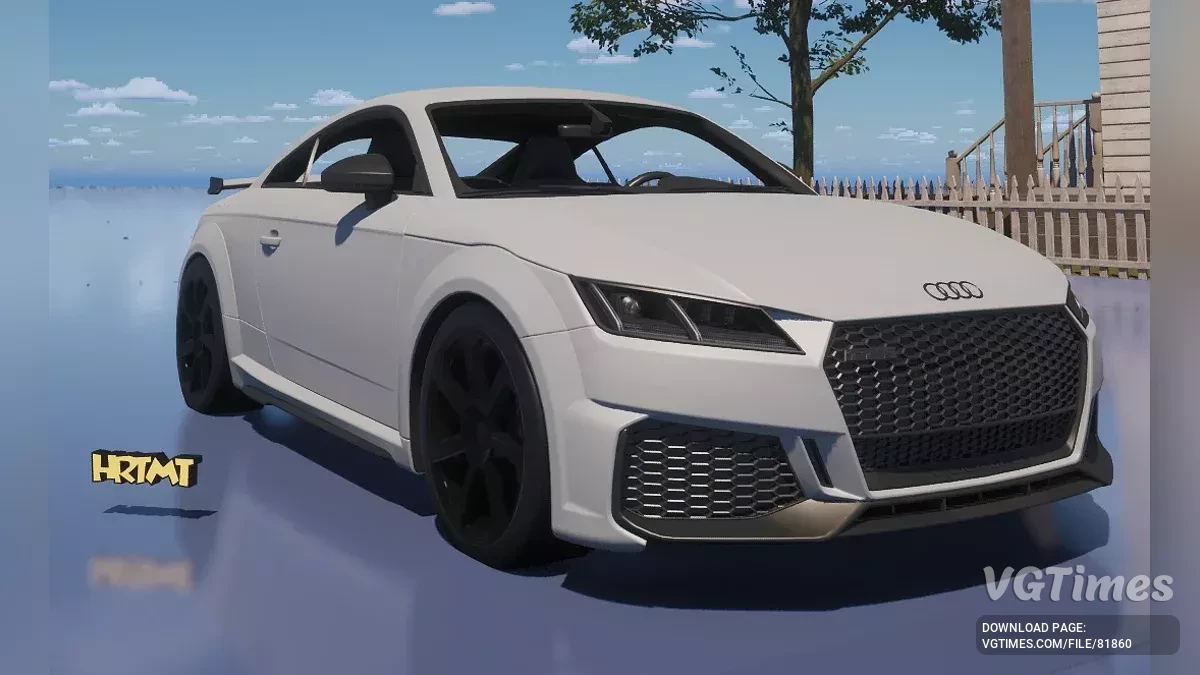
Audi TT RS (decor)

Download
Adds an Audi TT RS to the game as a decoration. It cannot be driven. How to launch: Unpack to this path C:\Users\YourUsername\Documents\inZOI\AIGenerated\My3DPrinter.
Bypassing requirements for AI usage

Download
This mod spoofs the GPU and makes the game think that the used graphics card has 24GB of memory so that the Generate AI Texture feature can work. It does not work on AMD graphics cards. When generating AI Texture, if a popup appears suggesting a dri ...
Pikachu (toy)

Download
Just a 3D Printed Pikachu. Tail not connected. Find it in Build Mode (Craft tab), it costs 100 meow. How to launch: Extract the folder into \Documents\inZOI\AIGenerated\My3DPrinter (if this tool has not been used in the game before, these folders ...
Table for Cheat Engine [UPD: 28.03.2025]
![Table for Cheat Engine [UPD: 28.03.2025]](https://files.vgtimes.com/download/posts/2025-03/tablica-dlja-cheat-engine-upd-28-03-2025_1743238536_629604.webp)

Download
Functions and commands: Money. How to run: Open "Cheat Engine"; Click "Load" and select the table; Click "Select a process to open" and choose the desired process; Select the required option and check the bo ...
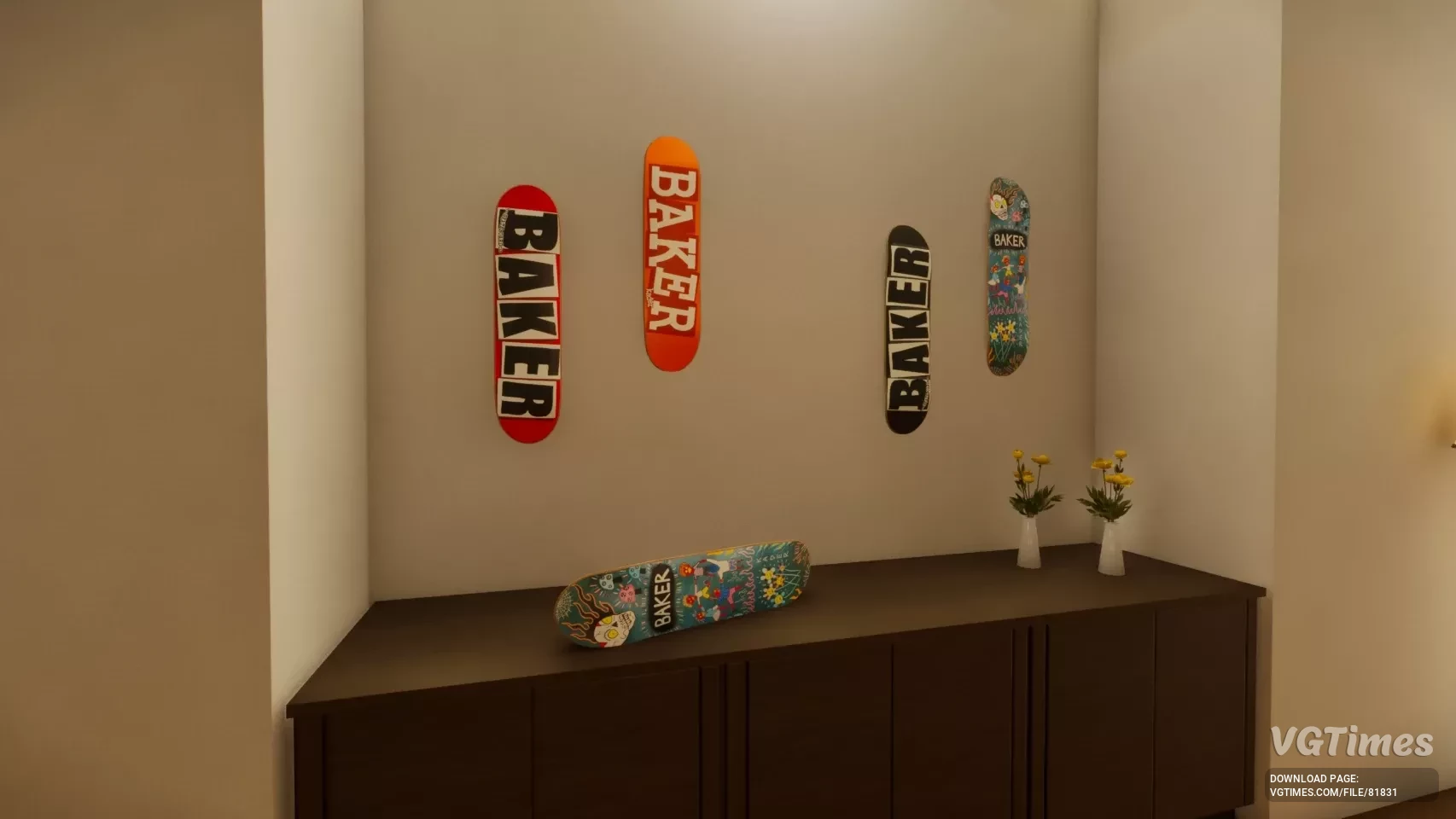
Skate Decoration
Download
Adds 4 skateboard decks as decorations. How to run: Unpack to this path Documents/inZOI.
D3D12 Agility SDK Upgrade
Download
This mod upgrades the DirectX 12 Agility SDK Version 1.611.2 to the latest Version 1.716.1 unlocking significant performance improvements. Performance Improvements Enhanced Barriers System — Reduces CPU overhead and improves frame pacing; GP ...
Remove shower blur
Download
Removes blur from the shower, toilet, and any other place it might be used. How to run: Install InZOI Mod Enabler; Place the files in BlueClient\Content\Paks\~mods; Create the ~mods folder if it doesn't exist.
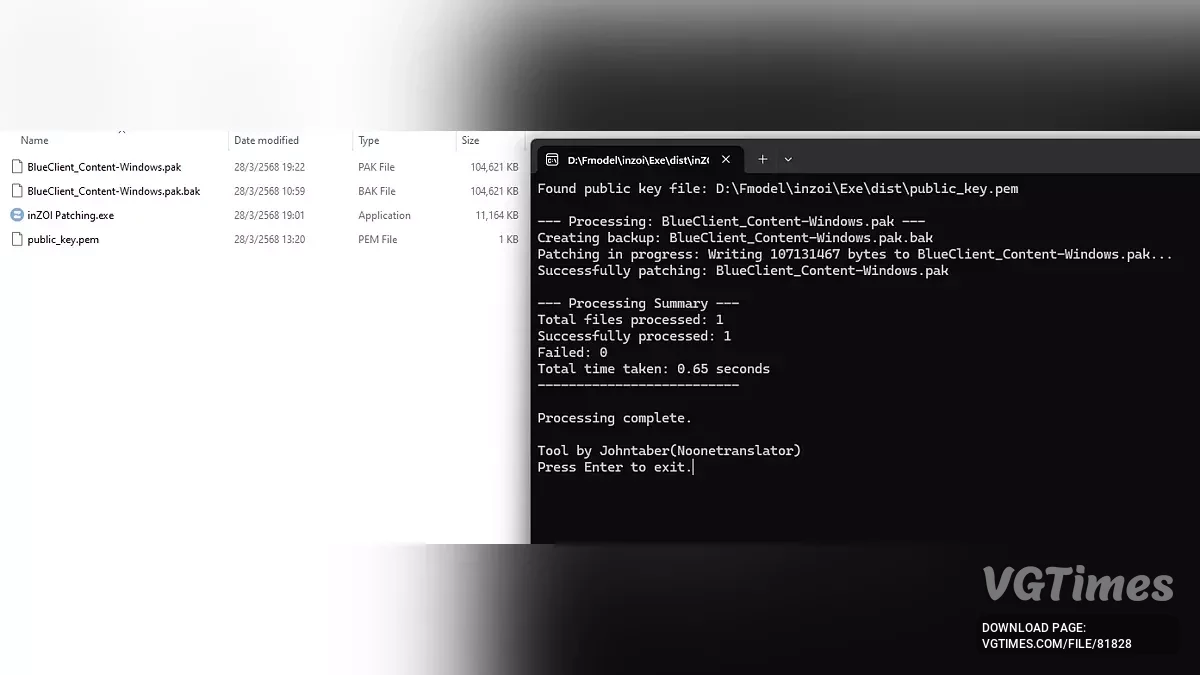
Patching
Download
A tool for decrypting pak files. How to run: Just drag the pak file. The public_key.pem file must be in the same folder as the tool.
Performance Boost

Download
The optimal solution for low performance and stuttering, featuring enhanced upscaling, improved binaural audio, low latency, and bug fixes—while maintaining visual quality and offering additional enhancements. Faster loading times — Achieved by tw ...
Fast Launch

Download
Speeds up game launch by automatically skipping the intro video, as well as speeding up the start of a new game by automatically skipping the introductory videos of the new game. How to run: Extract and copy the BlueClient folder from the rar archi ...
Higher quality skin and faces

Download
Restores the original high-quality textures that were removed from the release build. How to run: Install the Mod Enabler; Place the files in BlueClient\Content\Paks\~mods; Create the ~mods folder if it doesn't exist.
Performance Optimization
Download
Engine tweak with performance optimization, increased LOD, better eye adaptation, binaural audio, CPU priority, and much more. How to run: Extract the mod and copy the Engine.ini file to DriveLetter\Users\YourUserName\AppData\Local\BlueClient\Sa ...
Disabling graininess
Download
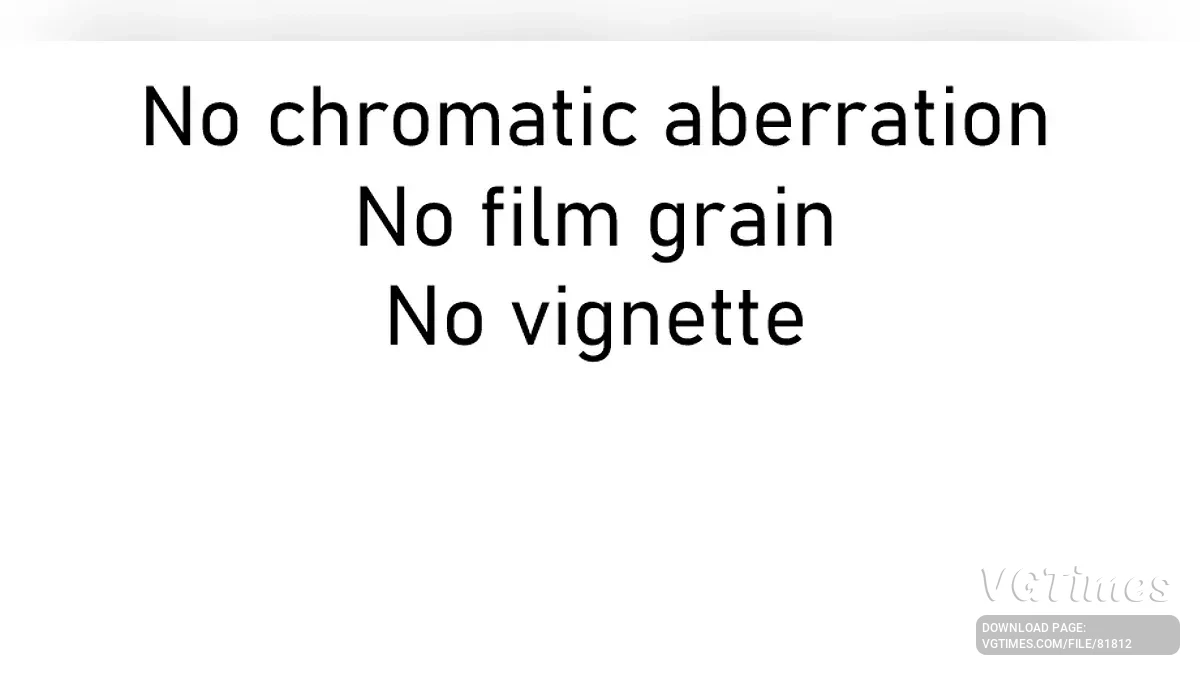
This simple mod will disable: Chromatic aberration; Graininess; Vignette. How to run: Go to localappdata\blueClient\Saved\Config\Windows\; Extract the Engine.ini file into the Windows folder; Right-click the file, select "Properti ...
Skip Intro

Download
This mod allows you to skip the intro. How to run: Unpack the downloaded archive into the game folder.
Optimizer

Download
Optimizes and significantly reduces stuttering by optimizing shader compilation and asset streaming. This change does not lower any visual settings or degrade game quality. Its goal is to maximize hardware usage while making gameplay smoother. This ...