
A hybrid of horror and dating simulator, MiSide offers a kaleidoscope of multi-genre mini-games — from classic puzzles to shooter elements, along with a variety of... Read more
VGTimes:
Players:
Steam:
Metacritic:

Files for MiSide / Items / Page 4
Download the best mods and skins for MiSide in our "Items" category. Discover new armor, shields, boots, sports gear, clothing, weapons, grenades, and headgear to enhance your gaming experience.
Explore subcategories like Armor and Shields, Boots and Footwear, Sports Equipment, Clothing, Weapons and Grenades, and Headgear.
Users can download files, leave comments, and rate mods for MiSide.
Mita's 'Altushka' Costume

Download
This mod adds clothing for Mita in the 'Altushka' style. Installation: Download the archive; Go to the game folder: find the path gamefolder/data/custom; Copy the folder Mika from the archive to gamefolder/data/custom; Go to settings, sel ...
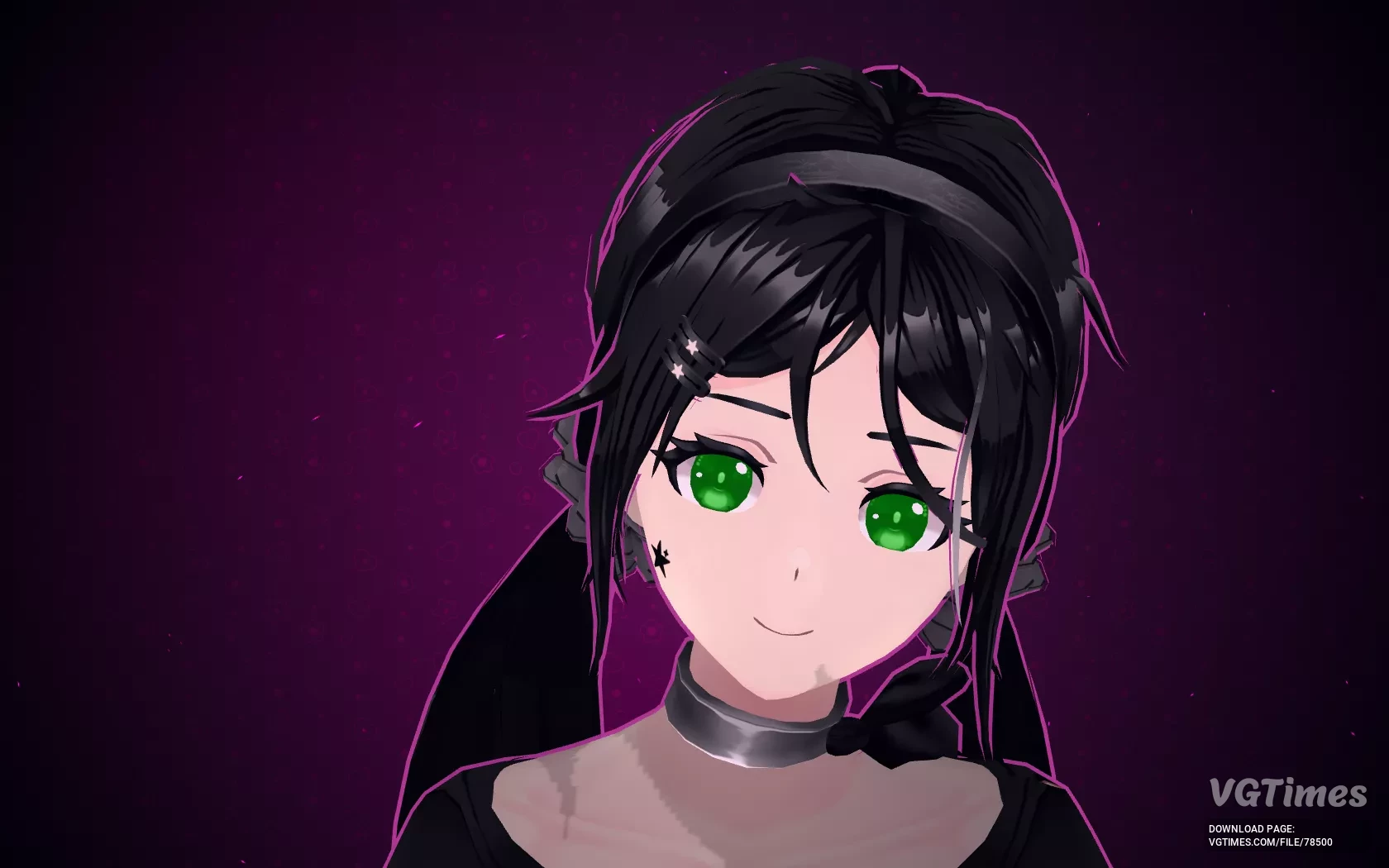
Mita's 'Star' Outfit
Download
The 'Star' skin for Mita is simple and elegant. Installation: Download the archive; Go to the game folder: find the path gamefolder/data/custom; Copy the Pretty Mita folder from the archive to gamefolder/data/custom; Go to settings, selec ...
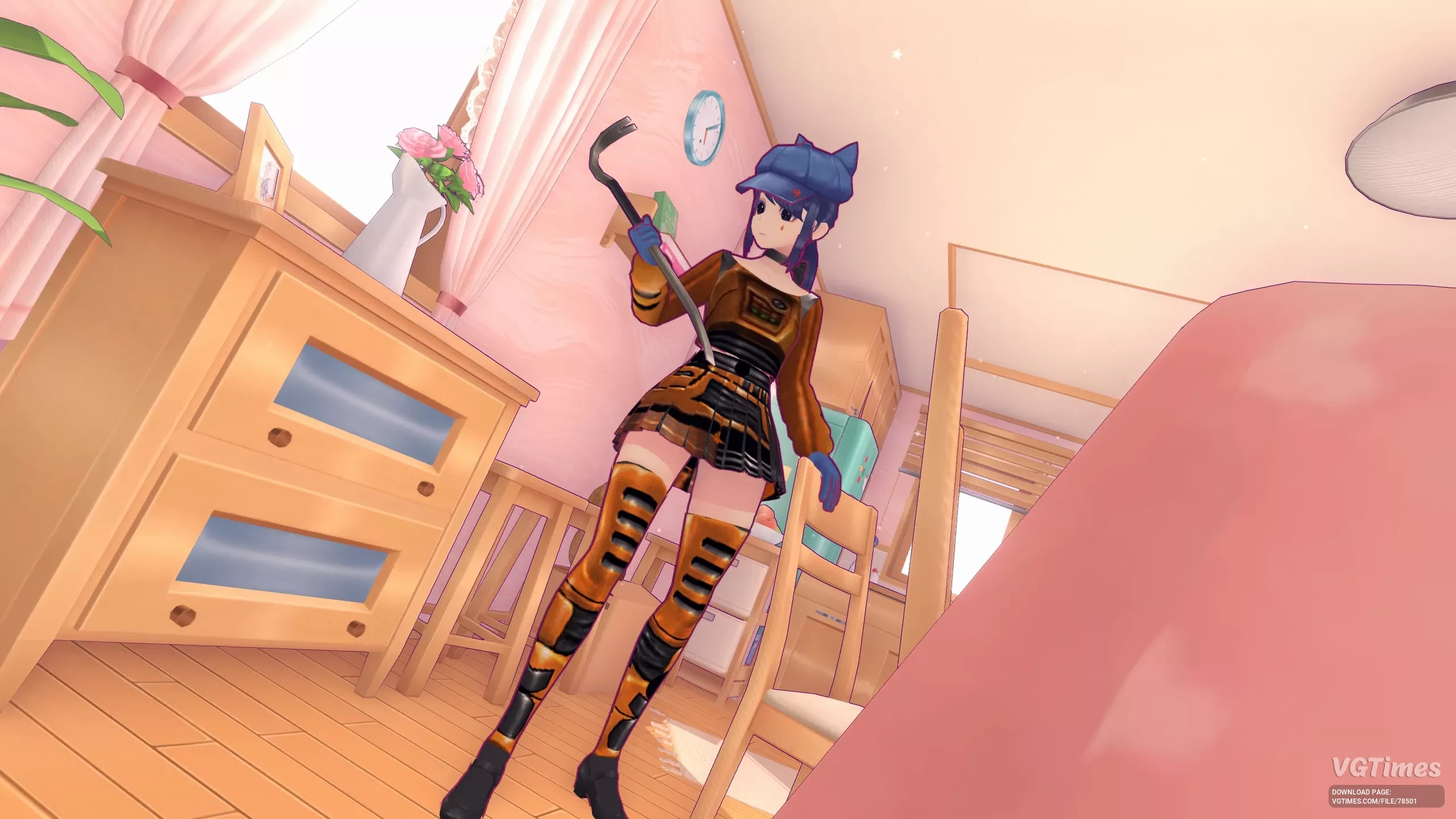
Mita in Gordon Freeman Style from Half-Life
Download
With this modification, Mita now wears clothing styled after Gordon Freeman from Half-Life. Installation: Download the archive; Go to the game folder: find the path gamefolder/data/custom; Copy the Mita Gordon FreeMan folder from the archiv ...
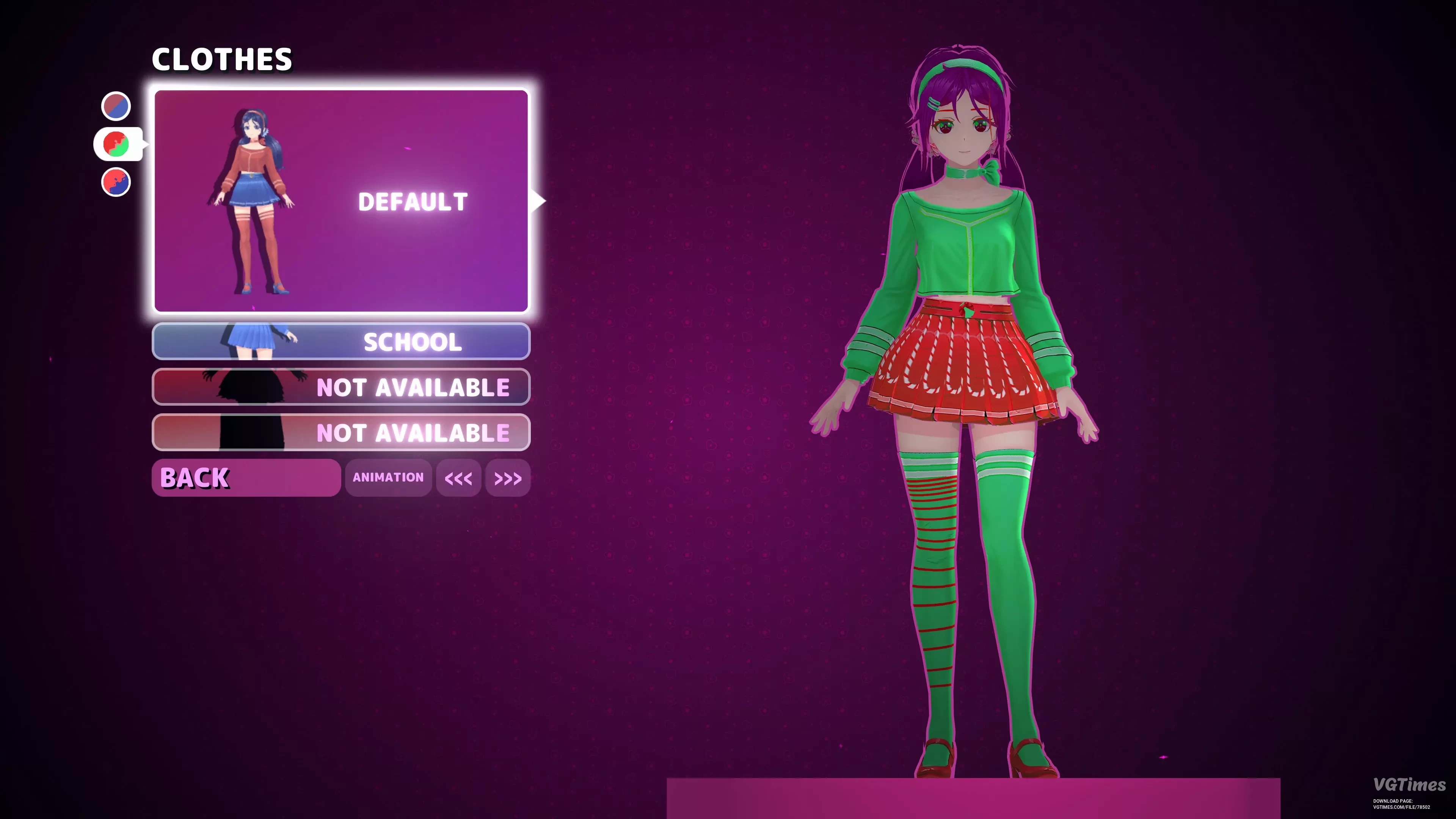
Mita in a New Year's Outfit
Download
Mita is now dressed in a New Year's style. Installation: Download the archive; Go to the game folder: find the path gamefolder/data/custom; Copy the Holiday Mita folder from the archive to gamefolder/data/custom; Go to settings, select th ...
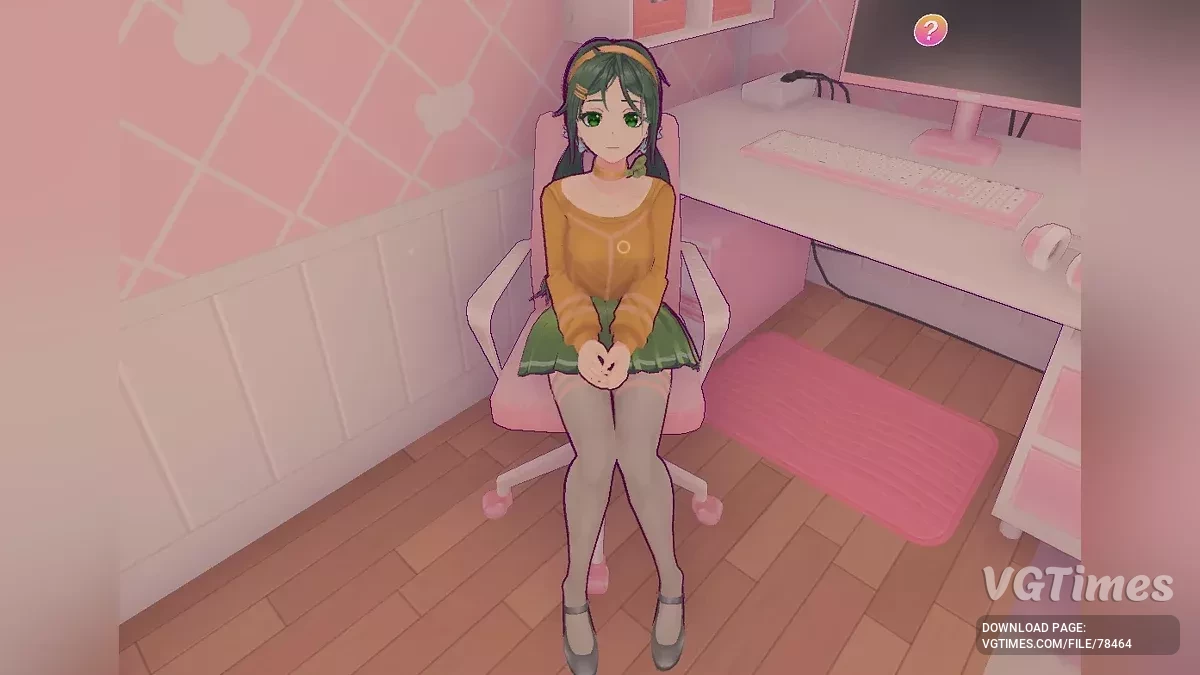
Mita in the Style of Koishi Komeiji from Touhou Project
Download
A visual modification for Miside — changes Mita's color scheme to resemble Koishi Komeiji from Touhou Project. Installation: Download the archive; Go to the game folder: find the path gamefolder/data/custom; Copy the Koishi folder from the ...
Mita Brunette in Gray Suit


Download
Repaints Mita's main outfit in more gray colors. Also changes hair color to brown. How to run: Download the file; Extract to the game's root folder at MiSide\Data\Custom.
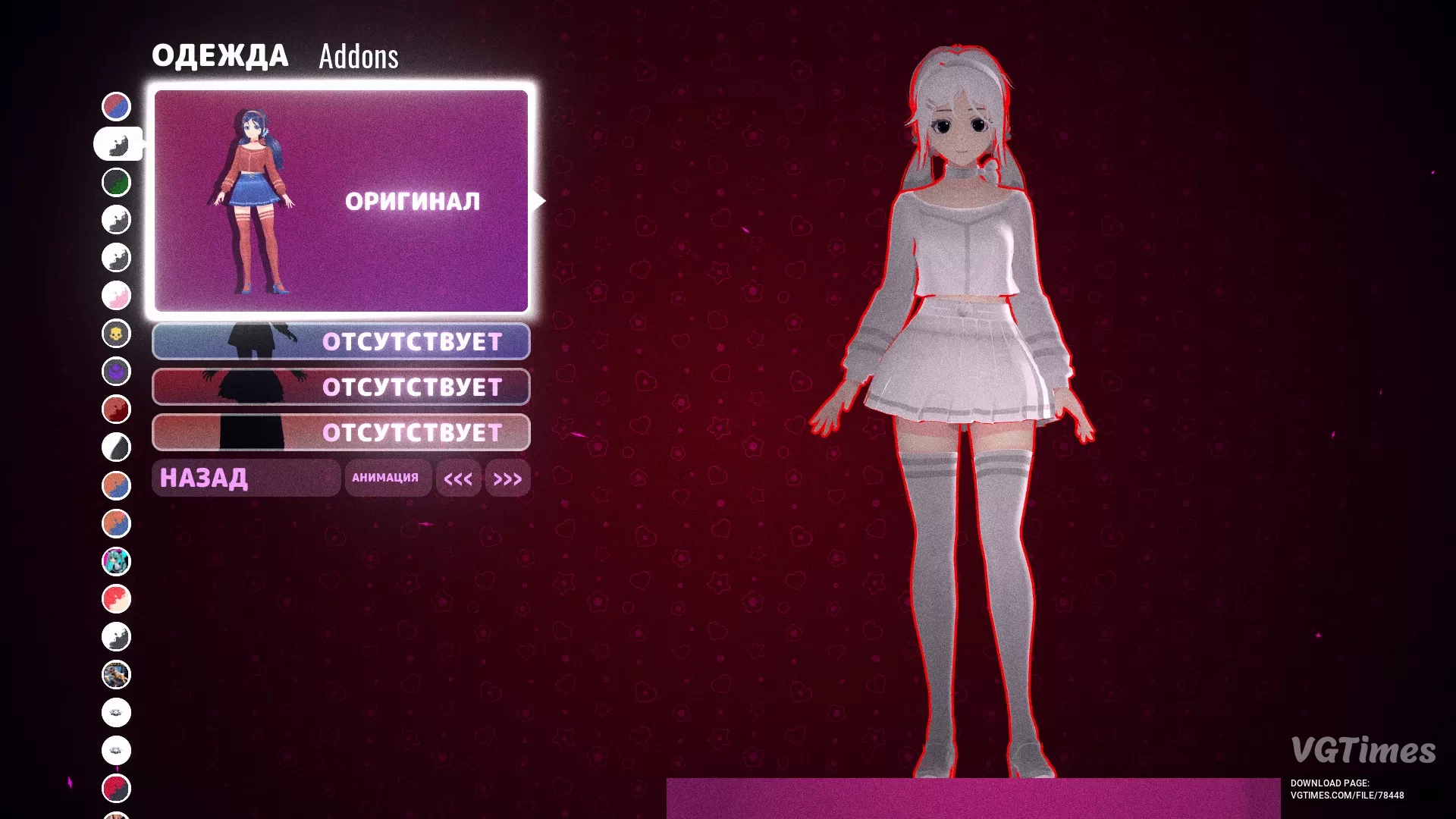
Mita in a White Suit with Black Eyes
Download
Replaces the standard clothing color of Mita to white and makes her eyes darker. How to install: Download the archive with the files; Extract the zip archive to your computer; Move the extracted files to the Custom folder located at: MiSi ...
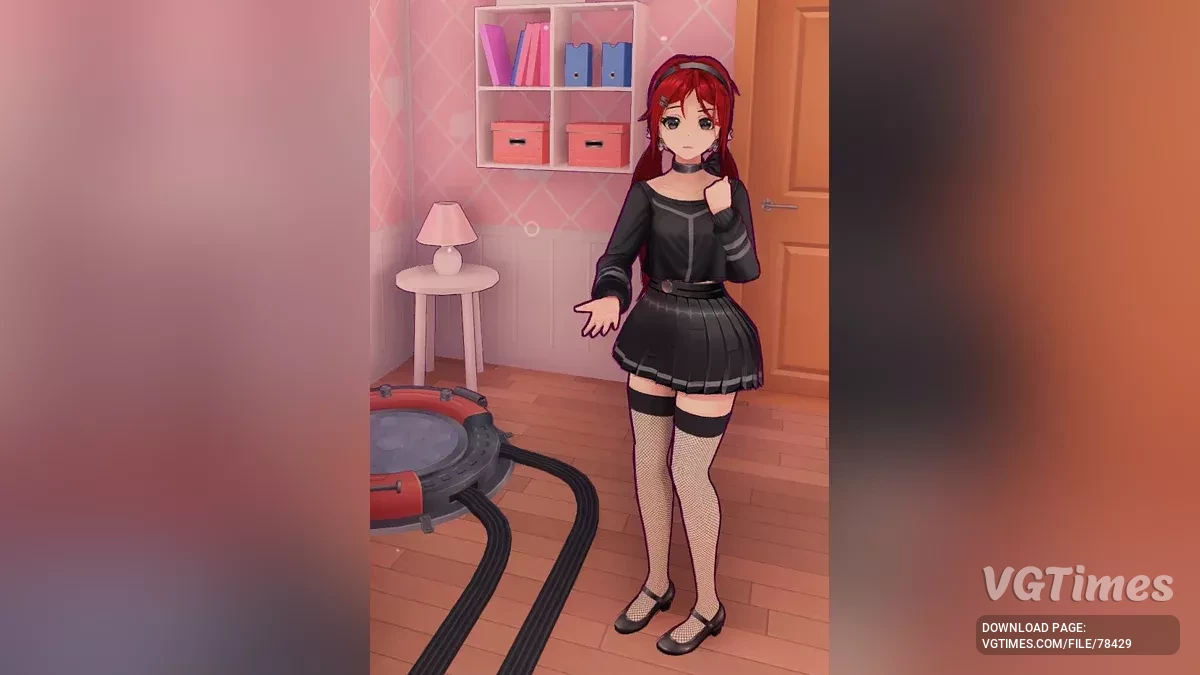
Red Punk Mita

Download
This modification changes the clothing style to red punk. Installation: Extract the archive to MiSide\Data\Custom\. Select the desired skin color.
Informal Mita in Convulsive Style

Download
Updated clothing texture for Mita in convulsive style. Installation: Extract the archive to MiSide\Data\Custom\. Select the desired skin color.
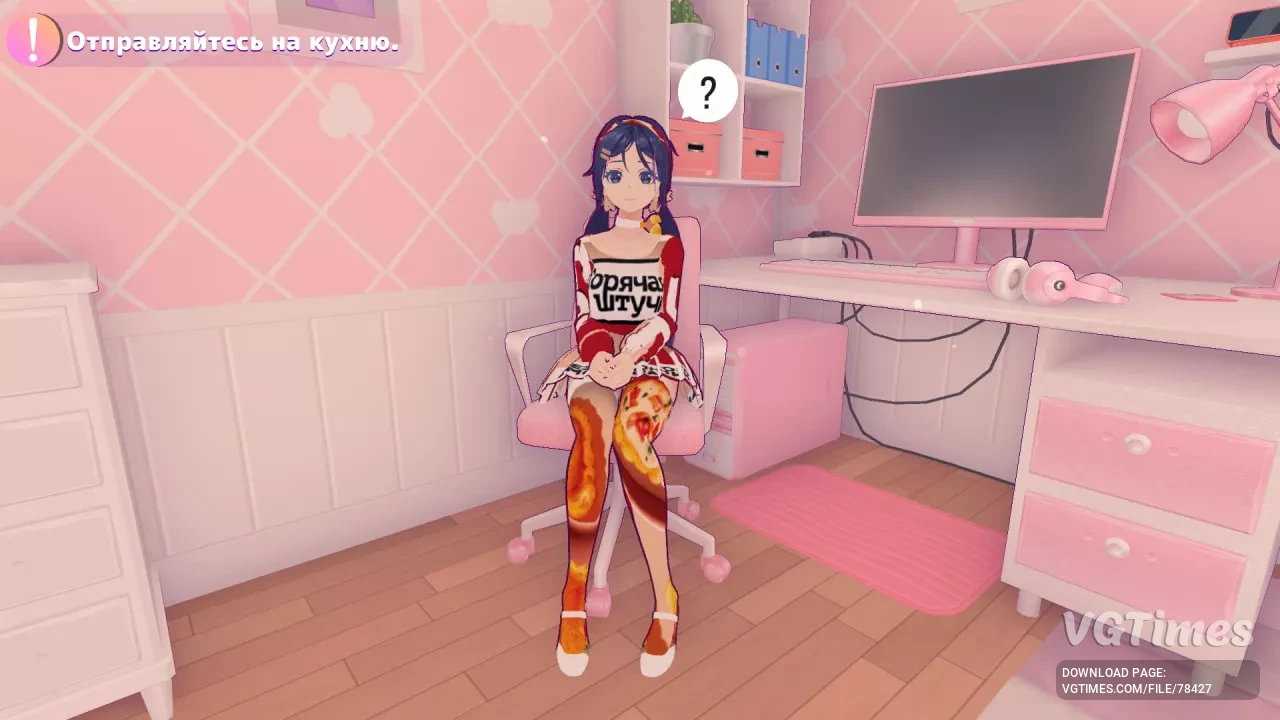
Chebupita
Download
New look for Mita in the style of chebupizza. Installation: Extract the archive to MiSide\Data\Custom\. Select the desired skin color.
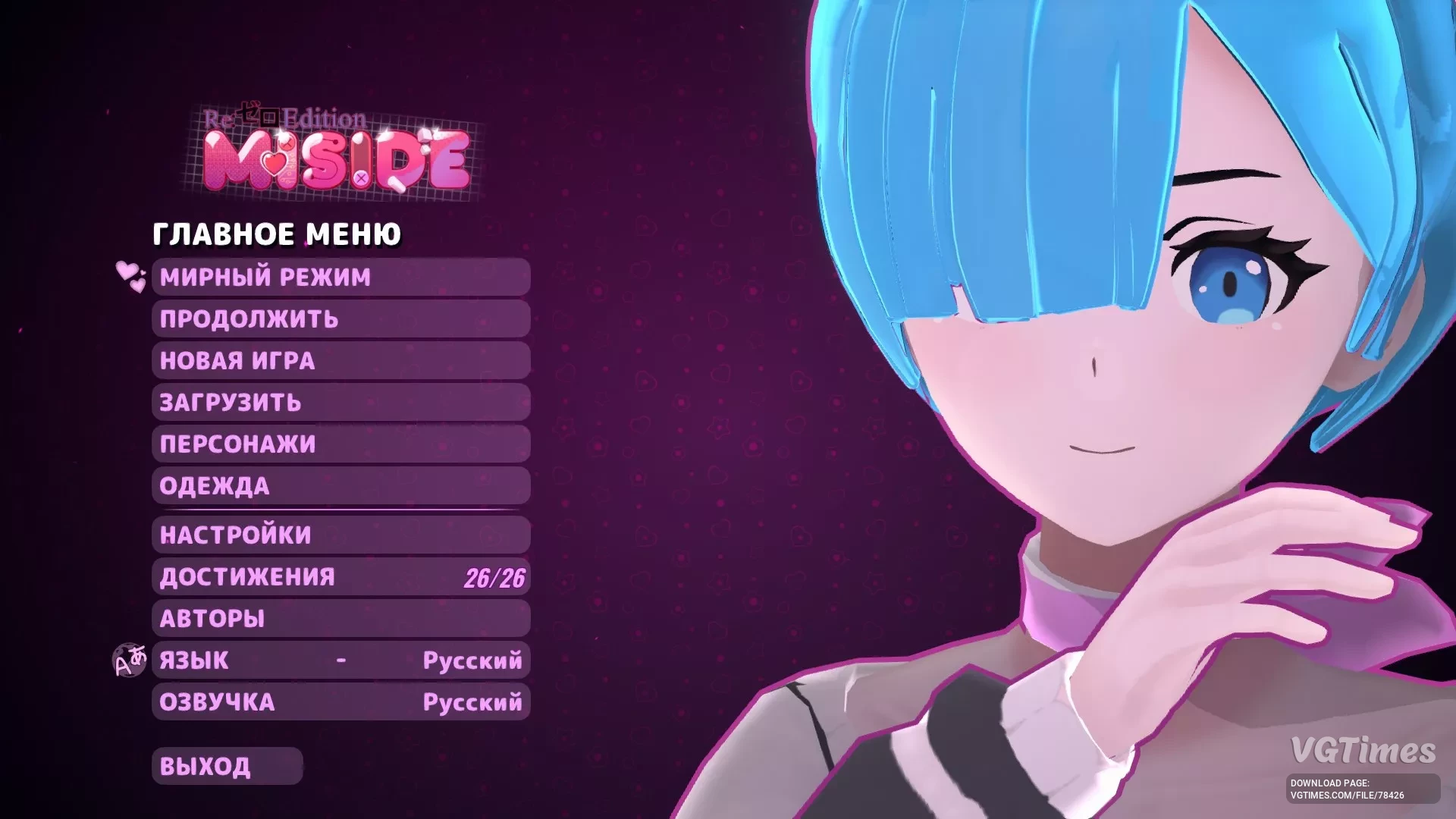
Rem and Ram from Re:Zero
Download
This mod adds skins for Rem and Ram, new hairstyles (standard hairstyles have also been redesigned), changes the logo and music in the main menu to match the skin theme. Installation instructions are included in the archive.
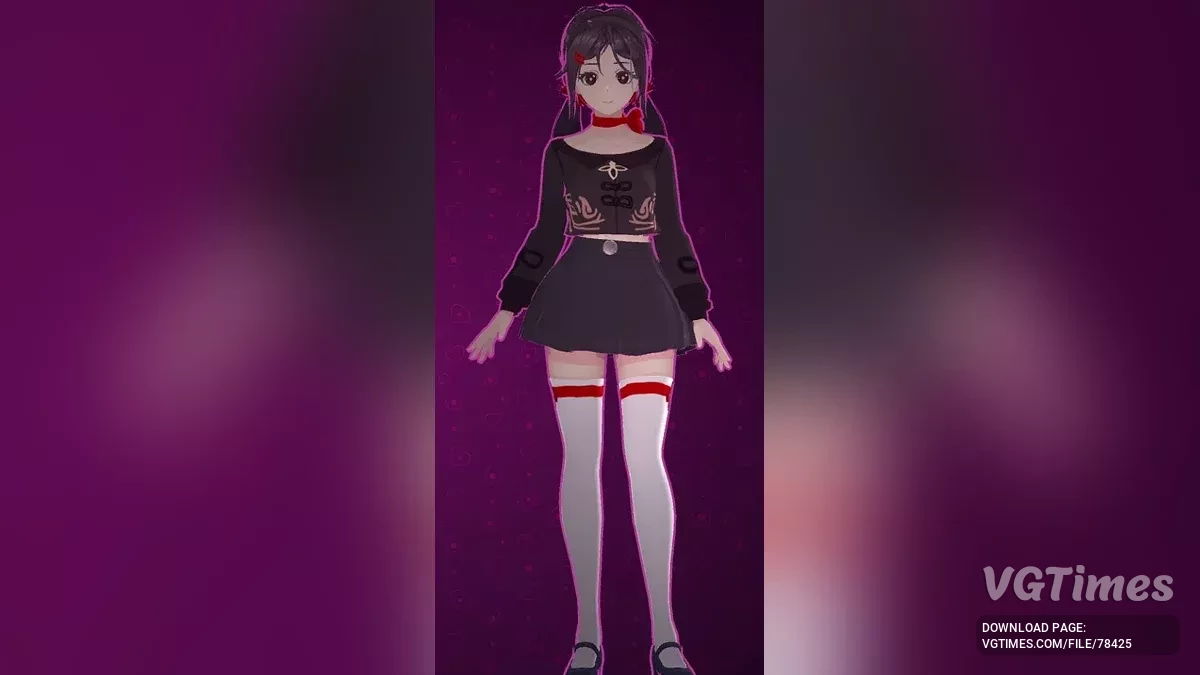
Hu Tao Skin
Download
Hu Tao skin from Genshin Impact for Mita. Installation: Extract the archive to MiSide\Data\Custom\. Select the desired skin color.
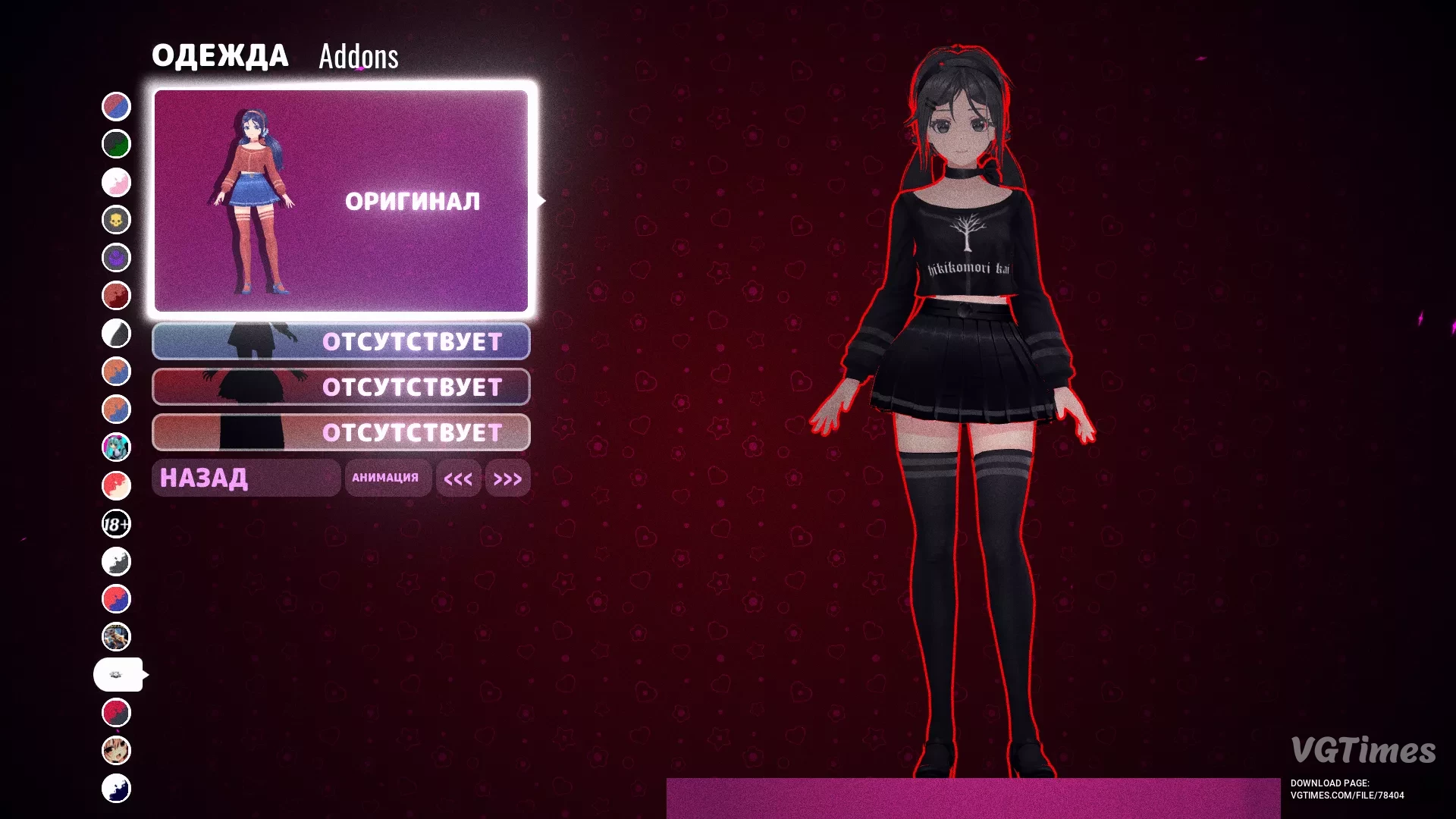
Redan Mita
Download
The modification adds clothing for Mita inspired by Redan's style. Installation: Extract the archive to MiSide\Data\Custom\. Select the desired skin color.
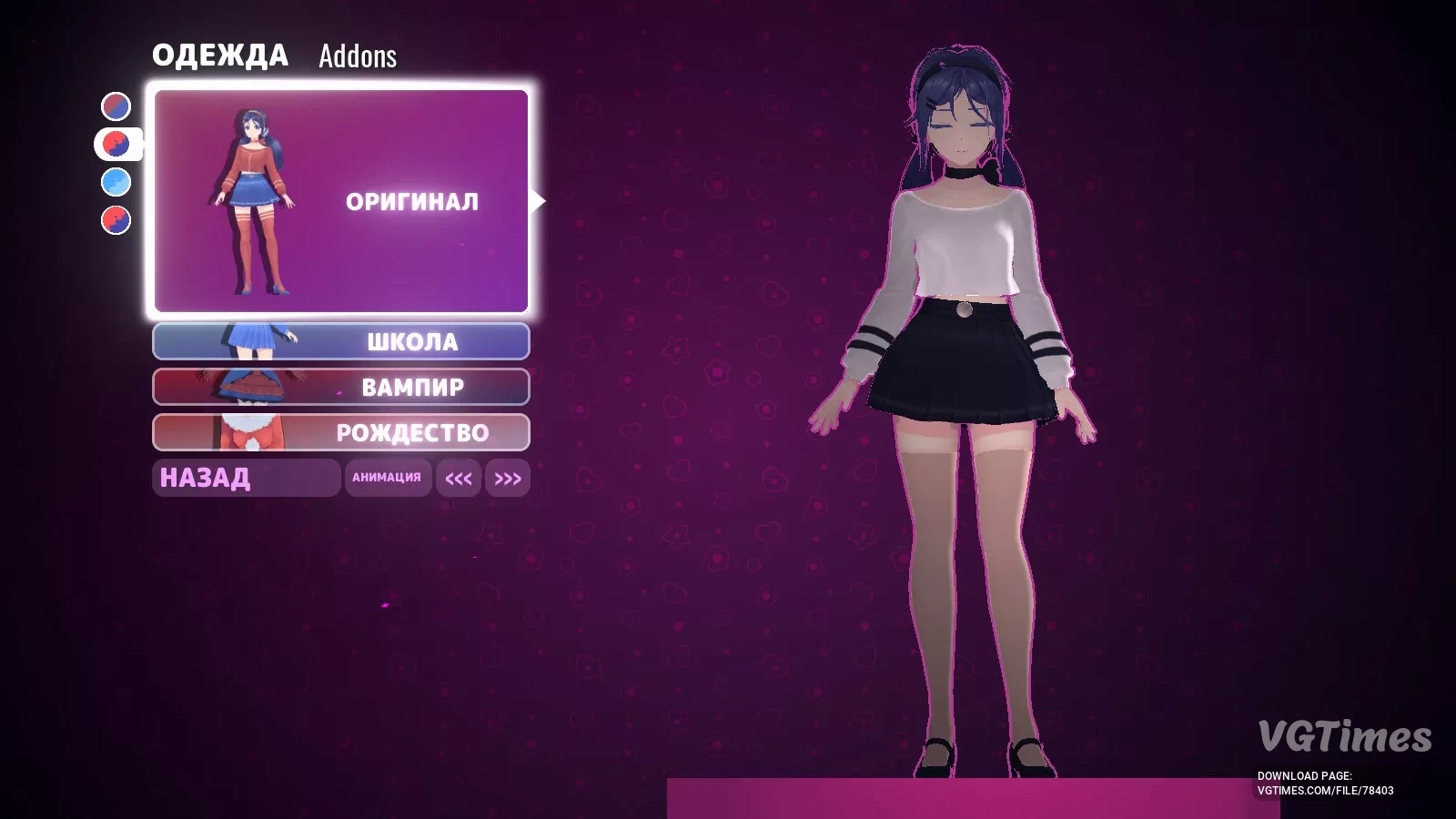
Mita in Black and White Outfit with Sheer Stockings
Download
Mita is dressed in a white top, black skirt, and sheer stockings. She also has white lingerie on. Installation: Extract the archive to MiSide\Data\Custom\. Select the desired skin color.
Mita in Peter Griffin Style
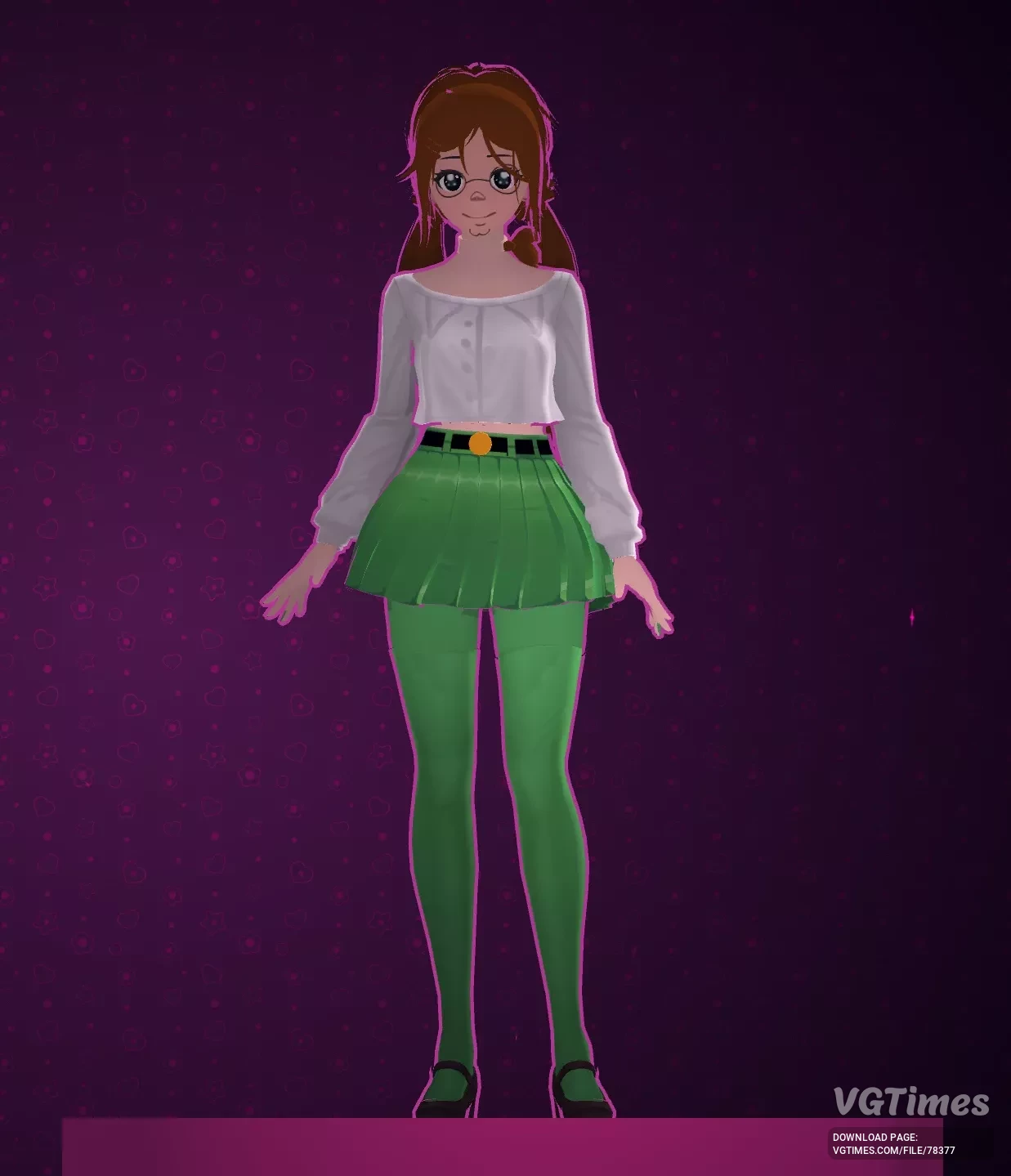
Download
A mod inspired by the iconic character from a popular animated series, transforming Mita into Peter Griffin with an anime stylization. Installation: Extract the archive to MiSide\Data\Custom\. Select the desired skin color.