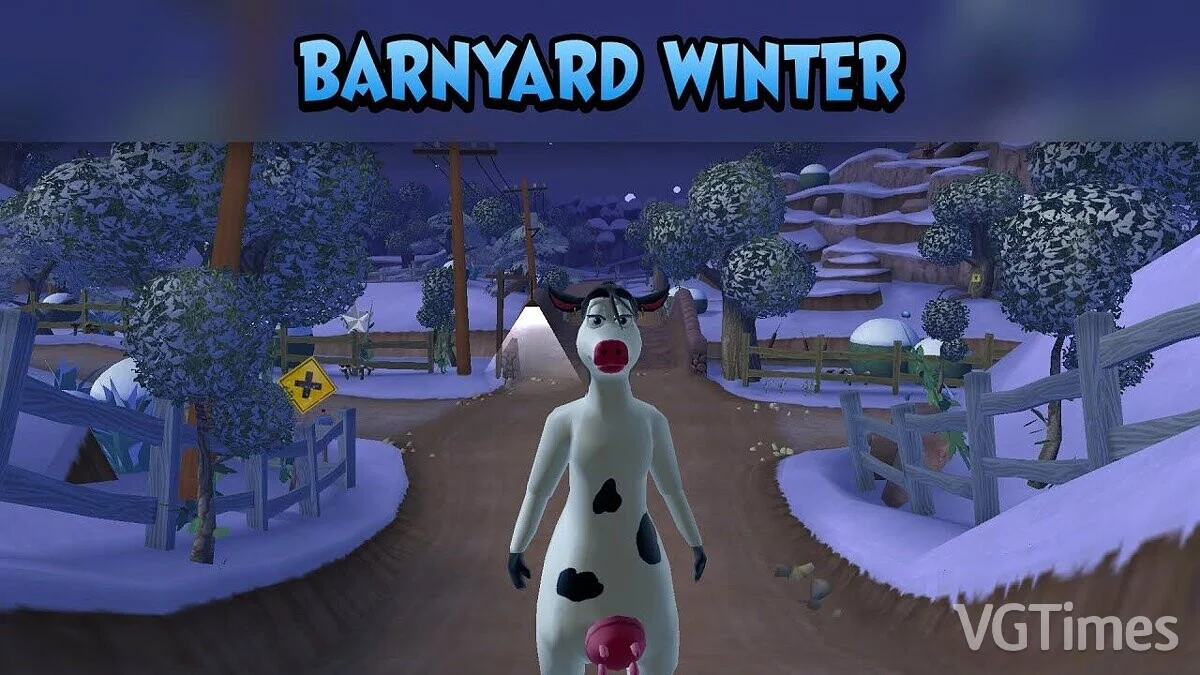
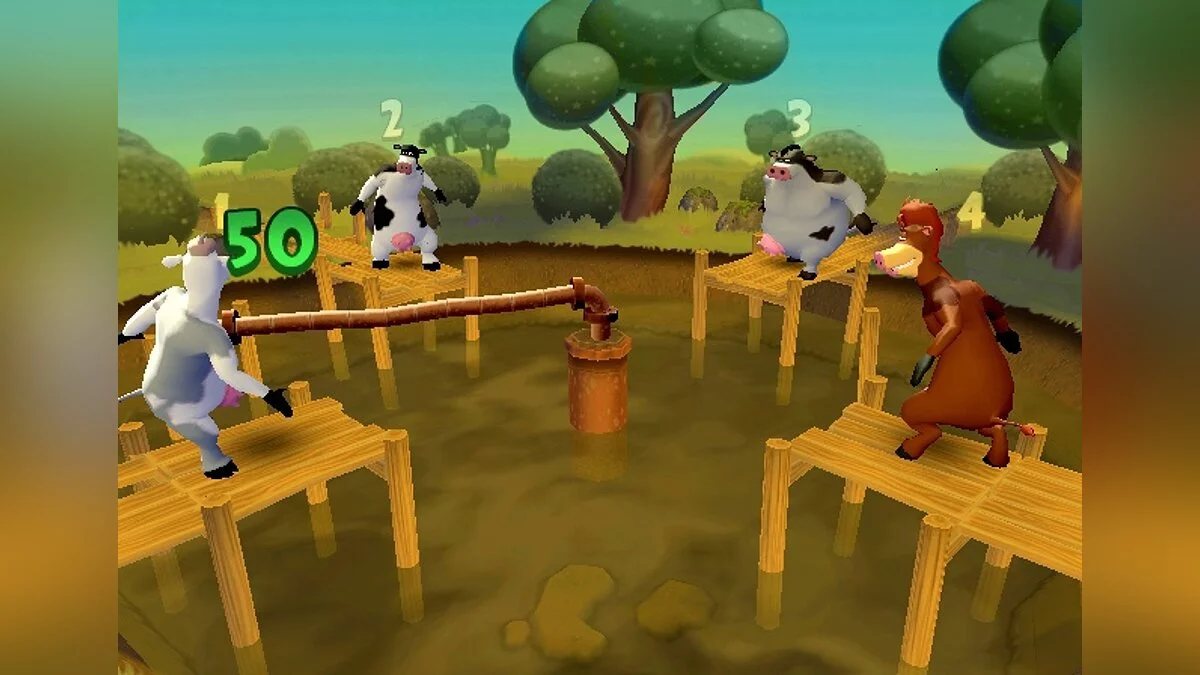
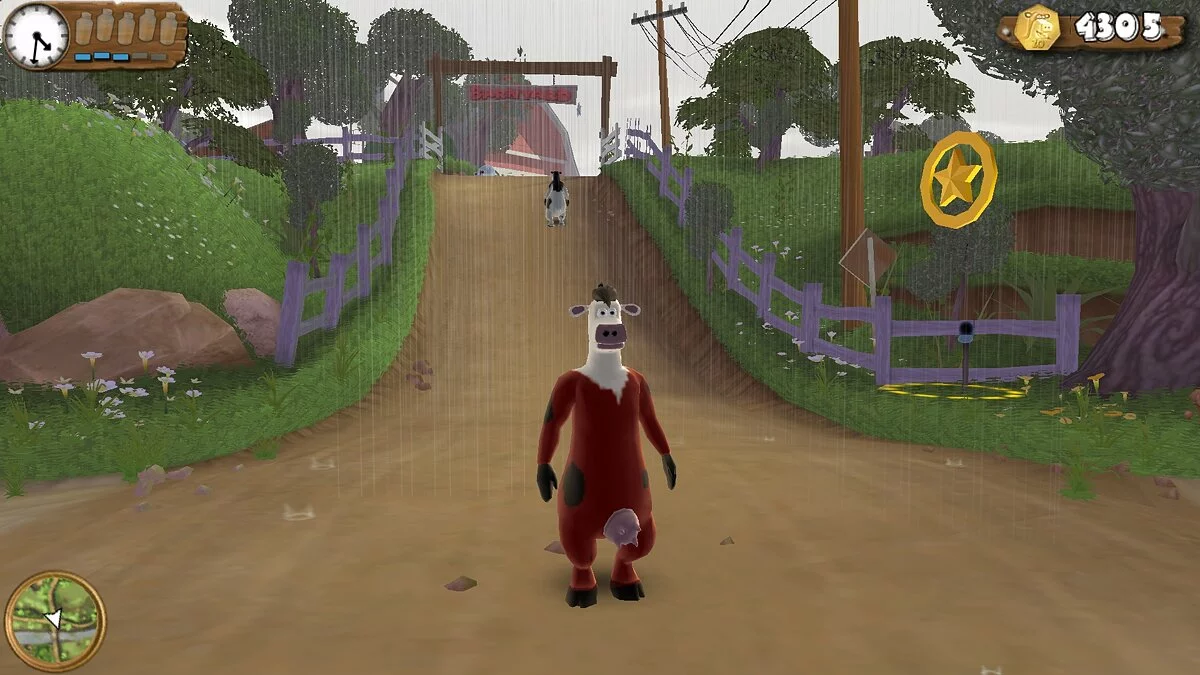
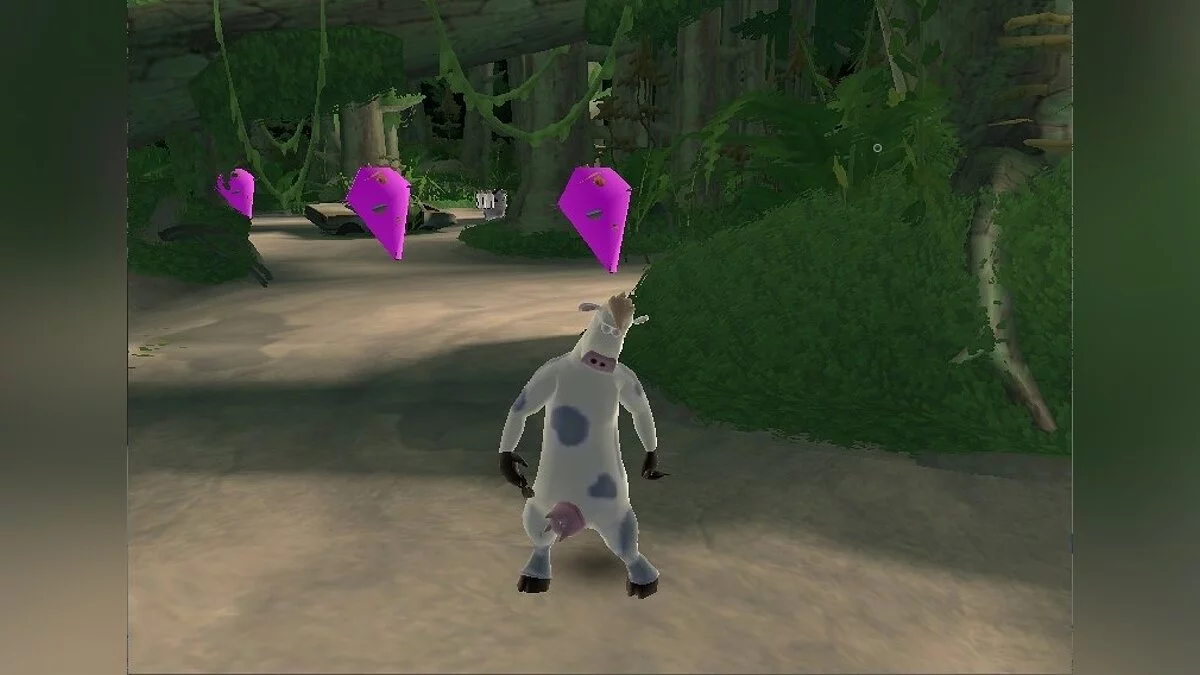
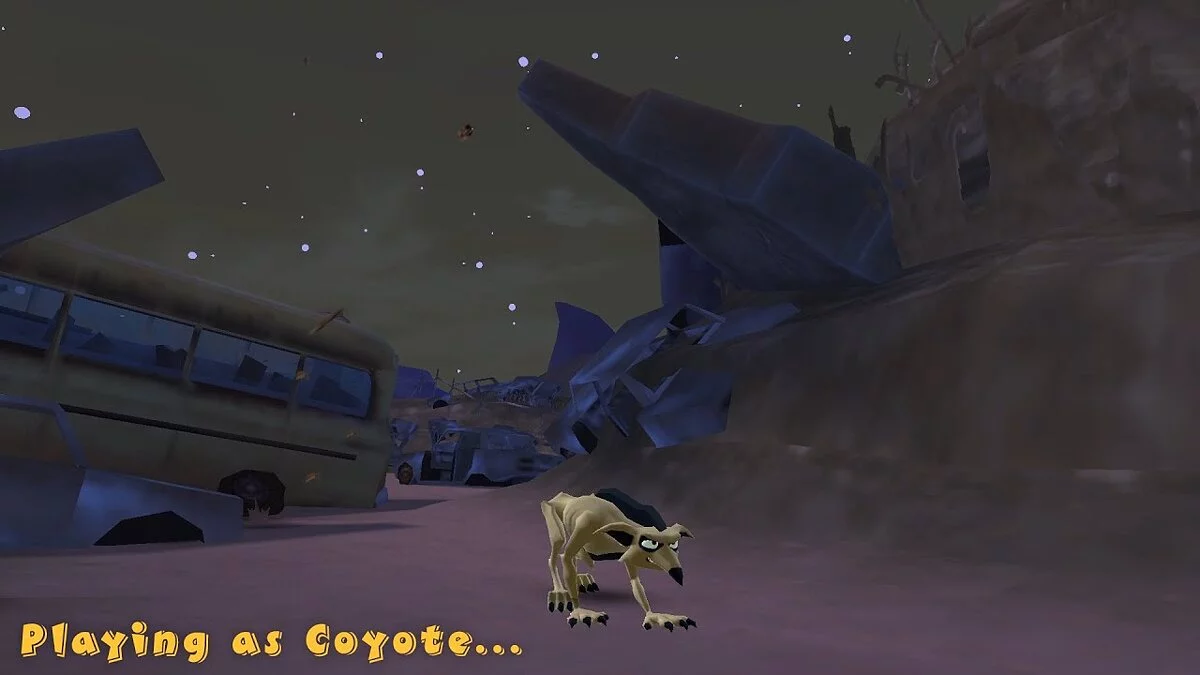
An action-adventure game based on the animated film Barnyard, where farm animals explore the barnyard and take on tasks from its residents. The player completes... Read more
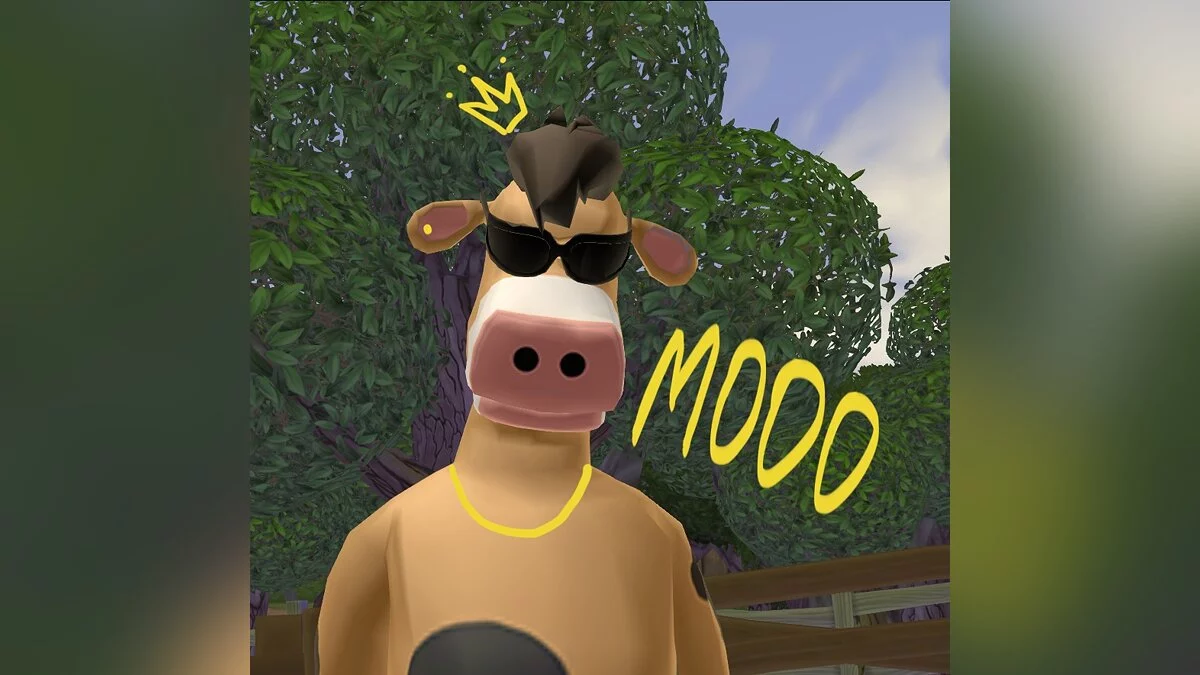
CowTexture

-
1652741957_cowtexture.rarDownload (13.27 MB)
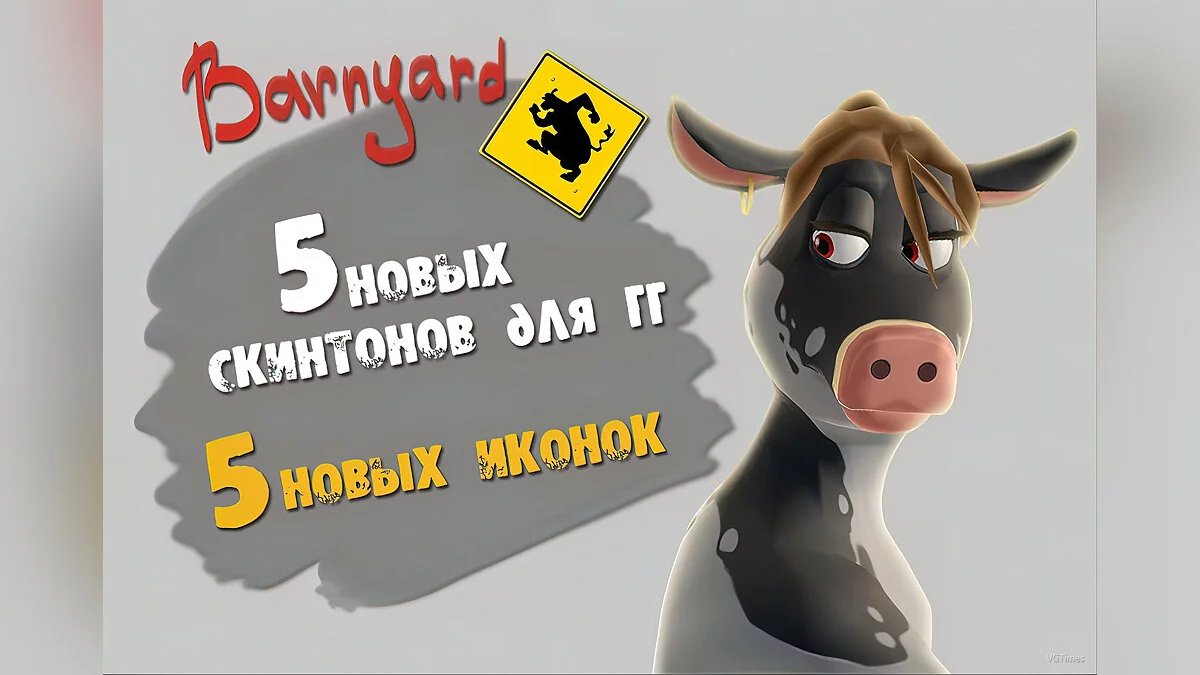
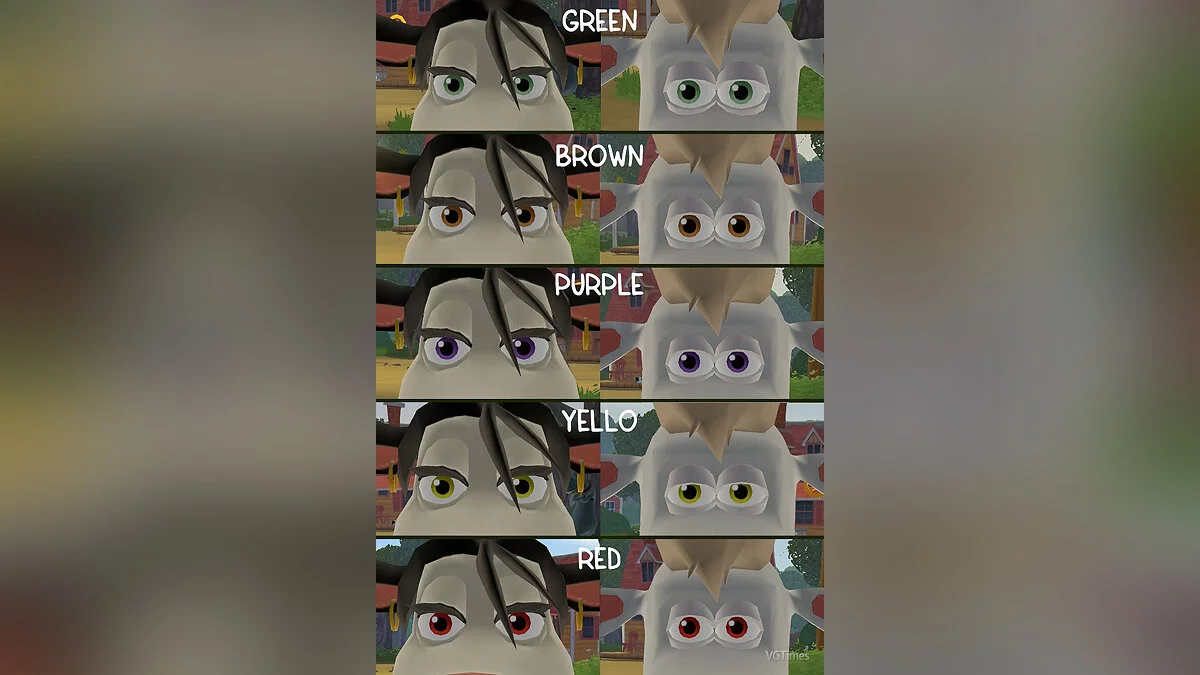
Enhanced textures for both the male and female protagonists.
[thumb]https://vgtimes.ru/uploads/posts/2022-05/1652741975_nkpyvntx0qo6zvjljqpjarwxg2yfsqryle-oxt6ruspuol0kph2icbpfwmb6imqjejspmni1u3utvxnzp0owd2db.jpg[/thumb]
[thumb]https://vgtimes.ru/uploads/posts/2022-05/1652741943_tqxwmfveezwxpwg0e0nxug8ji5fi5hvpunl6oqexvpujw1pwr9palsrfpi0rk7huiw0a25cyg75vkl8gttxpekw1.jpg[/thumb]
Here are 5 simple installation steps:
1. Download TexMod 0.9.
Once downloaded, move it to your desktop. Launch it and select the path to the Barnyard shortcut in the game directory. Click on Logging Mode, then Run. The game will get confused, and you need to close it.
2. A folder named Out should appear on your desktop. Copy the downloaded texture file into it (USE ONLY ONE COW TEXTURE)
3. From the downloaded archive, copy the file d3d8.dll to the root game folder. If prompted to replace, do so.
4. In TexMod, switch to Package Mode. Click on the small yellow folder in the center and select the texture file from the Out folder. Once selected,
it should appear in the left window.
5. To launch the game, click the Run button.
Улучшенные все текстуры мужского и женского главного героя.
[thumb]https://vgtimes.ru/uploads/posts/2022-05/1652741975_nkpyvntx0qo6zvjljqpjarwxg2yfsqryle-oxt6ruspuol0kph2icbpfwmb6imqjejspmni1u3utvxnzp0owd2db.jpg[/thumb]
[thumb]https://vgtimes.ru/uploads/posts/2022-05/1652741943_tqxwmfveezwxpwg0e0nxug8ji5fi5hvpunl6oqexvpujw1pwr9palsrfpi0rk7huiw0a25cyg75vkl8gttxpekw1.jpg[/thumb]
Вот 5 небольших шагов установки:
1. Скачать TexMod 0.9.
После того как вы его скачали, перенесите его на рабочий стол. Запускайте и выбирайте путь к ярлыку Barnyard в директории игры. Нажмите на Logging Mode, а затем на Run. У вас запутится игра, вам нужно её закрыть.
2. На рабочем столе должна была появиться папка Out. В неё копируйте скачанный файл текстур (ИСПОЛЬЗУЙТЕ ТОЛЬКО ОДНУ ТЕКСТУРУ КОРОВ)
3. Из скачанного архива файл d3d8.dll копируйте корневую папку игры. Если попросит заменить — заменяйте.
4. В Texmode перейдите во вкладку Package Mode. Нажмите на маленькую желтую папочку по центру и выберите в папке Out текстурный файл. После того как вы его выбрали,
он должен появиться в окне слева.
5. Для запуска игры нажмите кнопку Run.
Useful links: