This third-person action game follows Batman inside Arkham Asylum and across the surrounding island, where the Joker sets a trap after being taken into custody... Read more
HD Textures
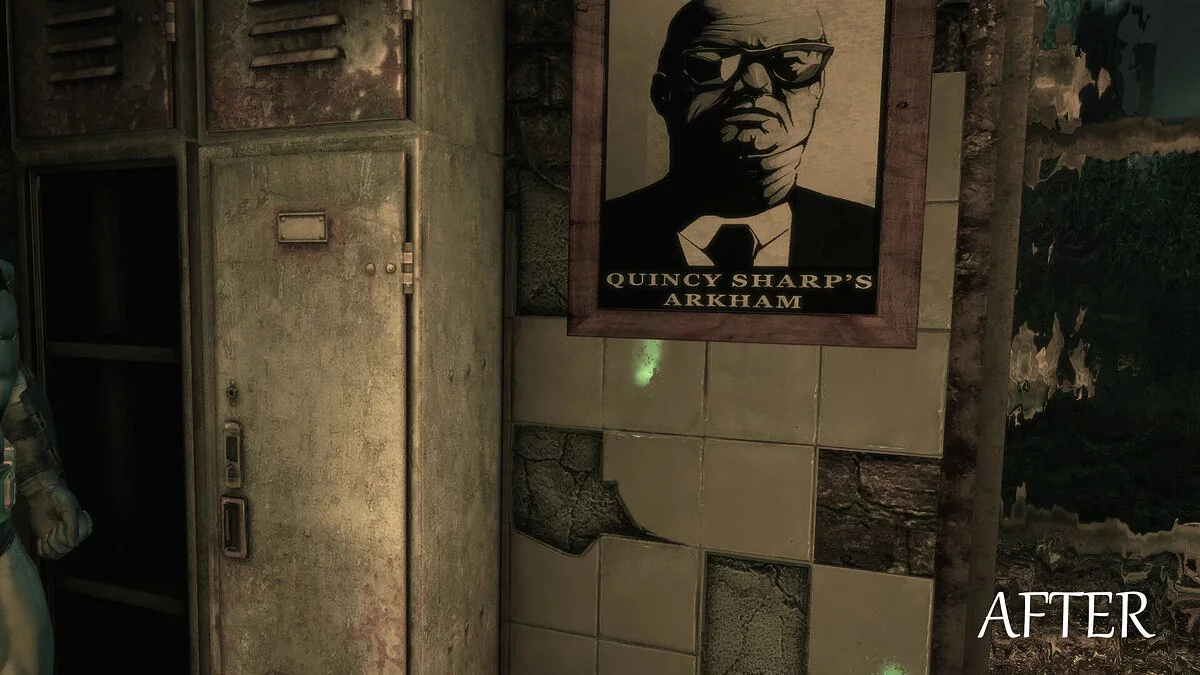


-
www.nexusmods.comDownload
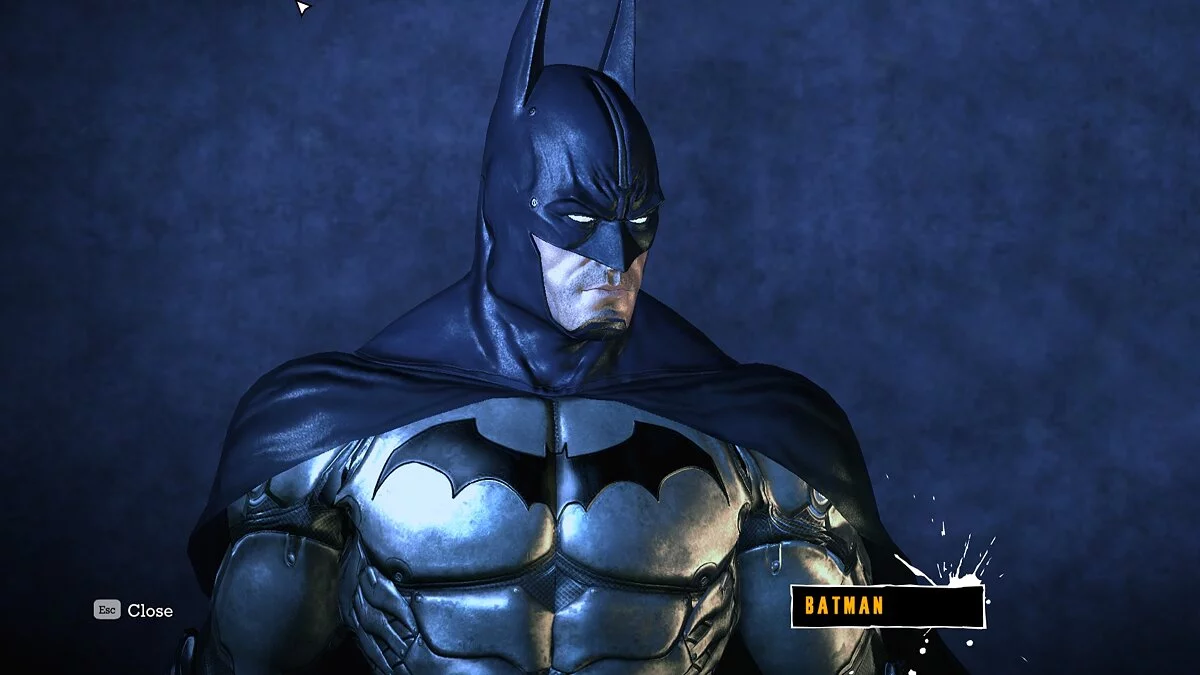
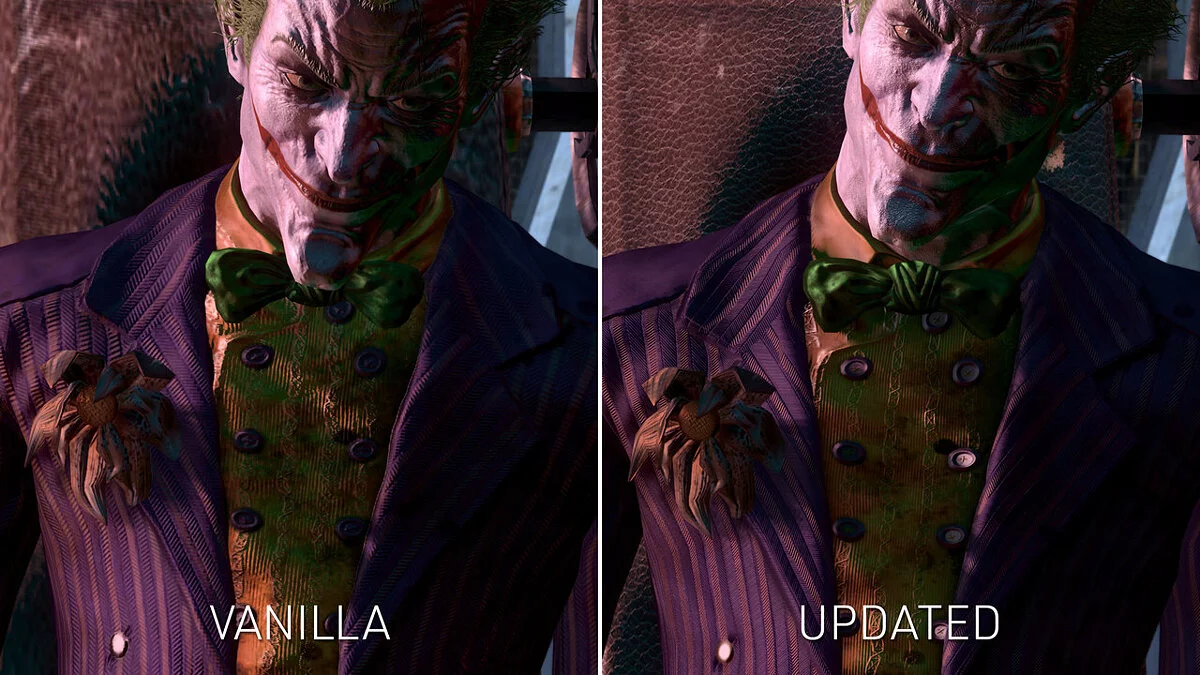
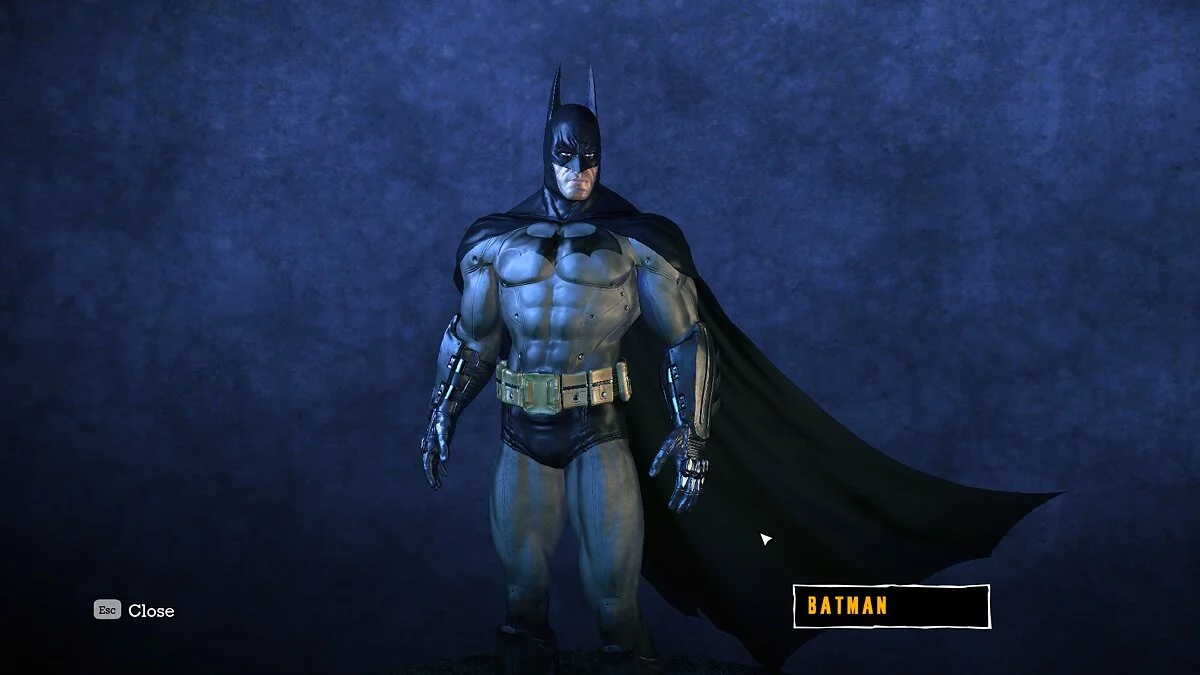
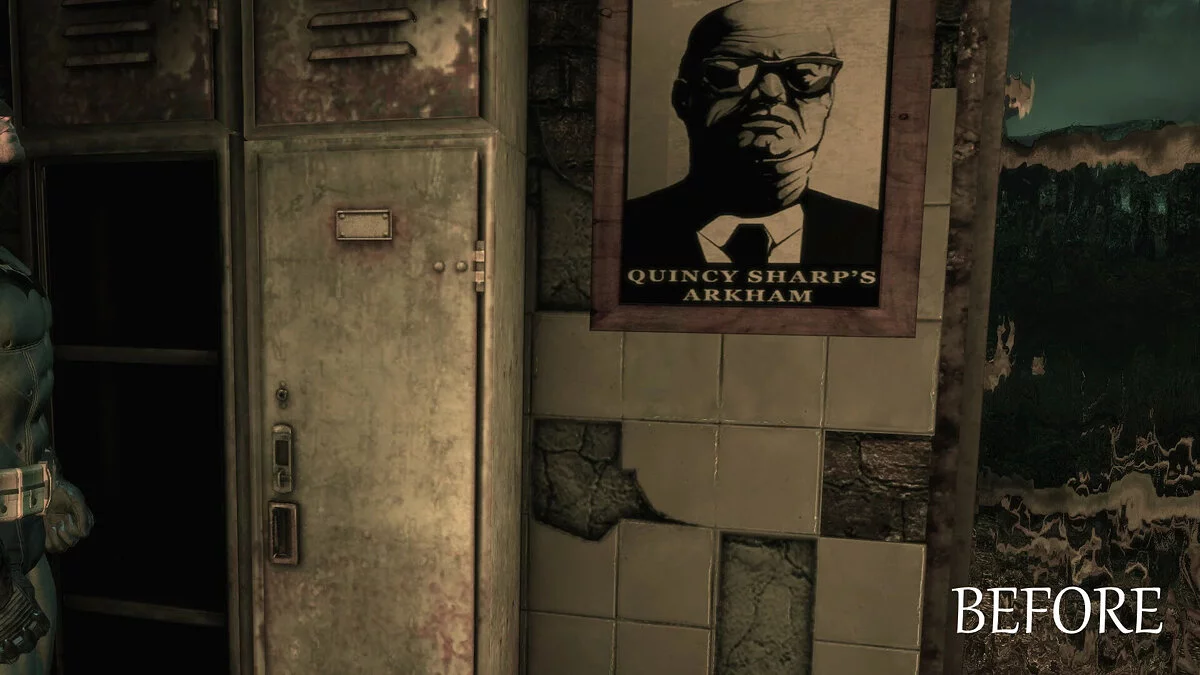
This mod is a texture pack containing over 1800 enhanced textures, eliminating most pixelated textures. Most diffuse textures have been increased to x2, while some lower resolution textures have been scaled up to x4. It includes UI, characters, environment, etc... basically everything.
How to launch:
- extract, then use TFC Installer for UE3, version 2.3.1.0 or higher. Older versions are incompatible, and some textures will not display at full resolution. Instructions can be found on the TFC installer mod page;
- after that, edit the BmEngine.ini file if you want the textures to display at full resolution;
- this file is located in the Documents folder under Square Enix/Batman Arkham Asylum GOTY/BmGame/Config/;
- first, make a backup of the original file. You will need it if you want to uninstall this mod or if you make a mistake;
- open the BmGame.ini file with any text editor (I recommend Notepad++, but Notepad will also work);
- find TEXTUREGROUP_;
- change all MaxLODSize values to 4096;
- save the file and change the file properties to make it read-only.
Этот мод представляет собой текстурный пакет, содержащий 1800+ увеличенных текстур, избавленных от большинства пиксельных текстур. Большинство диффузных текстур были увеличены до x2, некоторые текстуры с более низким разрешением были увеличены до x4. Включает в себя UI, персонажей, окружение и т.д... в общем, все.
Как запустить:
- распаковать, затем использовать TFC Installer для UE3, версия 2.3.1.0 или выше. Более старые версии несовместимы, некоторые текстуры не будут отображаться в полном разрешении. Инструкции находятся на странице мода TFC installer;
- после этого следует отредактировать файл BmEngine.ini, если вы хотите, чтобы текстуры отображались в полном разрешении;
- этот файл находится в папке Документы в разделе Square Enix/Batman Arkham Asylum GOTY/BmGame/Config/;
- сначала сделайте резервную копию оригинального файла. Она понадобится вам, если вы захотите удалить этот мод или если вы допустите ошибку;
- откройте файл BmGame.ini с помощью любого текстового редактора (я рекомендую Notepad++, но блокнот тоже подойдет);
- найдите TEXTUREGROUP_;
- измените все значения MaxLODSize на 4096;
- сохраните файл и измените свойства файла, чтобы сделать его доступным только для чтения.
Useful links:
![Batman: Arkham Asylum — Table for Cheat Engine [UPD:15.05.20 / 1.1]](https://files.vgtimes.com/download/posts/2020-05/thumbs/1589667198_krjclhhtpmsstixc3jybxq.webp)
![Batman: Arkham Asylum — Trainer (+10) [1.0] [testhawk]](https://files.vgtimes.com/download/posts/2017-11/thumbs/1510089607_jpg.webp)