
An isometric role-playing game set in a fantasy world where a new threat awakens a generation after the evil that plagued the Land of Ehb was defeated. Magic, which... Read more
DS2ScureHD - Graphics Enhancement
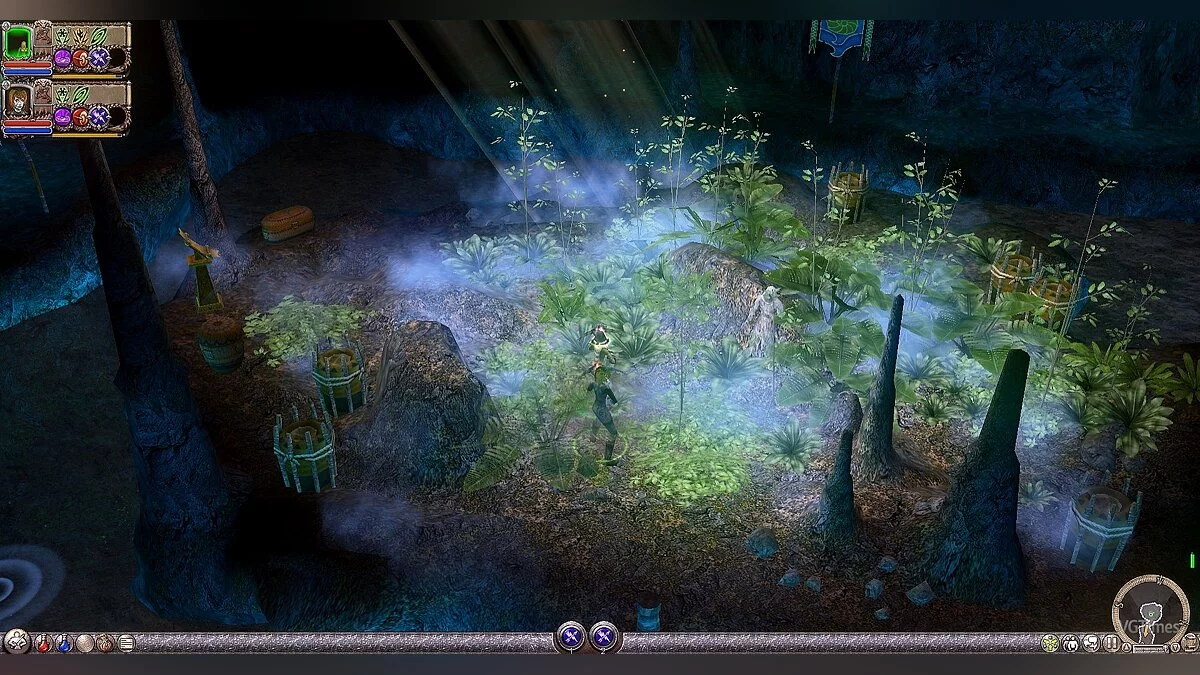

-
1589458045_ds2scurehd.zipDownload (8.12 MB)
We make the graphics pleasant to the eyes. Unfortunately, it conflicts with the mouse fix if you are a Windows 10 user. However, you can play in windowed mode.
In Steam, do the following: Library -> DS2 -> Set Launch Options -> fullscreen=false width=1920 height=1080 (copy and apply).
Next, download the archive. Extract it. Move all files from the DS2ScureHD folder to the game folder. Confirm the replacement.
Делаем графику приятной для глаз. К сожалению, конфликтует с фиксом мыши, если вы пользователь Windows 10. Но можно играть в оконном режиме.
В стиме делаем следующее: Библиотека -> DS2 -> Установить параметры запуска -> fullscreen=false width=1920 height=1080 (копировать и применить).
Далее качаем архив. Распаковываем. Переносим все файлы из папки DS2ScureHD в папку с игрой. Подтверждаем замену.
Useful links:
![Dungeon Siege 2 — Cheat Engine Table [2.3: GoG]](https://files.vgtimes.com/download/posts/2021-07/thumbs/1626344748_ss_789bca4294a6dd6b9ccdf7ba57bd89687ea244e4.1920x1080.webp)
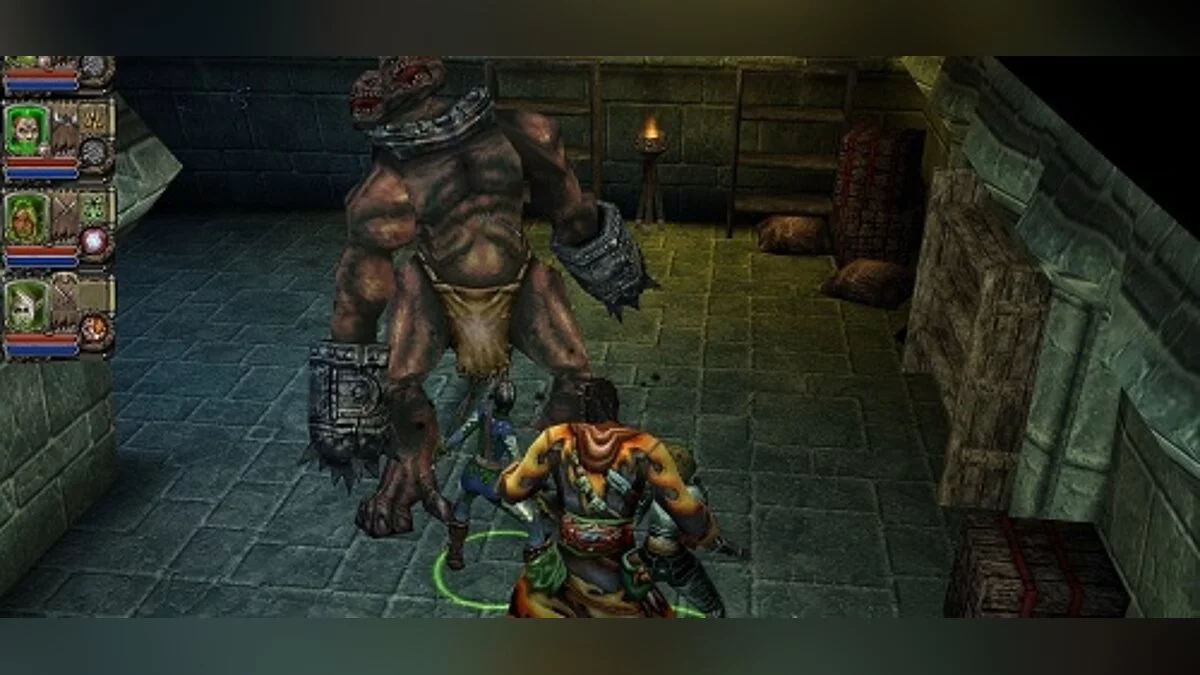
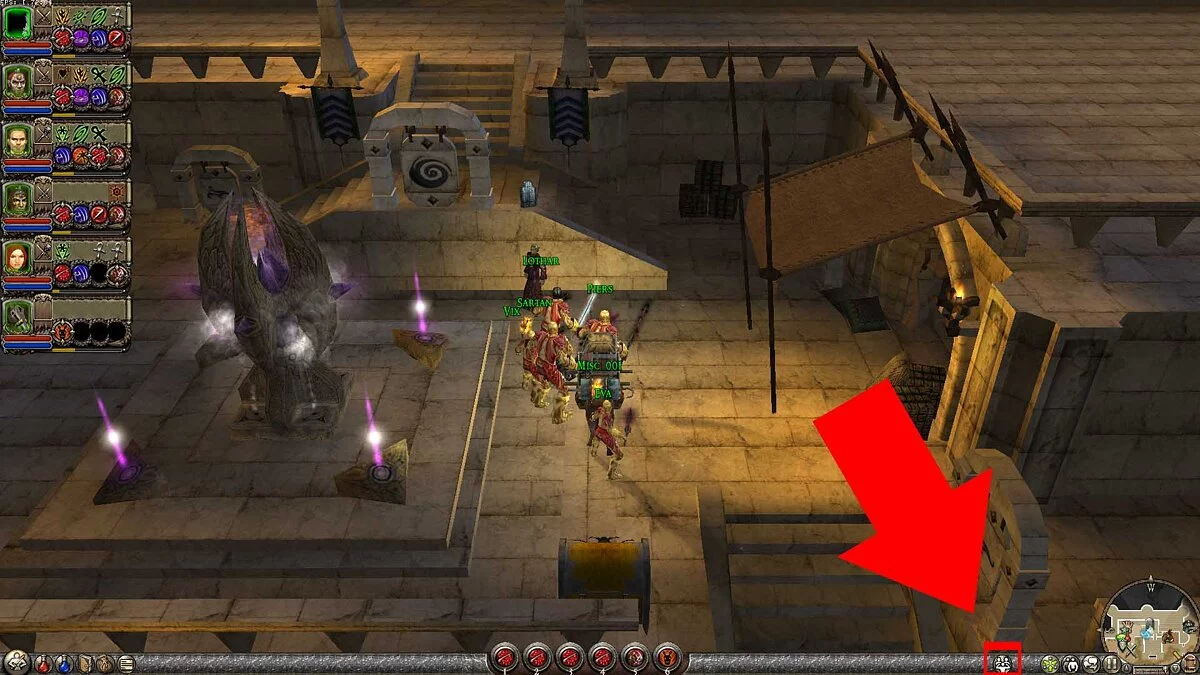
![Dungeon Siege 2 — Cheat Engine Table [2.3: GoG *Updated*]](https://files.vgtimes.com/download/posts/2021-07/thumbs/1626513372_unnamed.webp)
![Dungeon Siege 2 — Cheat Engine Table [build 37617]](https://files.vgtimes.com/download/posts/2021-07/thumbs/1626173992_maxresdefault.webp)