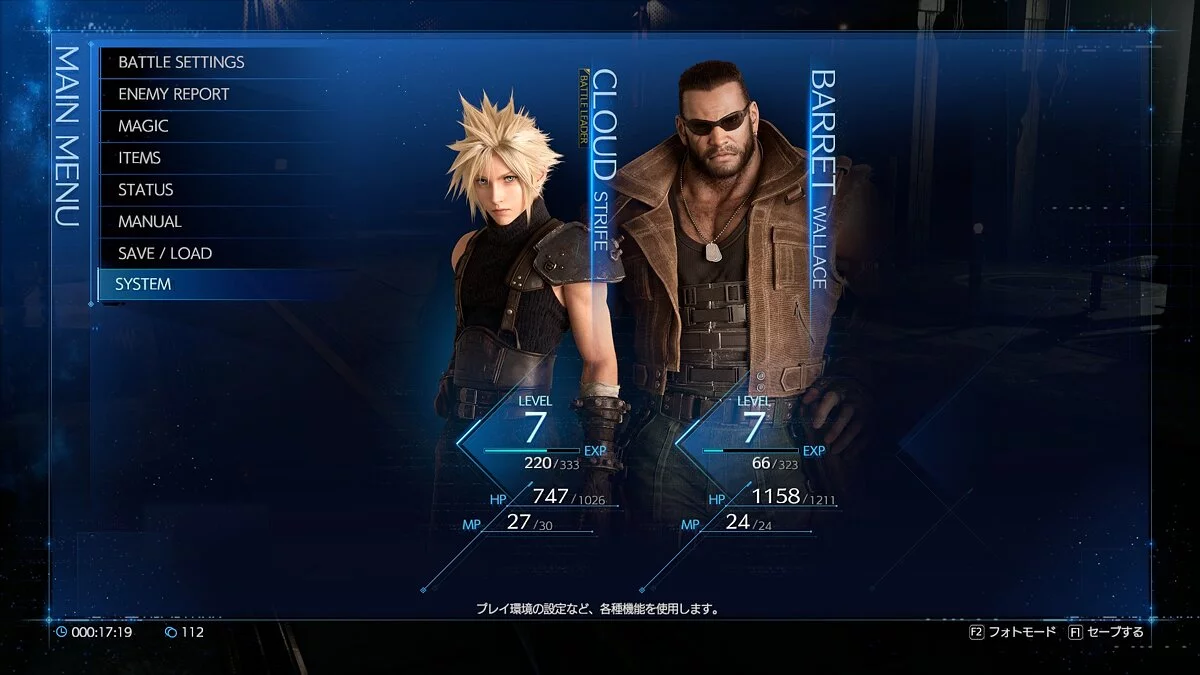
Final Fantasy VII Remake is a re-release of the Japanese role-playing game Final Fantasy VII from 1997. Fans of the cult JRPG and newcomers unfamiliar with the... Read more
Graphics Enhancement
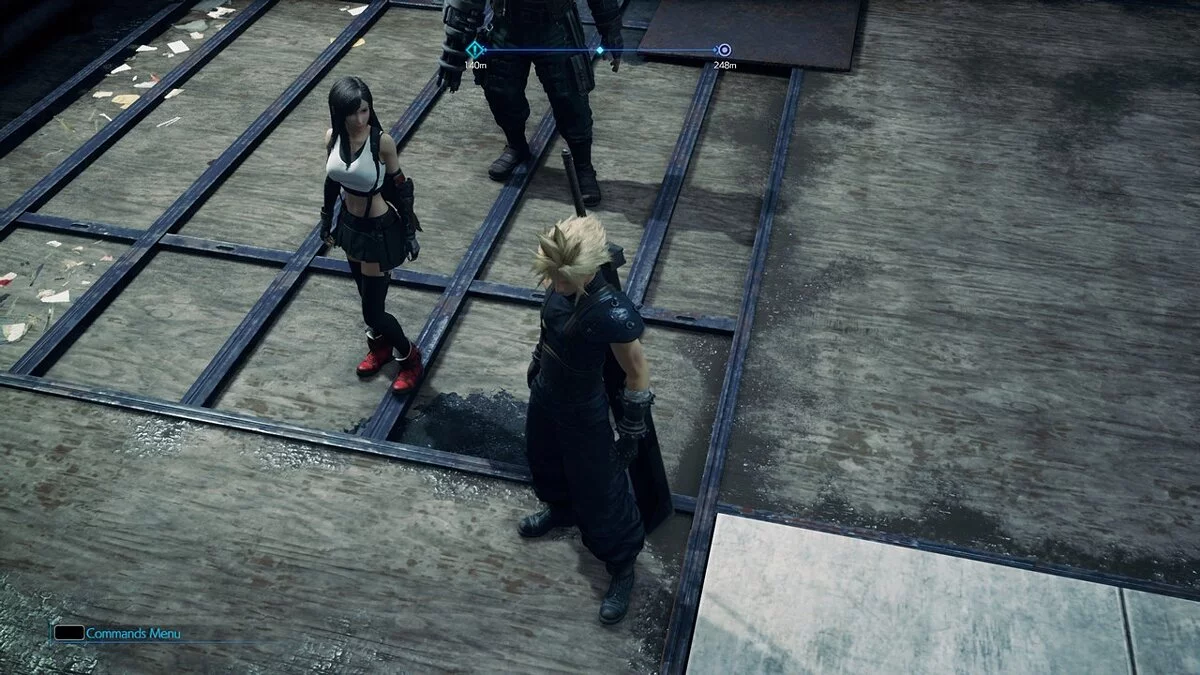
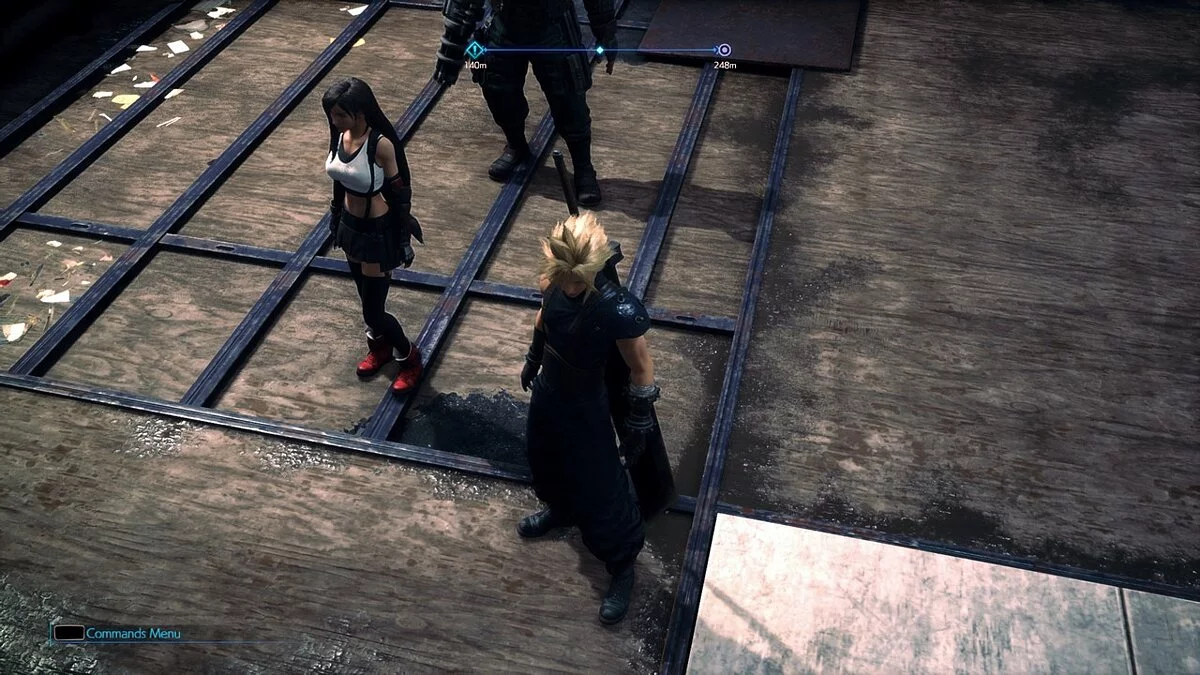
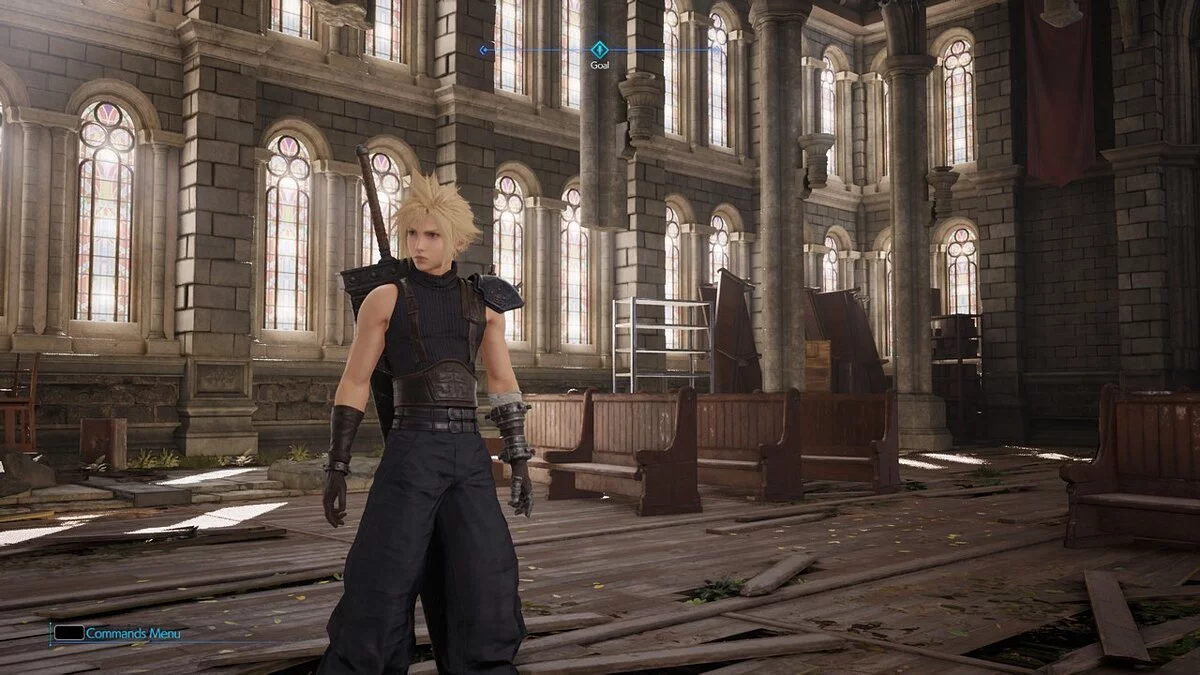
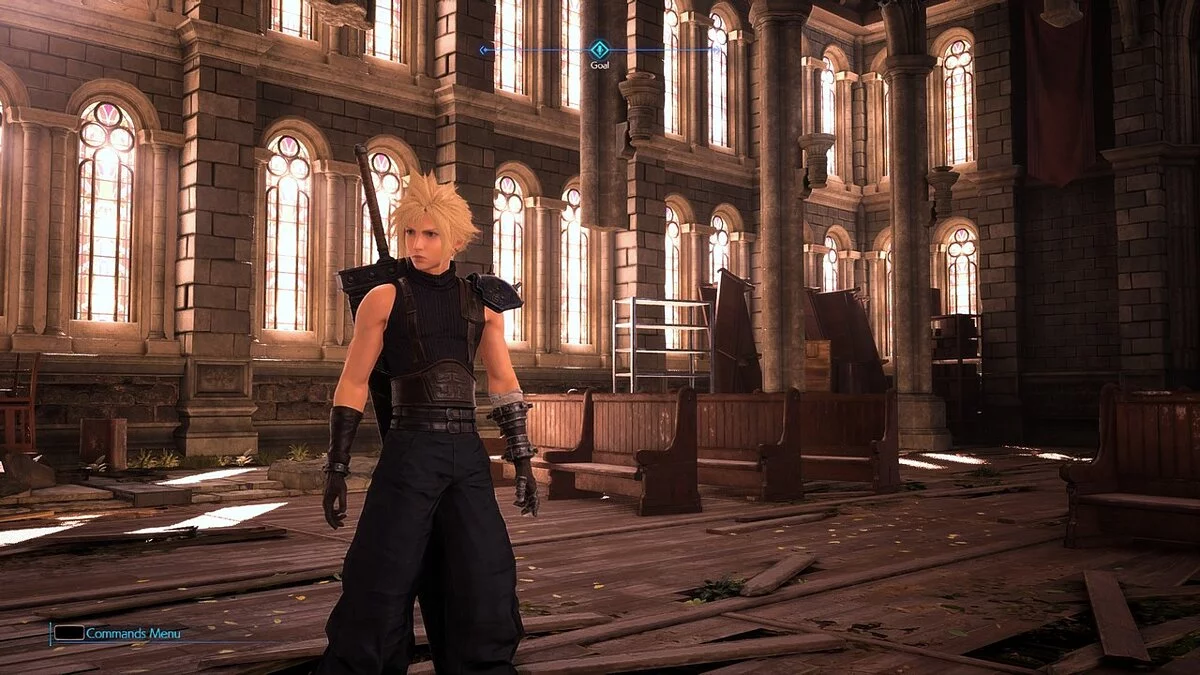

-
www.nexusmods.comDownload
Kingsglaive ReShade.
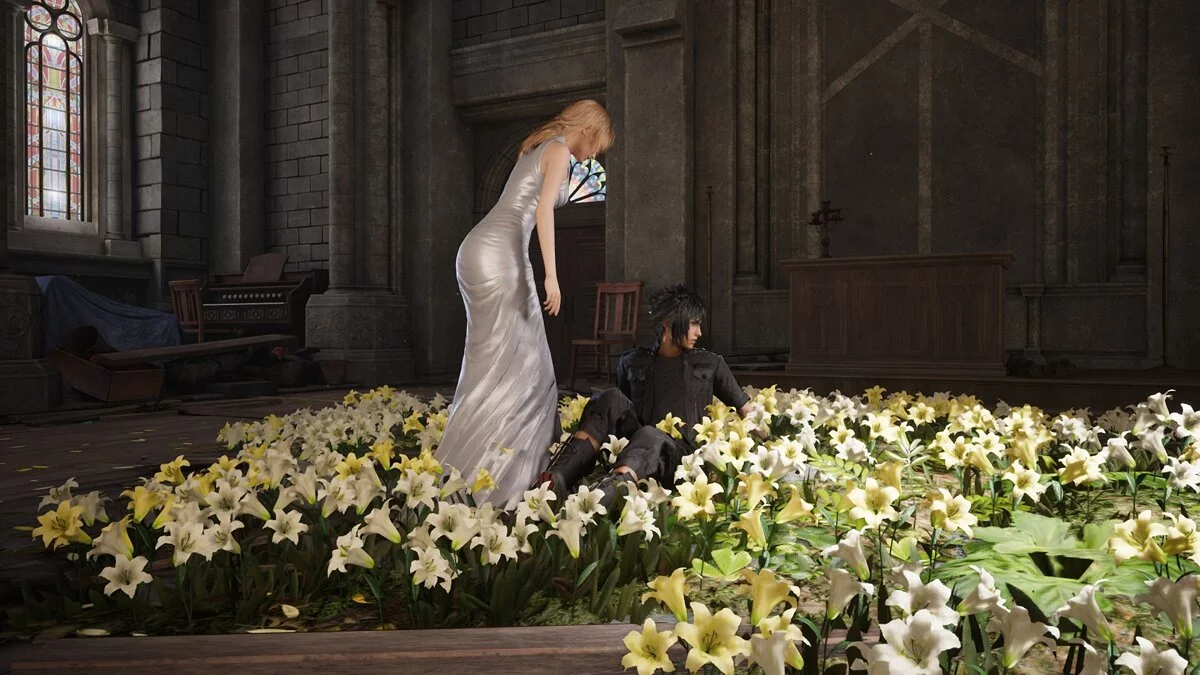
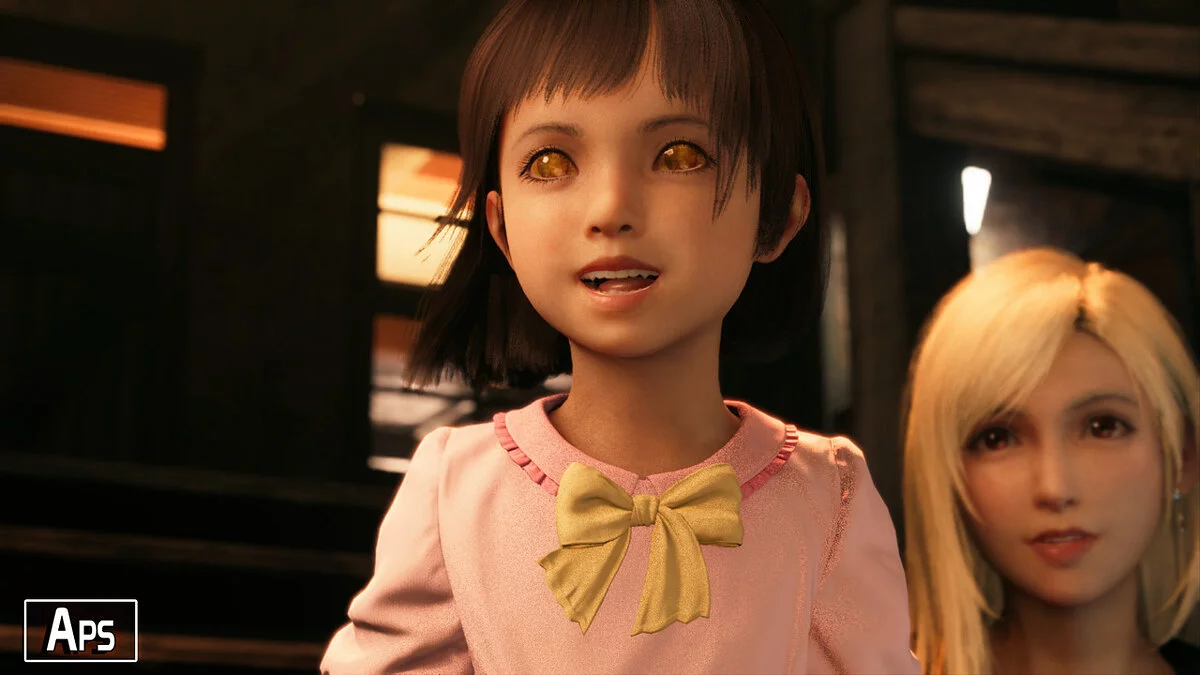
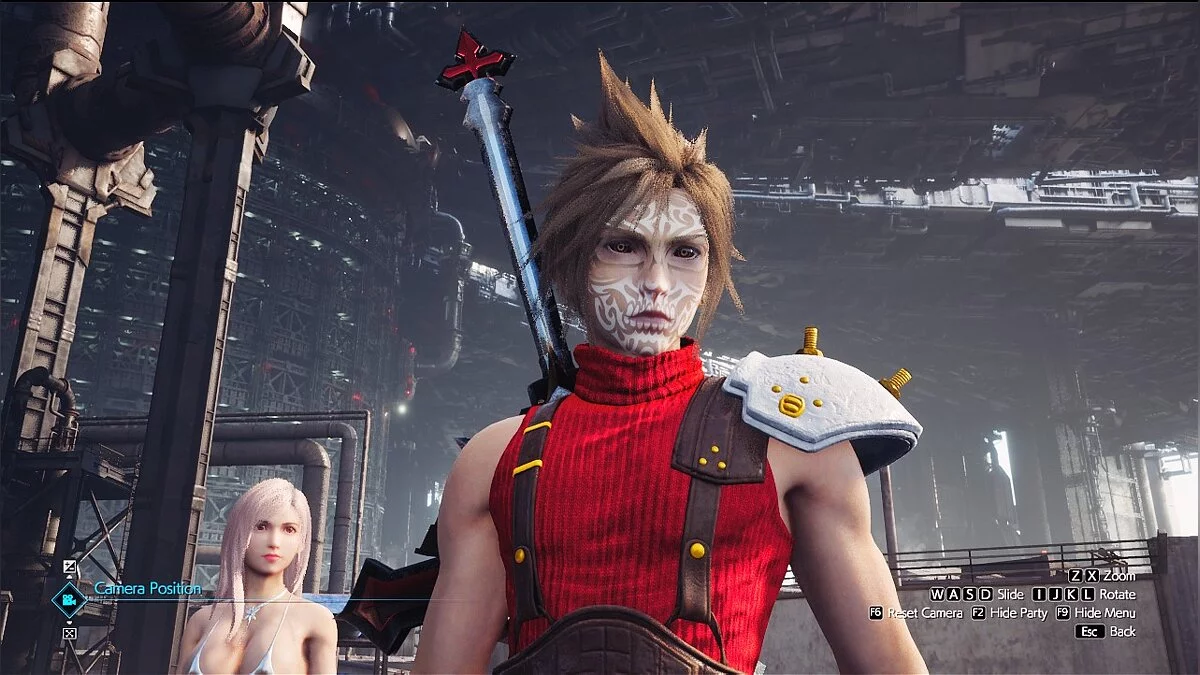
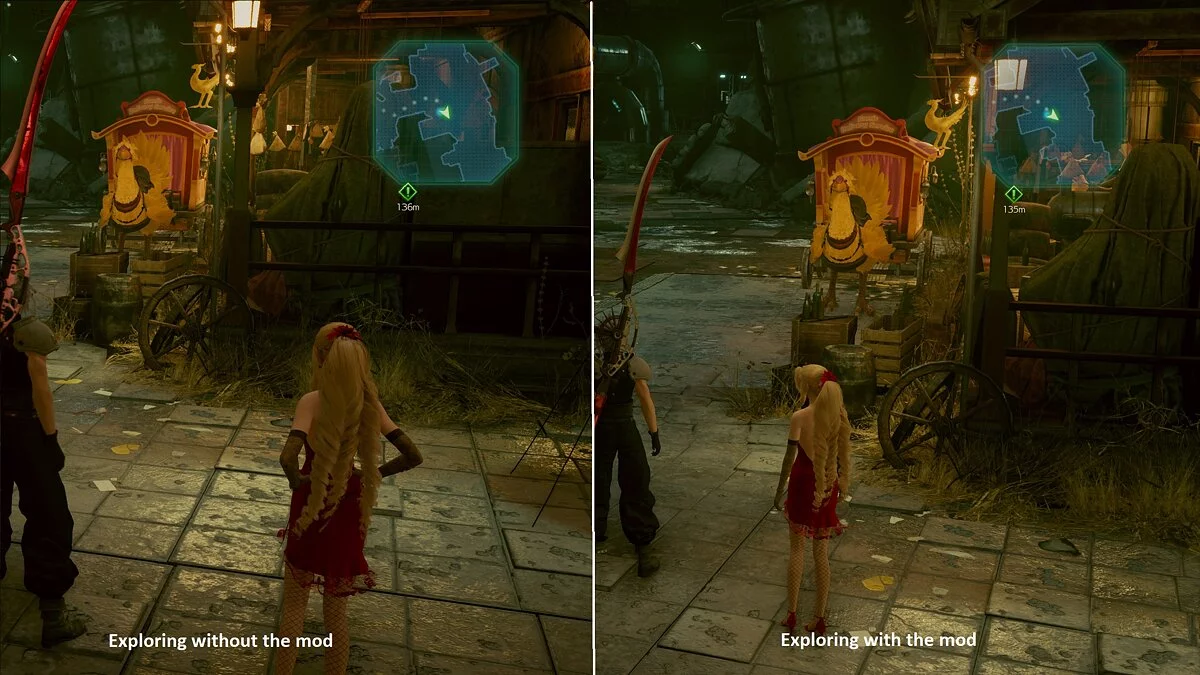
A subtle yet effective preset that reduces fog in the game and enhances the lighting of surfaces, skin, and improves the game's color palette. When using this preset, it is recommended to set the in-game brightness to 0 and ensure that the dynamic range setting is set to SDR.
How to open the ReShade menu in the game and select my preset:
- Once you enter the game, press the Home (pos1) key on your keyboard to open the ReShade overlay menu — Open the dropdown menu and select my Kingsclaive preset.
- If you do not see my preset in the list, you will need to manually add it by clicking the + symbol next to the dropdown menu and entering the full name of my preset like this: Kingsclaive.ini and press Enter.
- To close the overlay menu, press the Home (pos1) key on your keyboard.
Kingsglaive ReShade.
Тонкая, но эффективная предустановка, которая уменьшает туман в игре и улучшает освещение поверхностей, кожи и улучшает цветовую палитру игры. При использовании этой предустановки рекомендуется установить настройку яркости в игре на 0 и убедиться, что для параметра динамического диапазона установлено значение SDR.
Как открыть меню ReShade в игре и выбрать мою предустановку:
- Как только вы войдете в игру, нажмите клавишу Home (pos1) на клавиатуре, чтобы открыть наложение меню ReShade — Откройте раскрывающееся меню и выберите мою предустановку Kingsclaive
- Если вы не видите мою предустановку в списке, вам придется вручную добавить ее, щелкнув символ + рядом с раскрывающимся меню и введите полное имя моей предустановки, как это: Kingsclaive.ini и нажмите Ввод.
- Чтобы закрыть накладываемое меню изменения оттенков, нажмите кнопку Home (pos1) на клавиатуре
Useful links: