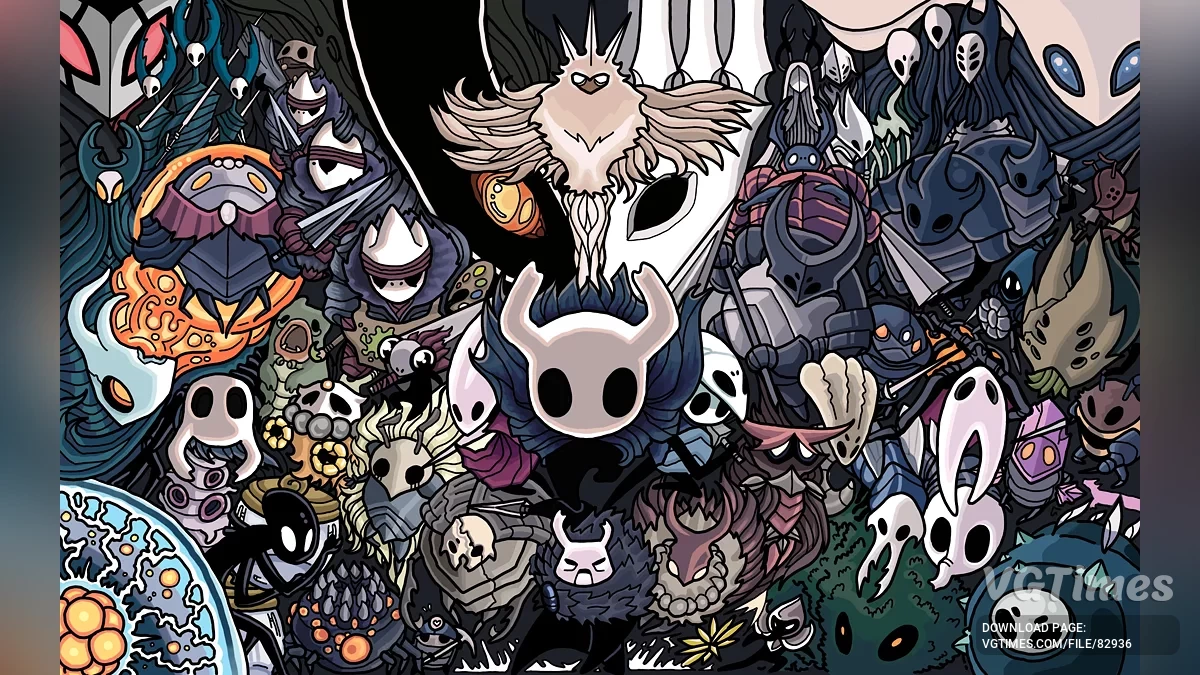
![Hollow Knight — Mod Menu (+70) [v1.5.78] / Cheat Mods / Cheats](https://files.vgtimes.com/si/gameprev_46017_768_1770364763.webp "Hollow Knight — Mod Menu (+70) [v1.5.78] / Cheat Mods / Cheats")
An atmospheric action-platformer about a journey through the dying underground kingdom of Hallownest, inhabited by mysterious insects and strange creatures. A dark... Read more
Players:
Steam:
Metacritic:
Mod Menu (+70) [v1.5.78]
![Hollow Knight — Mod Menu (+70) [v1.5.78]](https://files.vgtimes.com/download/posts/2025-01/thumbs/mod-menju-70-v1-5-78_1736499327_426546.webp)
Author:
Sacracia
Uploaded by:

Size:
692.78 kB
Date:
January 10, 2025, 11:55 AM
Downloads:
4150


-
Download (694.88 kB)January 10, 2025, 11:55 AMmod-menju-70-v1-5-78_1736499327_450785.zipArchive password: vgtimes
In-game cheat menu with additional functionality for Hollow Knight on Windows.
Installation:
- Download the archive and extract it anywhere (the path must not contain Cyrillic characters).
- Launch the game.
- Run ModLoader.exe from the extracted archive.
- If ModLoader.exe launches with an error, download and install Visual C++ Redistributable.
- The console should output OK for all items, as well as All modules loaded. If so, the mod should appear in the game.
Other: to hide/show the menu, press the backtick ( ` / Ё ).
Issues:
- If ModLoader.exe says "Process not found", it means you either did not launch the game or your game application is not named hollow_knight.exe. To fix this, you need to open the config.cfg file and replace hollow_knight.exe in the first line with the name of your application (it is located in local files and has the extension .exe). Another way to find out the executable name is to right-click on the game in the Windows taskbar when it is running. IMPORTANT: the application name must consist of Latin letters.
- In any case, if there is a problem with ModLoader, you can use any other injector to load the cheat. You can also inject from Cheat Engine or Process Hacker.
The file name and description have been translated Show original
(RU)Show translation
(EN)
Мод-меню (+70) [v1.5.78]
Внутриигровое чит-меню с дополнительным функционалом для Hollow Knight под Windows.
Установка:
- Скачать архив и распаковать в любое место (путь не должен содержать кириллицу).
- Запустить игру.
- Запустить ModLoader.exe из распакованного архива.
- Если ModLoader.exe запускается с ошибкой, то скачать и установить Visual C++ Redistributable.
- В консоли должно вывести OK по всем пунктам, а также All modules loaded. Если так и есть, то мод должен отобразиться в игре.
Прочее: чтобы спрятать / показать меню, нажмите обратную кавычку ( ` / Ё ).
Проблемы:
- Если ModLoader.exe пишет "Process not found", значит, вы либо не запустили игру, либо у вас приложение с игрой называется не hollow_knight.exe. Чтобы это исправить, вам нужно зайти в файл config.cfg и в первой строчке заменить hollow_knight.exe на название вашего приложения (оно находится в локальных файлах и имеет расширение .exe). Второй вариант узнать название экзешника — это нажать ПКМ на игру в нижней панели Windows, когда она запущена. ВАЖНО: название приложения должно состоять из букв латинского алфавита.
- В любом случае, при проблеме с ModLoader вы можете использовать любой другой инжектор для загрузки чита. Инжектить также можно из Cheat Engine или Process Hacker.
Useful links:
![Hollow Knight — Cheat Engine Table [UPD: 09.05.2021]](https://files.vgtimes.com/download/posts/2021-05/thumbs/1620644320_hollow-knight-800x400.webp)
![Hollow Knight — Trainer (+26) [v1.5.12620]](https://files.vgtimes.com/download/posts/2026-08/thumbs/trejjner-26-v1-5-12620_1786520211_666382.webp)
![Hollow Knight — Cheat Engine Table [1.5.80.11835]](https://files.vgtimes.com/download/posts/2022-05/thumbs/1653472376_maxresdefault.webp)
![Hollow Knight — Cheat Engine Table [1.5.12620]](https://files.vgtimes.com/download/posts/2026-08/thumbs/tablica-dlja-cheat-engine-1-5-12620_1786093690_794343.webp)

![Hollow Knight — Trainer (+10) [v1.4.2.4] [PC | RePack by xatab] [Enjoy]](https://files.vgtimes.com/download/posts/2018-09/thumbs/1538082106_d74lzo84.webp)