Metro 2033 is an adventurous post-apocalyptic first-person shooter for a single player. The Metro universe tells the story of the inhabitants of Moscow, whose city... Read more
Story Mod - Guide

-
1588802642_start.zipDownload (338 байт)
Original title: Metro 2033: Guide.
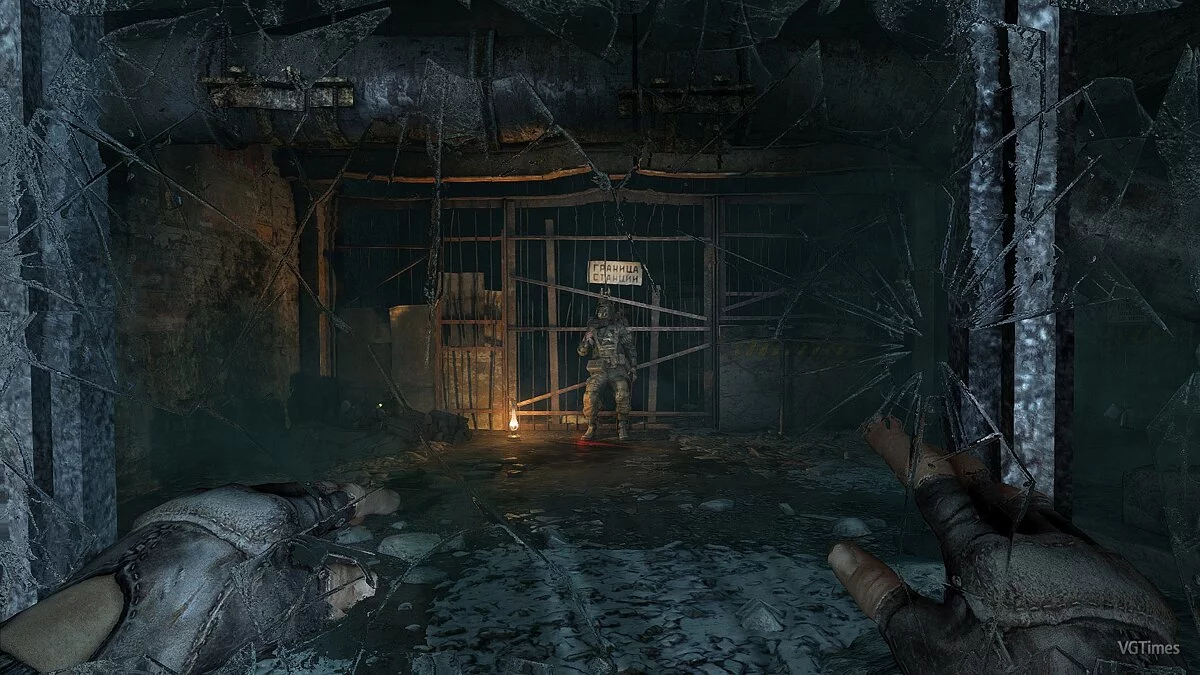
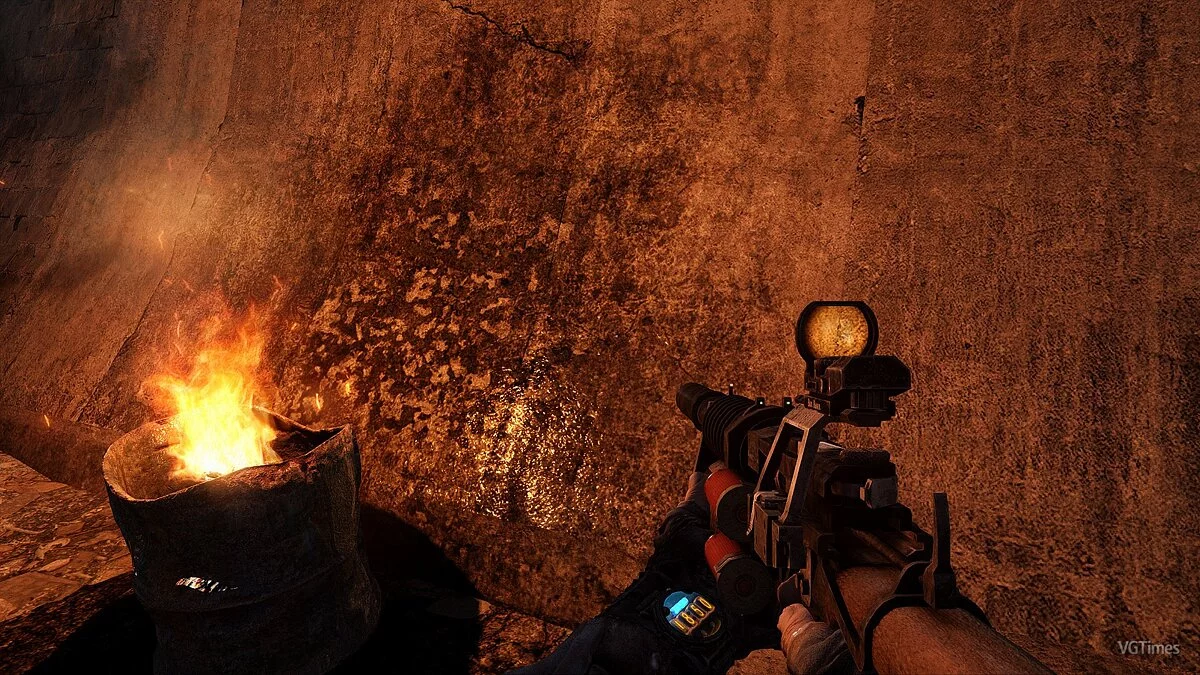
This modification for the original version of the shooter Metro 2033 adds new quests to the game. In this mod, you will be able to visit new locations, meet new voiced characters, and continue the storyline.
Features:
- The mod is set in March 2035, just a few weeks after Artyom and the Sparta squad escape from Moscow.
- The mod includes three locations: a modified Prospect Mira and two completely new ones - Interline and the Surroundings of Novoslobodskaya Station.
- The mod features collectible notes.
- Mutants are tougher than in the original. Stock up on ammo before heading out.
Installation:
1. For the Steam version of the game (drop two files into the game folder, delete content.upk2 and content.upk3).
2. For other versions of the game (drop two files into the game folder).
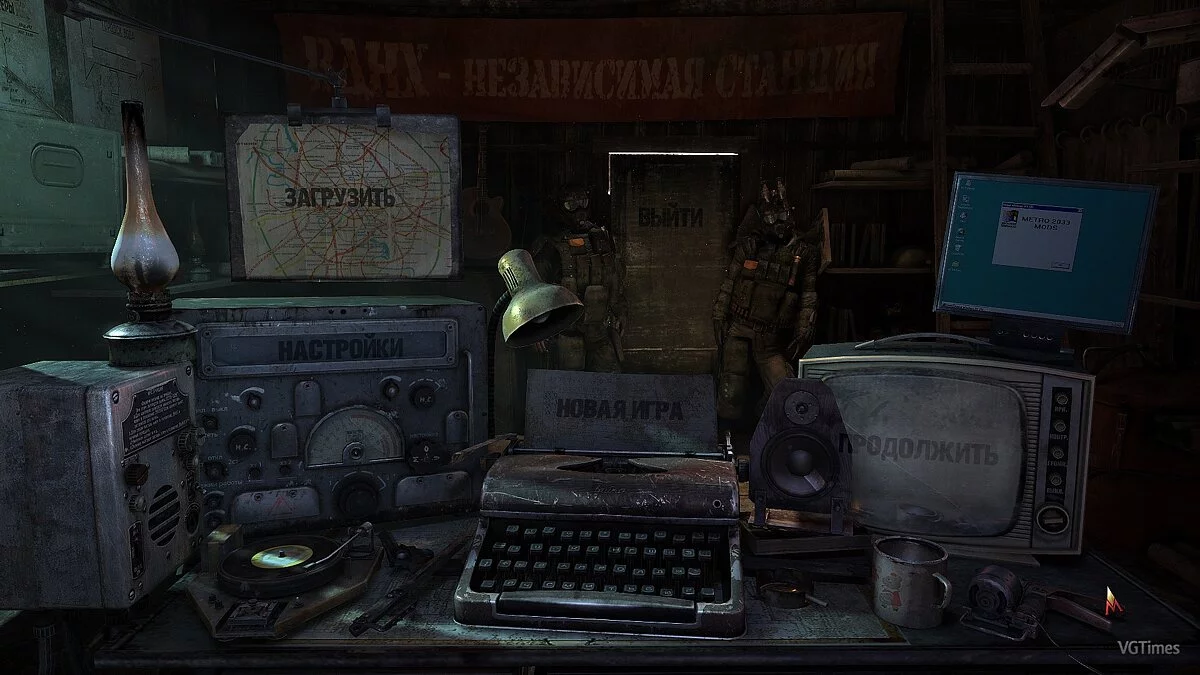
Go to the menu, and a monitor with the inscription Metro 2033 Mods should appear.
Click on it, then on the screen of our modification, select 'Start Game'
If the menu doesn't work - fix.
Оригинальное название: Метро 2033: Проводник.
Модификация для оригинальной версии шутера Metro 2033 добавляет в игру новые задания для прохождения. В этом моде вы сможете посетить новые локации, встретить новых озвученных персонажей и получить продолжение сюжета.
Особенности:
- Время действия мода — Март 2035 года. Спустя всего несколько недель после побега Артема и отряда Спарты из Москвы.
- Мод включает в себя три локации: видоизмененный Проспект Мира и две абсолютно новых — Межлинейник и Окрестности станции Новослободская.
- В моде реализованы подбираемые записки.
- Мутанты более живучие чем в оригинале. Запасайтесь патронами перед вылазкой.
Установка:
1. папка для стимовской версии игры(скинуть два файла в папку с игрой, удалить content.upk2 и content.upk3).
2. папка для другой версии игры (скинуть два файла в папку с игрой).
Заходите в меню и там должен появится монитор с надписью Metro 2033 Mods.
Кликните на него, затем по появившемуся экрану нашей модификации «Начать игру»
Если не работает меню — фикс.
Useful links:
![Metro 2033 — Trainer (+7) [1.0.0.3] [MrAntiFun]](https://files.vgtimes.com/download/posts/2017-06/thumbs/1498758264_1498758229_941.webp)
![Metro 2033 — Trainer (+9) [All Versions: 1.0 / 1.1 / 1.2 etc] [testhawk]](https://files.vgtimes.com/download/posts/2017-06/thumbs/1498750919_jpg.webp)
![Metro 2033 — Trainer (+15) [1.0.0.7] [Aleksander D]](https://files.vgtimes.com/download/posts/2017-06/thumbs/1498750831_jpg.webp)
![Metro 2033 — Trainer (+19) [1.0.0.3 (Update 5) (Update 6)] [64 Bit] [Baracuda]](https://files.vgtimes.com/download/posts/2017-06/thumbs/1498750662_png.webp)
![Metro 2033 — Trainer (+10) [1.2: STEAM]](https://files.vgtimes.com/download/posts/2019-02/thumbs/1550952803_o2x5i60u.webp)
![Metro 2033 — Trainer (+7) [1.0.0.3: Alternate "B" Version] [MrAntiFun]](https://files.vgtimes.com/download/posts/2018-10/thumbs/1540901800_1540901686_210.webp)
![Metro 2033 — Trainer (+17) [1.0.0.3] [Update 6 10.03.2018] [64 Bit] [Baracuda]](https://files.vgtimes.com/download/posts/2018-03/thumbs/1520888531_png.webp)
![Metro 2033 — Trainer (+4) [1.0.0.1_update 2_32 & 64 bit] [Baracuda]](https://files.vgtimes.com/download/posts/2017-06/thumbs/1498750779_png.webp)