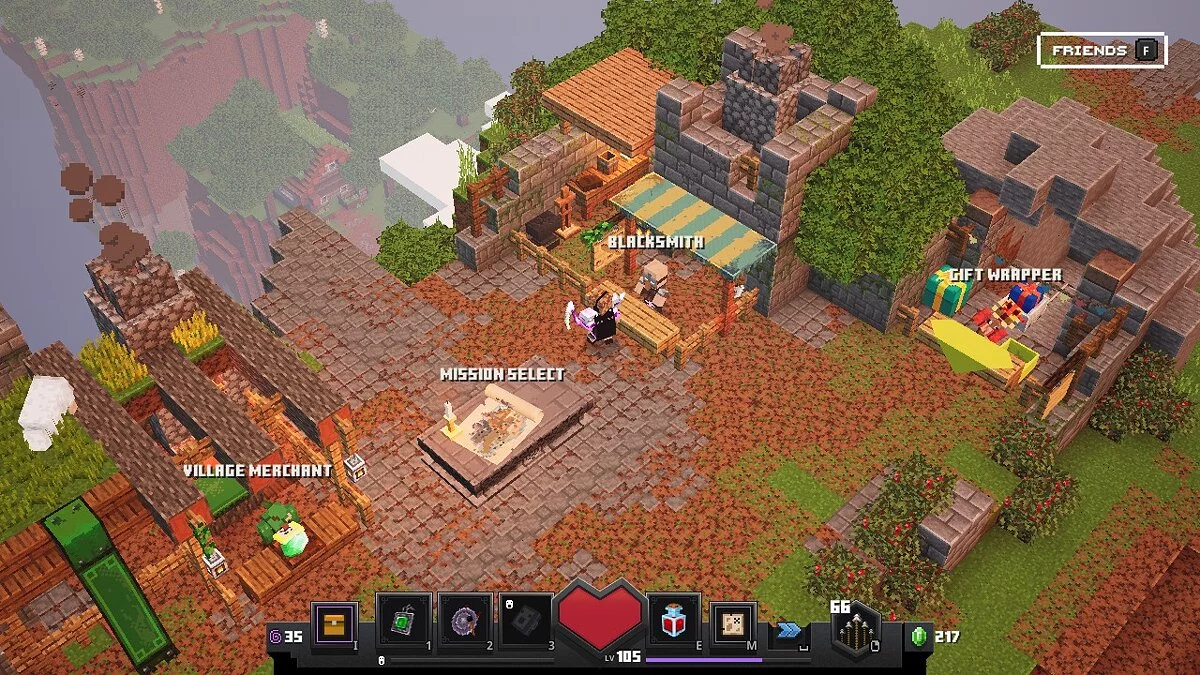
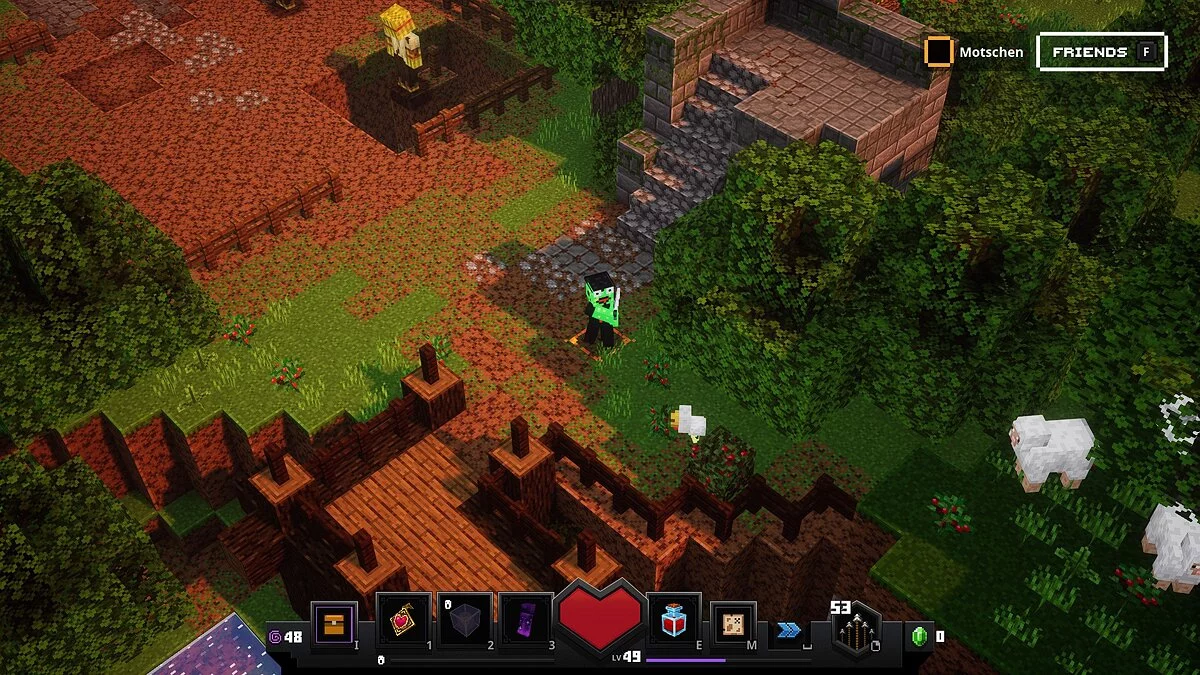
Minecraft Dungeons is an action-adventure game set in the Minecraft universe, supporting cooperative play for up to 4 players. The story revolves around a demon... Read more
Baby Rabbit
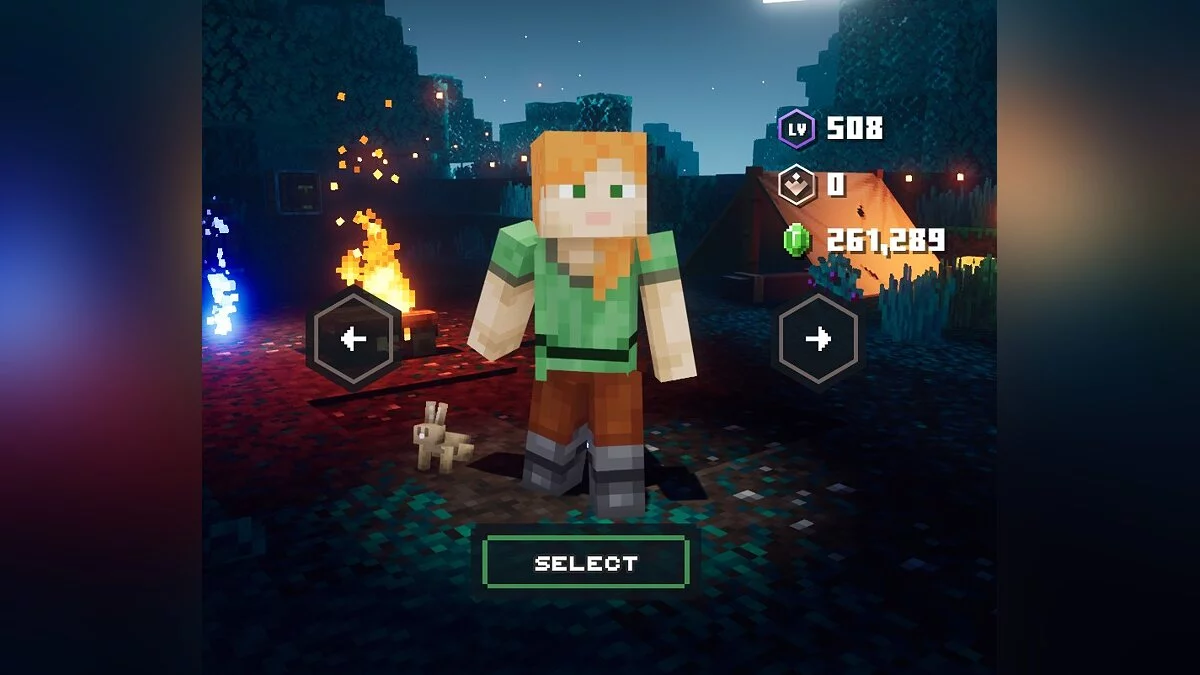

-
www.nexusmods.comDownload
Replaces chicken with a rabbit that has functional animations.
Installation:
1 Open the launcher panel and click 'Settings' in the bottom left corner.
2 Navigate to the folder specified in the 'Settings' menu under 'Minecraft Dungeons Installation'.
3 From the installation folder, go to dungeons/dungeons/Dungeons/Content/Paks
4 Create a new folder here named ~mods (Yes, with ~) and place your mods in this new folder.
If you want to launch the game, do so by running the Dungeons.exe file in your /dungeons/dungeons folder. Launching the game through the launcher will remove all mods you have installed.
Baby Rabbit.
Меняет курицу на кролика с работающими анимациями.
Установка:
1 Откройте панель запуска и нажмите «Настройки» в левом нижнем углу.
2 Перейдите в папку, указанную в меню «Настройки» в разделе «Установка Minecraft Dungeons».
3 Из установочной папки перейдите в dungeons/dungeons/Dungeons/Content/Paks
4 Создайте здесь новую папку с именем ~mods (Да, с ~) и поместите свои моды в эту новую папку.
Если вы хотите запустить игру, сделайте это, запустив Dungeons.exe файл в своей /dungeons/dungeons папке. Запуск игры через лаунчер удалит все установленные вами моды.
Useful links:
![Minecraft Dungeons — Cheat Engine Table [UPD: 30.05.20]](https://files.vgtimes.com/download/posts/2020-05/thumbs/1590840600_6xvs_xyhf5vh0qtxbm6ttw.webp)
![Minecraft Dungeons — Trainer (+8) from 09.16.2020 [WeMod]](https://files.vgtimes.com/download/posts/2020-09/thumbs/1600349772_2020-09-17_163518.webp)
![Minecraft Dungeons — Trainer (+12) [1.0]](https://files.vgtimes.com/download/posts/2020-05/thumbs/1590840664_bjhskso6r0rnh4jhszo27w.webp)
![Minecraft Dungeons — Trainer (+8) from 28.02.2021 [WeMod]](https://files.vgtimes.com/download/posts/2021-02/thumbs/1614506836_2021-02-28_130429.webp)
![Minecraft Dungeons — Cheat Engine Table [UPD: 30.05.2020]](https://files.vgtimes.com/download/posts/2020-05/thumbs/1590930668_1590930649_73.webp)
![Minecraft Dungeons — Trainer (+8) from 03.17.2021 [WeMod]](https://files.vgtimes.com/download/posts/2021-03/thumbs/1615999369_2021-03-17_194103.webp)