
No Man’s Sky is a first-person adventure simulator set in a futuristic world. You’ll explore outer space and planets, some of which are home to various forms of... Read more
Increased Vocabulary

-
www.nexusmods.comDownload
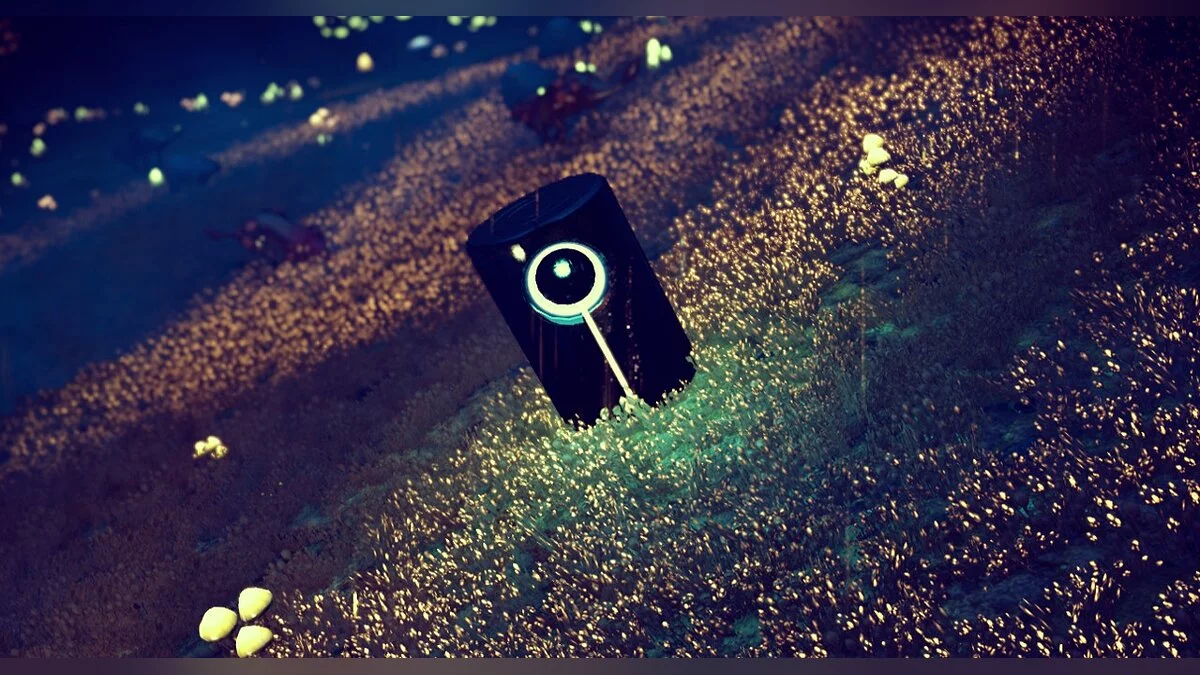
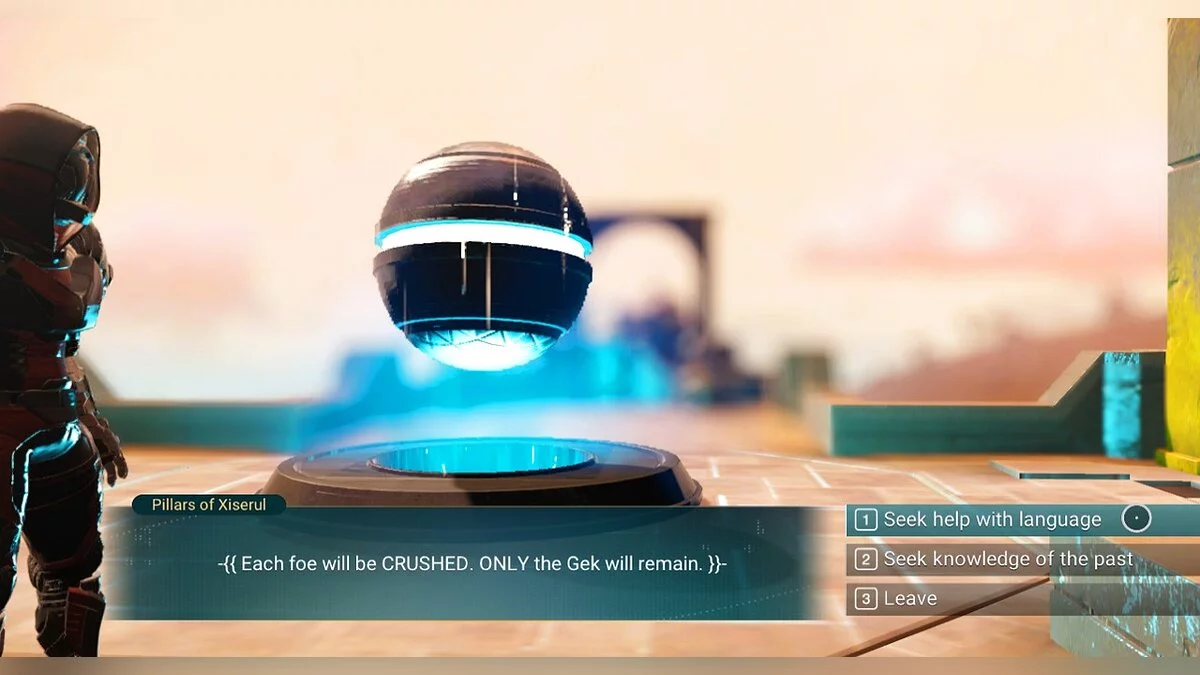
Enhances the number of words that can be learned from non-playable characters, knowledge stones, encyclopedias, monoliths, and Atlas spheres. All settings are fully customizable in the lua script.
Word Reward Summary:
NPC: 2
Knowledge Stone: 3
Encyclopedia: 4
Monolith: 5
Atlas Monolith: 3
Atlas Station: 2
Settings Editing Guide:
Requirements: AMUMSS.
Step 1: Open the Lua script in a text editor (e.g., Notepad++ or Sublime Text)
Step 2: Edit the necessary parameters. Read the hints to understand more.
: Save the Lua script
Step 3: Place the Lua script in the AMUMSS/ModScript folder.
: If you do not see the ModScript folder, run BUILDMOD.bat to allow AMUMSS to create it.
Step 4: Run BUILDMOD.bat, answer the questions Y or N.
: No errors, warnings, or notifications should be detected.
: If there are conflicts, check the REPORT.lua file for listed conflicts.
Step 5: Open the AMUMSS/CreatedModPAKs folder and copy the pak file to the NMS MODS folder.
: (This step can be skipped if Yes is selected for copying to the game mods folder when running BUILDMOD.bat)
More Words.
Увеличивает количество слов, которые можно выучить у неигровых персонажей, камней знаний, энциклопедий, монолитов и сфер Атласа. Все настройки полностью настраиваются в скрипте lua.
Сумма вознаграждения за слова:
NPC: 2
Камень Знаний: 3
Энциклопедия: 4
Монолит: 5
Атлас Монолита: 3
Станция Атласа: 2
Руководство по редактированию настроек:
Требования: AMUMSS.
Шаг 1: Откройте сценарий Lua в текстовом редакторе. (например, Notepad++ или Sublime Text)
Шаг 2. Отредактируйте нужные параметры. Прочтите подсказки, чтобы понять больше.
: Сохраните Lua-скрипт
Шаг 3: Поместите скрипт Lua в папку AMUMSS/ModScript.
: Если вы не видите папку ModScript, запустите BUILDMOD.bat, чтобы позволить AMUMSS создать ее.
Шаг 4: Запустите BUILDMOD.bat, ответьте на вопросы Y или N.
: Ошибки, предупреждения или уведомления не должны быть обнаружены.
: Если есть конфликты, проверьте файл REPORT.lua на наличие перечисленных конфликтов.
Шаг 5: Откройте папку AMUMSS/CreatedModPAKs и скопируйте pak-файл в папку NMS MODS.
: (Этот шаг можно пропустить, если выбрано Да для копирования в папку модов игры при запуске BUILDMOD.bat)
Useful links:
![No Man's Sky — Table for Cheat Engine [UPD: 01.09.2024]](https://files.vgtimes.com/download/posts/2024-09/thumbs/tablica-dlja-cheat-engine-upd-01-09-2024_1725269459_252916.webp)
![No Man's Sky — Cheat Engine Table [UPD: 03.05.2021/6469.0.0.0]](https://files.vgtimes.com/download/posts/2021-05/thumbs/1620112522_crossplay-planet-explorers.webp)
![No Man's Sky — Cheat Engine Table [UPDATED: 07/28/2020]](https://files.vgtimes.com/download/posts/2020-07/thumbs/1596015014_unnamed.webp)
![No Man's Sky — Cheat Engine Table [UPD: 23.08.2024]](https://files.vgtimes.com/download/posts/2024-08/thumbs/tablica-dlja-cheat-engine-upd-23-08-2024_1724917564_763823.webp)
![No Man's Sky — Cheat Engine Table [UPD: 25.12.2022]](https://files.vgtimes.com/download/posts/2022-12/thumbs/1672058803_p1_3298288_a54fe6d6.webp)
![No Man's Sky — Cheat Engine Table [UPD: 27.10.2020/64966.0.0.0]](https://files.vgtimes.com/download/posts/2020-10/thumbs/1603875579_nms-origins_2.webp)
![No Man's Sky — Cheat Engine Table [UPD: 20.04.2020]](https://files.vgtimes.com/download/posts/2020-04/thumbs/1587471624_nm2ad5izjxfe7t01mfabzq.webp)
![No Man's Sky — Cheat Engine Table [UPD: 20.07.2020]](https://files.vgtimes.com/download/posts/2020-07/thumbs/1595237650_4b7e1e5900988693_1200xh.webp)
![No Man's Sky — Cheat Engine Table [UPD: 22.02.2020]](https://files.vgtimes.com/download/posts/2020-02/thumbs/1582474121_1582474066_490.webp)
![No Man's Sky — Cheat Engine Table [3.94]](https://files.vgtimes.com/download/posts/2022-07/thumbs/1658827783_dc081f56918398592a7e7641b13b8ecdaf9475028374b3d0669083cbad7a921b_product_card_v2_mobile_slider_639.webp)