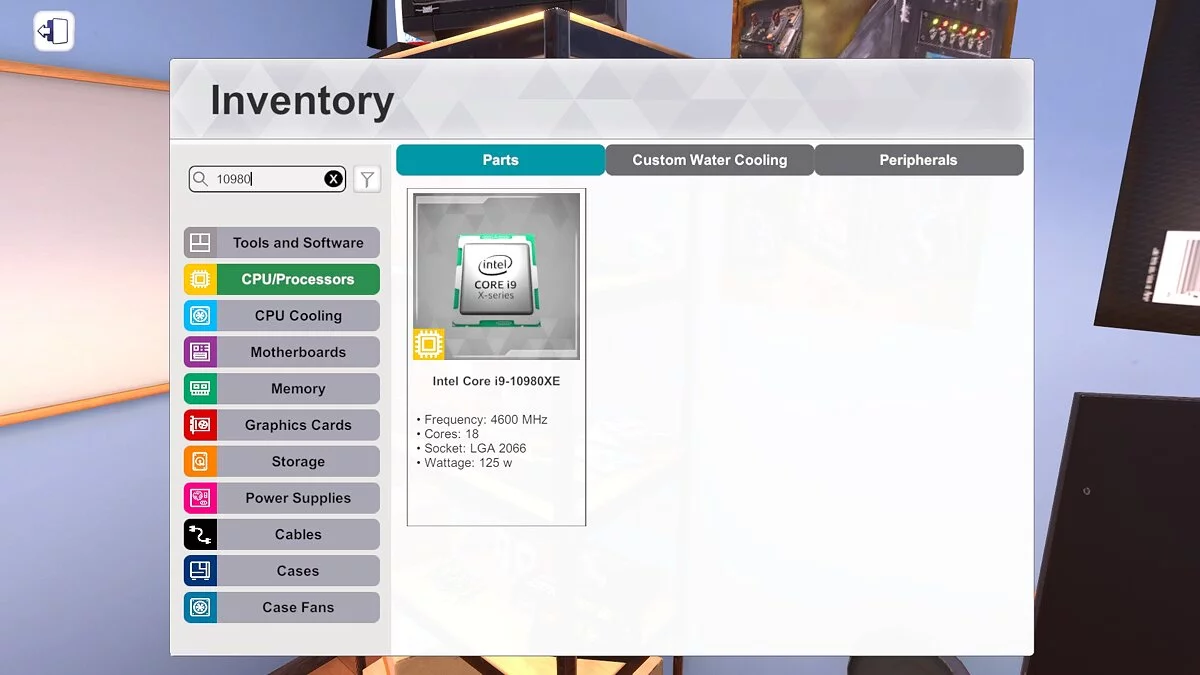
PC Building Simulator is an educational simulator that teaches you how to build a PC step by step. In the game, you can buy components for your computer in a... Read more
FPS Boost + Instant Benchmark
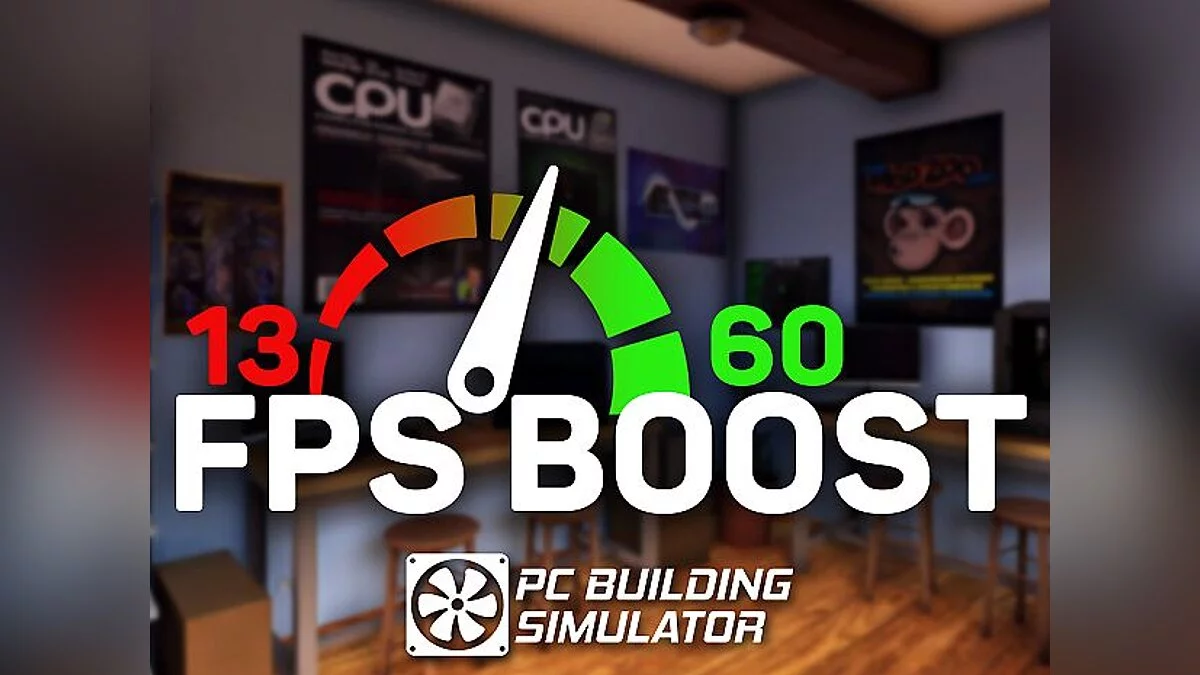

-
1567116174_1567116174_fps_boost_mod_1.zipDownload (771.61 kB)Archive password: vgtimes
INSTALLATION:
1. Run the mod installer
2. Choose the game folder using one of 3 methods
(Find in Steam, locate in standard folders, or select the folder manually)
3. Click "Install MOD"
4. If it says "Nice!" — the mod is installed and you can start playing!
How to activate the mod:
The mod operates automatically.
It also has a feature to select additional screen resolutions in the game settings menu.
When using 3DMark — you can skip the test by pressing the button that appears at the top-left when the 3DMark window is open.
During the benchmark launch, a button will appear, pressing it will perform an instant benchmark without starting the video.
УСТАНОВКА:
1. Запустите установщик мода
2. Выберите папку с игрой любым из 3 способов
(Найти в steam, найти в стандартных папках или выбрать папку вручную)
3. Нажать "Install MOD"
4. Если пишет "Nice!" — значит мод установлен и вы можете играть!
Как активировать мод:
Мод работает в автоматическом режиме.
Так же имеет функцию выбора дополнительных разрешений экрана, в меню настроек игры.
При работе с 3DMark — вы можете пропустить тест, нажав кнопку, которая появляется вверху-слева, при открытом окне 3Dmark.
Во время запуска бэнчмарка появиться кнопка, при нажатию на которую — будет произведен моментальный бэнчмарк, без запуска видео.
Useful links:
![PC Building Simulator — Cheat Engine Table [1.7.1: 64 Bit]](https://files.vgtimes.com/download/posts/2020-04/thumbs/1586089344_kfxdczz8a-yuivv5ott4sa.webp)
![PC Building Simulator — Trainer [1.12.3] (+5)](https://files.vgtimes.com/download/posts/2021-10/thumbs/1634560205__ywtlnul5tcxgafqyzyhhq.webp)
![PC Building Simulator — Trainer (+2) [0.8.0.3] [MrAntiFun]](https://files.vgtimes.com/download/posts/2018-07/thumbs/1531774930_jpg.webp)

![PC Building Simulator — FPS Boost Mod + Instant Benchmark [1.5.2]](https://files.vgtimes.com/download/posts/2019-12/thumbs/1576066370_t77n_nb7qxvv4bf9tkztxg.webp)