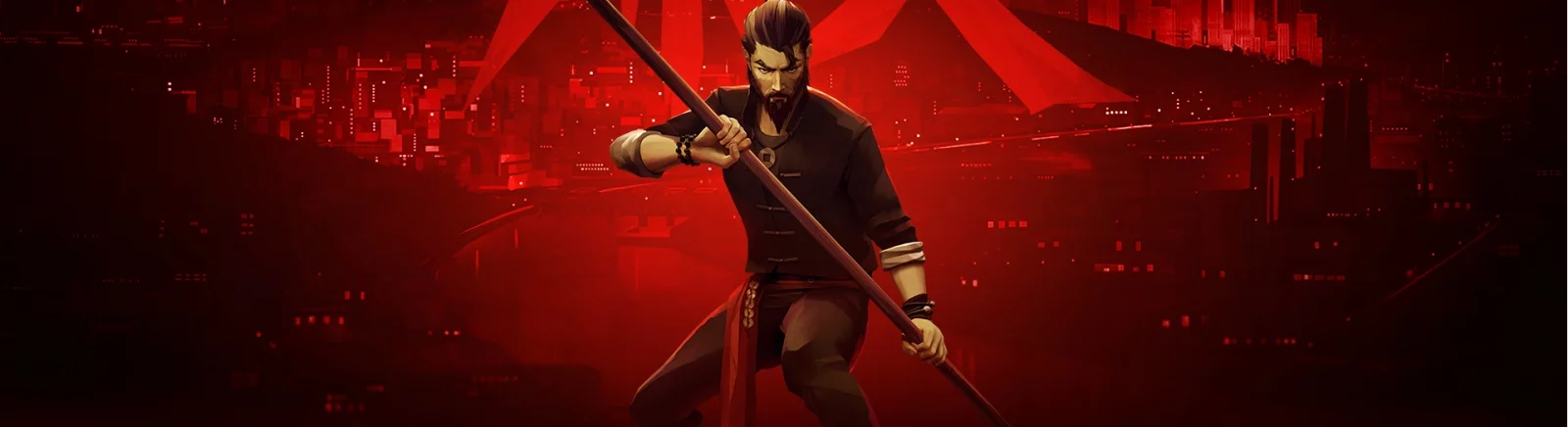
Hurricane hand-to-hand combat with a multitude of enemies from the creators of Absolver. A young kung fu student embarks on a path of revenge. Chasing shadows... Read more
Players:
Metacritic:
Files for Sifu / Animation and Graphics
Find the best animation and graphics mods and skins for Sifu. Download the newest and top enhancements to elevate your gaming experience.
This category offers a wide selection of high-quality files that will transform Sifu's graphics. From detailed animations to visual upgrades, users can download, comment, and rate the files.
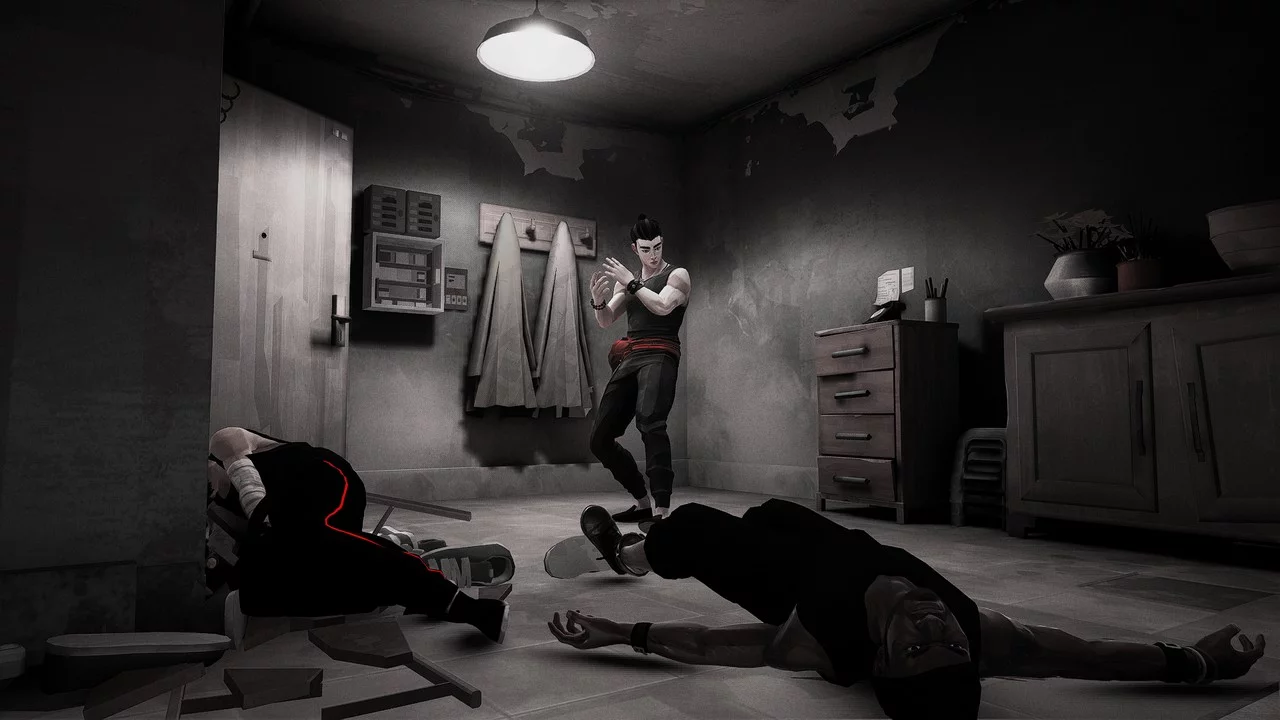
Reshade 'Vengeance's Gaze'

Download
A visual mod that alters the LUT to make them appear more vibrant and visually appealing, it's a heavily desaturated filter that emphasizes red colors! Some areas of the map may look better than others, but that's just due to how Sifu's visual effect ...
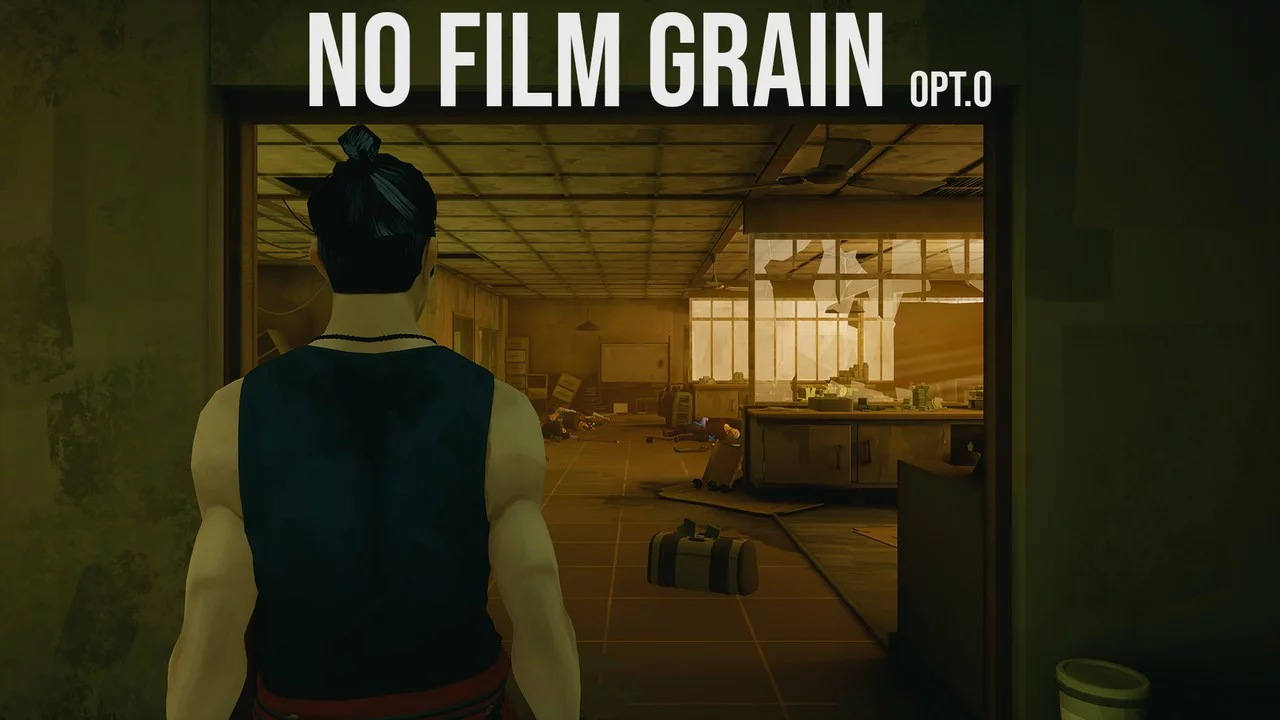
Disabling Film Grain
Download
No Film Grain. Changes in the Engine.ini file remove film grain and enhance visual effects. Easy to install, with instructions and options.
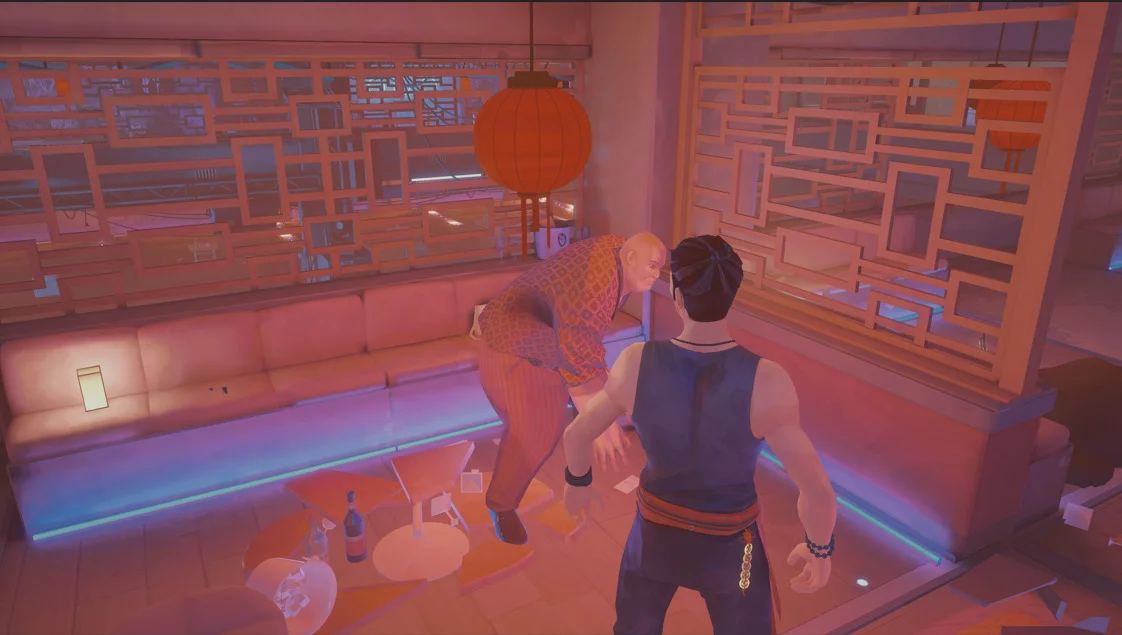
Juggernaut Stance
Download
Replaces the default Pak Mei stance with the pose of the juggernauts. To install, unpack the archive to this path /Sifu/Sifu/Content/Paks/mods.
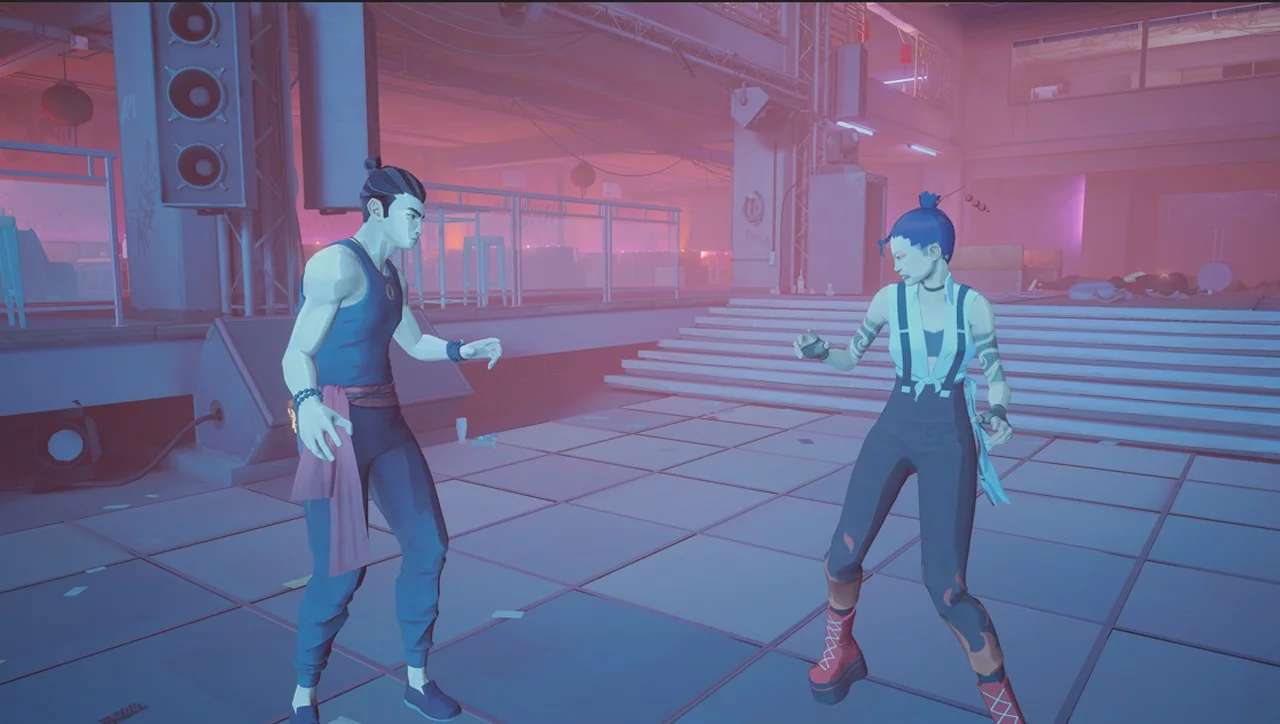
Female Stance
Download
Flashkick Stance. Replace the default Pak Mei stance with the "Lady Legs" move set. To install, unpack the downloaded archive to this path /Sifu/Sifu/Content/Paks/mods. Note that this may conflict with mods that have different stances.
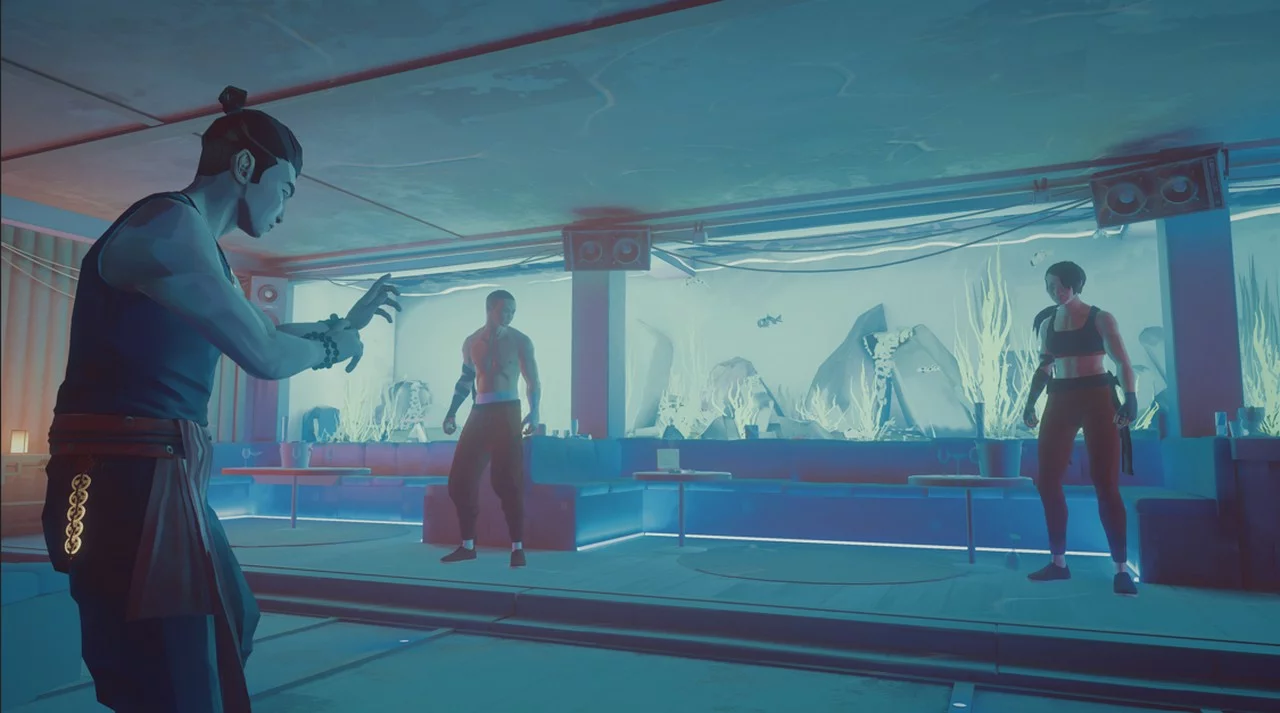
Disciple Stance
Download
Disciple Stance. Replace the default Pak Mei stance with the open-handed stance used by Fire Disciples. Note that this may conflict with mods that have different stances Installation is similar to installing any other mod: go to the Sifu installatio ...
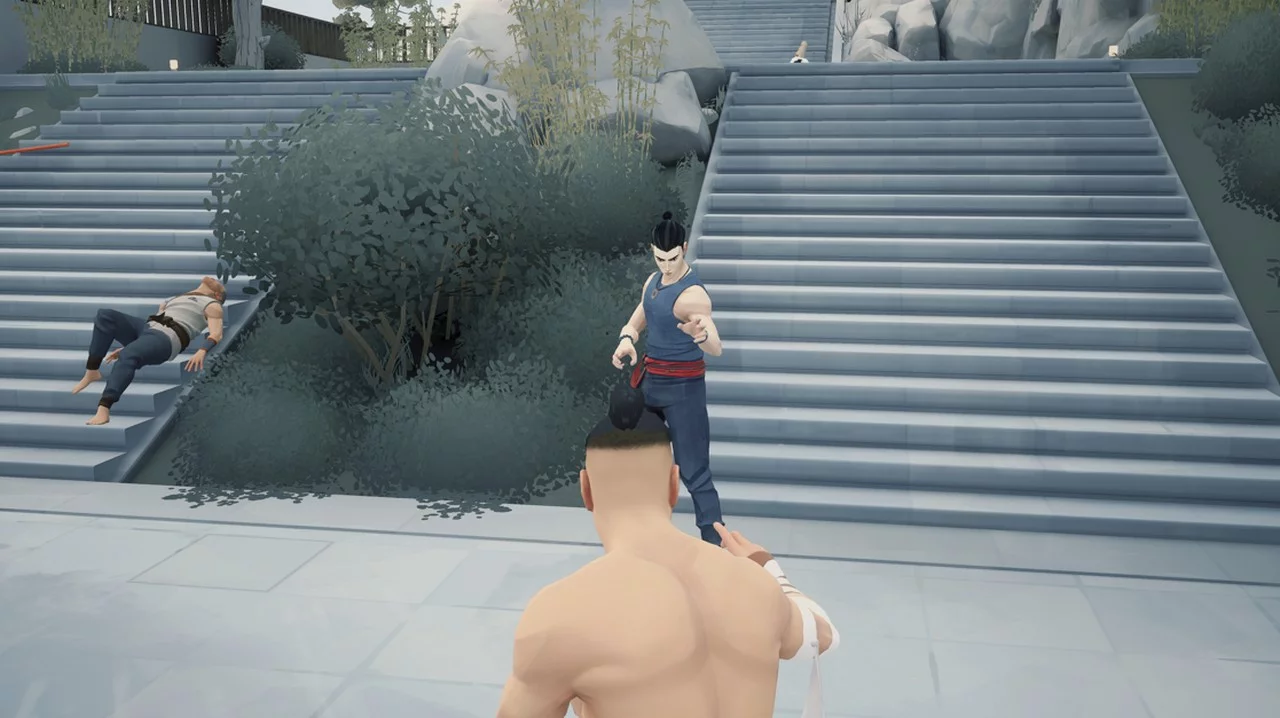
Yang Stance
Download
Replace the default Pak Mei stance with the Yang stance. To install, extract the archive to this path /Epic Games/Sifu/Sifu/Content/Paks/mods.
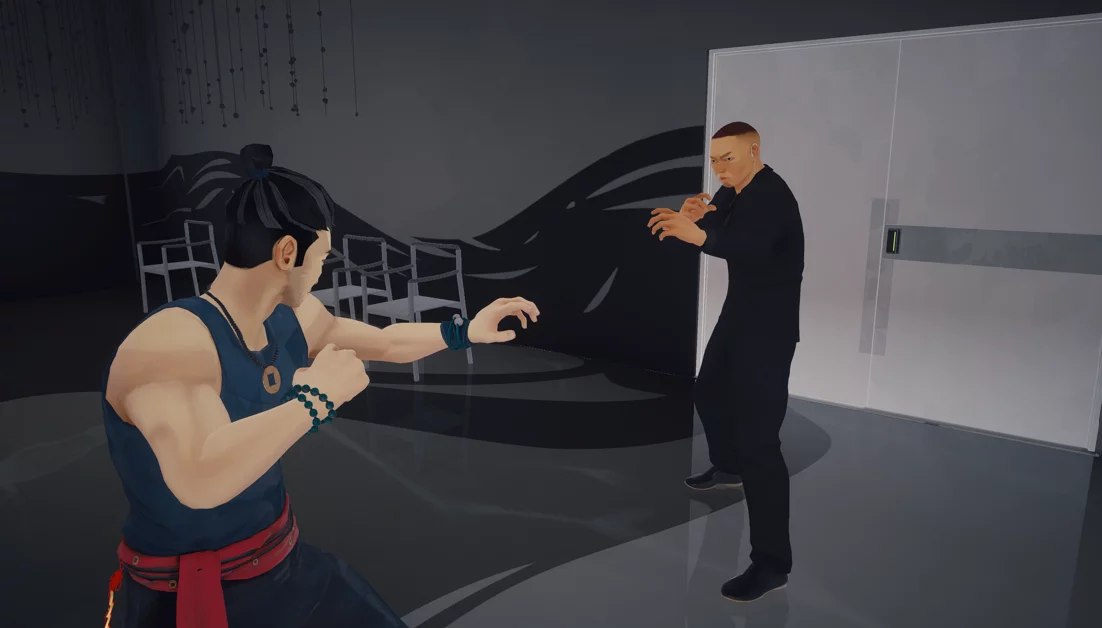
Bodyguard Stance
Download
Replace the default Pak Mei stance with the boxing stance used by the bodyguard. To install, extract the downloaded archive to this path /Epic Games/Sifu/Sifu/Content/Paks/mods.
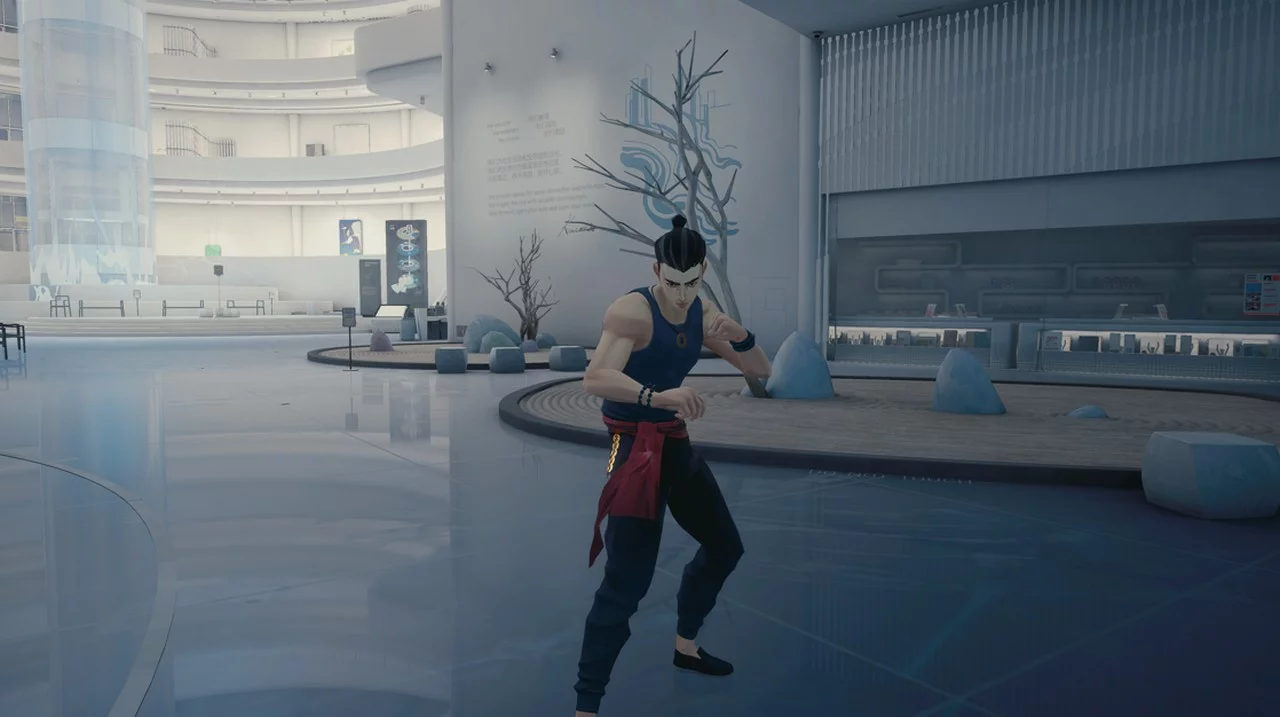
Grumpy Stance
Download
Grunt Stance. Replace Pack May's default stance with the rough street fighting stance used by grumpy characters. To install, unpack the archive to this path Epic Games/Sifu/Sifu/Content/Paks/mods.
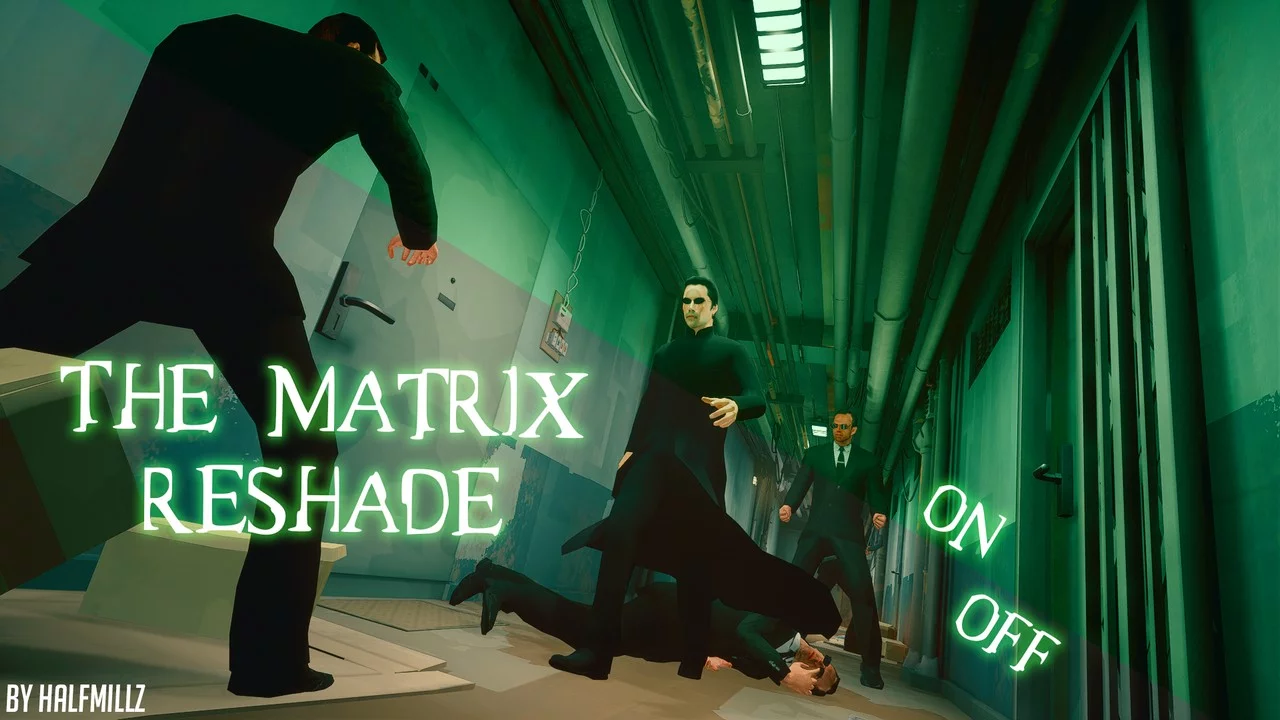
ReShade Like in the Movie 'The Matrix'
Download
The Matrix ReShade. Change the game's color to a greenish tint reminiscent of 'The Matrix' movie. Installation: 1. Download and install the latest version of ReShade from reshade.me. 2. Unzip and replace the Sifu folder. 3. Launch the game and s ...
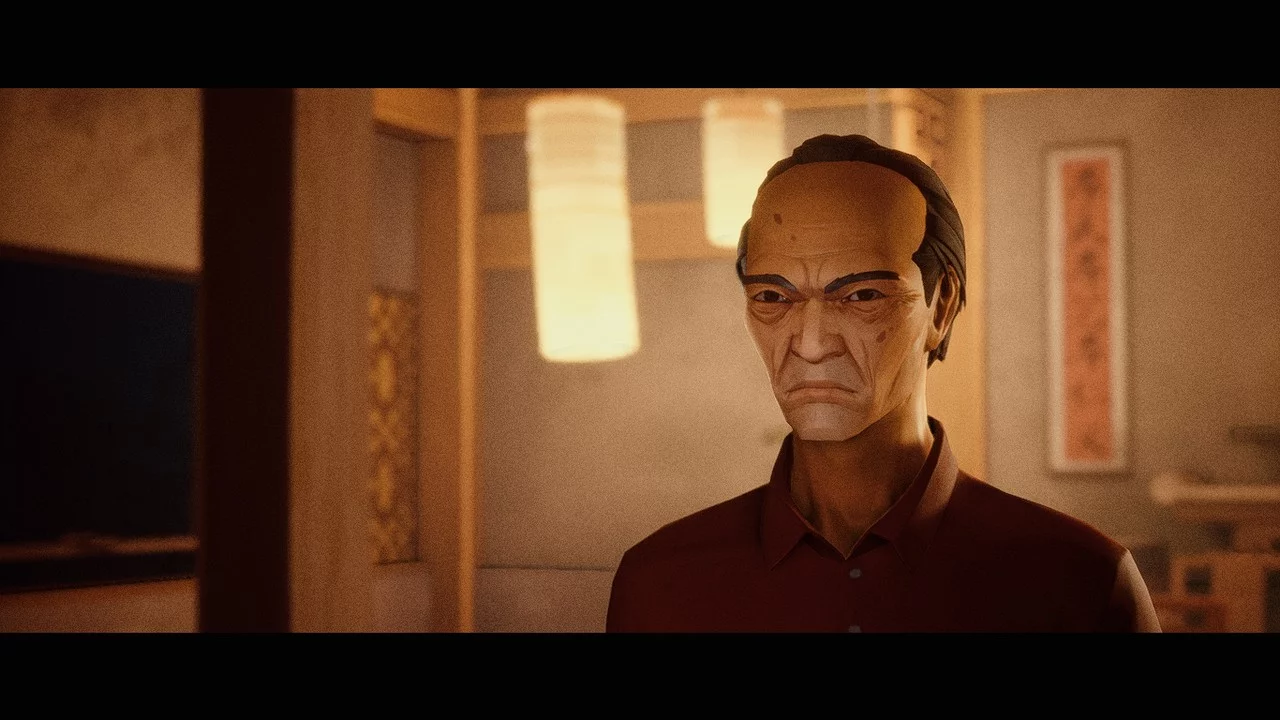
Cinematic Reshade
Download
Filmic Reshade. This mod introduces a new reshade for the game. Launch the game (YOU MUST BE IN THE GAME, NOT IN THE MENU) and press the HOME key to bring up the Reshade overlay. Enable the DisplayDepth shader. Installation and Setup: 1. Install t ...
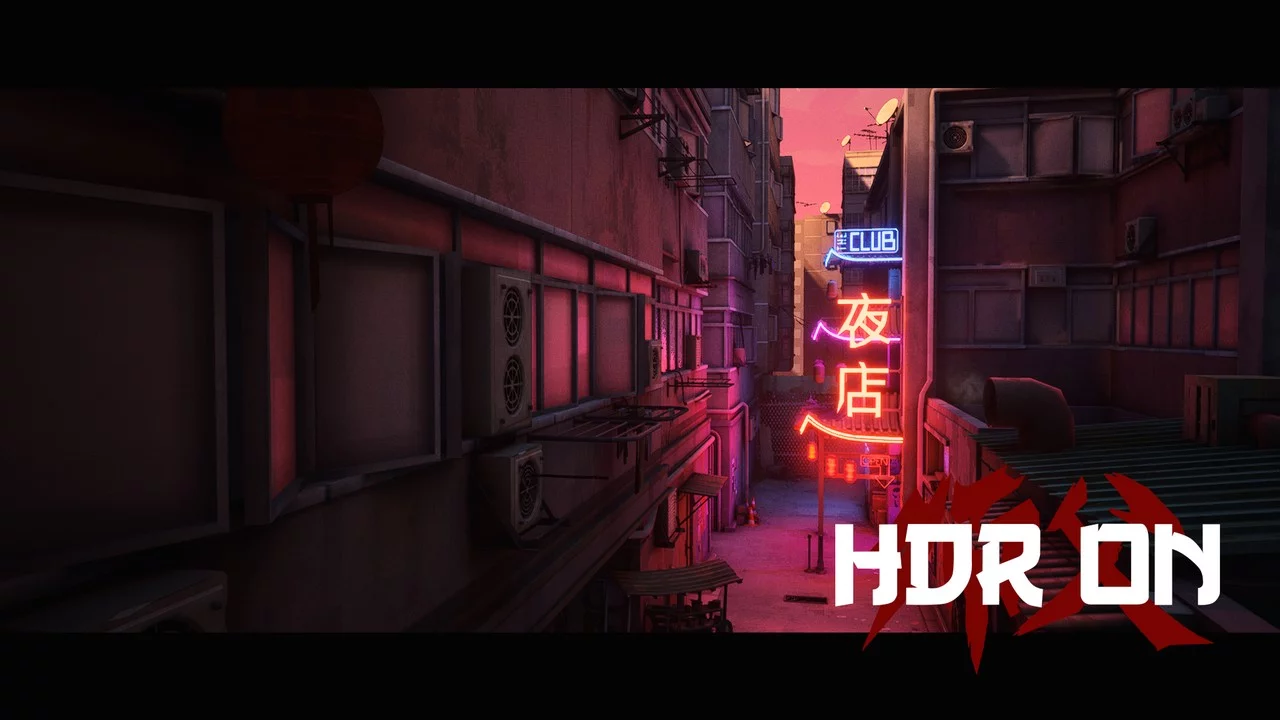
HDR Effect
Download
SIFU HDR RESHADE. This is a simple reshade preset that adds a Fake HDR effect to the game. Download the HDR reshade preset and place it in the Sifu/Sifu/Binaries/Win64 folder.
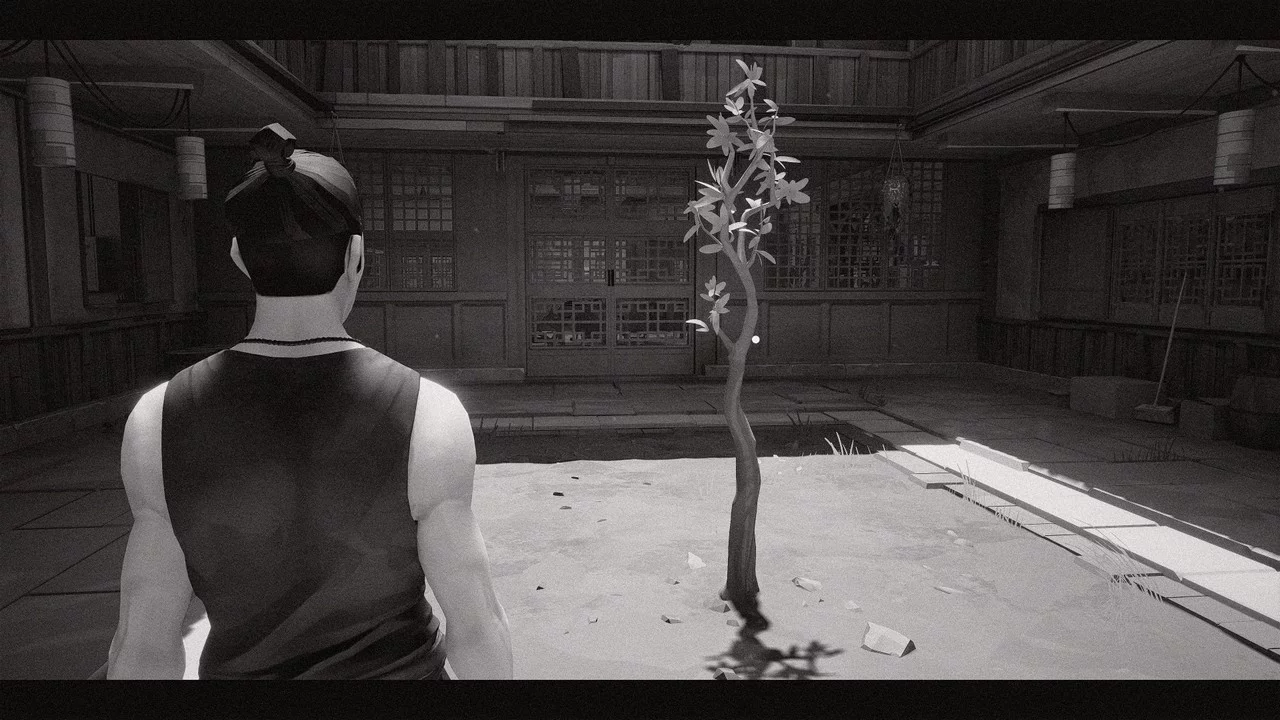
Kurosawa Mode
Download
Sifu Kurosawa Mode Reshade. Allows you to play in Kurosawa mode, feel like a tough guy. Comes with 2 versions. Keyboard shortcuts: Print = take a screenshot Pos1 = open Reshade overlay End = toggle Reshade ...
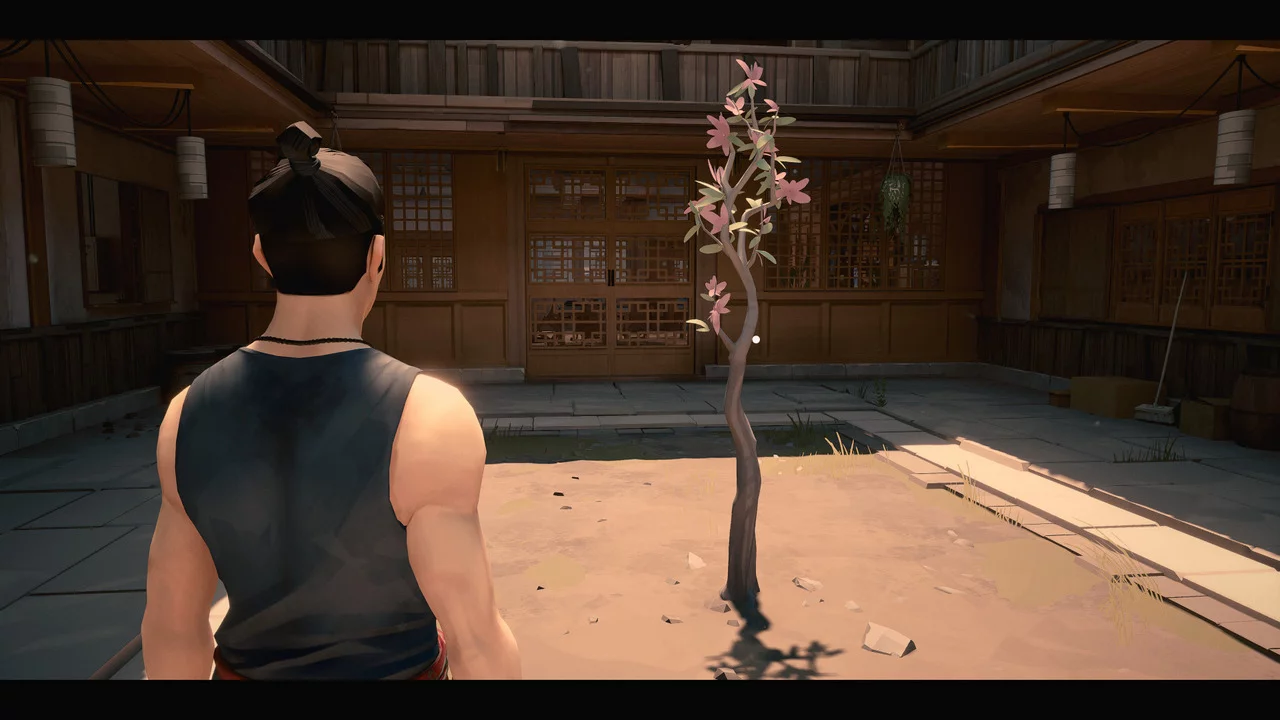
More Details and Colors
Download
Path of the Dragon Reshade. Reshade that adds more details and colors to the game. Two versions are available. Key combinations: Print= take a screenshot Pos1= open Reshade overlay End= toggle Reshade on/off ...