
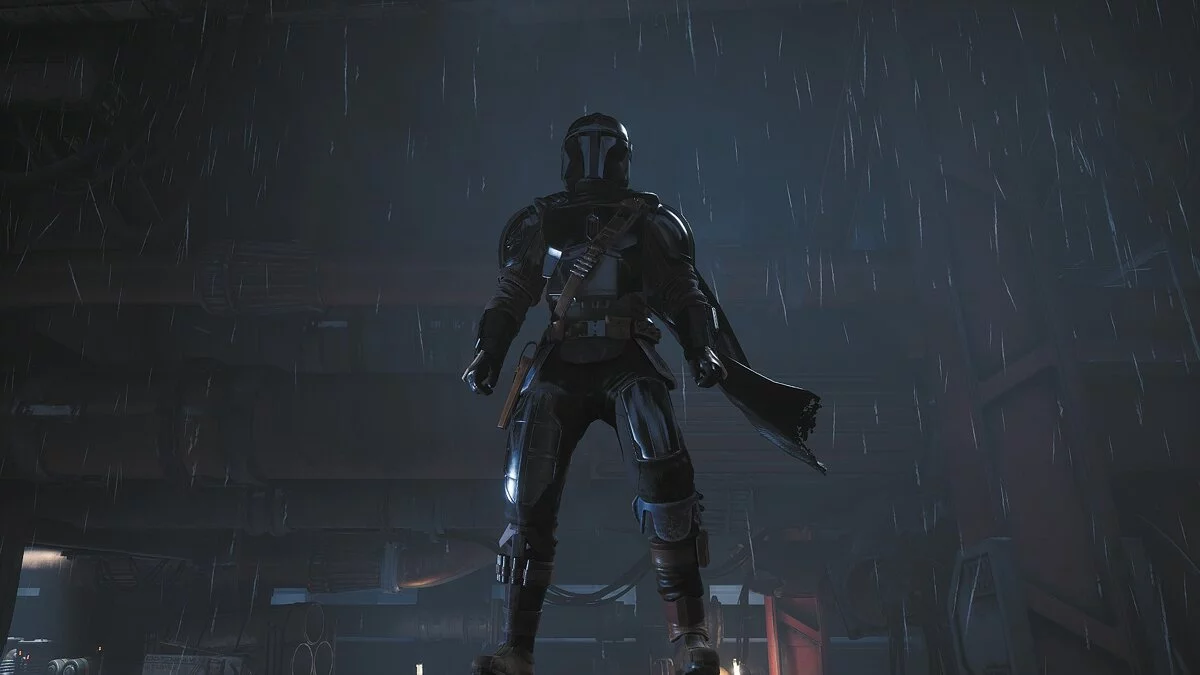
Star Wars Jedi: Fallen Order – a new chapter in the history of "Star Wars", a canonical story from Disney, EA, and Respawn. As a young padawan, the player will have... Read more
Mesh Converter

-
www.nexusmods.comDownload
Mesh Converter.
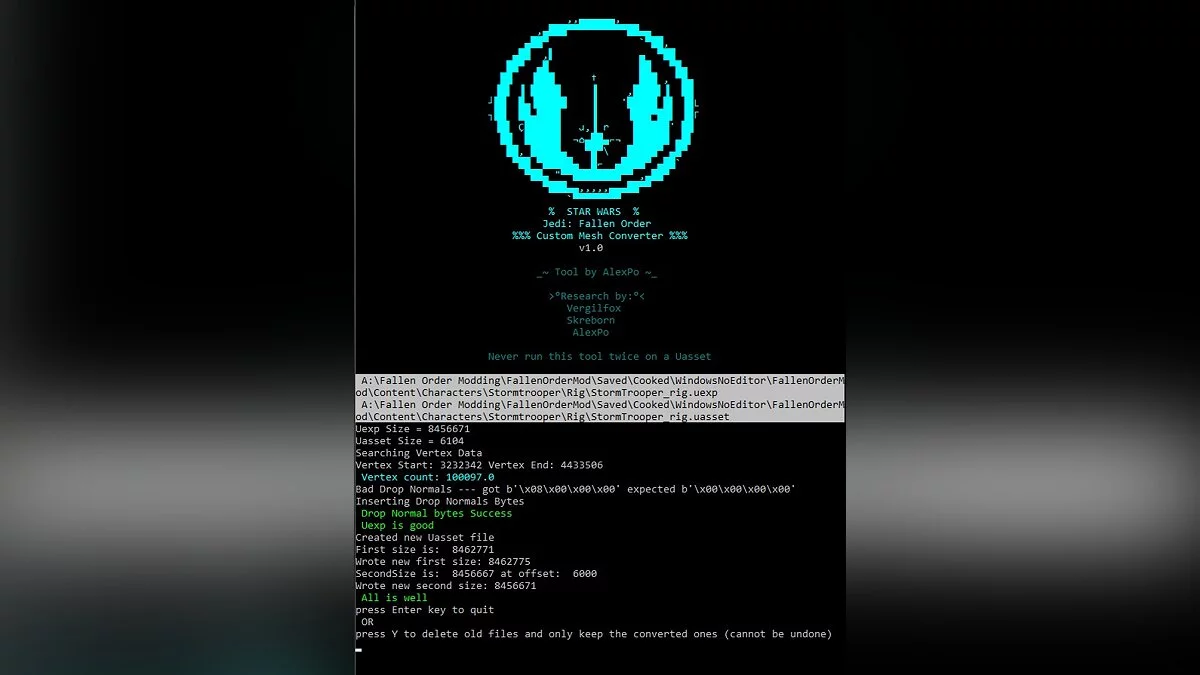
This tool is designed for creating custom meshes compatible with Jedi Fallen Order. It only works on static or skeletal mesh assets. This is just a small part of the process of creating custom meshes.
Instructions:
1 Unzip the archive.
2 Run JFO_MeshConverter.exe
3 Select the Uasset mesh you want to convert
4 Select the Uexp mesh you want to convert
5 Run the program
6 Two new files with the .NEW extension will be created
A. You can press Enter to close the program and manually process the .NEW files by simply removing the .NEW extension, leaving only the .Uasset and .Uexp extensions
B. You can enter Y or y in the console and press Enter for the program to delete the original files and keep only the good ones.
7 Your files are now compatible with JFO
Mesh Converter.
Этот инструмент используется для создания пользовательских сеток, совместимых с Jedi Fallen Order. Это работает только на статических или скелетных сеточных активах. И это лишь малая часть процесса создания пользовательских сеток.
Использование:
1 Распакуйте архив.
2 Запустите JFO_MeshConverter.exe
3 Выберите Uasset mesh, который вы хотите конвертировать
4 Выберите Uexp mesh который вы хотите конвертировать
5 Запустите программу
6 Будет создано 2 новых файла с расширением .NEW
A. Вы можете нажать Enter, чтобы закрыть программу и вручную обработать файлы .NEW, просто удалив расширение .NEW, чтобы остались только расширения .Uasset и .Uexp
B. Вы можете ввести Y или y в консоли и нажмите Enter, чтобы программа удалила исходные файлы и сохранила только хорошие.
7 Ваши файлы теперь совместимы с JFO
Useful links:



![Star Wars Jedi: Fallen Order — Table for Cheat Engine [UPD: 29.03.2023]](https://files.vgtimes.com/download/posts/2025-03/thumbs/tablica-dlja-cheat-engine-upd-29-03-2023_1743333730_940006.webp)
![Star Wars Jedi: Fallen Order — Save [Epic License]](https://files.vgtimes.com/download/posts/2024-01/thumbs/star-wars-jedi-fallen-order-sokhranenie_1704993916_337547.webp)
![Star Wars Jedi: Fallen Order — Cheat Engine Table [UPD: 17.03.2023]](https://files.vgtimes.com/download/posts/2023-03/thumbs/tablica-dlja-cheat-engine-upd-17-03-2023_1679571601_225398.webp)
![Star Wars Jedi: Fallen Order — Trainer (+7) [1.0 - UPD: 18.11.2019]](https://files.vgtimes.com/download/posts/2019-11/thumbs/1574165917_oca8w3ihjfzuph0ic6u8yw.webp)