A fantasy sandbox with survival elements. You can play alone or with others, exploring the world and gathering resources, finding and raiding tombs, building bases... Read more
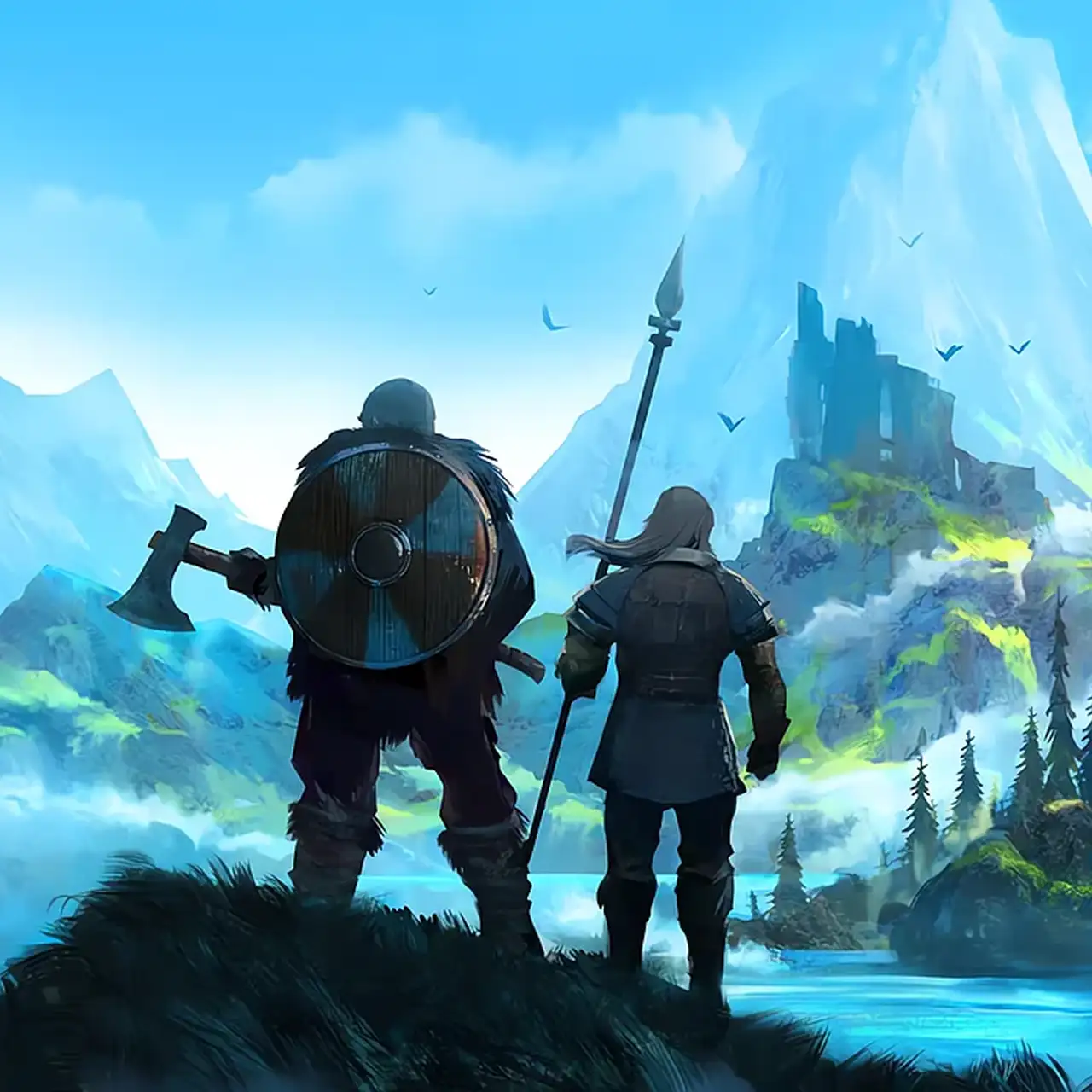
My Little UI — HUD Enhancements, Timers & Weather Forecast


-
Download (247.89 kB)September 17, 2026, 10:13 AMmy-little-ui-nastrojjka-interfejjsa_1789629184_753898.zip
A comprehensive interface overhaul for Valheim that enriches the vanilla HUD with essential information, countdown timers, and logistical conveniences. My Little UI introduces real-time production gauges for crafting stations and livestock, on-screen widgets for time, weather, and wind shifts, chest content previews, multicraft batching, and one-hold mass repair actions. Every visual module can be scaled, colored, or relocated anywhere across the screen.
Key Features:
Items & Crafting Systems:
- Displays total required materials directly against your current bag inventory inside recipe menus.
- Multicraft support — produce multiple items in batches using the mouse scroll wheel or gamepad sticks.
- Colored durability status bars and customizable inventory icon scaling.
- Stat upgrade previews highlight which values increase before confirming an upgrade.
- Hold Alt to instantly suppress custom tooltip formatting and view vanilla tooltips.
- Configurable quality markers (displays item tier as stars or custom symbols).
- Ammo and bait counter badges directly over weapon icons.
- Recipe list filtering and sorting panels for workstations.
- One-hold mass repair: hold down the interact key at a station to fix all eligible gear and exit the interface.
- Native compatibility with EpicLoot tooltips.
Clock, Weather & Wind Tracking:
- HUD Clock: Positioned above the minimap by default (movable); toggles between exact time, day counters, or fuzzy narrative terms ("Morning", "Noon").
- Weather Forecast: Displays upcoming climate shifts with countdown timers (Clear, Rain, Snowstorm, Thunderstorm, Mist, Cinder Raid); tracks custom biome environments.
- Wind Direction Gauge: Visual indicator previewing upcoming wind heading changes (tracks the next 5 wind vectors by default; shifts occur every 2 minutes).
Inventory Gauges & Character Stats:
- Weight and open bag slot trackers situated above the food bar with customizable font and bar palettes.
- Smart slot detection: equipment slots from EaQS, AzuEPI, and ExtraSlots are excluded from empty space counts, while universal quick slots are included.
- Detailed character attribute inspection inside the main character selection menu.
- Hovering over the Armor icon displays unified defensive ratings; hovering over the Weight icon lists all active status effects and enchantments.
Station Timers & Production Hovers:
- Fermenters: Remaining brew time, completion percentage, and active mead name.
- Agriculture: Real-time countdowns to harvest readiness for crops and trees.
- Cooking Racks & Stone Ovens: Simultaneous progress bars showing time until cooked versus time until burnt to coal.
- Windmills & Spinning Wheels: Production time calculations scaled to real-time wind speed.
- Smelters & Charcoal Kilns: Dual-sided ore/fuel tracking, processing queues, and rapid loading by holding E.
- Fauna & Incubation: Taming progress meters, hunger durations, juvenile maturation timers, and egg incubation clocks.
Chests & HUD Ergonomics:
- Custom container renaming support.
- Hover inspection filters: toggle between open capacity, item ratios, or full chest inventory previews.
- Moveable status effect anchors with custom alignment directions and compact layouts.
- Freely relocate the sailing rudder control overlay.
- Independent, isolated configuration profiles for standard play and no-map (nomap) difficulty runs.
Installation & Configuration:
- Ensure BepInEx is installed.
- Place the MyLittleUI.dll mod folder into:
<Valheim_Directory>\BepInEx\plugins\. - Launch the game.
- Easily configure HUD coordinates, display modes, and timer parameters in-game using Configuration Manager (press F1).
Related files:
Useful links:
![Valheim — YamlDotNet [16.3.1]](https://files.vgtimes.com/download/posts/2026-09/thumbs/yamldotnet-16-3-1_1789382507_612877.webp)
![Valheim — Cheat Engine Table [UPD: 12.07.2022]](https://files.vgtimes.com/download/posts/2022-12/thumbs/1670493897_1612785784_3.webp)
![Valheim — Cheat Engine Table [0.217.14]](https://files.vgtimes.com/download/posts/2023-08/thumbs/tablica-dlja-cheat-engine-0-217-14_1692962486_170425.webp)
![Valheim — Table for Cheat Engine [0.221.12]](https://files.vgtimes.com/download/posts/2026-03/thumbs/tablica-dlja-cheat-engine-0-221-12_1774253796_357921.webp)
![Valheim — Cheat Engine Table [UPD: 12.18.2022]](https://files.vgtimes.com/download/posts/2022-12/thumbs/1671445972_p1_3082399_07261371.webp)
![Valheim — Cheat Engine Table [UPD: 05.08.2022]](https://files.vgtimes.com/download/posts/2022-08/thumbs/1659780255_1653474759_8.webp)
![Valheim — Cheat Engine Table [0.218.21]](https://files.vgtimes.com/download/posts/2024-09/thumbs/tablica-dlja-cheat-engine-0-218-21_1727259458_793735.webp)