
A fantasy sandbox with survival elements. You can play alone or with others, exploring the world and gathering resources, finding and raiding tombs, building bases... Read more
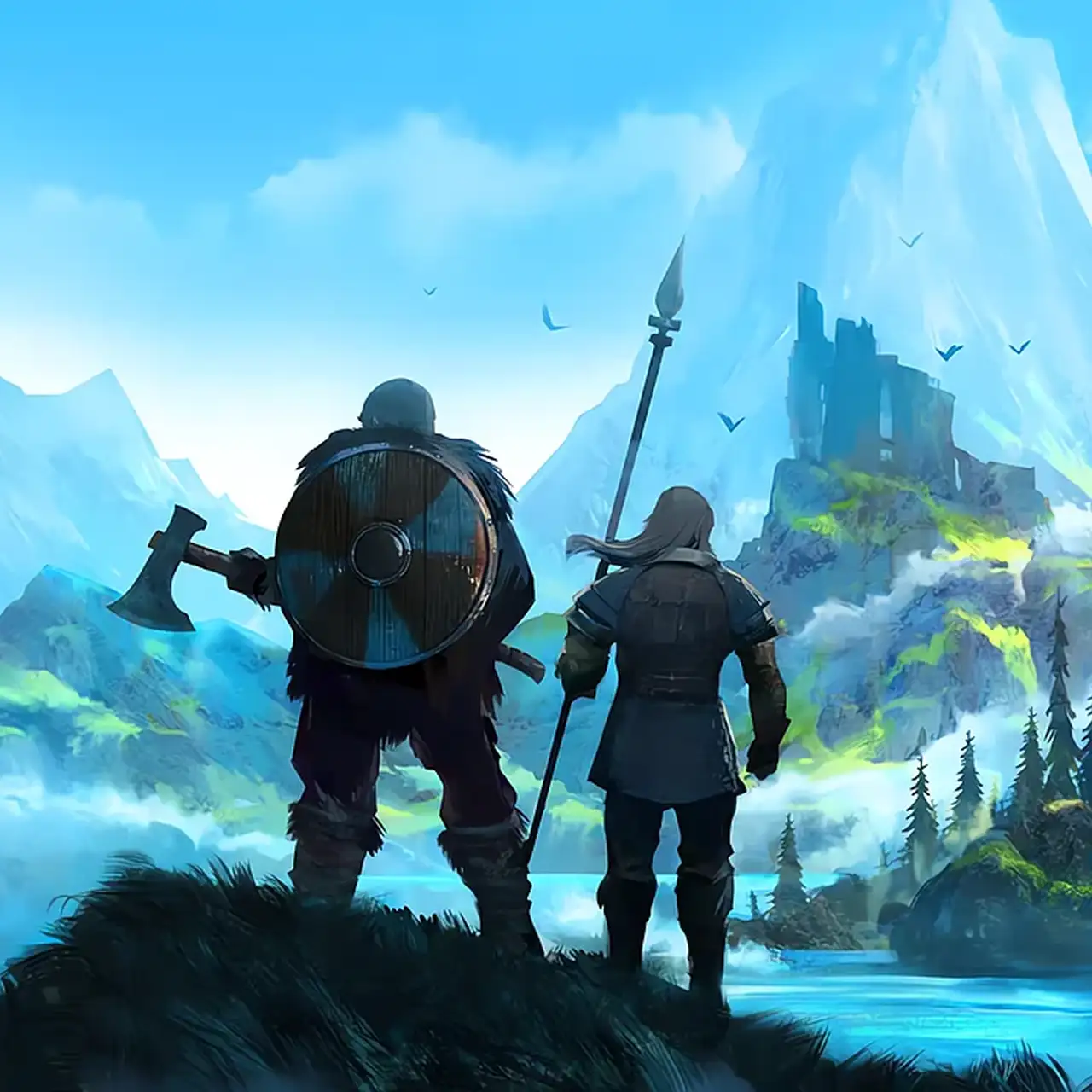
Waystones — Waystone Network, Fast Travel and Immersive Navigation


-
Download (192.04 kB)September 18, 2026, 10:07 AMwaystones-putevye-kamni-bystroe_1789715222_780011.zip
An atmospheric gameplay mod for Valheim that introduces buildable Waystones — a tactile alternative to vanilla portals engineered specifically for immersive, no-map, and no-portal playthroughs. By sitting before a constructed waystone, players enter a focused meditation mode, reading distant spatial audio-visual cues to lock onto landmarks and initiate fast travel. The mod features three operational modes (Cooldown, Charge-based, or Pure Navigation), customizable sacrifice economies, and deep client/server balancing.
Operational Modes:
- Cooldown Mode:
Fast travel triggers a distance-scaled cooldown timer (tracked via in-game or real-world time).
Sacrifice System: Cooldowns can be alleviated by sacrificing items configured via shudnal.Waystones.reduce_cooldowns.json (e.g., {"TrophyNeck": 10} reduces 10 seconds per trophy; {"Coins:50": 10} burns 50 coins for 10 seconds).
Console testing command: setwaystonecooldown [seconds]. - Charge Mode:
Replaces cooldowns with an energy pool (100 max by default). Short trips (<500 m) cost 20 charge; long-distance travel (>5000 m) scales up to 50 charge.
Item sacrifices restore charges using the same JSON/YAML dictionary.
Charge pools can be linked to the specific source Waystone or assigned directly to the Player character.
Energy is only deducted upon successful teleport completion. - Orientation Mode:
Disables all teleportation routines, turning waystones into navigational sighting instruments. Perfect for immersive compass-free navigation.
Direction Search Mechanics:
- Sit before a waystone and engage search mode. The screen darkens, camera movement slows down (world time slows down in singleplayer), and spatial audio cues begin tracking points of interest.
- Screen luminance and pitch frequencies shift as your crosshair aligns with valid destinations, bringing destination icons into focus based on sightline precision.
- Mouse scroll modifies camera FoV, letting you zoom into distant horizon points to stabilize targeting.
- Locking your gaze onto an alignment node initiates the transfer channeling sequence.
Available Target Directories:
- Static Landmarks: Sacrificial Stones (spawn temple) and discovered merchants (Haldor, Hildir, Bog Witch).
- Dynamic Coordinates: Current active bed/spawn, last death site (persists after grave looting), last moored ship coordinates (stored upon stepping onto land), and prior fast-travel origin points.
- Waystone Network: Any constructed waystone that has been personally tagged and activated.
- Random Jump: Aiming directly downward at your feet teleports you to an arbitrary land location within discovered biomes (bears the lowest cooldown penalty).
Channeling Rules & Balance:
- Channeling Risk: Teleport channeling emits light and sound that agitates nearby hostile creatures. Taking damage adds a 1-second delay penalty to the channel. Tapping Block cancels the cast.
- Configurable Constraints: Requires the player to be seated, dry (no wet debuff), unencumbered, out of combat aggro, and carrying zero unteleportable metals (all toggles can be bypassed in config).
- Default Blueprint: 1 Surtling Core, 5 Greydwarf Eyes, 5 Stones. Tag name limit defaults to 15 characters.
Installation & Configuration:
- Ensure BepInEx is installed.
- Place Waystones.dll into your plugins directory:
<Valheim_Directory>\BepInEx\plugins\. - Launch the game.
- Tune camera sensitivity, particle effects, sacrifice ratios, and travel rules in-game via Configuration Manager (press F1).
Related files:
Useful links:

![Valheim — Trainer (+12) [0.139.3]](https://files.vgtimes.com/download/posts/2021-02/thumbs/1612865672_bjy0qvkacgynsmkzct7ehg.webp)
![Valheim — Table for Cheat Engine [25.10.2025]](https://files.vgtimes.com/download/posts/2025-10/thumbs/tablica-dlja-cheat-engine-25-10-2025_1761473346_764017.webp)
![Valheim — Cheat Engine Table [UPD: 04.09.2022]](https://files.vgtimes.com/download/posts/2022-04/thumbs/1649844160_e195e84f125ed7d5_1920xh.webp)
![Valheim — Cheat Engine Table [UPD: 12.06.2024]](https://files.vgtimes.com/download/posts/2024-12/thumbs/tablica-dlja-cheat-engine-upd-06-12-2024_1733681049_761869.webp)
![Valheim — Cheat Engine Table [0.217.14]](https://files.vgtimes.com/download/posts/2023-08/thumbs/tablica-dlja-cheat-engine-0-217-14_1692962486_170425.webp)
![Valheim — Cheat Engine Table [UPD: 05.08.2022]](https://files.vgtimes.com/download/posts/2022-08/thumbs/1659780255_1653474759_8.webp)