Free role-playing action game from the creators of Genshin Impact and Honkai: Star Rail. In the near future, the world was shaken by a catastrophe: mysterious... Read more
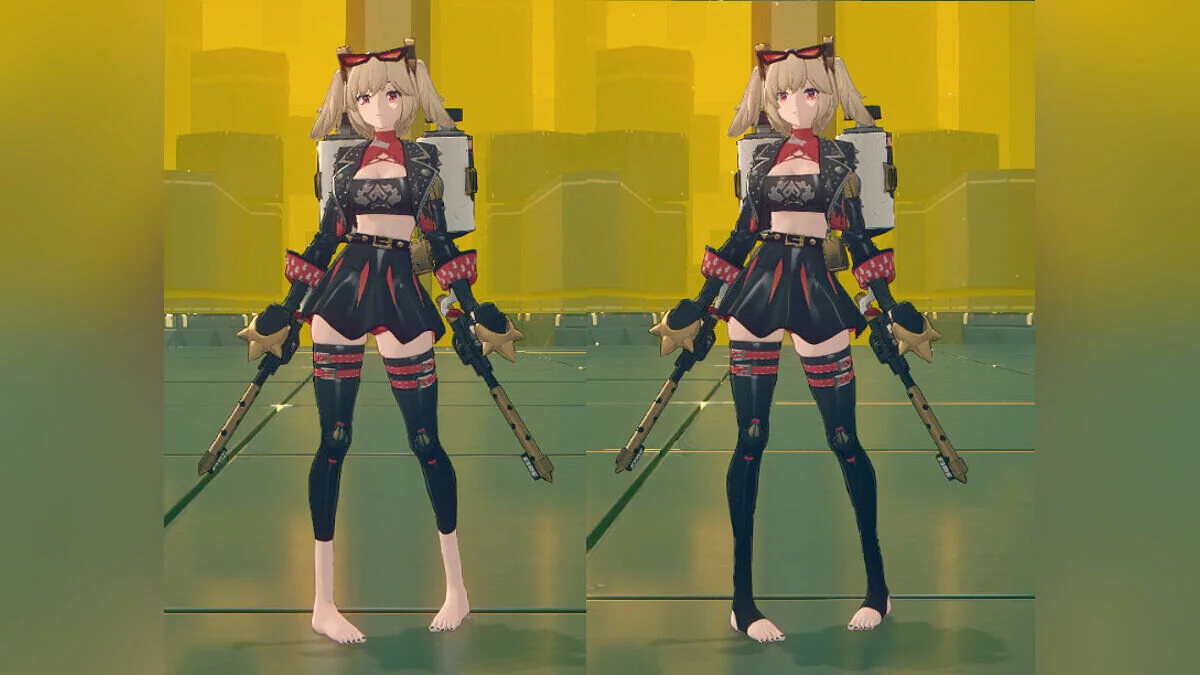
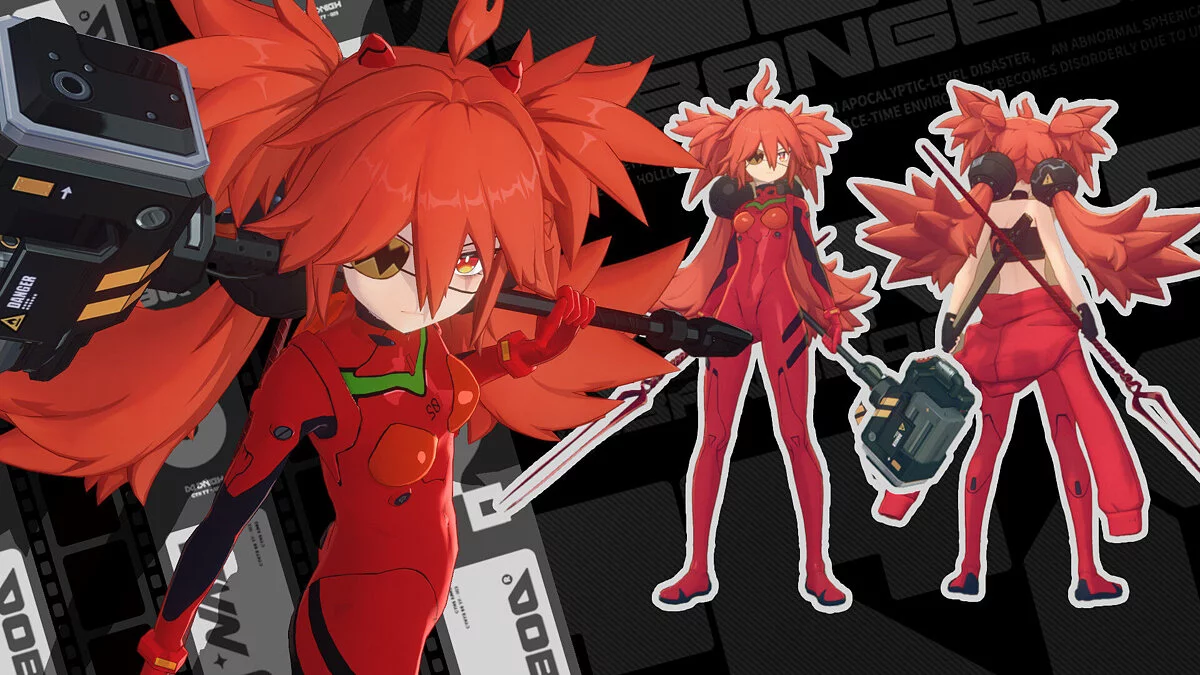
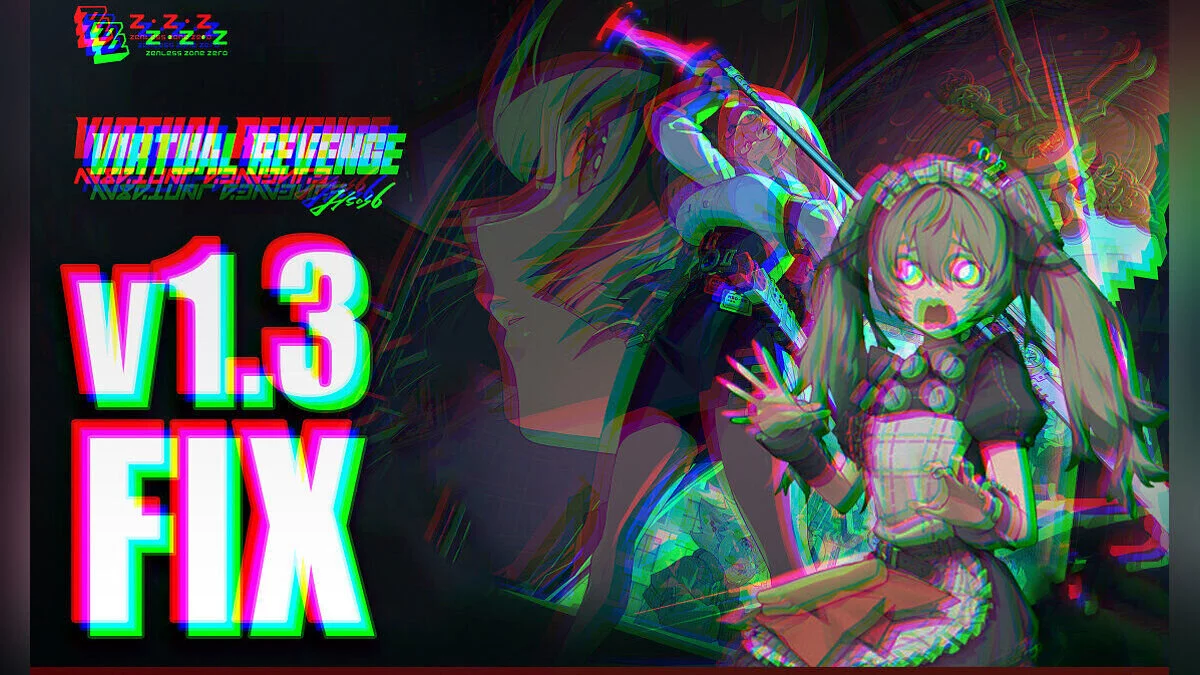
ZZZ 1.3 Character Fix


-
Download (7.52 MB)November 12, 2024, 12:10 PMzzz-1-3-character-fix_1731402612_189899.zipArchive password: vgtimes
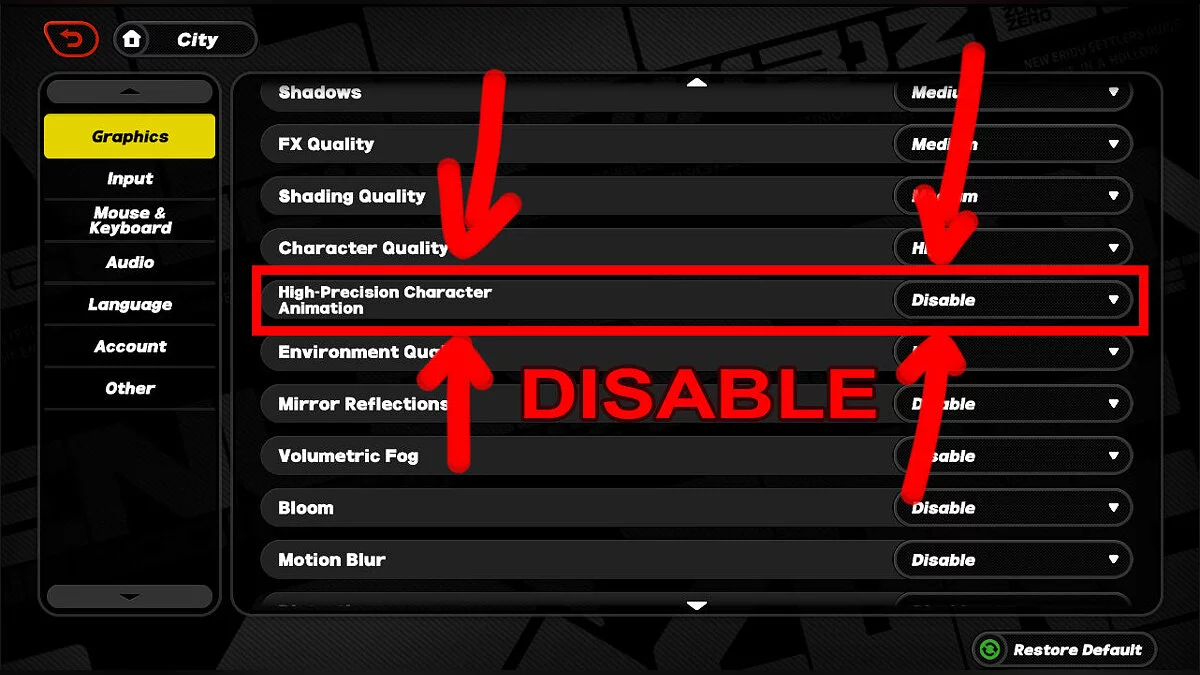
First, a new graphics setting called High-Precision Character Animation has been introduced, which should be disabled as it is incompatible with certain character mods like Bernice.
Fixes from previous versions 1.2 and 1.1 are also included in this script, so you only need to run this script to fix character mods that have broken due to version updates.
How to run:
- move the exe to the same folder as the broken mod, or to the entire mods folder;
- a double-click will run the fix for all included ini files located in the same folder as the exe and all folders within the current folder;
- you can place the exe file in the mods folder and run it to affect all your mods at once, or place it specifically in the folder of a certain broken mod and run it there;
- you can also drag the ini file onto the exe to run the fix, regardless of where the exe file is located.
Recommendations:
- make sure the character quality is set to high in the graphics settings;
- disable high-precision character animation in the graphics settings;
- reload a new copy of the mod that hasn't been altered and try again;
- ensure the script is in the same directory as the broken mod and that you are running CMD/Powershell in that directory as well;
- try switching characters or teleporting in the game.
Во-первых, появилась новая графическая настройка zzz под названием High-Precision Character Animation, которую следует отключить, поскольку она несовместима с некоторыми модами персонажей, такими как Бернис.
Исправления предыдущих версий 1.2, 1.1 также включены в этот скрипт, поэтому вам нужно запустить этот скрипт только для исправления модов персонажей, которые вышли из строя из-за обновлений версий.
Как запустить:
- переместить exe в ту же папку, где находится сломанный мод, или во всю папку модов;
- двойной щелчок запустит исправление для всех включенных файлов ini, находящихся в той же папке, что и exe, и всех папок внутри текущей папки;
- вы можете поместить exe-файл в папку mods и запустить его, чтобы повлиять на все ваши моды одновременно, или поместить его специально в папку определенного сломанного мода и запустить его там;
- вы также можете перетащить файл ini в exe, чтобы запустить исправление, независимо от того, где находится файл exe.
Рекомендации:
- убедитесь, что в настройках графики установлено высокое качество персонажа;
- отключите высокоточную анимацию персонажей в графических настройках;
- перезагрузите новую копию мода, которая не была изменена, и попробуйте еще раз;
- убедитесь, что скрипт находится в том же каталоге, что и сломанный мод, и что вы запускаете CMD/Powershell также в этом каталоге;
- попробуйте поменять персонажей или телепортироваться в игре.
Useful links: