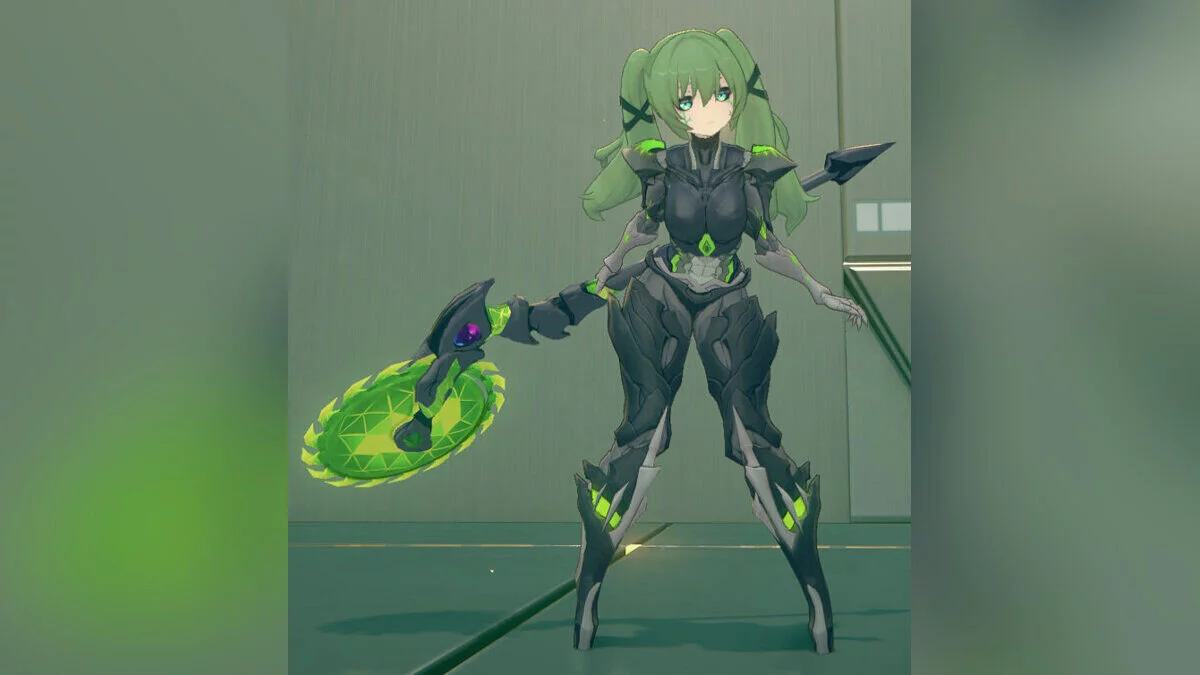
Free role-playing action game from the creators of Genshin Impact and Honkai: Star Rail. In the near future, the world was shaken by a catastrophe: mysterious... Read more
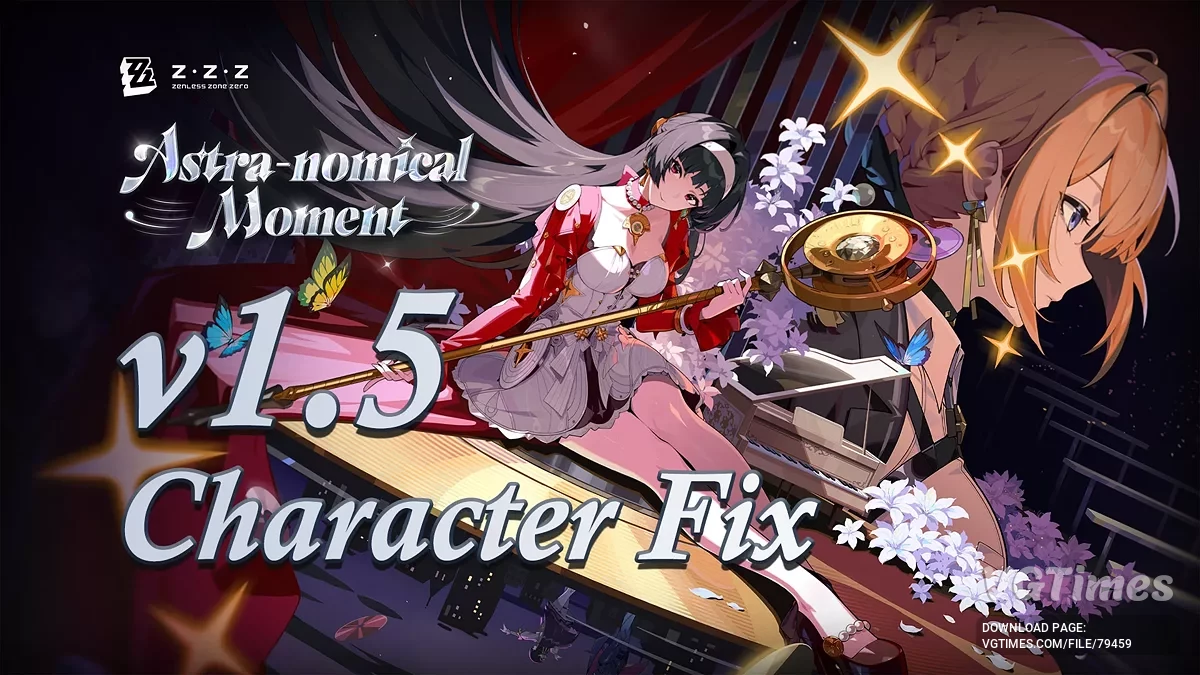
ZZZ 1.5 Character Fix


-
Download (7.48 MB)January 25, 2025, 12:27 PMФикс для волос Элленzzz-1-5-character-fix_1737797269_142410.zipArchive password: vgtimes
-
Download (7.52 MB)February 20, 2025, 06:13 AMZZZ 1.5 Character Fixzzz-1-5-character-fix_1740021213_973877.zipArchive password: vgtimes
Change log:
- Added texture hashes for Evelyn 1024/2048p;
- Updated hashes for Belle Body Diffuse/LightMap and MaterialMap for hair;
- Updated hashes for Harumasa model/textures;
- Texture hashes for Astra Yao 1024p/2048p.
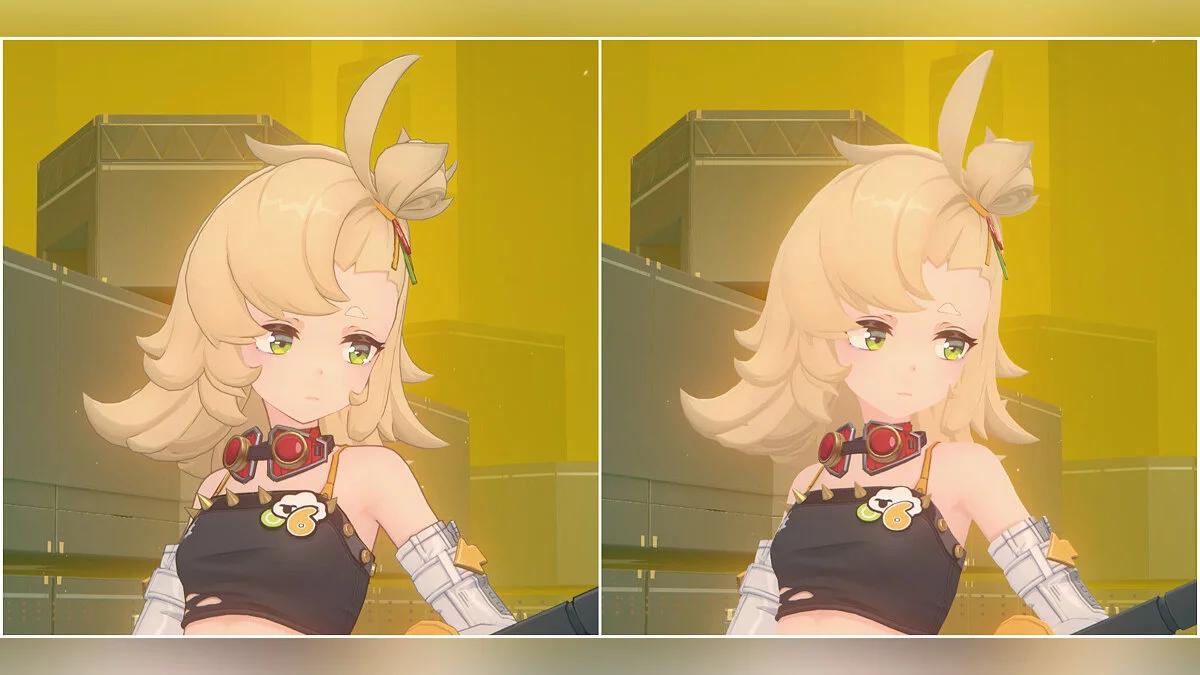
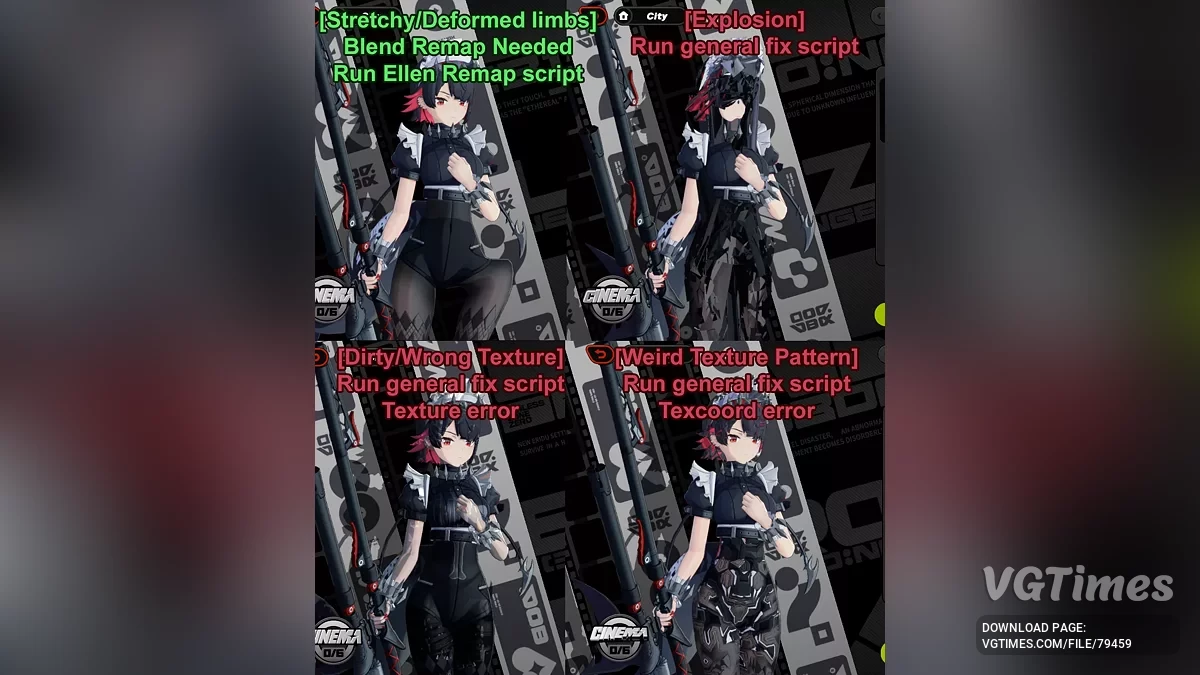
Mods for Ellen created before ZZZ v1.4 that modify the blending buffer through position hashes rather than blend hashes require an additional separate script "Ellen Hair Fix" to apply the remapping and fix. This file is separate because the script will break Ellen mods if forced to run multiple times on the same mod or if run on a mod that does not require blending remapping. Ideally, the script should be placed inside the broken Ellen mod folder.
The script will prompt for a keyword before it continues remapping. Nothing will happen if the script is run but the correct keyword is not entered. The last screenshot shows an example of when to run the "Ellen Hair Fix" script on a broken Ellen mod. Fixes from the previous version are also included in this script.
How to run:
- Move the exe to the same folder as the broken mod or into the mods folder;
- Double-clicking it will run the fix on all included ini files located in the same folder as the exe and in any folders of the current folder. You can place the exe in the mods folder and run it to affect all mods at once, or place it specifically in the folder of a certain broken mod and run it there;
- You can also drag the ini file onto the exe to run the fix on it, regardless of where the exe file is located.
Important:
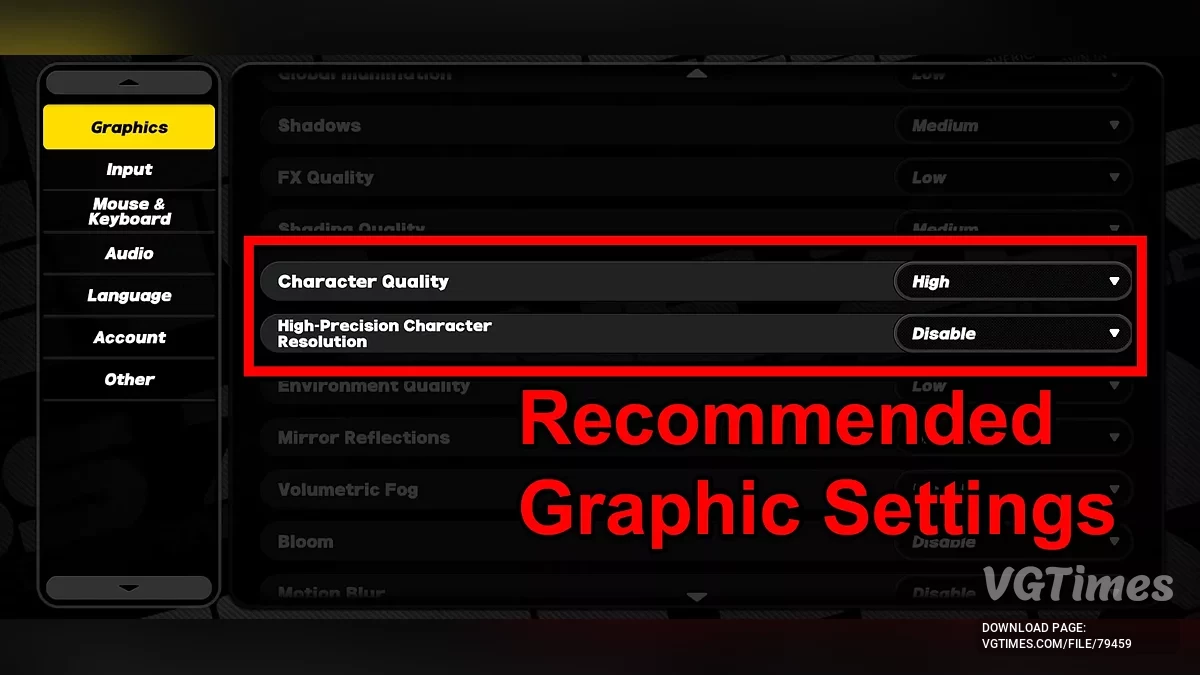
Character quality must be set to high in graphics settings;
You need to disable high precision character resolution in graphics settings.
If it doesn't work:
- Redownload a fresh copy of the mod that hasn't been altered and try again;
- Ensure the script is in the same directory as the broken mod;
- Try switching characters or teleporting in the game.
Список изменений:
- Добавлены хэши текстур Эвелин 1024/2048p;
- Обновления хешей Бэлль Body Diffuse/LightMap и MaterialMap для волос;
- Обновления хешей модели/текстуры Харумасы;
- Хеши текстур Астры Яо 1024p/2048p.
Моды для Эллен, созданные до ZZZ v1.4, которые модифицируют буфер смешивания через хеш позиции, а не хеш смешивания, требуют дополнительного запуска отдельного скрипта "Фикс для волос Эллен", чтобы применить ремаппинг смешивания и исправление. Этот файл находится отдельно, потому что скрипт сломает моды Эллен, если принудительно запустить его несколько раз на одном и том же моде или если запустить его на моде, который не требует ремаппинга смешивания. В идеале, нужно поместить скрипт внутри папки сломанного мода Эллен.
Скрипт предложит ввести ключевое слово, прежде чем он продолжит ремаппинг. Ничего не произойдет, если запустить скрипт, но не ввести правильное ключевое слово. На последнем скриншоте показан пример, когда нужно запускать скрипт "Фикс для волос Эллен" на сломанном моде Эллен. Исправления предыдущей версии также включены в этот скрипт.
Как запустить:
- Переместить exe в ту же папку, что и сломанный мод, или в папку с модами;
- Двойной щелчок по нему запустит исправление на всех включенных ini файлах, находящихся в той же папке, что и exe, и в любых папках текущей папки. Можно поместить exe в папку с модами и запустить его, чтобы повлиять на все моды сразу, или поместить его специально в папку с определенным сломанным модом и запустить его там;
- Также можно перетащить ini файл в exe, чтобы запустить исправление на нем, независимо от того, где находится файл exe.
Важно:
Качество персонажей должно быть установлено на высокое в графических настройках;
Нужно отключить высокоточную разрешающую способность персонажей в графических настройках.
Если не работает:
- Перекачать свежую копию мода, которая не была изменена, и попробовать снова;
- Убедиться, что скрипт находится в той же директории, что и сломанный мод;
- Попробовать сменить персонажей или телепортироваться в игре.
Useful links: