Free role-playing action game from the creators of Genshin Impact and Honkai: Star Rail. In the near future, the world was shaken by a catastrophe: mysterious... Read more
Players:
Metacritic:
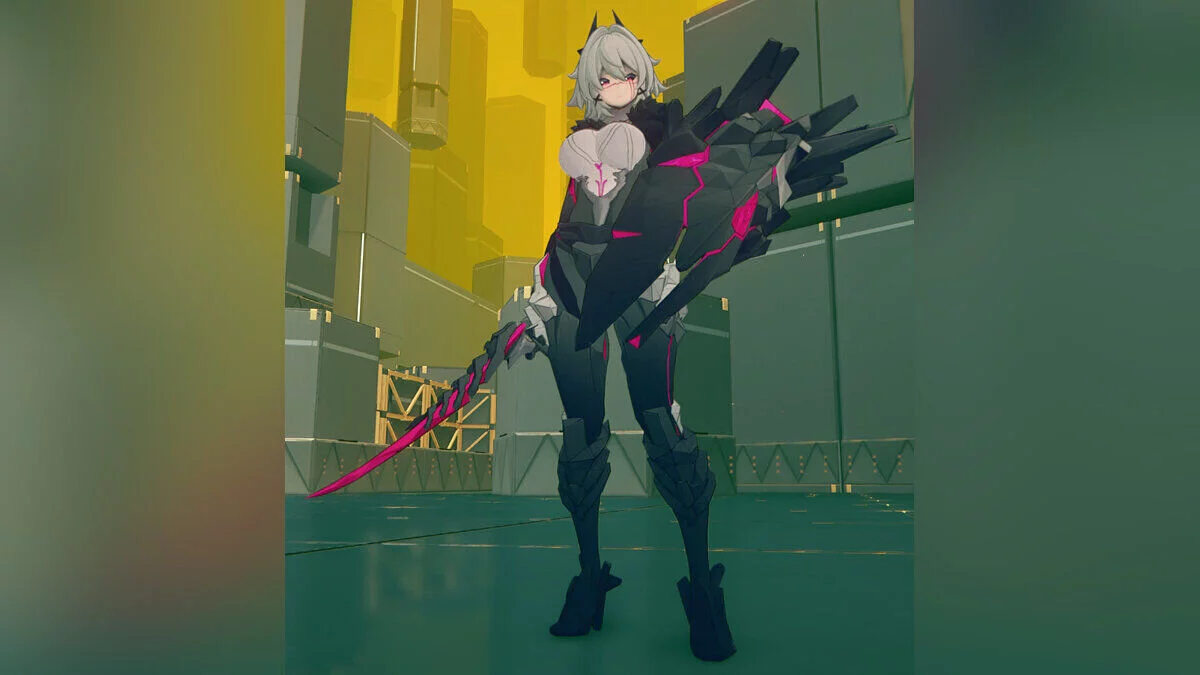
Slim Trigger in camouflage with bare chest
Author:
primategs
Uploaded by:

Size:
6.29 MB
Date:
May 11, 2025, 06:29 AM
Updated:
September 3, 2025, 01:19 PM
Downloads:
257


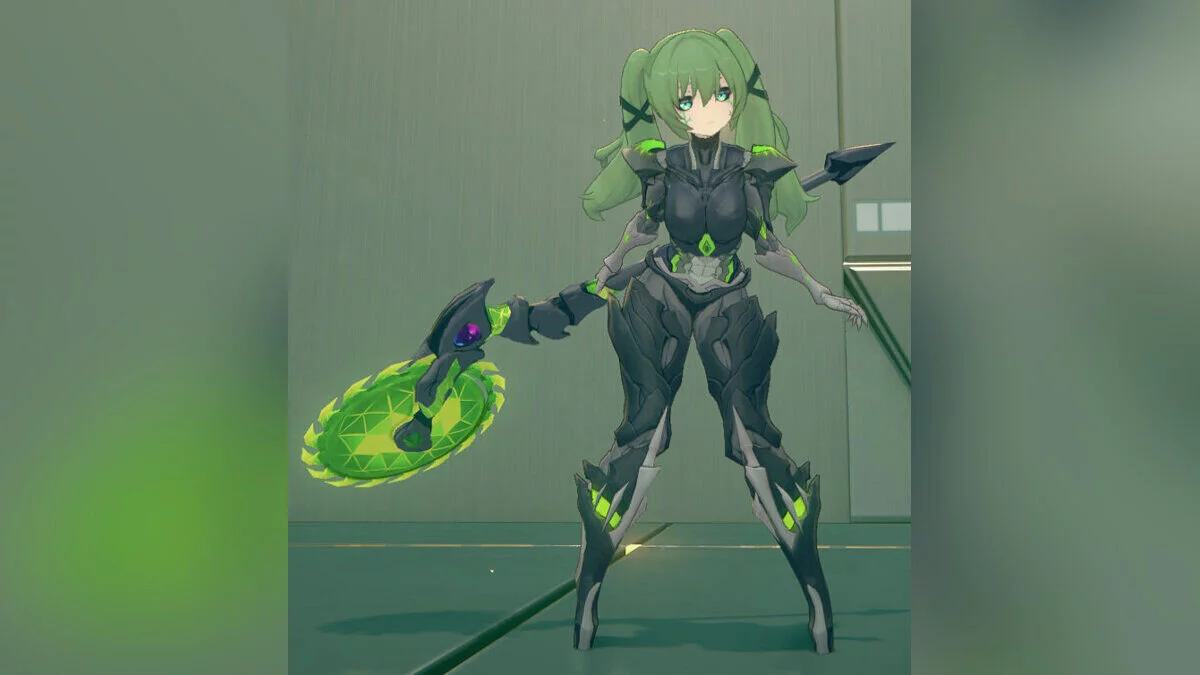
Adds new clothing for Trigger with toggle options.
Toggles:
- Body: right;
- Camo colors: ALT + right;
- Guns: up;
- Topless/shield/straps: CTRL + up;
- Zippers/belly piercing: down;
- Fishnets/bare/leggings: CTRL + down;
- Visor/mask: left (facehole without the "Behind the Visor" mod);
- Seethrough visor: CTRL + left (same as above);
- Hair color: ALT + left;
- Hairband: 6;
- Hairclips: 7;
- Chest pouch: 8;
- Chin piece: 9;
- Poncho/cape: 0.
Recommended in-game settings:
- Character Quality — High;
- High precision Character Resolution — Disable.
Update:
- 4.0 — Glowing bellybutton piercing and panty accents. Panties + fishnets, barelegs and leggings options. Mouthguard/facemask added. Most clipping and minor texture issues fixed. Alternate snow camo addon. Lower body textures are still in development and will be optimized (and become more detailed) in the future. If you want to use the alternate snow camo, drag and overwrite the dds files from the archive into the Trigger folder.
How to launch:
- Download and extract the Trigger folder into your mods directory;
- In-game, press F10 and swap away from Trigger once (otherwise the face will be missing);
- Done.
"Behind the Visor" mod installation:
- Download and extract the mod;
- Download "Behind the Viso r";
- Extract the following folders into the Trigger folder: Face and Eye contacts;
- In-game, press F10 and swap away from Trigger once (otherwise the face will be missing);
- Done.
Related files:
Useful links: