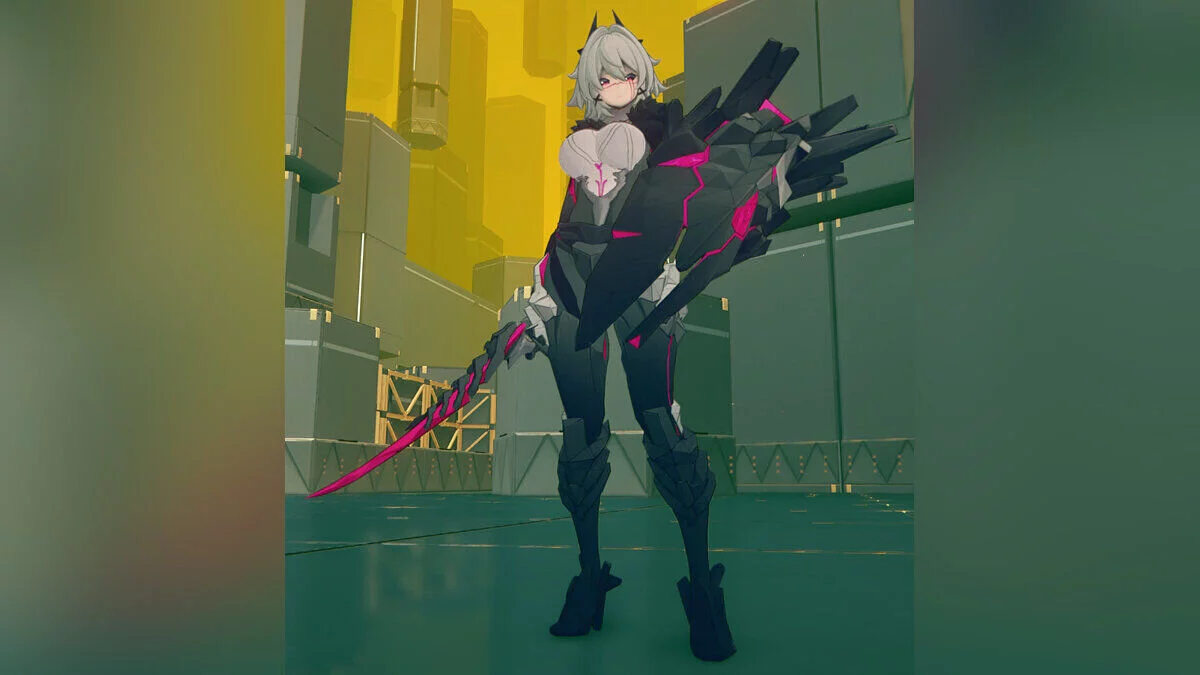
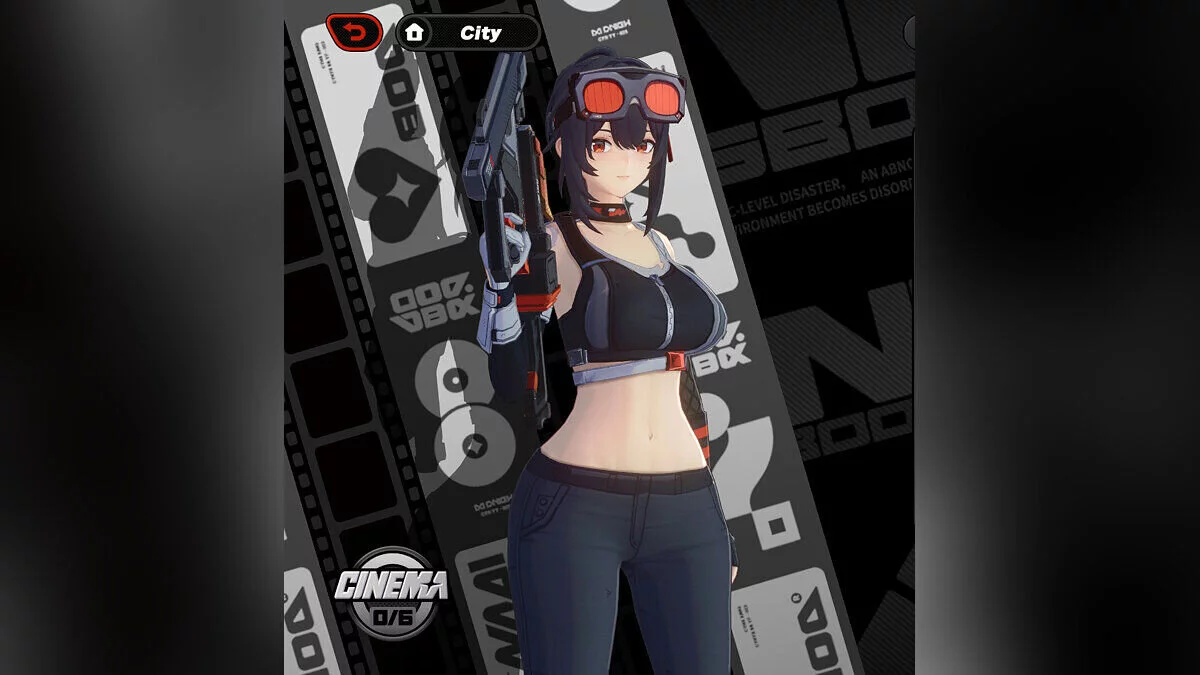
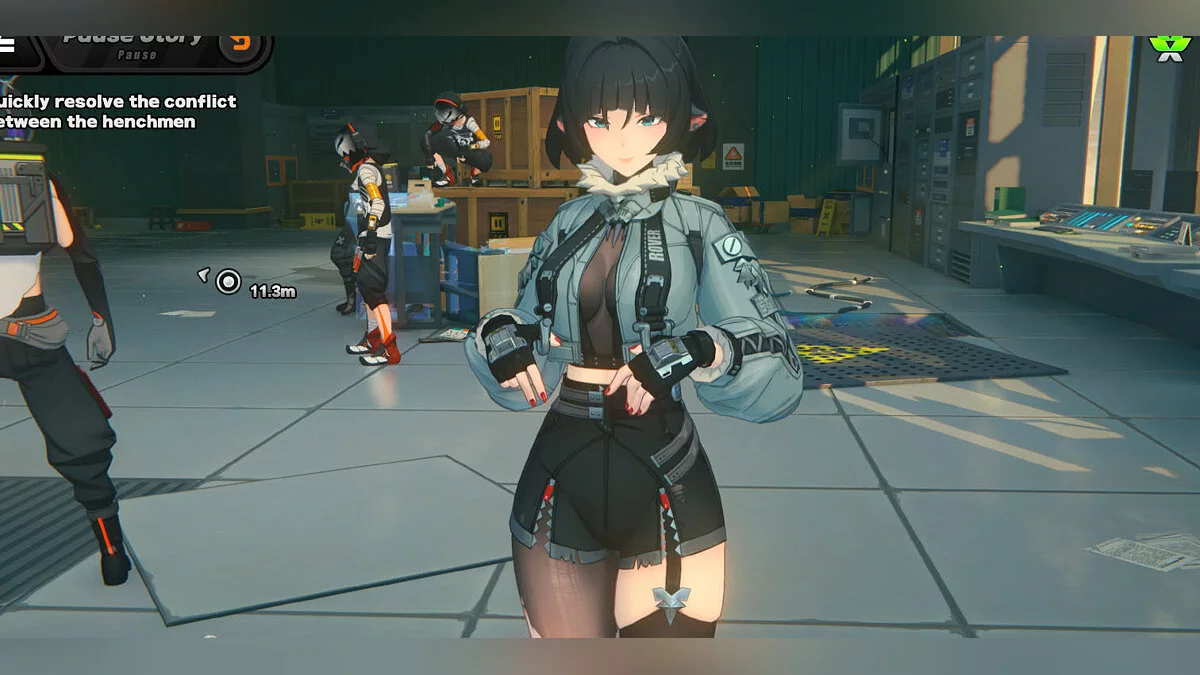
Free role-playing action game from the creators of Genshin Impact and Honkai: Star Rail. In the near future, the world was shaken by a catastrophe: mysterious... Read more
ZZZ 2.0 Fix


-
Download (7.55 MB)June 18, 2025, 02:30 PM2.0Fzzz-2-0-fix_1750246221_242712.zipArchive password: vgtimes
-
Download (7.55 MB)June 24, 2025, 12:26 PM2.0Gzzz-2-0-fix_1750757179_373208.zipArchive password: vgtimes
As is widely known, there are two methods for texture replacement in Zenless Zone Zero mods: slot replacement and hash replacement. Since the slot replacement method often encounters issues with outlines or upward lighting, the current mainstream approach still relies on hash-based replacement. While hash replacement may seem flawless, it critically depends on the maintenance of texture hash values—commonly handled by repair tools.
At present, the repair tool on GameBanana has not been updated for two major versions. Meanwhile, the new XXMI version includes the built-in SlotFix plugin, which has largely resolved outline and upward lighting issues caused by slot replacement (RabbitFX 5.0 offers similar functionality). Furthermore, as the number of in-game characters continues to grow, maintaining up-to-date texture hashes will become increasingly burdensome. Thus, once the SlotFix script stabilizes and matures, the hash replacement method may very well be phased out. Consequently, I will likely cease development of repair tools in the future.
Therefore, whether you are a mod creator or simply want to repair mods yourself, mastering the SlotFix plugin is essential.
When downloading, the file may trigger false-positive virus warnings from security software.
The original link to this file, as well as instructions for mod development based on it, can be found here.
Updates:
- 2.0F – Updated high/low LOD hash fixes for Astra's skin. Optimized hash tuple order to reduce redundant hash replacements.
Related files:
Useful links: