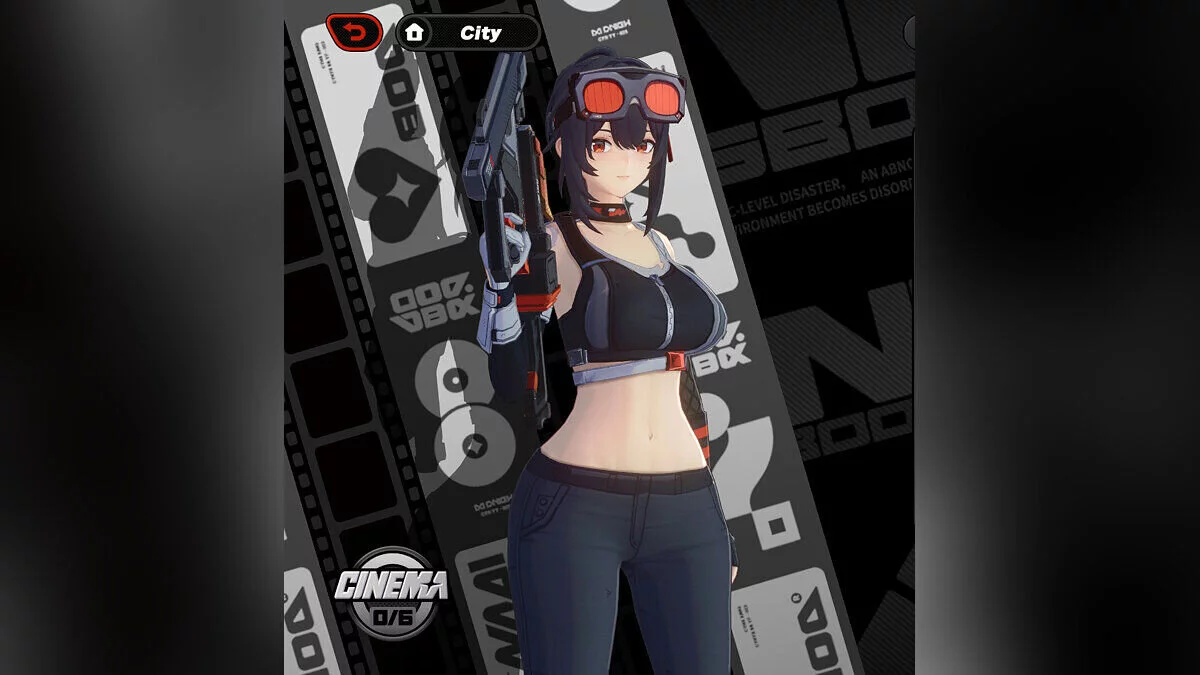
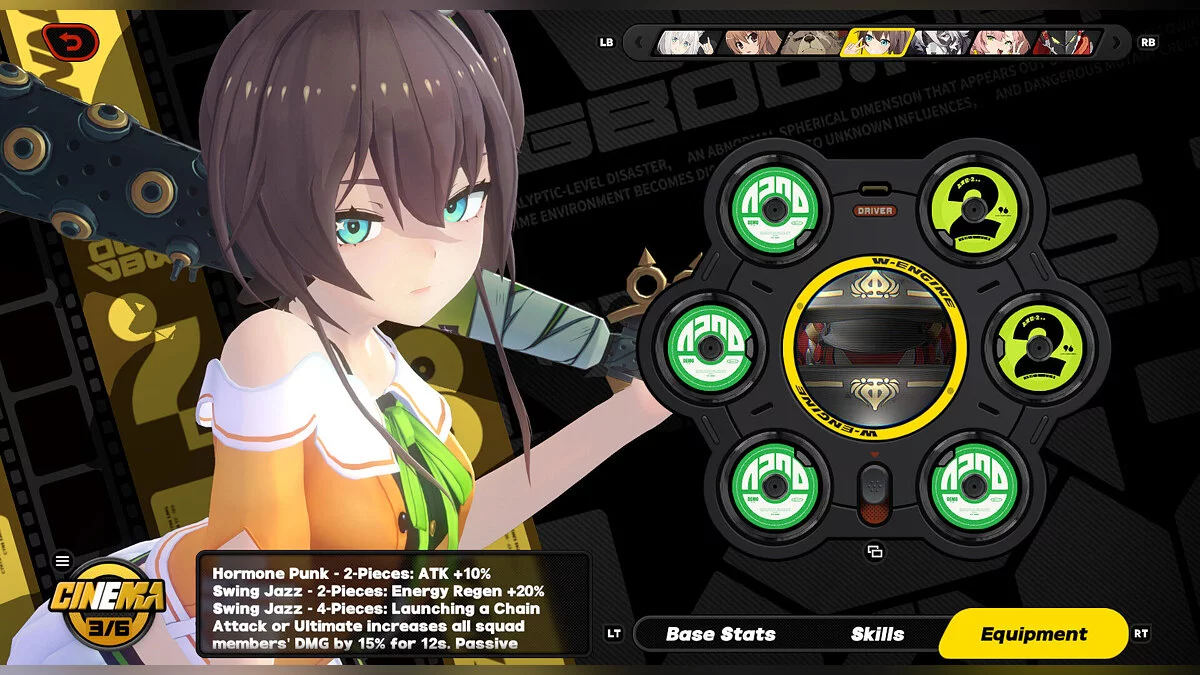
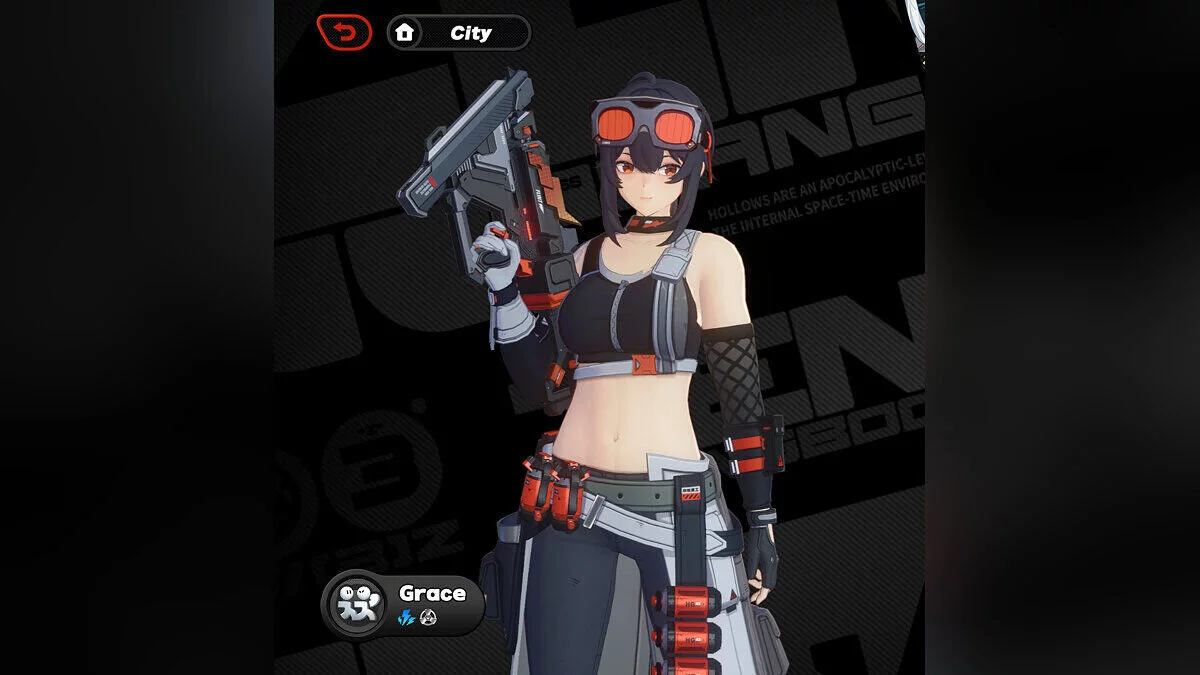
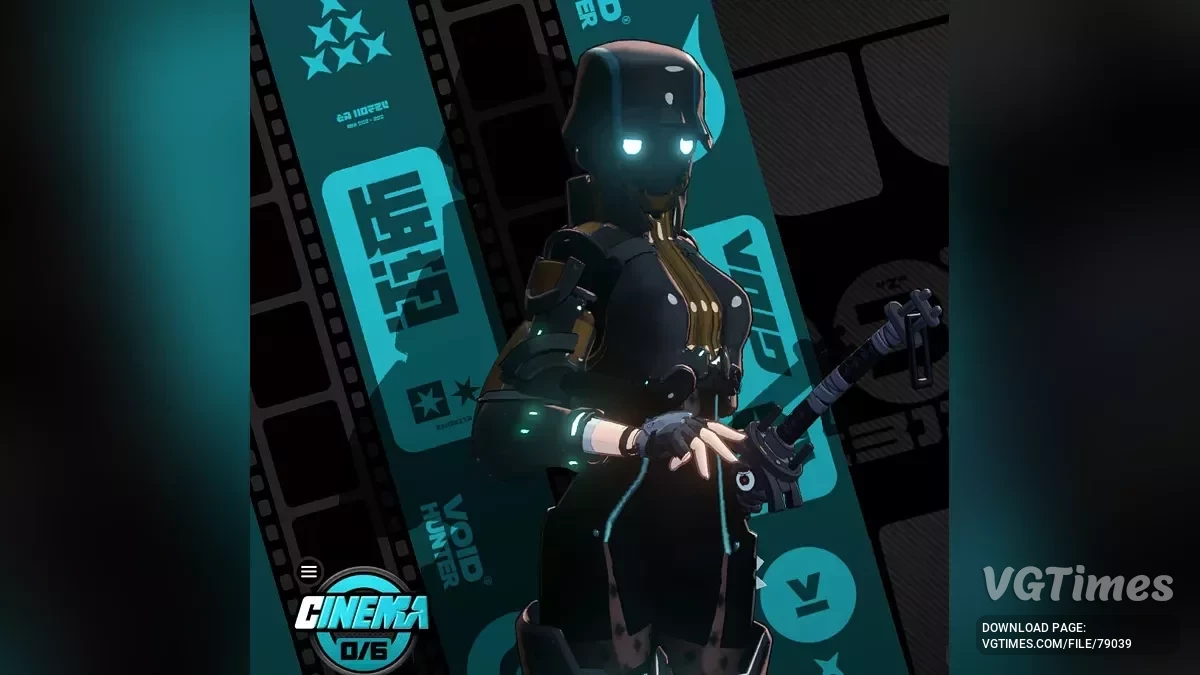
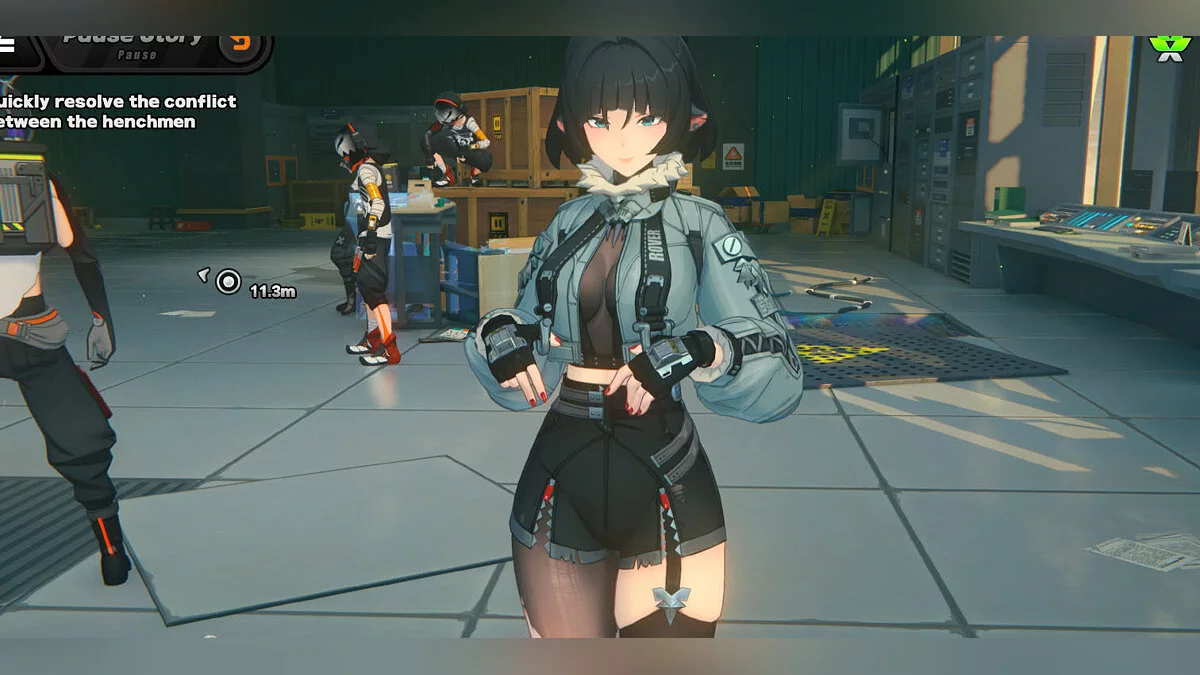
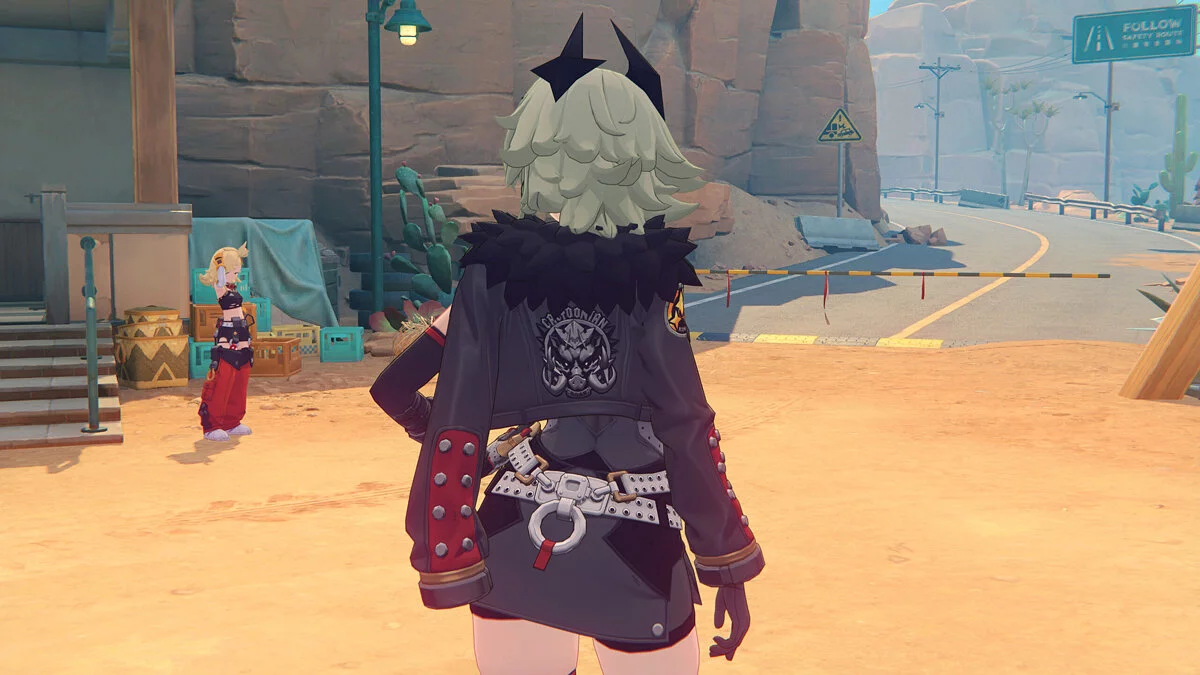
Free role-playing action game from the creators of Genshin Impact and Honkai: Star Rail. In the near future, the world was shaken by a catastrophe: mysterious... Read more
Miyabi outfit toggles




Important Graphics Settings:
High-Precision Character Resolution — disable;
Character Quality — high.
Additionally: For owners of Miyabi’s signature W-Engine, it is recommended to install RabbitFX to enable the glowing hairclip effect.
Saving multiple outfits:
You can save up to 3 different outfit configurations. To do this, press the Left Arrow ← key to manually cycle to the next outfit.
Outfit auto-change mode:
- After selecting the desired options for each outfit, you can optionally enable auto-change;
- Outfits will switch automatically depending on the game state:
- Free Roam Outfit / Combat Outfit / Wallpaper Outfit;
- Press the Right Arrow → key to enable or disable outfit auto-change.
Full list of toggles:
- H : open help menu;
- ALT + H : resize help menu.
- Use the number row or arrow keys to cycle through options.
- 1 : jacket [default / off / alternate];
- 2 : shirt front [default / slightly open / more open];
- 3 : midriff & belt [default / small buckle / small midriff / more midriff];
- 4 : legs [default / pantyhose / pantyhose & underwear / bare & shorts / bare & underwear];
- 5 : shoes [default / open-toe strap / open-toe strapless];
- 6 : necktie [default / off];
- 7 : hair [default / ponytail];
- 8 : hairclip [default / off];
- 9 : gloves [default / fingerless gloves on both hands / off];
- 0 : sarashi wrap bra [off / on];
- - : left arm armour [default / armlet only / off];
- = : fingernails [default / painted];
- UP ↑ : shorten skirt;
- DOWN ↓ : lengthen skirt;
- LEFT ← : next outfit [Free Roam / Combat / Wallpaper];
- RIGHT → : outfit auto-change [off / on].
Saving configuration (ZZMI):
After selecting the desired outfits, press F10 to save. Your chosen outfit configurations will be loaded each time you start the game. The configuration is saved to the file d3dx_user.ini. If you have issues saving, make sure your mod folder name contains only English characters.
Updates:
- 1.3 — fixes the flying torso/midriff bug introduced in version 1.2.
Useful links: