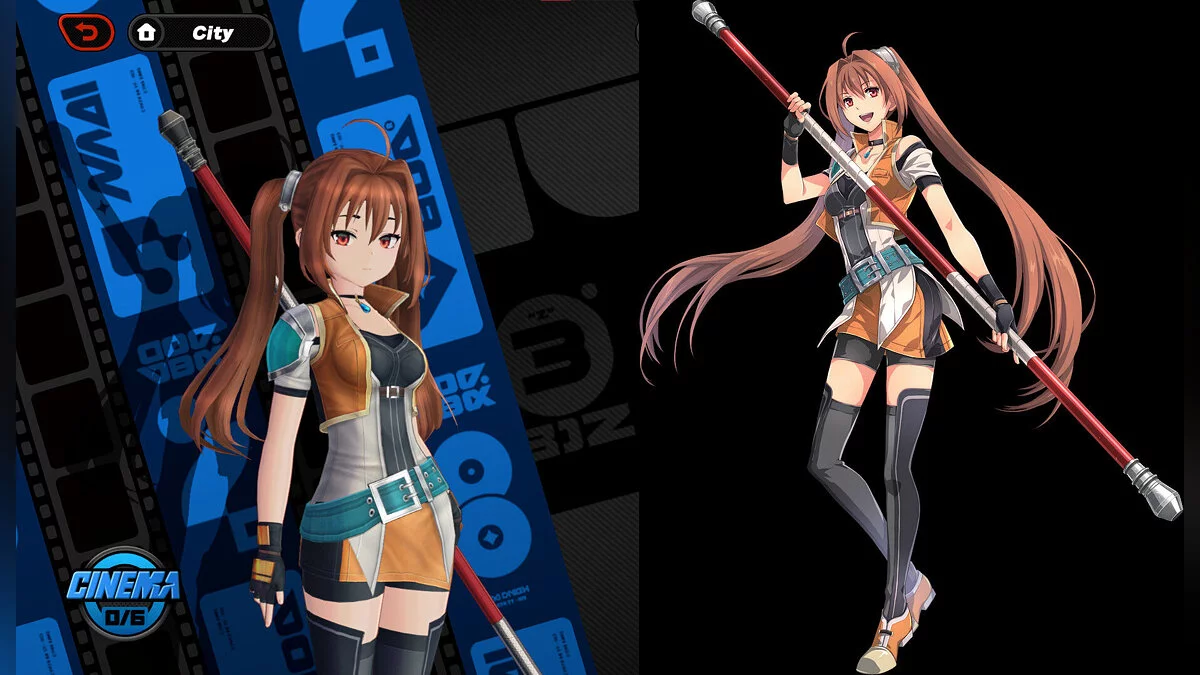
Free role-playing action game from the creators of Genshin Impact and Honkai: Star Rail. In the near future, the world was shaken by a catastrophe: mysterious... Read more
Players:
Steam:
Metacritic:
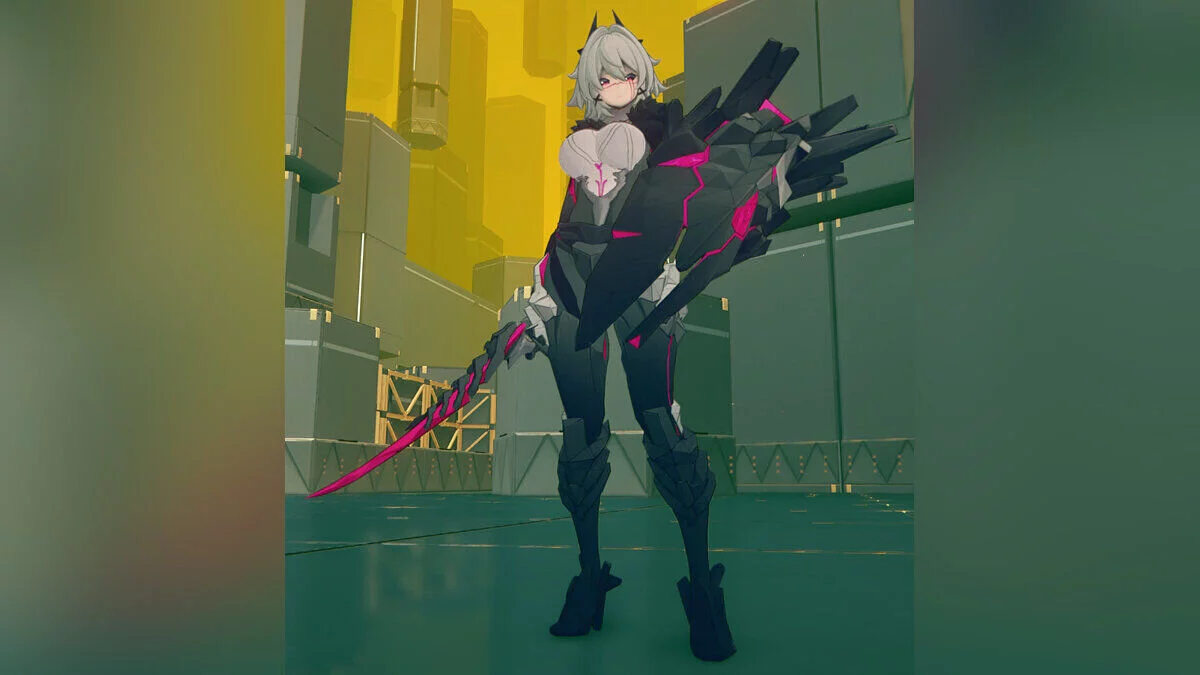
Vivian succubus princess





Author:
QuantDweller, Zlevir, LillyFox
Uploaded by:

Size:
22.47 MB
Date:
November 4, 2025, 06:31 AM
Updated:
January 23, 2026, 09:14 AM
Downloads:
321


The mod comes in several variations. Many options are initially locked, but will gradually be unlocked.
Available from the start:
- Head – light horns / dark horns / no horns;
- Makeup – bright / default;
- Forearm armor – on/off;
- Shoulder armor – on/off;
- Tail – light / dark / off;
- Leg armor – on/off;
- Stockings – on/off;
- Breast size slider.
Main controls:
- / – open/close the menu. The character must be “on screen.” This is NOT the NumPad slash, just the regular /. Depending on your keyboard layout, the symbol may differ. To change the key, edit the first key setting in the ini file if you’re confident doing so;
- Left or right mouse button – interact with menu elements (click/drag/slide). Be careful with the left mouse button – it can still click things in-game.;
- HOLD ALT to bring up the cursor in game if you are not in a game menu that exposes it automatically;
- SHIFT + right arrow – reset menu position and all sliders (in case something breaks, though I wasn’t able to break it).
Keyboard controls:
- CTRL + arrows – move the entire menu on the screen in 4 directions corresponding to the arrow key pressed;
- Up and down arrows – navigate through toggles. Arrows that change the menu page are also considered toggles.;
- Left and right arrows – simulate mouse click on the selected toggle. If the selected item is a slider, change its value.
Updates:
- Bikini toggles added.
Useful links: