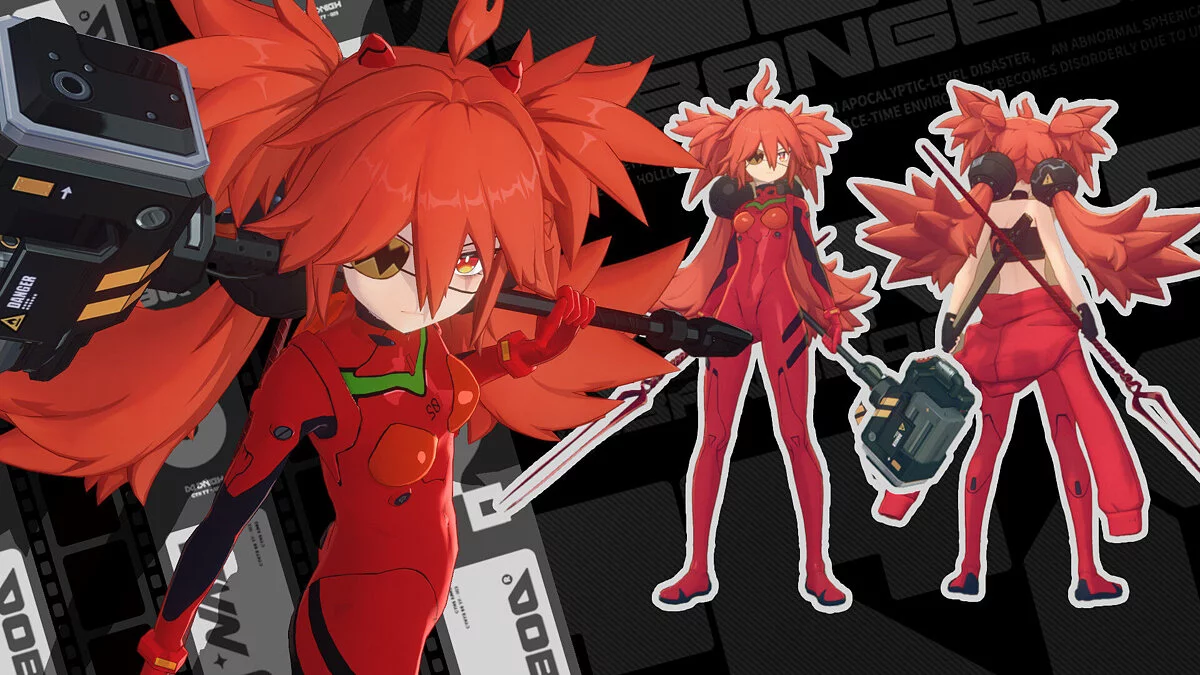
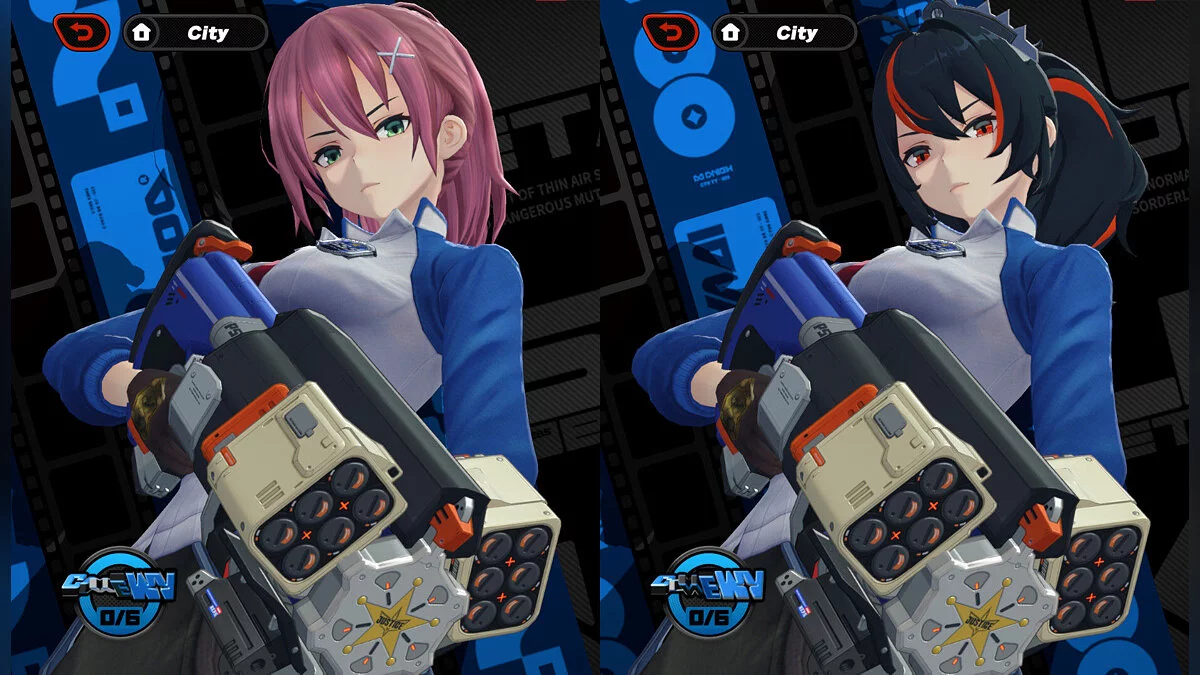
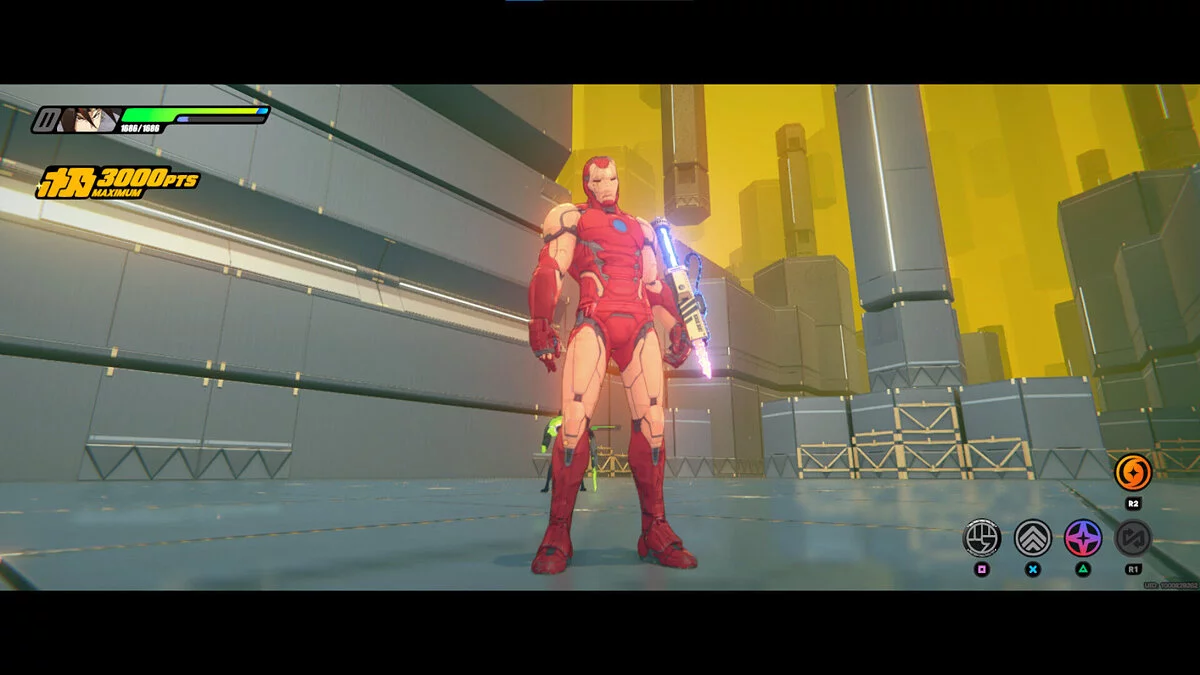
Free role-playing action game from the creators of Genshin Impact and Honkai: Star Rail. In the near future, the world was shaken by a catastrophe: mysterious... Read more
Velina Ballet Heels & Latex


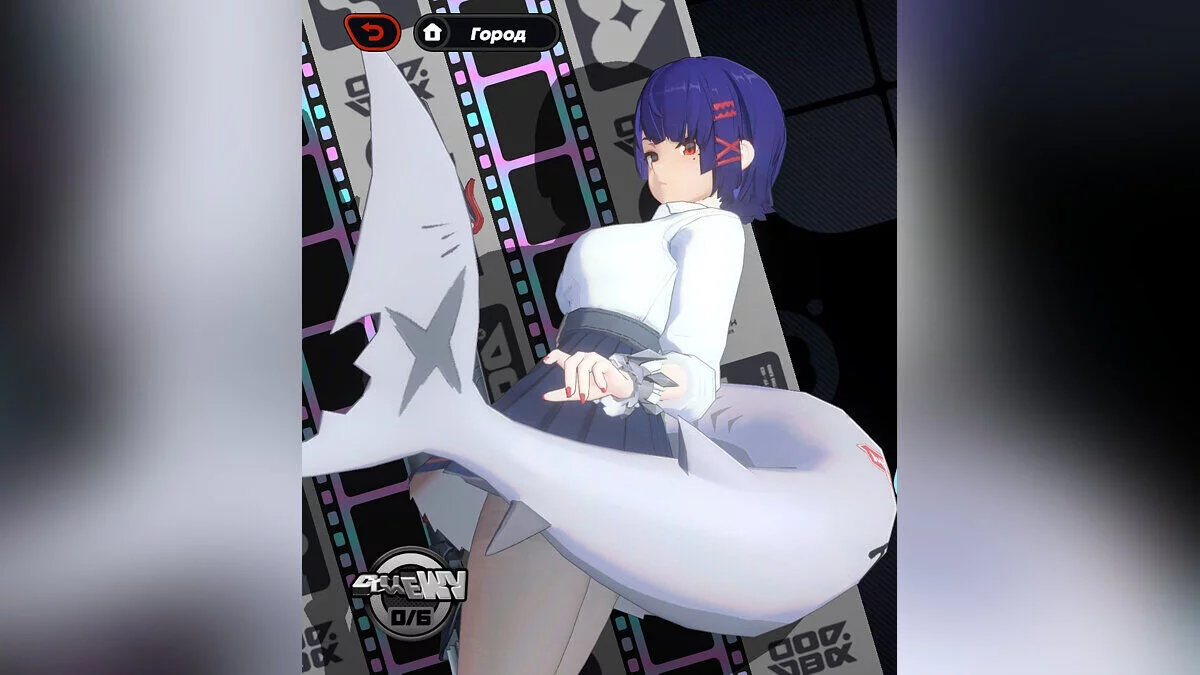
This mod adds elegant ballet heels and stylish latex outfits for the character. With it, you can dramatically change the heroine’s appearance by choosing from several color and material options: classic white, deep black, or a combination of shades. The latex suit accentuates the character’s figure, while the high heels give the look sophistication and elegance. The mod is perfect for those who want to add more style and individuality to the game, as well as stand out among other players. Toggles:
- Toggle hair color — 7;
- Toggle hair accessories color — Ctrl + 7;
- Toggle clothing latex material — 8;
- Toggle latex face mask — Ctrl + 8;
- Toggle makeup — 9;
- Toggle ballet and high heels — 0;
- Toggle dress — →;
- Toggle back and sleeve accessories — Ctrl + →;
- Toggle latex gloss — ←;
- Toggle hair and accessories gloss — Ctrl + ←;
- Toggle body latex and cloth color — ↑;
- Toggle breast and hair clothing — Ctrl + ↑;
- Toggle leg and stocking color — ↓.
[Texture Coloring Replacement]
To edit DDS files, you need to install software that supports them (such as Paint.NET).
NOTE: DDS files (DiffuseMap) MUST be saved in BC7 (sRGB, DX11+) format.
Textures are split: upper & lower dress, heels, stockings, underwear.
You can adjust the color to your liking.
- Open the DDS files (DiffuseMap) in the [Texture] folder with the same prefix;
- Add adjusted files from [Texture Coloring Replacement] — this will create a new layer;
- Then merge the layers and save (Ctrl M).
- Multiple DDS files with the same prefix correspond to different color toggles.
- If you’re not sure which one, repeat these steps for all DDS files with the required prefix.
Updates:
- 0.4.1 — Fixed hash bugs of makeup in ZZZ 3.1 update.
Useful links: