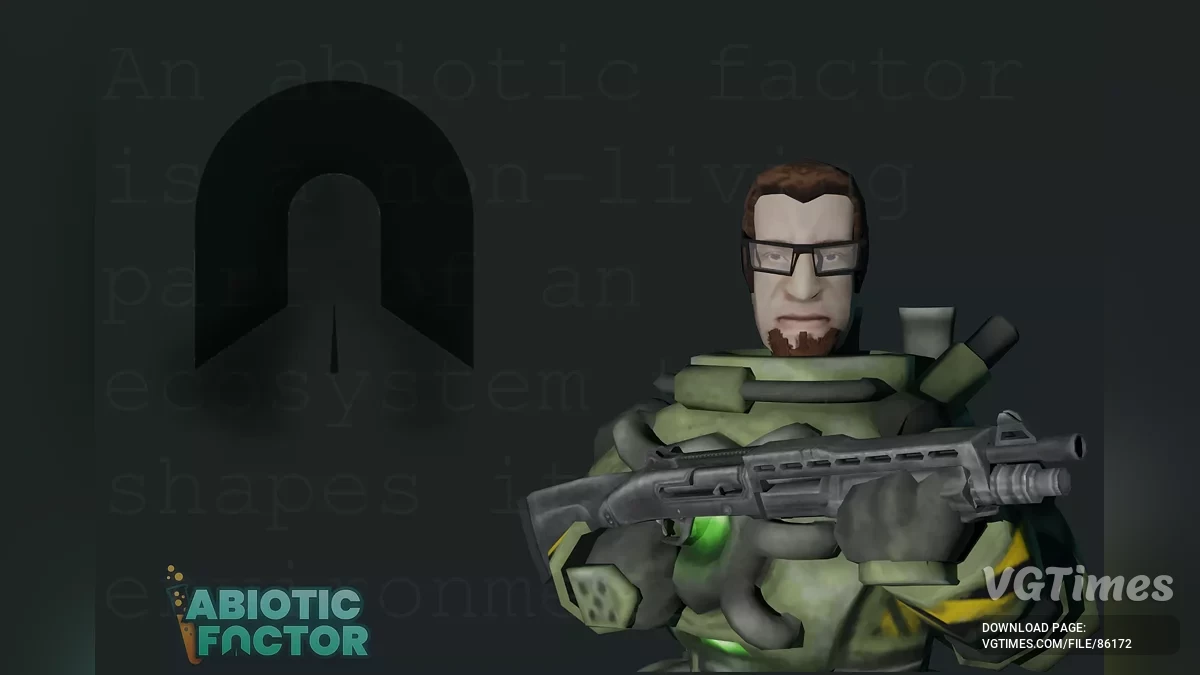
The GATE network of secret laboratories is engaged in research in all areas, including the paranormal. One day, one of the experiments ends in a massive failure... Read more
Duplicate Items

-
Download (23.51 kB)August 19, 2025, 11:58 AMdublirovanie-predmetov_1755593937_175272.zip
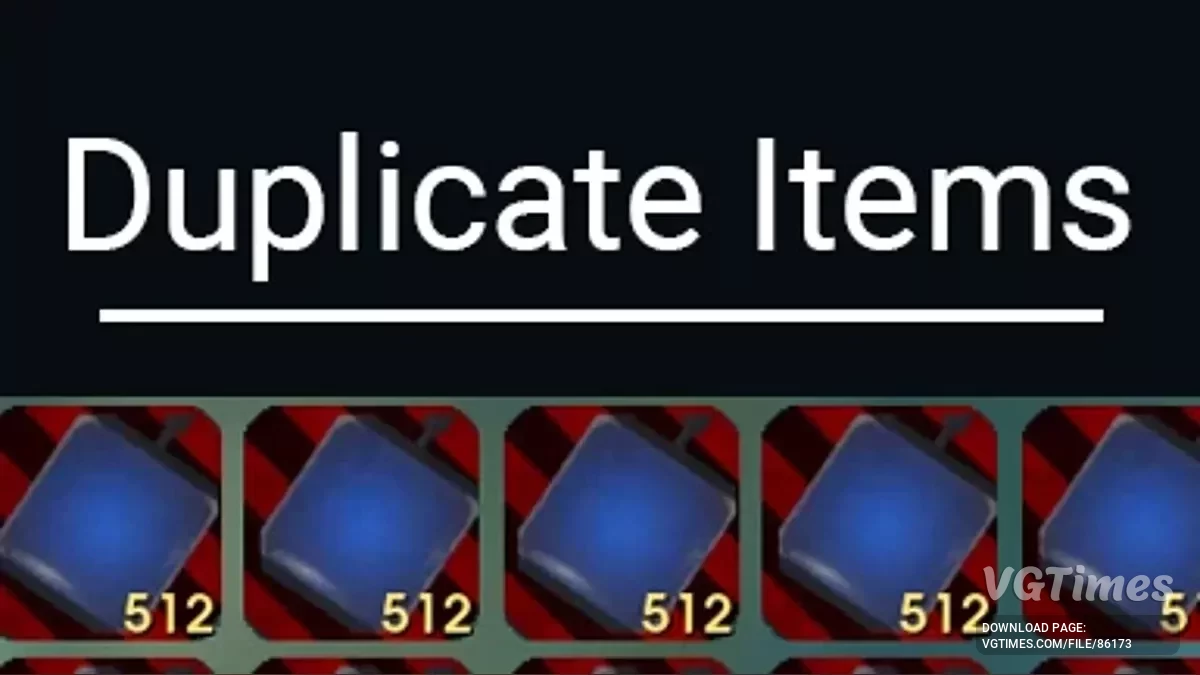
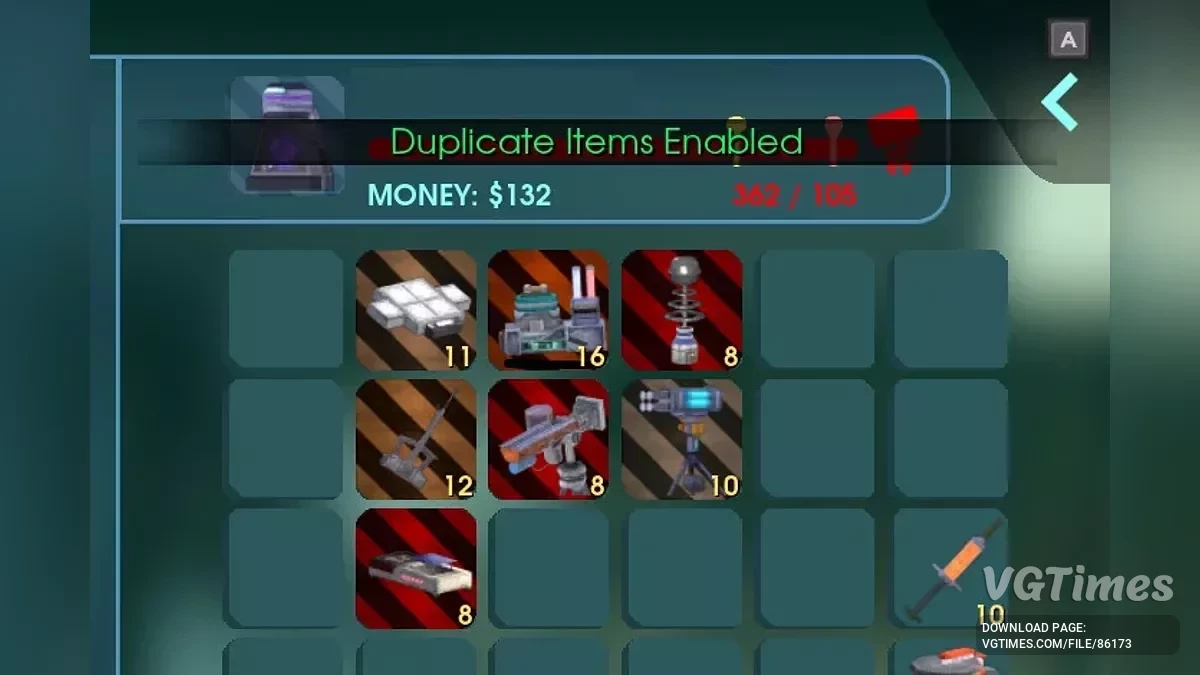
While the mod is active, each time you move an item from one inventory slot to another, the item stack is duplicated. The default hotkey to enable/disable the mod is F5, but you can change it in the main.lua file.
Starting from version v1.1.0, as an alternative to the hotkey, you can simply hold any Keypad Hacker in your hands to activate the mod. The Keypad Hacker must be placed and selected in the Hotbar. This feature can be disabled in main.lua.
How to install:
- Follow the instructions on the UE4SS page to download and install the latest version of UE4SS;
- Then download the mod as a zip archive;
- Unpack the contents of the mod archive (the DuplicateItems folder) into the directory: Steam: (game root directory)\AbioticFactor\Binaries\Win64\ue4ss\Mods\; XboxGames: (game root directory)\Abiotic Factor\Content\AbioticFactor\Binaries\WinGDK\ue4ss\Mods\;
- Make sure that a new nested folder is not created during extraction. If it is, just move the contents to the correct directory. The mod path should look like this: Steam: C:\Program Files (x86)\Steam\steamapps\common\AbioticFactor\Binaries\Win64\ue4ss\Mods\DuplicateItems\ or XboxGames: C:\XboxGames\Abiotic Factor\Content\AbioticFactor\Binaries\WinGDK\ue4ss\Mods\DuplicateItems\.
- Check that the mod is installed correctly. The mod folder should contain a Scripts folder and an enabled.txt file. Steam: \AbioticFactor\Binaries\Win64\ue4ss\Mods\DuplicateItems\Scripts\ and \AbioticFactor\Binaries\Win64\ue4ss\Mods\DuplicateItems\enabled.txt or XboxGames: \Abiotic Factor\Content\AbioticFactor\Binaries\WinGDK\ue4ss\Mods\DuplicateItems\Scripts\ and (game root directory)\Abiotic Factor\Content\AbioticFactor\Binaries\WinGDK\ue4ss\Mods\DuplicateItems\enabled.txt
Mod configuration:
- Currently, the mod only allows you to change the toggle hotkey (default is F5) or disable the Keypad Hacker feature;
- Go deeper into the mods directory and find the main.lua file;
- It should be located at: \AbioticFactor\Binaries\Win64\Mods\DuplicateItems\scripts\;
- Open main.lua with Notepad or any other text editor;
- You can modify the ToggleModKey and ToggleModKeyModifiers variables. Examples and possible values for Key and ModifierKey can be found in the UE4SS documentation. See: Key and ModifierKey;
- You can set WhileHoldingKeypadHacker to false to disable the "Enabled while holding the Keypad Hacker" feature;
- Don’t forget to save your changes.
How to use:
- When you press the mod’s hotkey (default F5), a new state (enabled/disabled) will appear at the top of the screen;
- Alternatively, the mod is activated when the Keypad Hacker is equipped and selected in the Hotbar (held in your hands);
- While the mod is enabled, every time you move an item between any inventory slots, its stack count is doubled. This works for all items, and you can always split stacks;
- Splitting stacks does not trigger the mod — only moving/swapping items;
- The mod works in singleplayer if you are the host, or on a dedicated server.
Multiplayer / Dedicated server:
Starting from version v1.1.0, the mod fully supports multiplayer and dedicated servers. As long as you are the host or the mod is installed on a dedicated server, all players can use it. Only the host can toggle the mod for all players using the hotkey, but the Keypad Hacker feature works for everyone.
Related files:
Useful links:
![Abiotic Factor — Table for Cheat Engine [UPD: 08.06.2025]](https://files.vgtimes.com/download/posts/2025-06/thumbs/tablica-dlja-cheat-engine-upd-08-06-2025_1749461560_397816.webp)
![Abiotic Factor — Cheat Engine Table [UPD: 06.05.2024]](https://files.vgtimes.com/download/posts/2024-05/thumbs/tablica-dlja-cheat-engine-upd-06-05-2024_1715070337_948367.webp)
![Abiotic Factor — Cheat Engine Table [UPD: 05.04.2024]](https://files.vgtimes.com/download/posts/2024-05/thumbs/tablica-dlja-cheat-engine-upd-04-05-2024_1714894913_138374.webp)
![Abiotic Factor — Table for Cheat Engine [UPD: 25.05.2025]](https://files.vgtimes.com/download/posts/2025-05/thumbs/tablica-dlja-cheat-engine-upd-25-05-2025_1748248043_287342.webp)