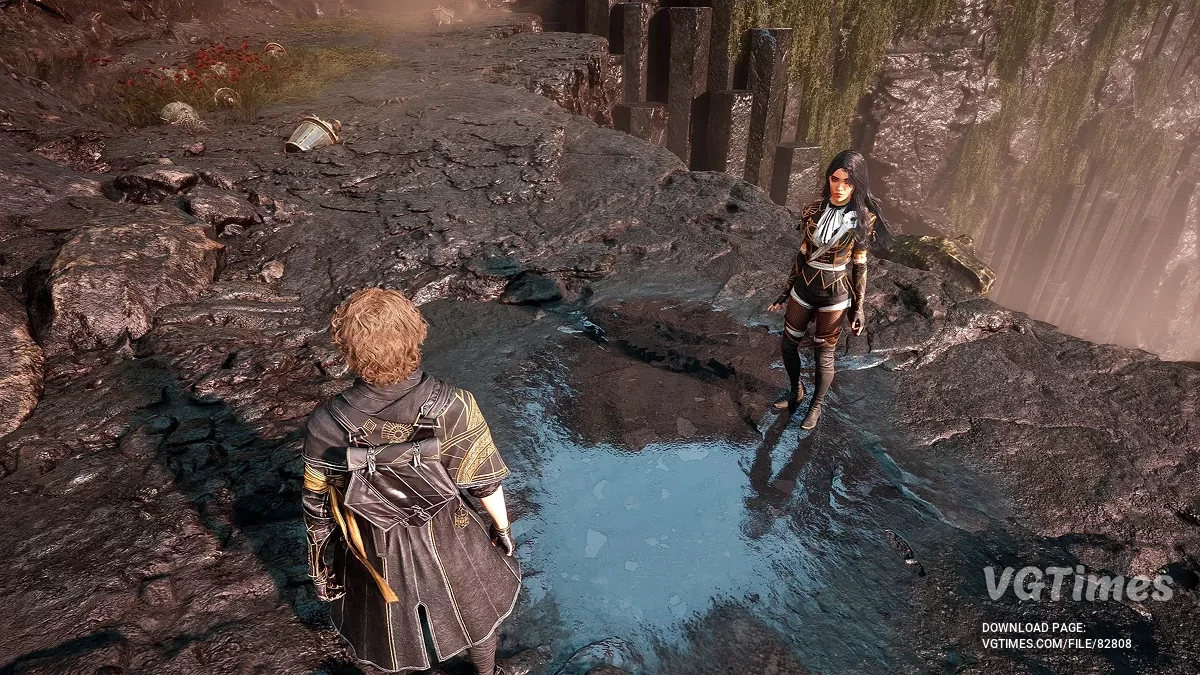
Atmospheric role -playing game with an unusual setting and dynamic step -by -step battles. In the center of the plot is a mysterious artist whose gloomy tradition... Read more
VGTimes:
Players:
Steam:
Metacritic:

Ultra performance
Author:
saurabh mazumder
Uploaded by:

Size:
107.37 MB
Date:
April 30, 2025, 02:46 PM
Downloads:
142
-
Download (191.12 MB)April 30, 2025, 02:46 PMsverkhproizvoditelnost_1746013619_570721.zipArchive password: vgtimes
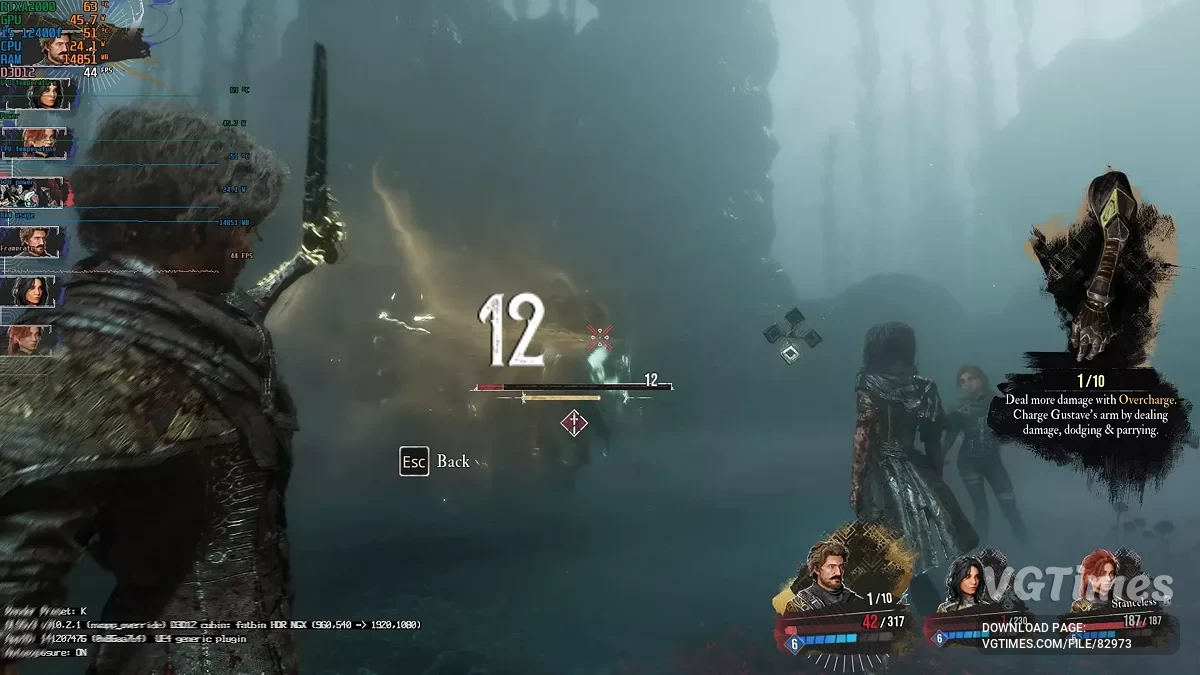
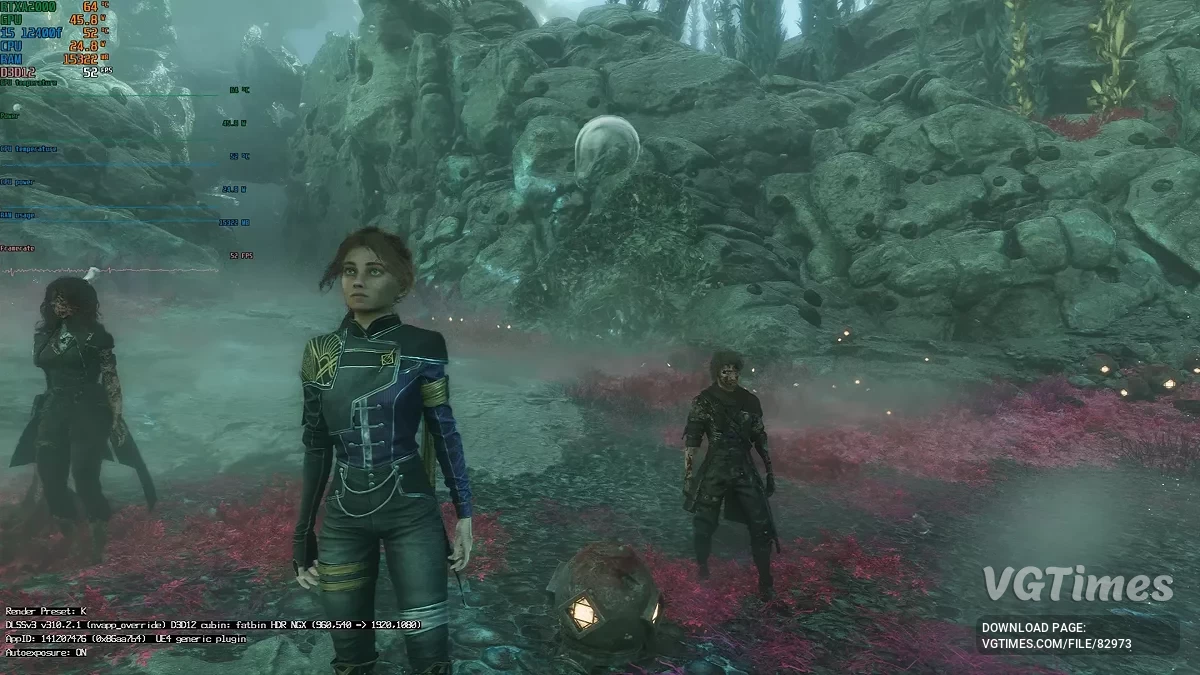
Results you should expect when using the mod:
- +20-30% FPS compared to your previous configuration;
- Much smoother XeSS Frame Generation — less stutter and fake frame blur;
- Reduced iGPU memory load — which means less stuttering on large open-world maps;
- Longer battery life when playing in portable mode;
- Lower resolution + XeSS Balanced Mode for a significant FPS boost while keeping graphics sharp;
- Post-processing completely disabled (no motion blur, vignette, or lens flare);
- Textures kept at medium instead of low (so it doesn’t look like PS2 graphics);
- HDR disabled (reduces stutter and VRAM load);
- Streaming pool size reduced for better support of low-end GPUs;
- HZB occlusion disabled for extra CPU relief.
Changes:
- XeSS Ultra Performance Mode (Mode 3) = maximum FPS boost;
- Even lower internal rendering resolution;
- Textures and materials = lowest possible;
- View distance, LOD, shadow size = extreme minimum;
- Pool size 1024MB = saves VRAM;
- Resolution reduced to 1152×648 = less GPU load than 1280×720.
- Suitable even for older graphics cards like GTX 750 Ti, RX 550, or Vega 8 iGPU.
How to install:
- Copy and paste the GameUserSettings.ini file to: C:\Users\username\AppData\Local\Sandfall\Saved\Config\Windows;
- Extract the second 107 MB .rar file to: D:\yourgamefolder\Clair Obscur Expedition 33\Sandfall\Binaries\Win64.
Useful links:
![Clair Obscur: Expedition 33 — Trainer (+33) [1.0 - UPD: 01.05.2025]](https://files.vgtimes.com/download/posts/2025-05/thumbs/trejjner-33-1-0-upd-01-05-2025_1746173347_219268.webp)