
A large-scale adventure action game with an open world, where the harsh reality of war intertwines with the personal story of mercenaries. At the center of the... Read more
VGTimes:
Players:
Metacritic:
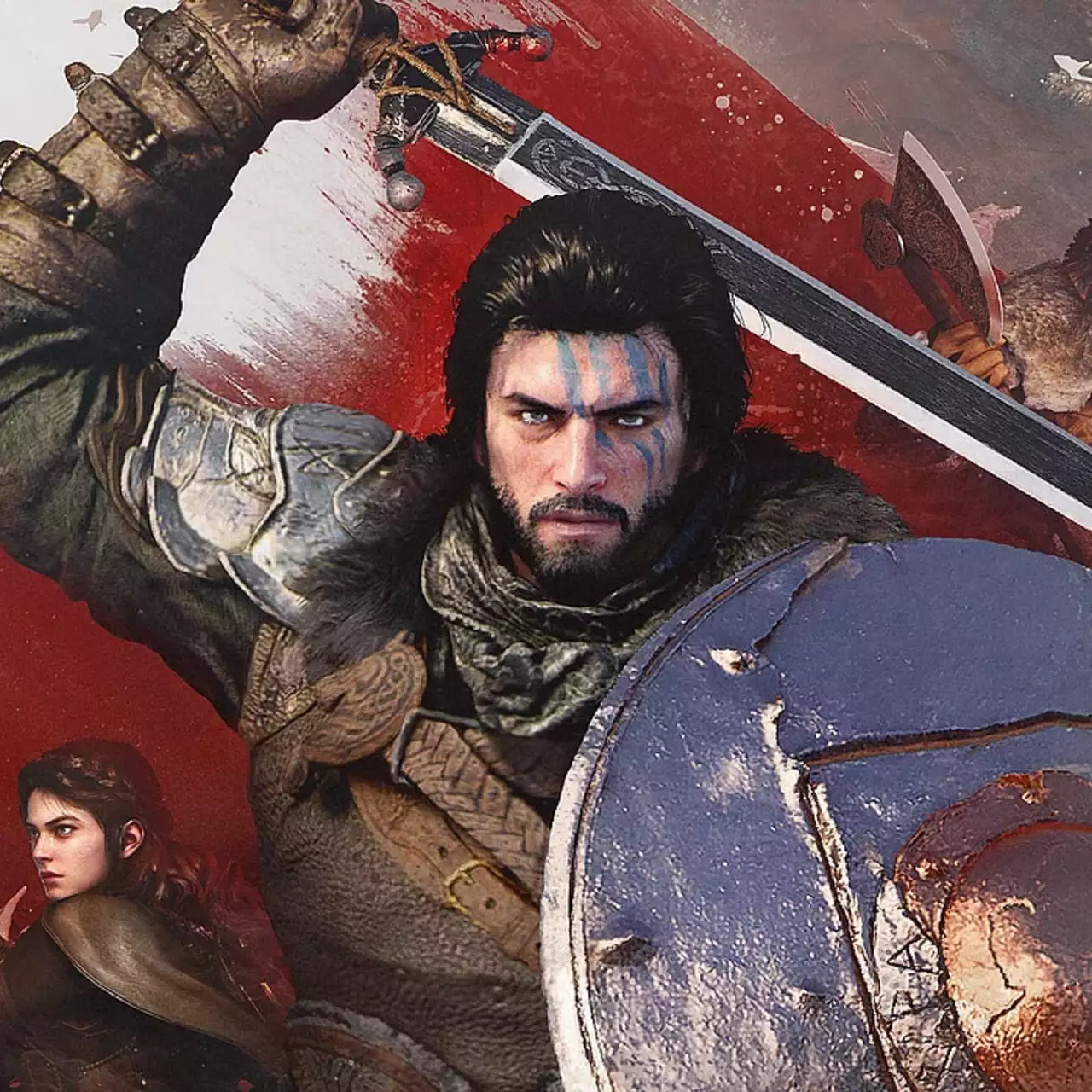
The editor of saves and items


Author:
RicePaddy
Uploaded by:

Size:
42.76 MB
Date:
March 23, 2026, 12:56 AM
Downloads:
221
-
Download (42.76 MB)March 23, 2026, 12:56 AMredaktor-sokhranenijj-i-predmetov_1774216608_270634.zip
This mod is a full save editor for Crimson Desert that allows you to manage inventory, swap items, and expand bag space through a clean GUI tool.
Features:
- Inventory editor with full item list and stack counts;
- Edit any item amount (arrows, materials, etc.);
- Color-coded item categories;
- Item swapping using ItemNo and ItemKey;
- Community-driven item name database;
- Automatic bag expansion (200+ slots and beyond);
- Custom bag size via config.json;
- Auto-Add feature to maintain minimum item stacks;
- Auto-refresh on every save;
- Save backup system;
- User-friendly GUI tool;
- Works via version.dll without injectors;
- Compatible with current Steam version.
How to use:
- Launch the game and load a save;
- Open CrimsonModConsole.exe;
- Save the game to load data into the tool;
- Select an item and edit its amount;
- Click Apply Changes;
- Save again and reload your save;
How it works:
- Hooks via version.dll;
- Intercepts save process before encryption;
- Applies changes safely before writing to disk;
Additional:
- Item swap feature allows replacing items;
- Auto-Add maintains selected resources automatically;
- Bag expansion is enabled by default;
Limitations:
- Tested only on Steam version (others may not work);
- Cannot add new items, only edit or swap existing ones;
- Player level editing is disabled;
- Changes apply only on save;
- Bag sizes above ~230 are not fully tested;
Installation:
- Download the archive;
- Extract files;
- Copy version.dll to:
- C:\Program Files (x86)\Steam\steamapps\common\Crimson Desert\bin64;
- Copy CrimsonMods folder to the same directory;
- Launch the game.
Uninstallation:
- Delete version.dll from bin64;
- Delete CrimsonMods folder.
Useful links:

![Crimson Desert — FOV and Camera fix [v1.61]](https://files.vgtimes.com/download/posts/2026-03/thumbs/ispravlenie-fov-i-kamery-v1-61_1774728240_629957.webp)
![Crimson Desert — Trainer (+12) [1.0 - 1.02]](https://files.vgtimes.com/download/posts/2026-04/thumbs/trejjner-12-1-0-1-02_1775468503_59178.webp)
![Crimson Desert — Trainer (+15) [1.06.00]](https://files.vgtimes.com/download/posts/2026-05/thumbs/trejjner-15-1-06-00_1778781947_271749.webp)
![Crimson Desert — Trainer (+15) [1.05.00]](https://files.vgtimes.com/download/posts/2026-05/thumbs/trejjner-15-1-05-00_1777887774_470144.webp)


![Crimson Desert — Trainer (+10) [V6]](https://files.vgtimes.com/download/posts/2026-04/thumbs/trejjner-10_1775199394_845526.webp)