
Far Cry New Dawn is a continuation of the popular first-person shooter series, which, unlike previous games, will take you to a post-apocalyptic world — Hope County... Read more
Enhanced Colors
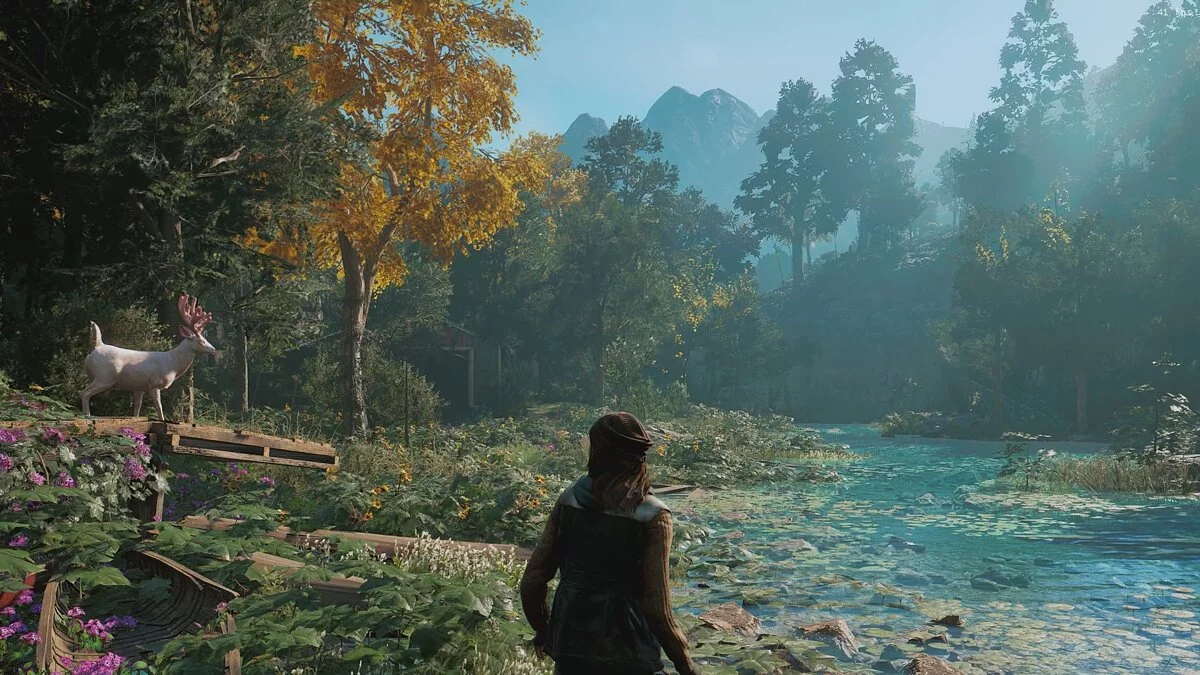


-
www.nexusmods.comDownload
UHG Reshade.
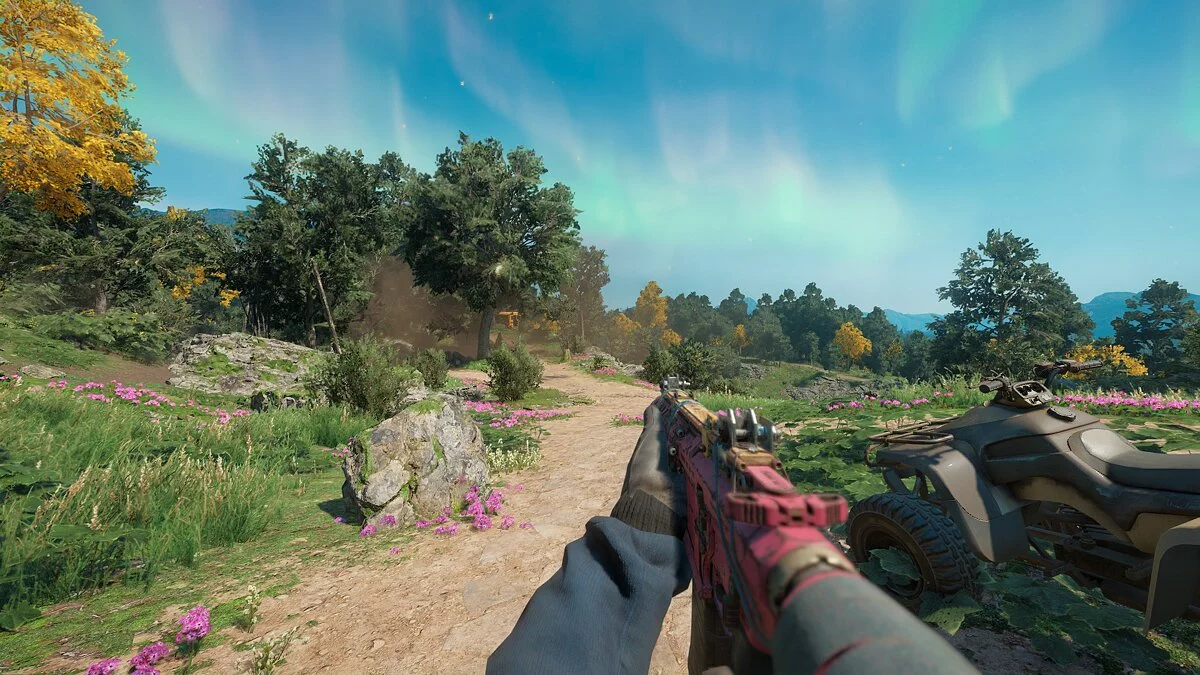
Enhances graphics and improves colors. Install using Reshade 4.8.2.
Installation:
1. Remove all previous reshade files you have (reshade-shaders folder, dxgi.dll, dxgi.txt, ReShade.ini, and any other preset files). Download and install Reshade 4.8.2, only install the 'Standard Standard Effects' package with all effects (ReShade_Setup_4.8.2 — https://reshade.me/downloads/ReShade_Setup_4.8.2.exe ).
2. Download my reshade file from Nexus Mods and extract the file from the archive to the Far Cry New Dawn / bin directory, where the FarCryNewDawn.exe file is located.
3. Launch the game, open the Reshade menu by clicking 'Home', then click on the long bar at the top of the Reshade menu and select the file with my preset to activate it.
4. Enjoy.

UHG Reshade.
Улучшает графику и улучшает цвета. Установить с помощью Reshade 4.8.2.
Установка:
1. Удалите все предыдущие файлы reshade, которые у вас есть (reshade-shaders (папка), dxgi.dll, dxgi.txt, ReShade.ini и все другие файлы предустановок). Загрузите и установите Reshade 4.8.2, установите только пакет «Стандартные стандартные эффекты» со всеми эффектами (ReShade_Setup_4.8.2 — https://reshade.me/downloads/ReShade_Setup_4.8.2.exe ).
2. Загрузите мой файл reshade из Nexus Mods и извлеките файл из архива в каталог Far Cry New Dawn / bin , где находится файл FarCryNewDawn.exe.
3. Запустите игру, откройте меню Reshade, щелкнув «Home», затем нажмите на длинную полосу в верхней части меню Reshade и выберите файл с моим пресетом, чтобы активировать его.
4. Наслаждайтесь.
Useful links:

![Far Cry New Dawn — Trainer (+11) [1.0.5] [MrAntiFun]](https://files.vgtimes.com/download/posts/2019-04/thumbs/1555418026_0xxvtxfzyicewzxputh-4w.webp)
![Far Cry New Dawn — Trainer (+5) [v1.0.2]](https://files.vgtimes.com/download/posts/2021-02/thumbs/1613727243_bvrtkvh0wi0yif0cmltd7w.webp)
![Far Cry New Dawn — Trainer (+8) [1.0.5]](https://files.vgtimes.com/download/posts/2025-05/thumbs/trejjner-8-1-0-5_1747296739_791502.webp)

![Far Cry New Dawn — Trainer (+20) [1.0.2] [FLiNG]](https://files.vgtimes.com/download/posts/2019-02/thumbs/1550402009_1550401909_59.webp)
![Far Cry New Dawn — Trainer (+6) [1.0.5]](https://files.vgtimes.com/download/posts/2024-08/thumbs/trejjner-6-1-0-5_1722934551_466728.webp)