
Get Even is a dynamic first-person shooter with horror elements. The game tells the story of Cole Black, who suffers from memory loss. He has to find out why a... Read more
Optimization for Low-End PCs



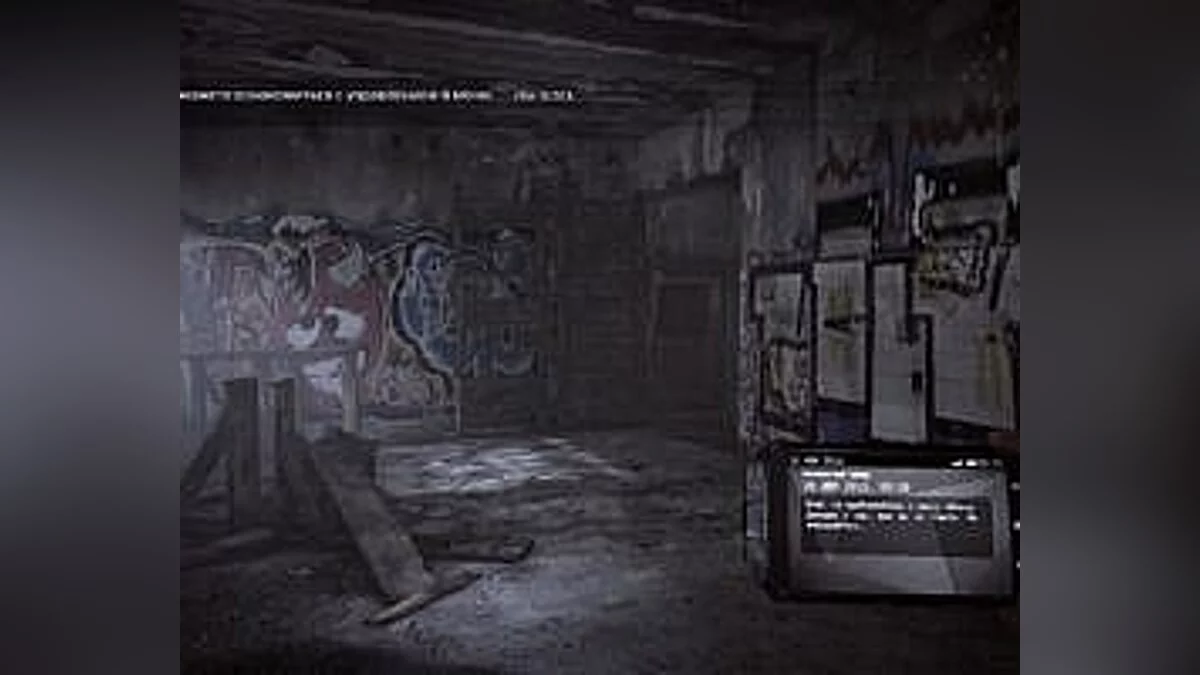

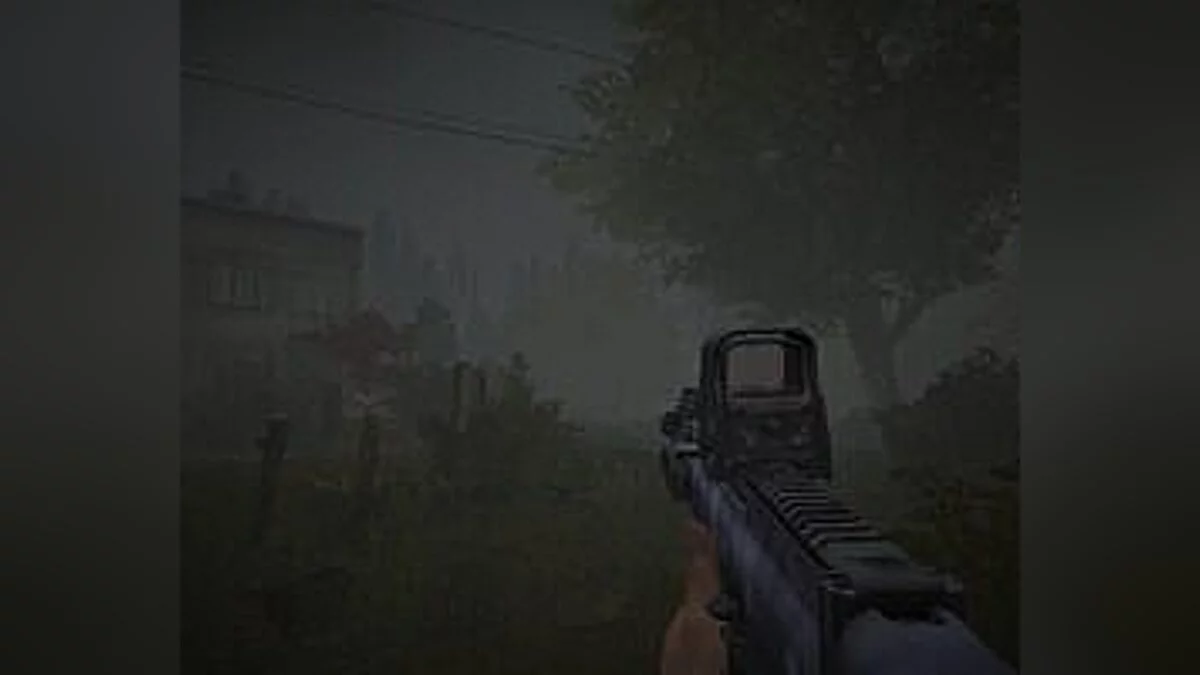




-
1576361199_optimizatsiya_get_even.zipDownload (28.99 kB)
Installation
1) Move the file "DefaultEngine.ini" to the game folder at the following address:
Game folder Get Even/StormGame/Config
2) After that, launch the game. Close the game and copy the file — "StormEngine.ini" to the following directory: C:/Users/Username/Documents/My Games/Get Even/StormGame/Config
If you did not complete the first step, this directory simply will not exist.
3) Set the attribute — "Read-only" in the properties of this file.
4) Enjoy playing.
Установка
1) Файл «DefaultEngine.ini» переместите в папку с игрой по следующему адресу:
Папка с игрой Get Even/StormGame/Config
2) После этого запустите игру. Закрываем игру и копируем файл — «StormEngine.ini» в следующую директорию: C:/Users/Имя пользователя/Documents/My Games/Get Even/StormGame/Config
Если вы не выполнили первый пункт, то данной директории у вас банально не будет.
3) Ставим атрибут — «Только чтение» в свойствах данного файла.
4) Играем.
Useful links:
![Get Even — Trainer (+4) [1.0] [Update 06/23/2017] [64 Bit] [Baracuda]](https://files.vgtimes.com/download/posts/2017-06/thumbs/1498248185_cfjw0eri.webp)
![Get Even — Trainer (+4) [1.0] [Abolfazl.k]](https://files.vgtimes.com/download/posts/2017-06/thumbs/1498248181_zz2am7m9.webp)