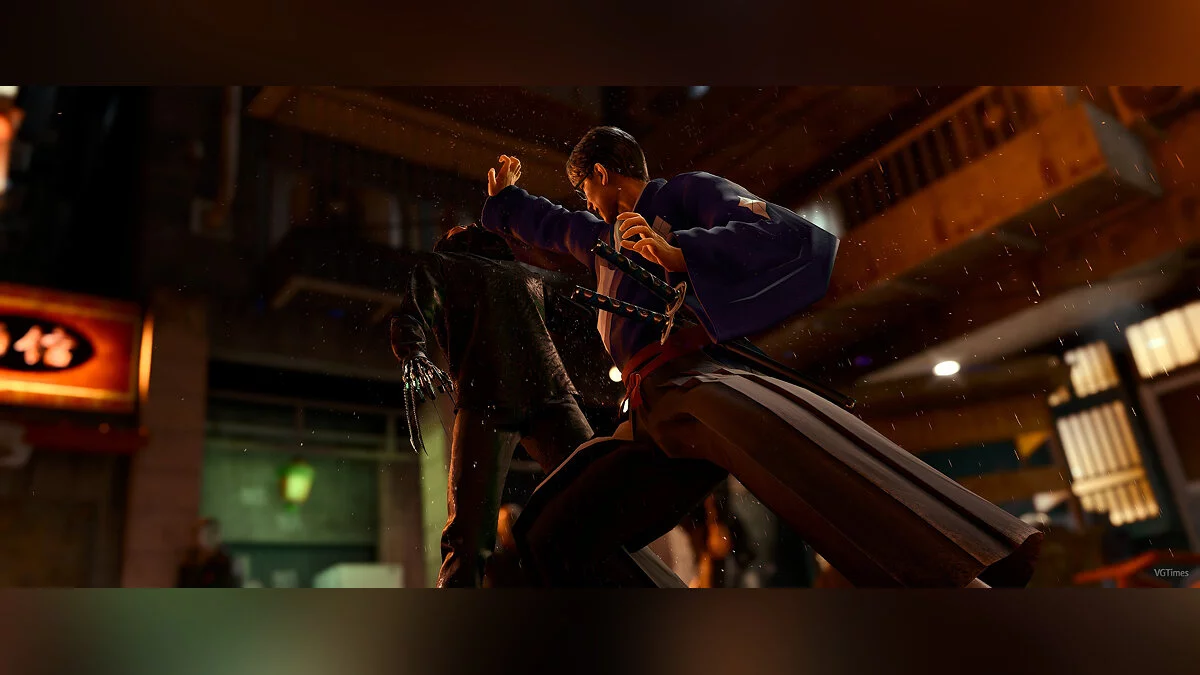
Continuation of Judgment, a third-person adventure action game from the creators of the Yakuza series. The main character remains detective Takayuki Yagami, who... Read more
DLSS for Lost Judgment
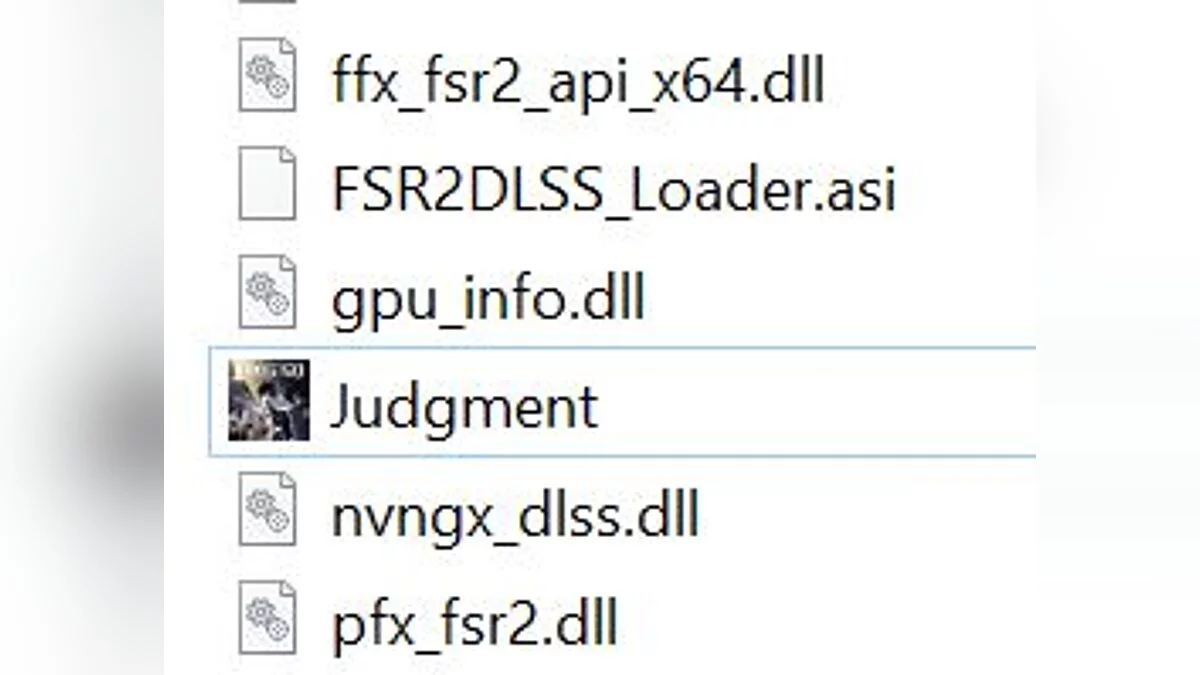

-
1663371980_dlss-for-judgment.zipDownload (9.79 MB)Archive password: vgtimes
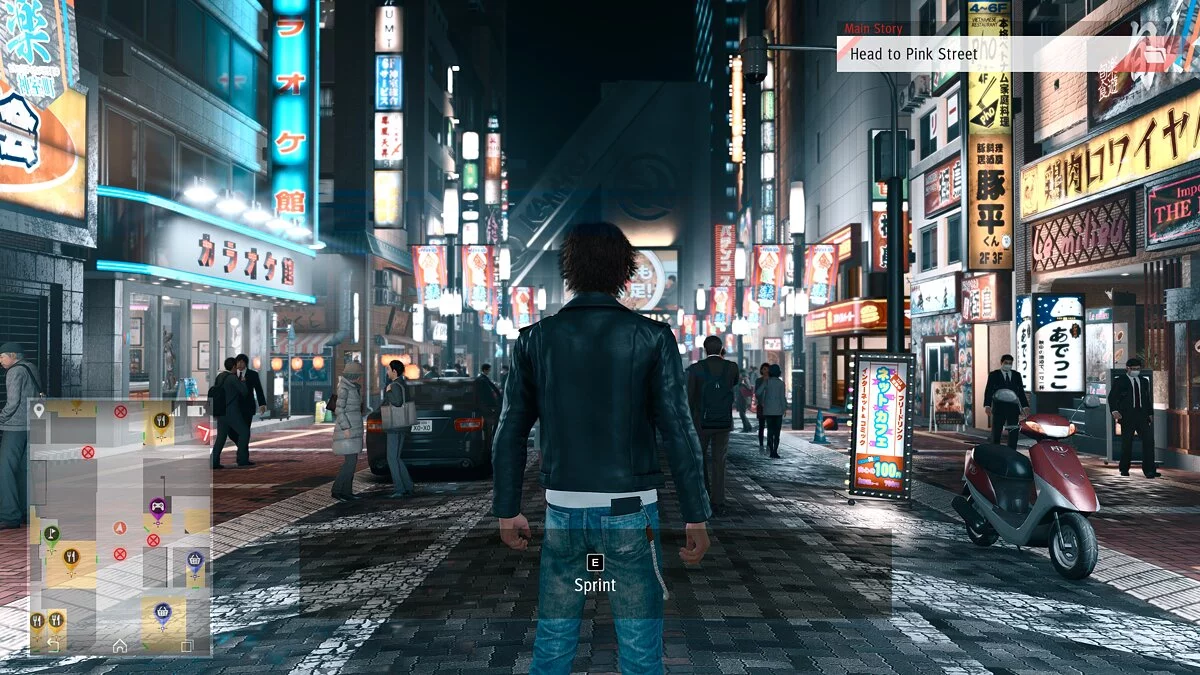
This mod replaces FSR 2.0 with DLSS in Lost Judgment.
How to use:
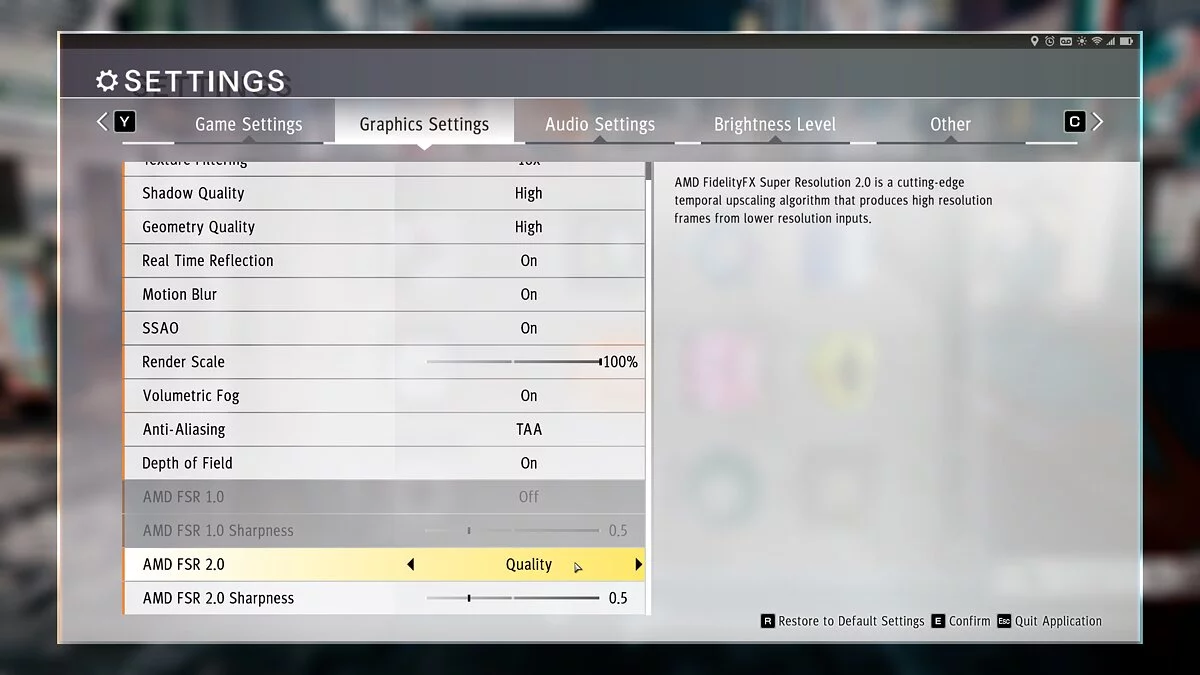
* Set the in-game FSR 2.0 preset to your preferred DLSS setting. (All DLSS presets correspond 1:1 to FSR 2.0 presets)
* Play 'Lost Judgment' with DLSS
Installation:
* Extract the archive so that all DLL files (ffx_fsr2_api_x64.dll, FSR2DLSS_Loader.asi, nvngx_dlss.dll, and winmm.dll) are in the same folder as the Judgment.exe file.
Removal:
* Delete all added DLL files
Known issues:
* Changing the resolution or DLSS mode unfortunately breaks this mod. Therefore, always change the resolution before enabling this mod. If you accidentally change the resolution afterward, you will need to restart the game to continue playing.
Этот мод заменяет FSR 2.0 на DLSS в Lost Judgment.
Как использовать:
* Установите внутриигровую предустановку FSR 2.0 на предпочитаемую настройку DLSS. (Все пресеты DLSS соответствуют 1:1 пресетам FSR 2.0)
* Играйте в «Lost Judgment» с DLSS
Установка:
* Извлеките архив, чтобы все файлы DLL (ffx_fsr2_api_x64.dll, FSR2DLSS_Loader.asi, nvngx_dlss.dll и winmm.dll) находились в той же папке, что и файл Judgment.exe.
Удаление:
* Удалить все добавленные файлы DLL
Известные проблемы:
* Изменение разрешения или режима DLSS, к сожалению, ломает этот мод. Поэтому всегда меняйте разрешение перед включением этого мода. Если вы случайно измените разрешение после этого, вам придется перезапустить игру, чтобы продолжить играть.
Useful links:
![Lost Judgment — Cheat Engine Table [UPD: 18.09.2022]](https://files.vgtimes.com/download/posts/2022-09/thumbs/1663590070_1620709897_9387.webp)
![Lost Judgment — Trainer (+14) from 09.19.2022 [WeMod]](https://files.vgtimes.com/download/posts/2022-09/thumbs/1663589563_2022-09-19_151118.webp)
![Lost Judgment — Cheat Engine Table [UPD: 10.09.2022]](https://files.vgtimes.com/download/posts/2022-10/thumbs/1665396605_bix78ptdsq4aviticpsynq.webp)