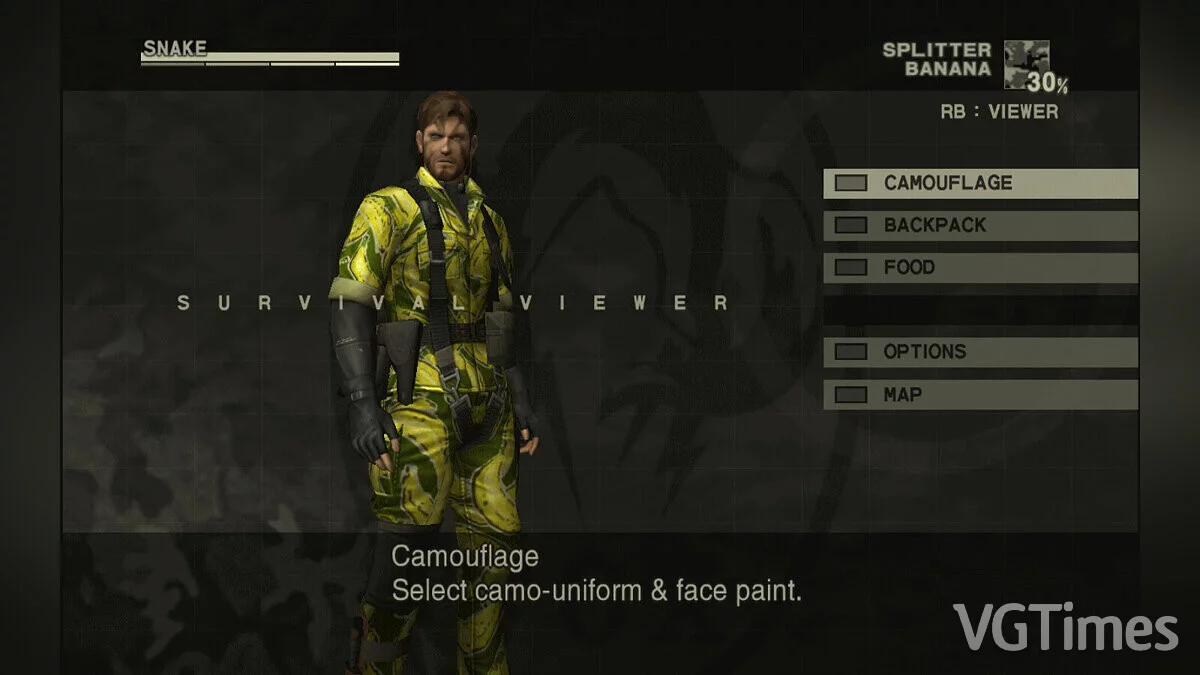
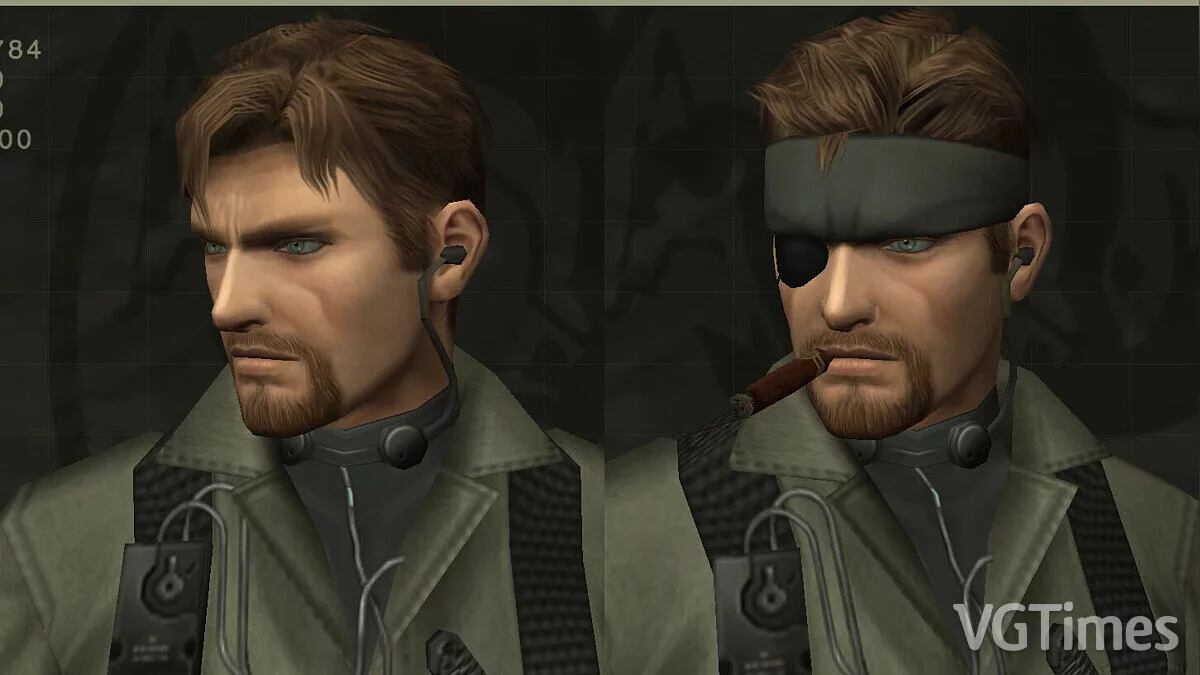
A collection of re-releases of the first parts of MGS, which marked the beginning of the legendary story of the adventures of Solid Snake. The collection includes... Read more
Metacritic:
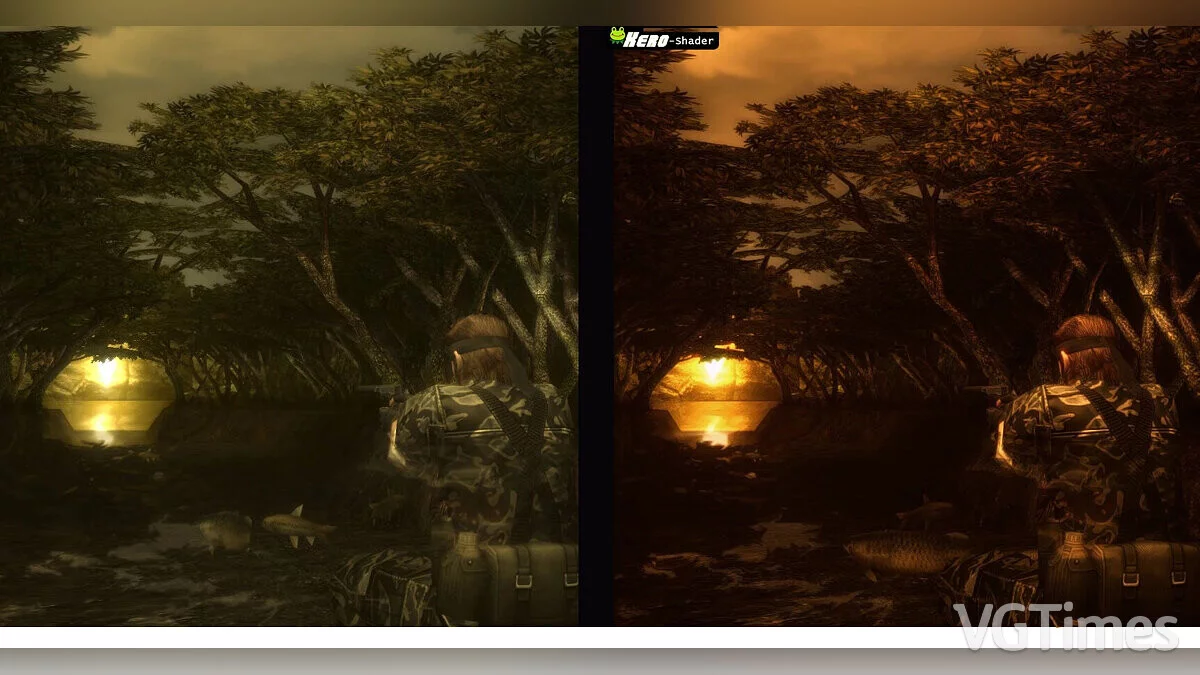
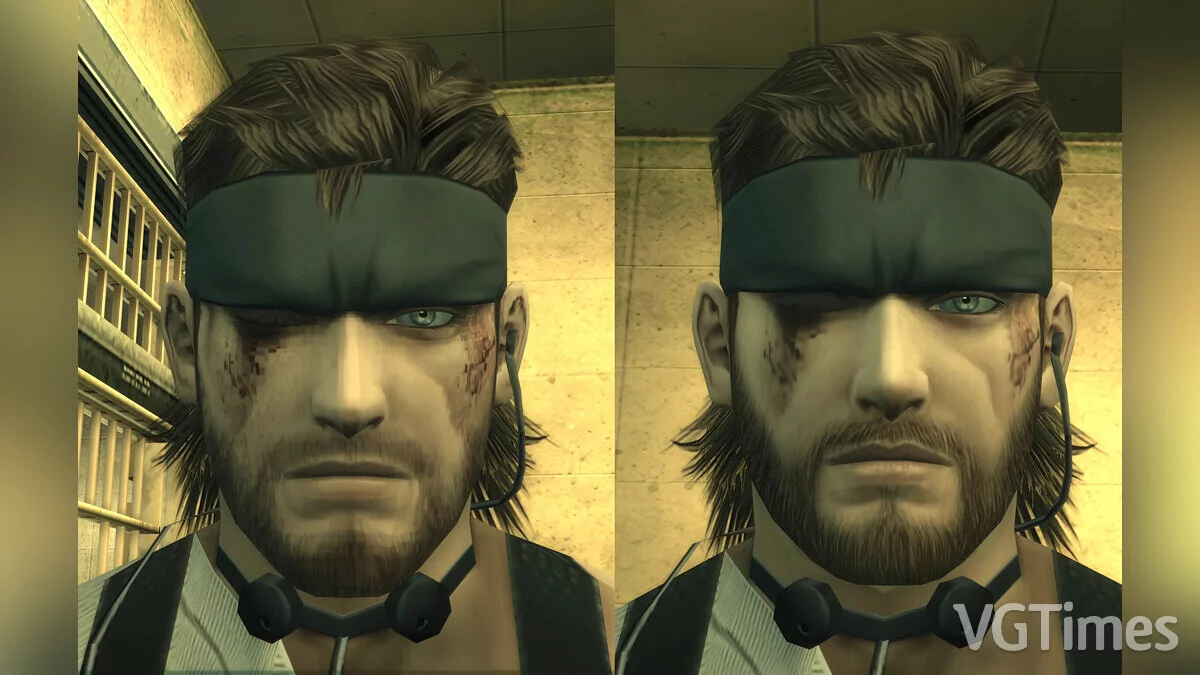
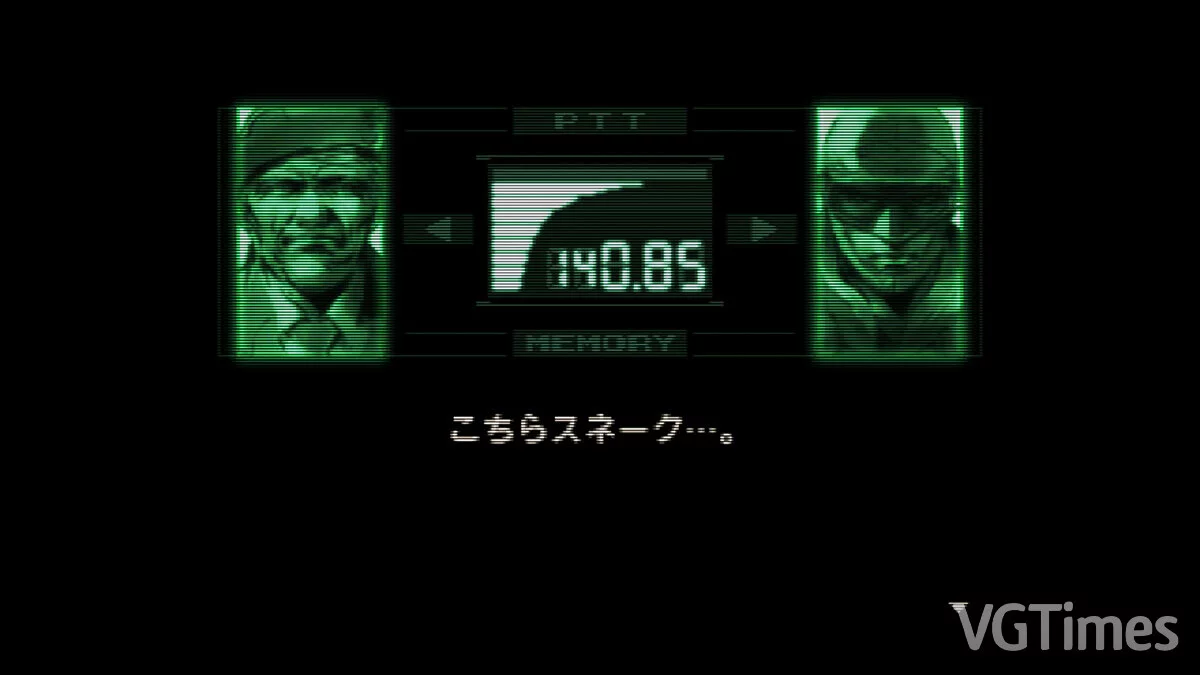
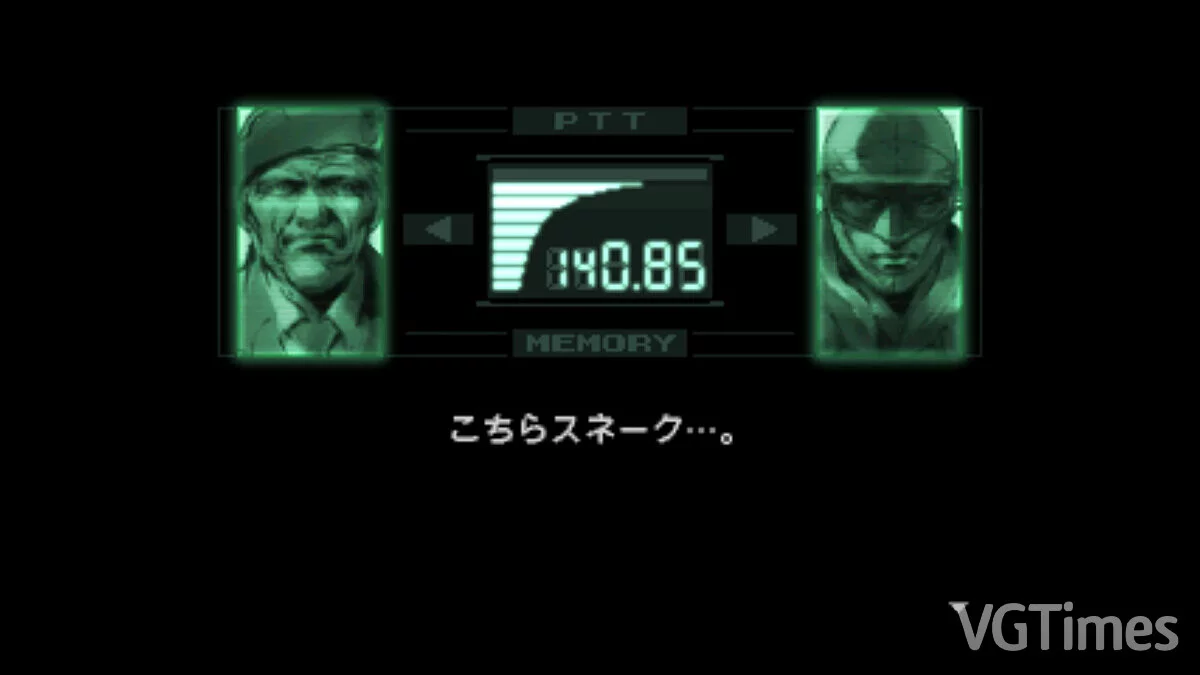
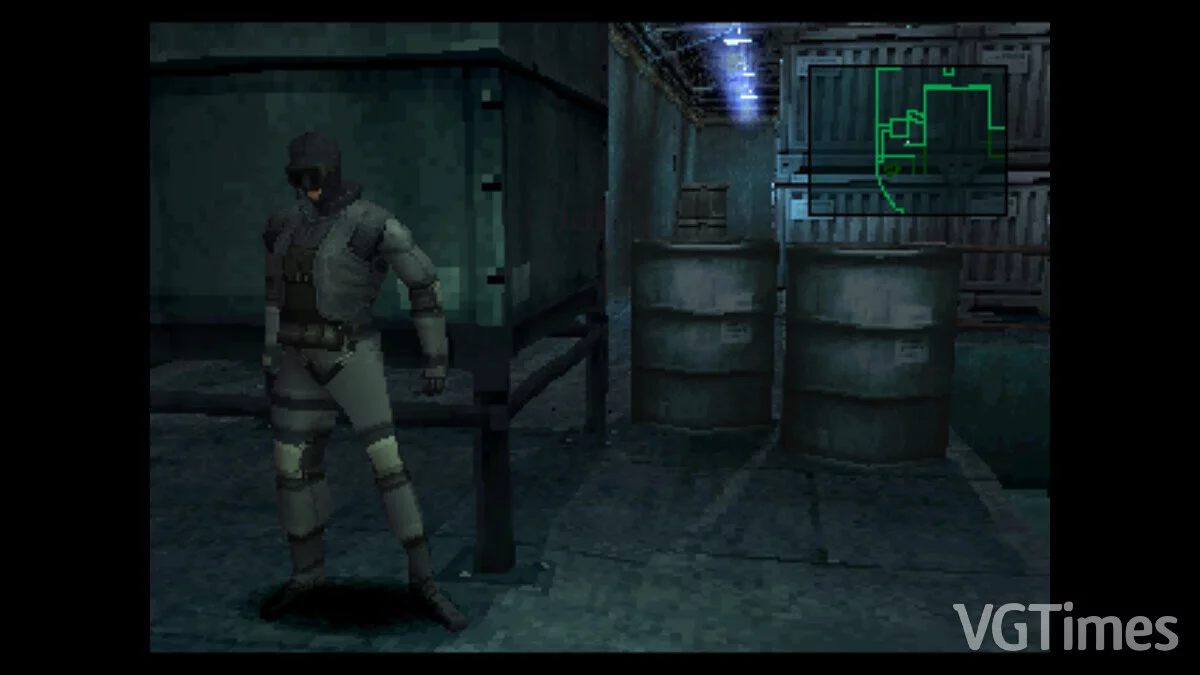
Graphics Enhancement



Author:
Mr_Default
Uploaded by:

Size:
549.62 kB
Date:
November 8, 2023, 09:31 AM
Downloads:
511
-
Download (549.62 kB)November 8, 2023, 09:30 AMuluchshenie-grafiki_1699425057_109890.rar
The game will run at 240p (the author did not create a 480i simulation, as it seems people did not like it). Do not use alt+enter to switch to fullscreen mode, otherwise you will experience significant input lag.
How to launch:
- drag the winbackup folder to the installation location;
- set the monitor refresh rate to 60 Hz;
- download the fullscreenizer included in the rar (I don't know why all versions don't work, but this one does);
- install the shader using reshade and make sure you loaded all options with the plugin version (the one you cannot use in multiplayer games);
- launch the game, the shader should apply, and then you can use fullscreenize to play the game without windowed mode;
- make sure the shader is running in performance mode.
The file name and description have been translated Show original
(RU)Show translation
(EN)
Улучшение графики
Игра будет идти в 240p (автор не стал делать симуляцию 480i, так как, видимо, людям это не понравилось). Не используйте alt+enter для перехода в полноэкранный режим, иначе вы будете испытывать сильный инпут-лаг.
Как запустить:
- перетащить папку winbackup в место установки;
- установить на мониторе частоту 60 Гц;
- загрузить фуллскринизатор, включенный в rar (не знаю, почему не работают все версии, но эта работает);
- установить шейдер с помощью reshade и убедиться, что вы загрузили все опции с подключаемой версией (та, которую вы не можете использовать в многопользовательских играх);
- загрузить игру, шейдер должен примениться, и тогда вы сможете использовать fullscreenize, чтобы играть в игру без оконного режима;
- убедитесь, что шейдер запущен в режиме производительности.
Useful links: