Games Portal Files Gameplay Portal 1 Multiplayer In Portal 2 Co-op (V8) — Cooperative Mode for Story

A first-person puzzle game set in the mysterious laboratories of Aperture Science. In Portal, the player solves physics-based puzzles and overcomes challenges by... Read more
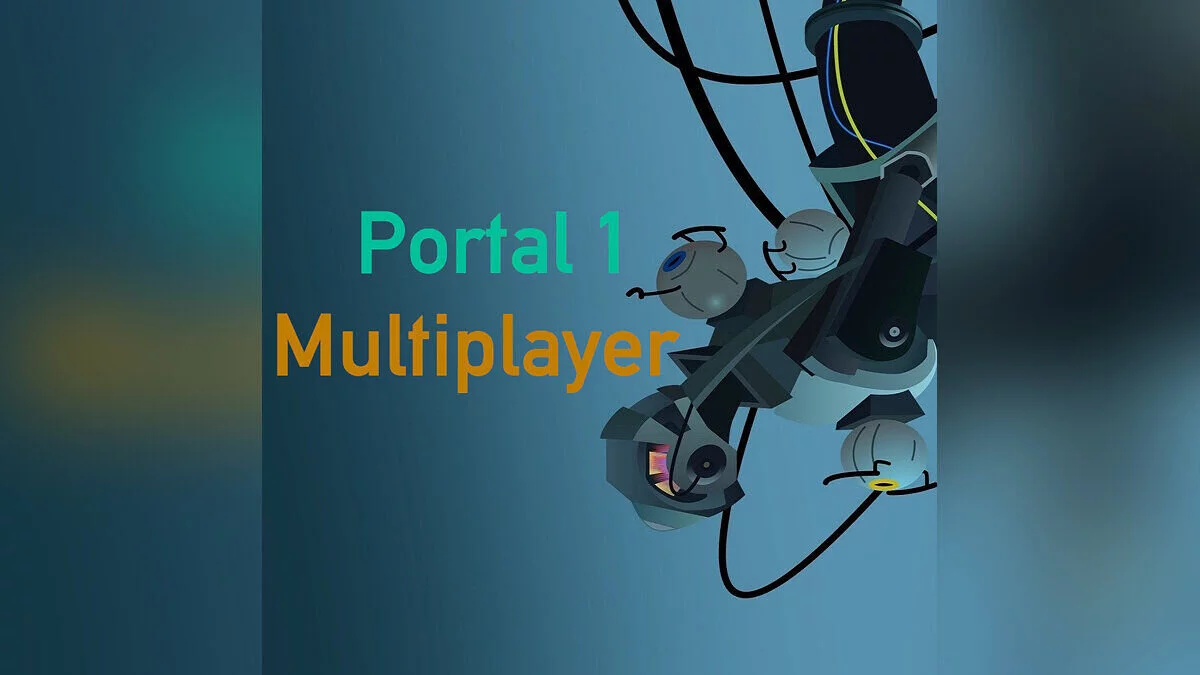
Portal 1 Multiplayer In Portal 2 Co-op (V8) — Cooperative Mode for Story
Author:
kyleraykbs
Uploaded by:

Size:
1.56 GB
Date:
July 2, 2024, 10:47 AM
Downloads:
544
-
www.moddb.comDownload
This mod allows you to play through the story campaign of Portal 1 in cooperative mode. The author adapted the Portal 1 maps for multiplayer, using the multiplayer system from Portal 2.
Installation:
- Download the file, then open Steam.
- Right-click on Portal 2 on the left and select "Manage," then click "Browse Local Files."
- Open the downloaded file and drag the folder named portal2_dlc3 into the Portal 2 directory you just opened via "Browse Local Files" (make sure you do NOT drag it into a folder inside Portal 2, just drag it into empty space or onto a file that is not a folder).
- Click "Replace files in destination."
- Then open the game and send an invitation to someone. Everyone must have the files installed.
- Once you are in the lobby, open the console using the key above the tab (~).
- Type "changelevel LEVELNAME."
- Replace LEVELNAME with the map from Portal 1, then press Enter. All Portal 1 maps can be found in order here.
The file name and description have been translated Show original
(RU)Show translation
(EN)
Portal 1 Multiplayer In Portal 2 Co-op (V8) — кооперативный режим для сюжета
Мод дает возможность пройти сюжетную кампанию из Portal 1 в кооперативном режиме. Автор адаптировал карты Portal 1 для совместной игры, используя многопользовательскую систему из Portal 2.
Установка:
- Скачать файл, затем зайти в Steam.
- Щелкнуть правой кнопкой мыши Portal 2 слева и выбрать «Управление», затем нажать «Обзор локальных файлов».
- Открыть загруженный файл и перетащить папку с именем portal2_dlc3 в директорию Portal 2, которую вы только что открыли через «Обзор локальных файлов» (убедитесь, что вы НЕ перетаскиваете её в папку внутри Portal 2, просто перетащите её в пустое пространство или на какой-то файл, не являющийся папкой).
- Нажать «Заменить файлы в месте назначения».
- Затем открыть игру и отправить кому-нибудь приглашение. Все должны иметь установленные файлы.
- Как только окажетесь в лобби, открыть консоль с помощью клавиши над вкладкой (~).
- Ввести «changelevel LEVELNAME».
- Заменить LEVELNAME на карту из Portal 1, затем нажать Enter. Все карты Portal 1 можно найти по порядку здесь.
Useful links:
![Portal — Table for Cheat Engine [UPD: 28.07.2025]](https://files.vgtimes.com/download/posts/2025-08/thumbs/tablica-dlja-cheat-engine-upd-28-07-2025_1754559100_431964.webp)
![Portal — Trainer (+2) from 11.22.2022 [WeMod]](https://files.vgtimes.com/download/posts/2022-11/thumbs/1669192199_1200.webp)
![Portal — Save file [Steam License]](https://files.vgtimes.com/download/posts/2026-07/thumbs/portal-sokhranenie-licenzija-steam_1783363338_929443.webp)
![Portal — Trainer (+2) from 03.03.2022 [WeMod]](https://files.vgtimes.com/download/posts/2022-03/thumbs/1646389524_2022-03-04_132308.webp)