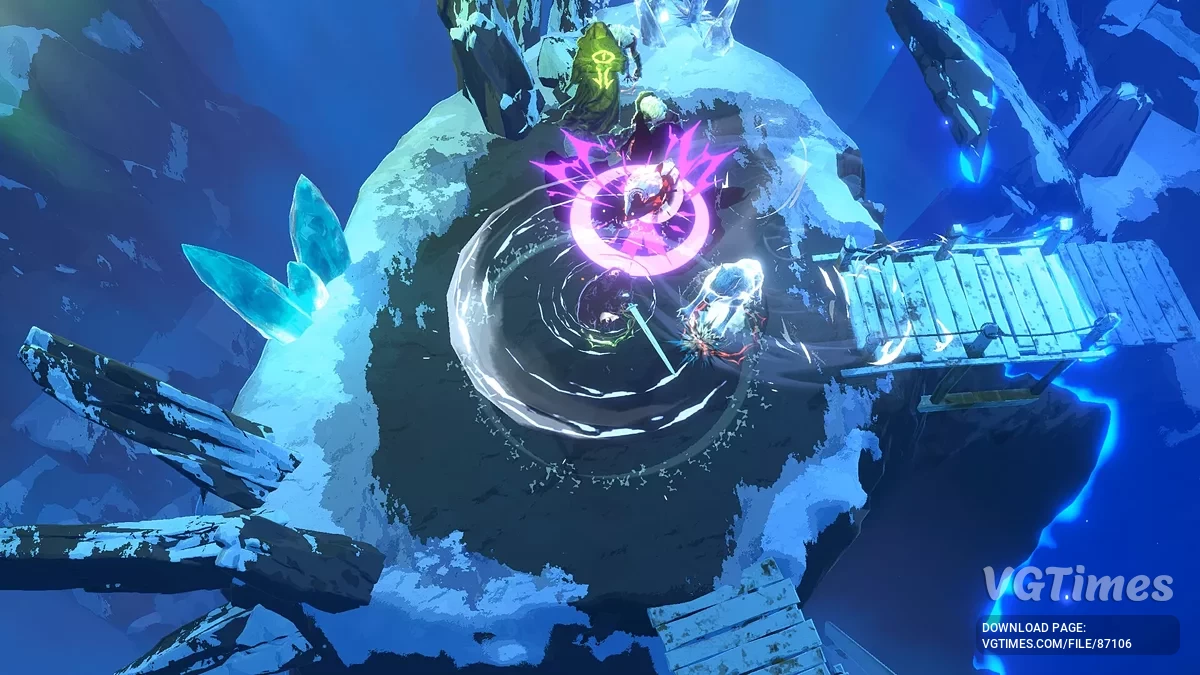
The game takes you to a shaky world between sleep and reality, where reality and dreams intersect. The heroes enter the battle for the fulfillment of their desires... Read more
Table for Cheat Engine

Author:
IceLitty
Uploaded by:

Size:
24.23 kB
Date:
September 15, 2025, 11:56 AM
Downloads:
70
-
Download (24.23 kB)September 15, 2025, 11:56 AMtablica-dlja-cheat-engine_1757926616_462435.rar
Functions and commands:
- Exp edit.
- isKnockedOut (Not tested, may be useful in multiplay and someone dead flag).
- Status Edit (most of the character's status).
- Level edit.
- Current Mana.
- Current Health.
- Current Shield.
- Attack Damage.
- Ability Power.
- Max Health (will re-calc by game when character level up, etc.).
- Max Mana (Also like max health).
- Health Regen.
- Mana Regen.
- Crit Amp.
- Crit Chance.
- Tenacity.
- Ability Haste.
- Movement Speed Percentage.
- Fire Effect Amp.
- Cold Effect Amp.
- Light Effect Amp.
- Dark Effect Amp.
- Armor From Stats.
- Total Slow.
- Total Speed.
- Total Haste.
- Total Cripple.
- Total Armor.
- Skill Editor (Q/W/E/R/Identity/Movement) (First, put what you want to edit in some skill slot, then activate the getter script, wait for some seconds value to change, and you can modify it).
- Level Edit.
- Rarity Edit.
- Type Edit (Cooldown or Charge).
- sbCooldownMultiplier (a percent of skill cooldown bounce, like 1 = 100% cd, 0.5 = 50% cd, 0 = 0% cd, so you can lock this value to 0 for infinite use. For movement skill nothing happened).
- Gem Editor.
- Quality Edit (right upper percent number in UI).
- Rarity Edit.
- isCooldownEnabled (not tested).
- isRateLimited (not tested).
- Current Cooldown (not tested, if it's readonly?).
- Gold/Stardust Editor.
- Gold Edit.
- Stardust Edit.
- Platinum Coin Edit (In-game re-roll currency).
- Map is always visible (Just the modifier shows, not the map self icon).
- Hunter always skip turn (Hunter will freeze when active).
- ZoneManager SettingsEditor.
- HunterStartSkippedTurns (Modify before create zone) (zone is level map).
- Can Travel to any node (suggest active Hunter always skip turn) (can be active after opening the map and clicking to travel).
How to run:
- Open "Cheat Engine";
- Click "Load" and select the table;
- Click "Select a process to open" and choose the desired process;
- Select the required option and check the box.
Related files:
Useful links:
![Shape of Dreams — Table for Cheat Engine [r.1.2.1.7_s]](https://files.vgtimes.com/download/posts/2026-01/thumbs/tablica-dlja-cheat-engine-05-01-26_1767942244_632419.webp)
![Shape of Dreams — Table for Cheat Engine [11.09.2025 #2]](https://files.vgtimes.com/download/posts/2025-09/thumbs/tablica-dlja-cheat-engine-11-09-2025-2_1758269464_903336.webp)
![Shape of Dreams — Table for Cheat Engine [1.0.7.RC15]](https://files.vgtimes.com/download/posts/2025-10/thumbs/tablica-dlja-cheat-engine-1-0-7-rc15_1760356070_134263.webp)
![Shape of Dreams — Table for Cheat Engine [02.10.2025]](https://files.vgtimes.com/download/posts/2025-10/thumbs/tablica-dlja-cheat-engine-02-10-2025_1759484368_150578.webp)
![Shape of Dreams — Table for Cheat Engine [1.0.0.RC13 - 1.0.1]](https://files.vgtimes.com/download/posts/2025-10/thumbs/tablica-dlja-cheat-engine-1-0-0-rc13-1_1759310489_230887.webp)

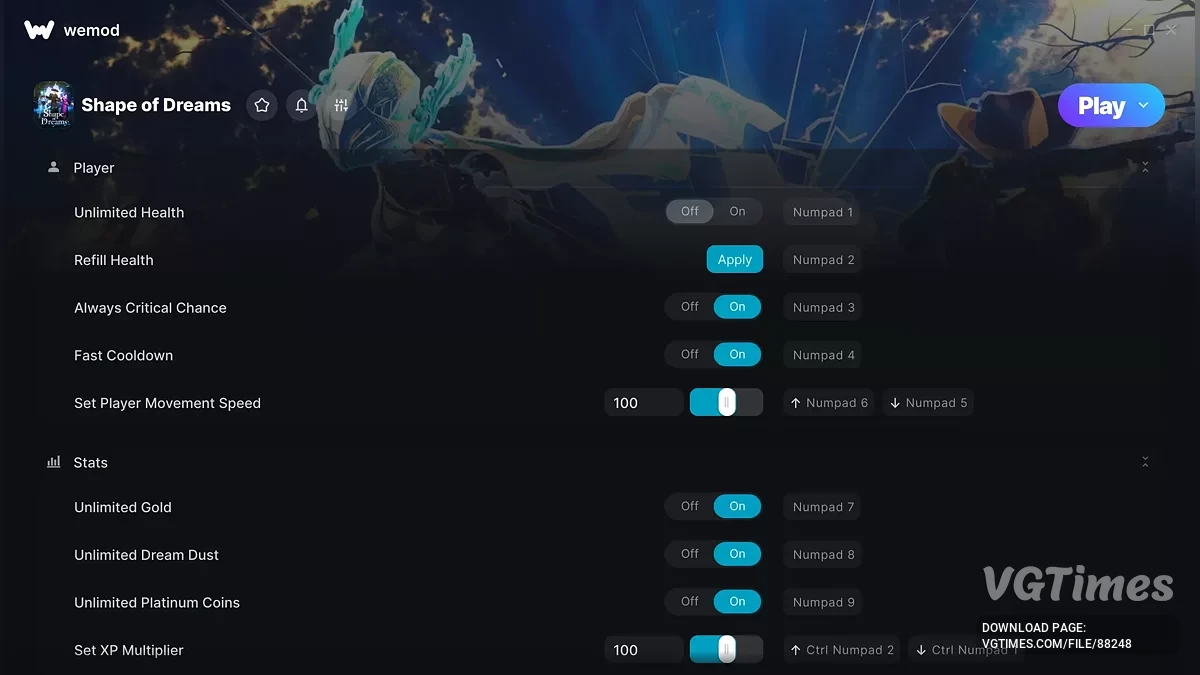
![Shape of Dreams — Trainer (+27) [1.0.9]](https://files.vgtimes.com/download/posts/2025-11/thumbs/trejjner-27-1-0-9_1762241908_151582.webp)
![Shape of Dreams — Table for Cheat Engine [30.11.2025]](https://files.vgtimes.com/download/posts/2025-10/thumbs/tablica-dlja-cheat-engine-05-10-2025_1759746172_134652.webp)