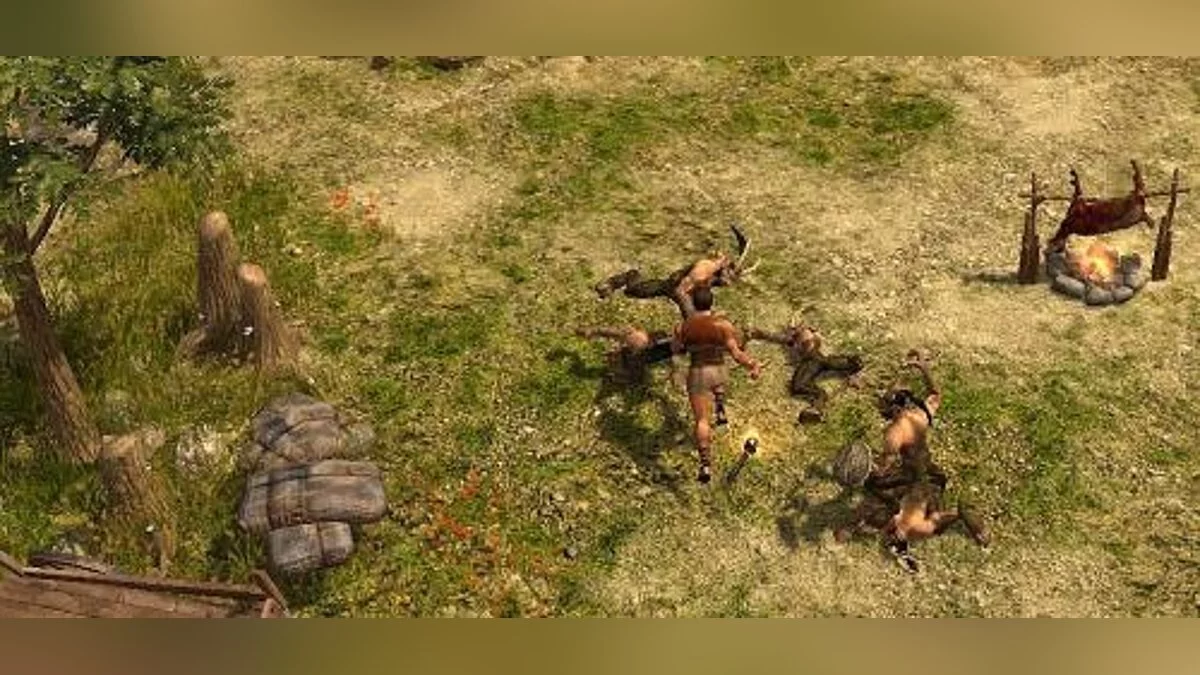
Titan Quest is an isometric action role-playing game steeped in the myths and legends of Ancient Greece. A well-developed character customization system, 28 classes... Read more
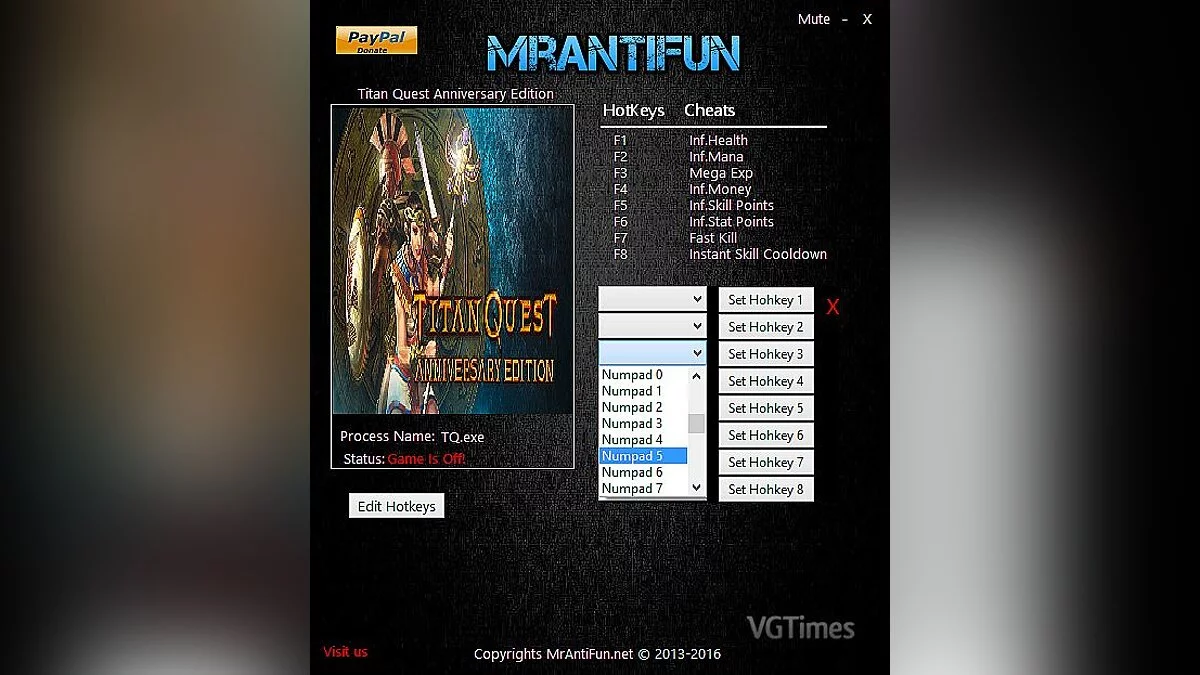
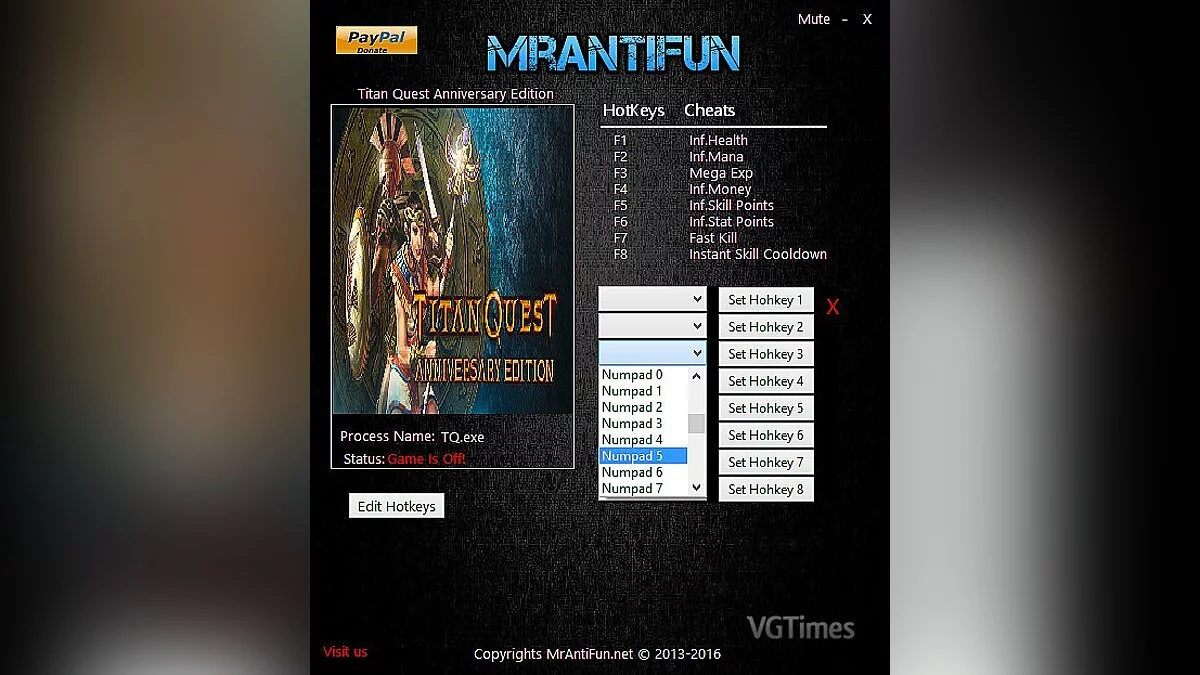
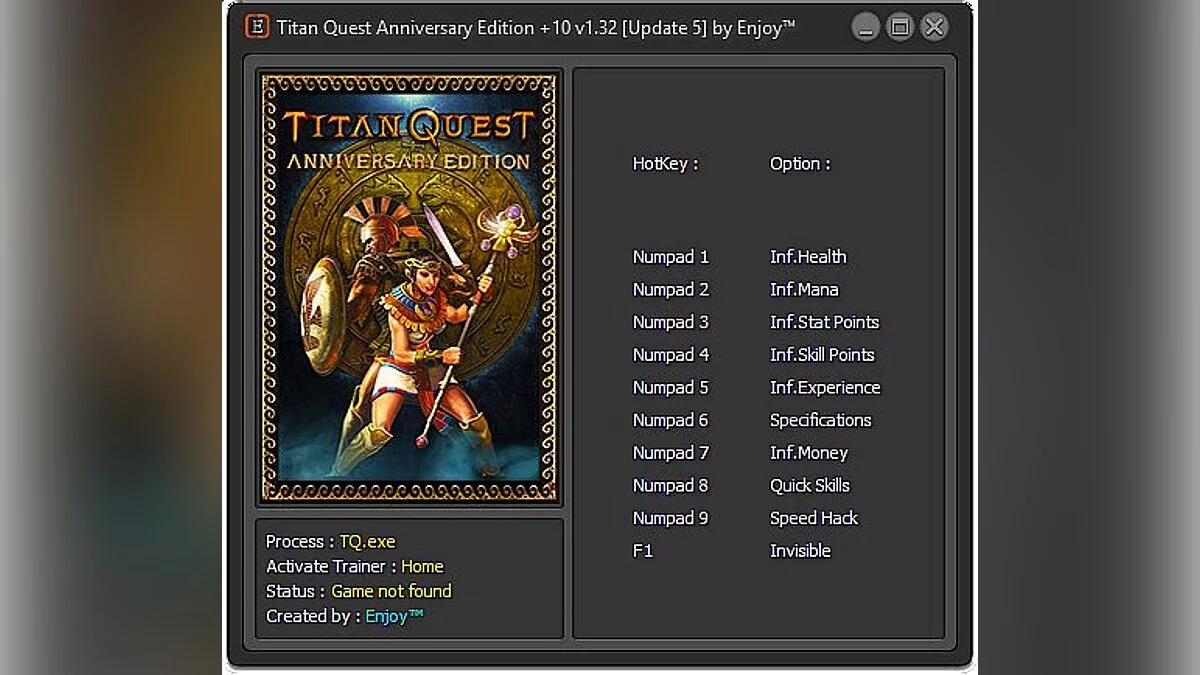
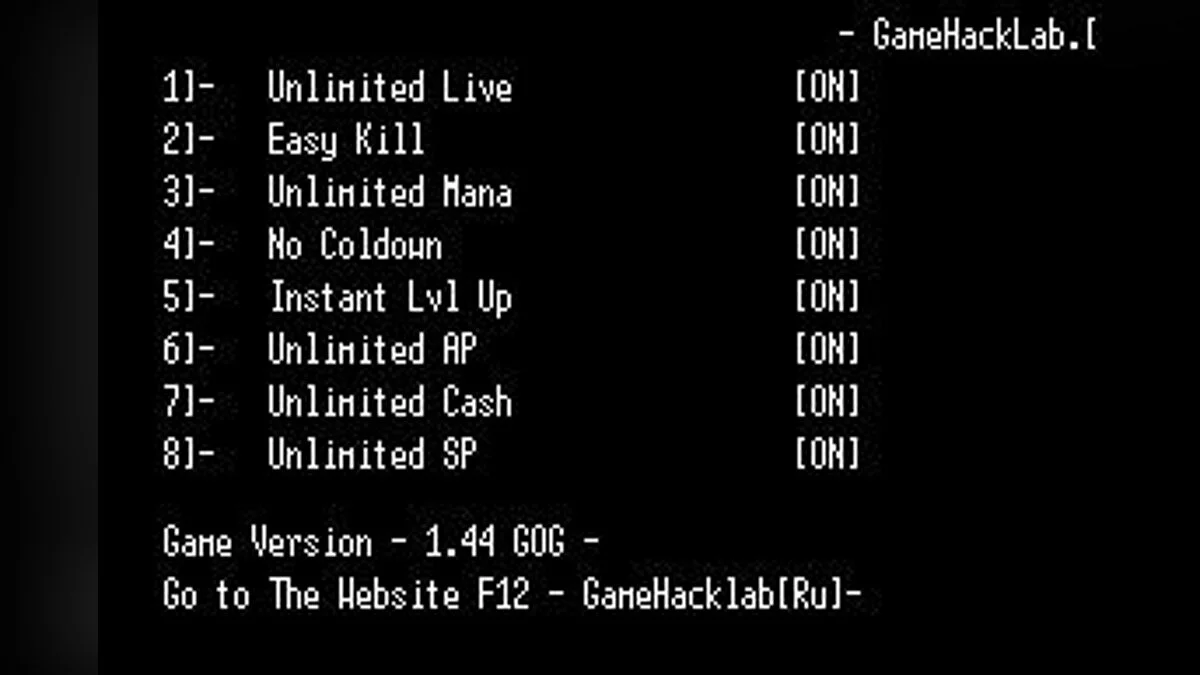
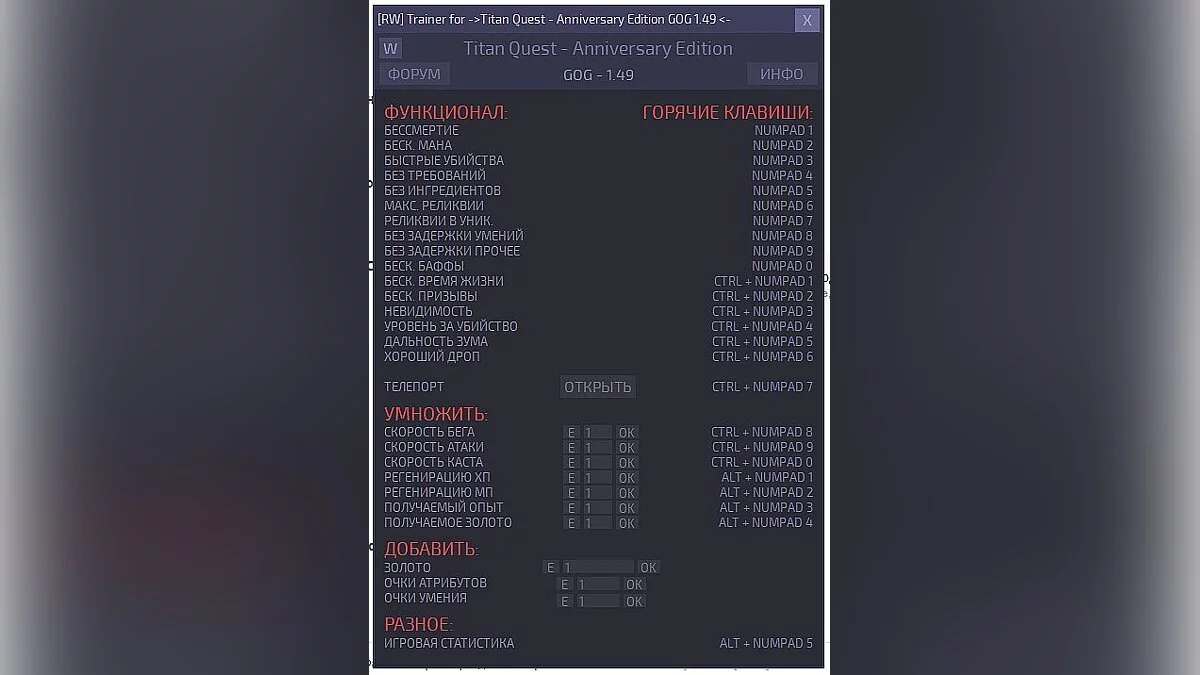
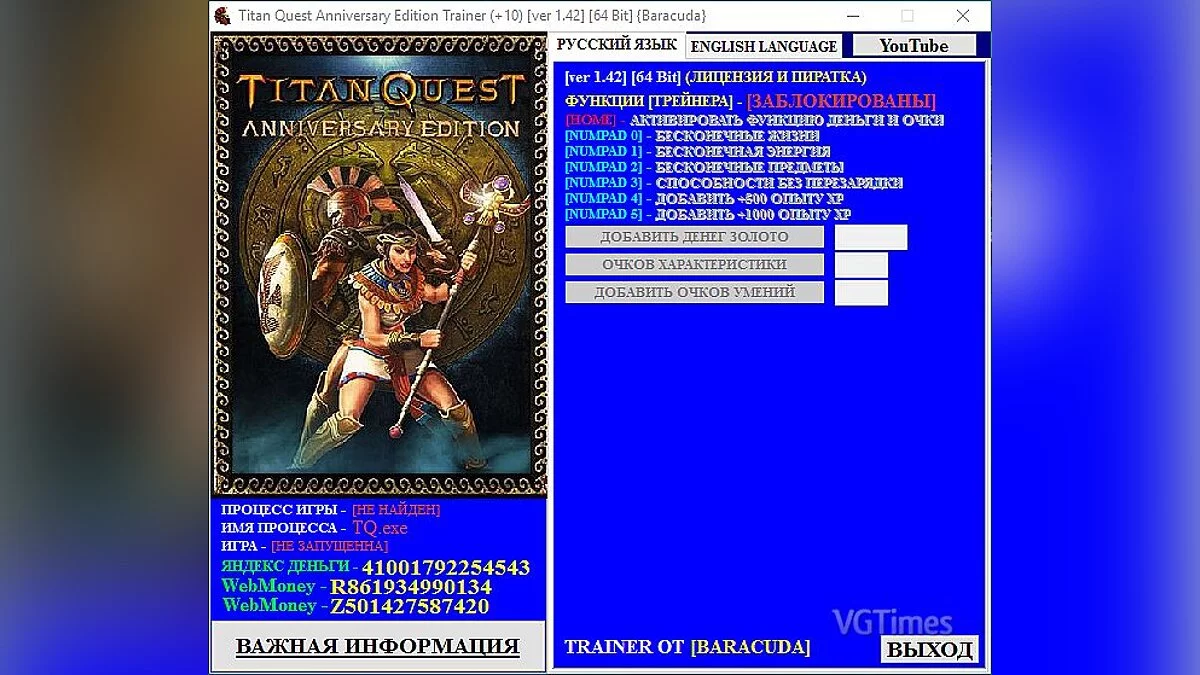
Trainer (+10) [1.42] [64 Bit] [Baracuda]

-
Download (3.99 MB)April 6, 2024, 12:03 AM1493092399_titan_quest_anniversary_edition_trainer_10_ver_1.zipArchive password: vgtimes
[Trainer] for [64 Bit] version [Trainer] for both LEGIT and PIRATED versions [Trainer] for the latest game version as of today [Game Version ver 1.42] [Trainer] has been tested on 3 operating systems, [Windows 7-Windows 8.1-Windows 10], everything launched and worked correctly.
[Trainer] is in the archive, you will need WinRAR or WinZIP to unpack it.
Make sure to add the [Trainer] to the exceptions of your antivirus program to prevent it from deleting the [Trainer].
Start the game first, then [Trainer]
during the game, press the key specified in [Trainer].
If the [Trainer] does not work, ensure that the game launch file located in the main directory of the installed game is named TQ; if not, rename it to TQ.
If the [Trainer] does not launch, set compatibility mode to the operating system you have installed, [Windows 7-Windows 8.1-Windows 10].
[Trainer] must be run as an administrator; this is essential to avoid issues with launching the [Trainer].
[Trainer] для [64 Bit] версии [Trainer] для ЛИЦЕНЗИИ И ПИРАТКИ [Trainer] для самой последний версии игры, на сегодняшний день [Версия Игры ver 1.42] [Ttrainer] был проверен на 3 операционных системах, [Windows 7-Windows 8.1-Windows 10] всё запускалось и работало корректно.
[Trainer] находится в архиве, для распаковки понадобится WinRAR или WinZIP
обязательно постав те [Trainer] в исключения антивирусной программы, что-бы программа не удалила, [Trainer].
запусти с начало игру, потом [Trainer]
во время игры нажми на клавишу, указанную в [Trainer].
у кого [Trainer] не работает, убедитесь что файл запуска игры, который лежит в главном каталоге установленной игры, называется TQ если нет то переименуйте его на TQ
если [Trainer] не запускается, делаем режим совместимости стой операционной системой которая у вас установлена, [Windows 7-Windows 8.1-Windows 10]
[Trainer] нужно запускать от имени администратора, это обязательно, что-бы не возникало проблем с запуском [Trainer].
Useful links: