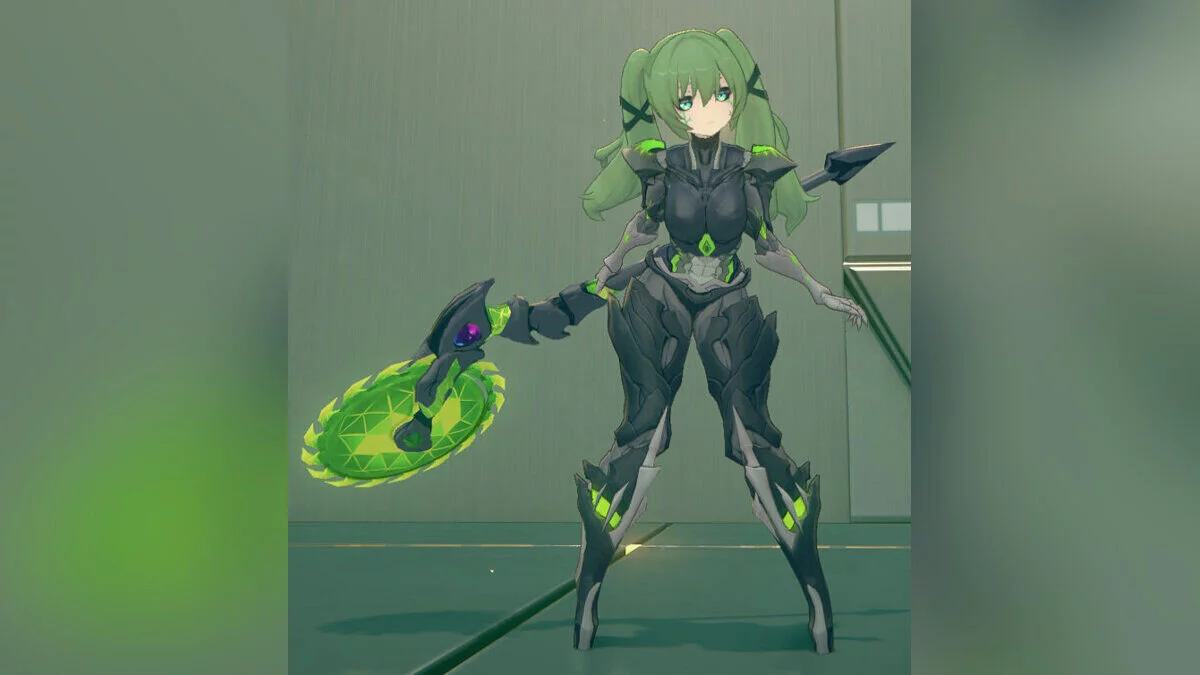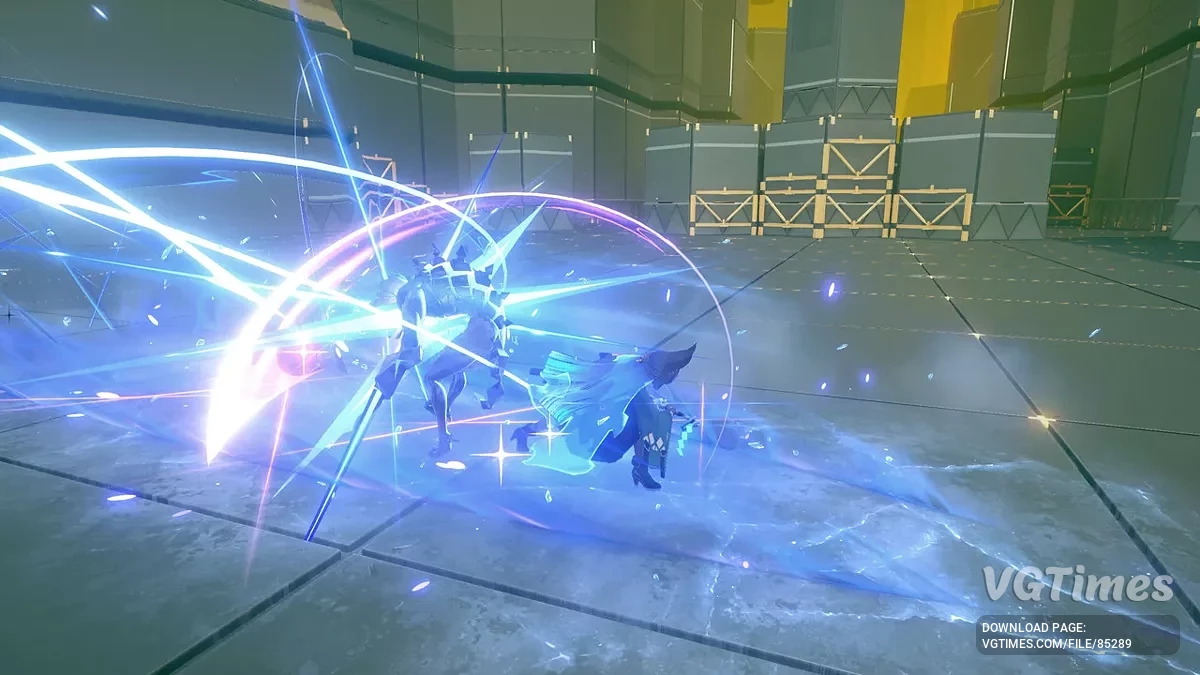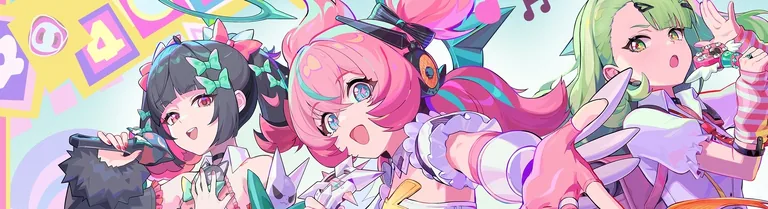
Free role-playing action game from the creators of Genshin Impact and Honkai: Star Rail. In the near future, the world was shaken by a catastrophe: mysterious... Read more
Players:
Metacritic:
Ju Fufu: tiger
Author:
Zlevir, LillyFox
Uploaded by:

Size:
15.11 MB
Date:
July 17, 2025, 05:54 AM
Updated:
July 23, 2025, 07:08 AM
Downloads:
259


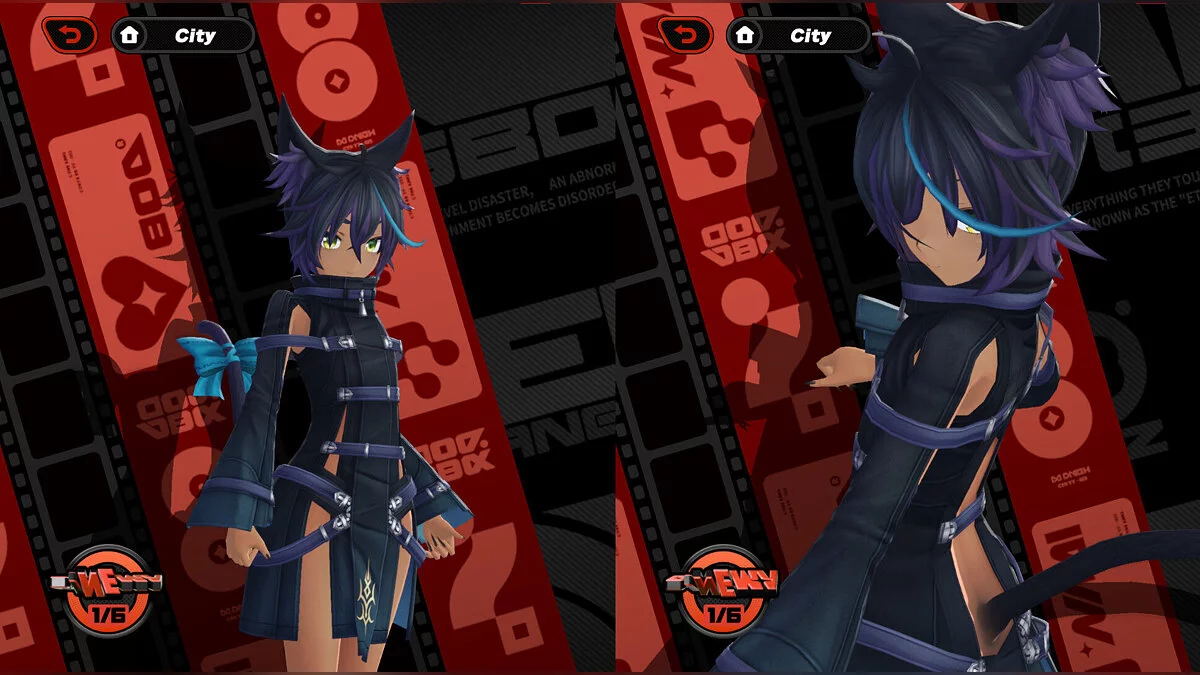
It's a custom mod, though a fairly simple one. Not much is included in this initial release.
Available features:
- Arms toggle — default gloves / off;
- Hands toggle — default gloves / tiger paws. When tiger paws are equipped, her weapon claws are hidden;
- Tail toggle — on / off;
- Shoes toggle — default shoes / tiger pads;
- Breast size slider (this and other sliders are on the second page; use the arrow icons near the menu to switch between toggles and sliders pages).
Differences between versions:
- The initial version in this post is SFW, but it includes all the menu functionality so users can play around with and test it.
Controls:
- / — open/close the menu. The character must be "on screen". This is not the NumPad /, but the regular /. It might be a different symbol on your keyboard depending on your region. To change the button, modify the first key setting in the ini if you are confident in doing so;
- Left or right mouse button — interact with menu elements (click/drag/slider). Be careful with the left mouse button — it can still click things in the game.
- Holding ALT brings up the cursor in-game if you’re not in one of the game menus where it appears automatically;
- SHIFT + right arrow — reset menu position and sliders (in case something breaks).
Keyboard Controls:
- This was originally made for Genshin so that gamepad users could interact with the menu without changing the control scheme in the game settings, but it may be useful in other games as well...
- CTRL + arrow keys — moves the entire menu on the screen in the 4 directions corresponding to the pressed arrow;
- Up and down arrows — navigate through toggles and sliders. Arrows that change the menu page are also considered toggles;
- Left and right arrows — simulate a mouse click on the selected toggle slot. Change the slider value if the selected item is a slider.
Updates:
- 3 — added bottomless toggles. The mod now uses SlotFix to handle textures.
Useful links: