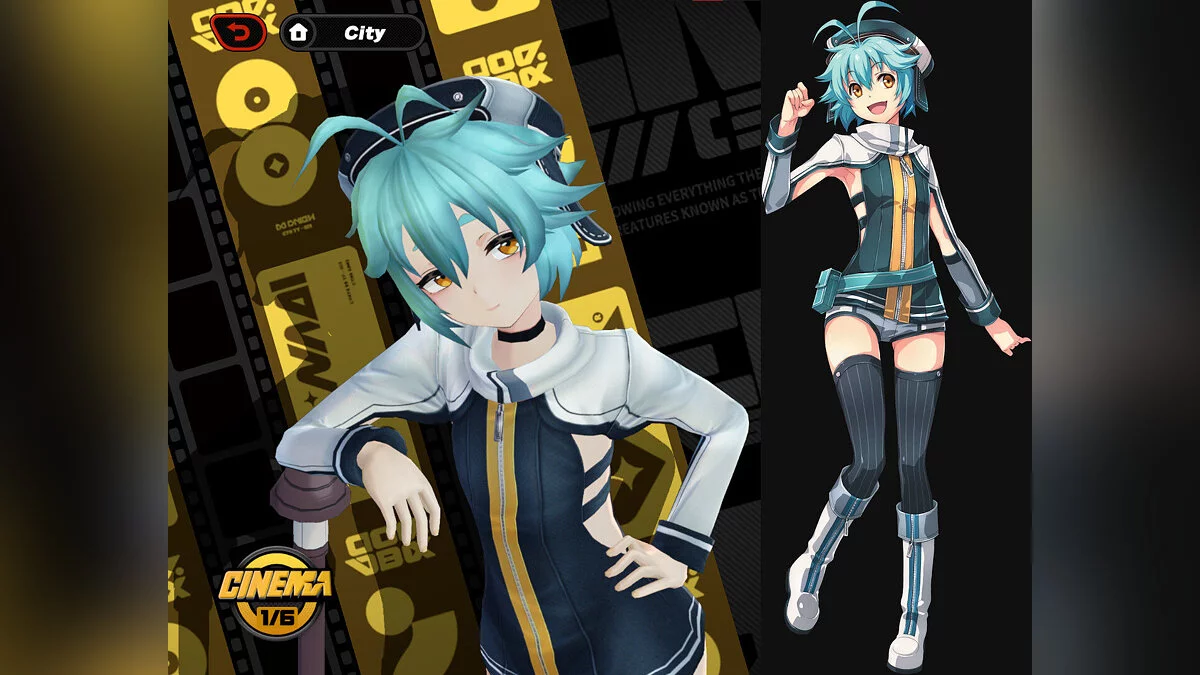
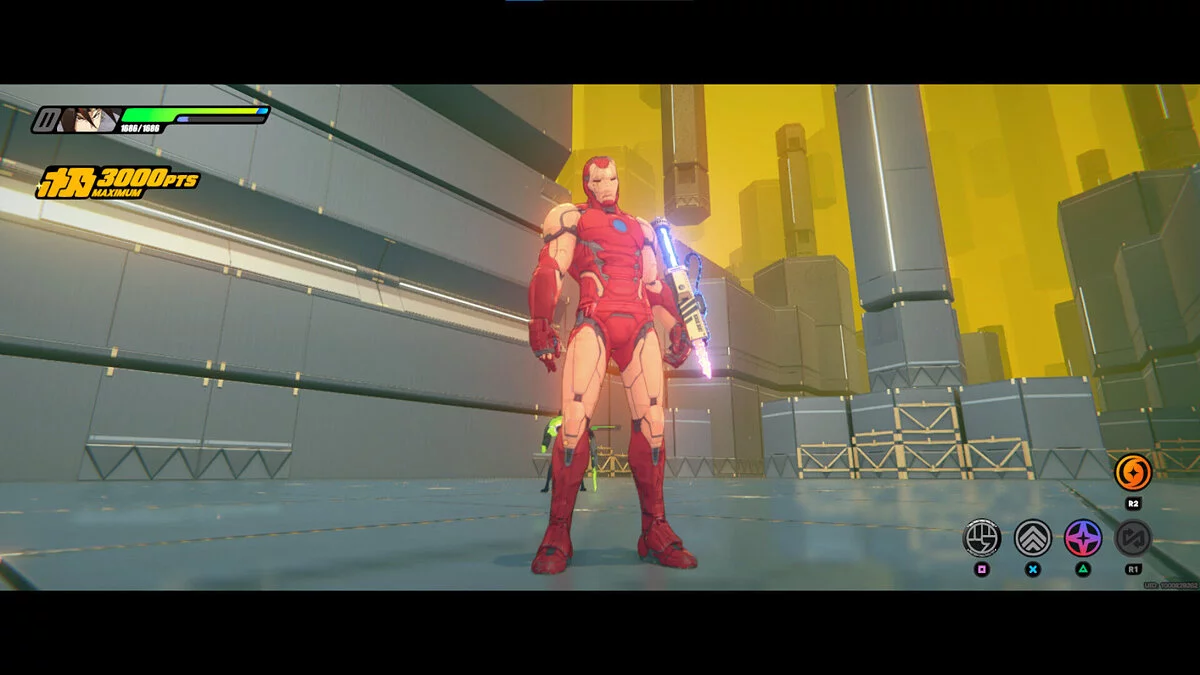
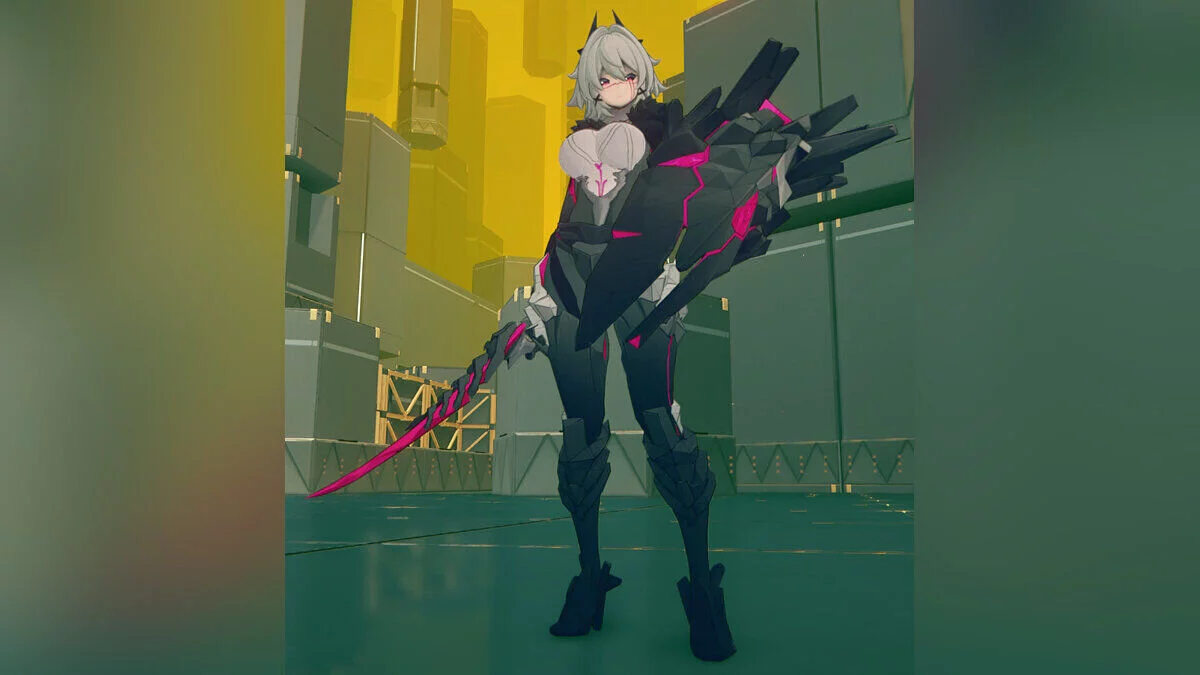
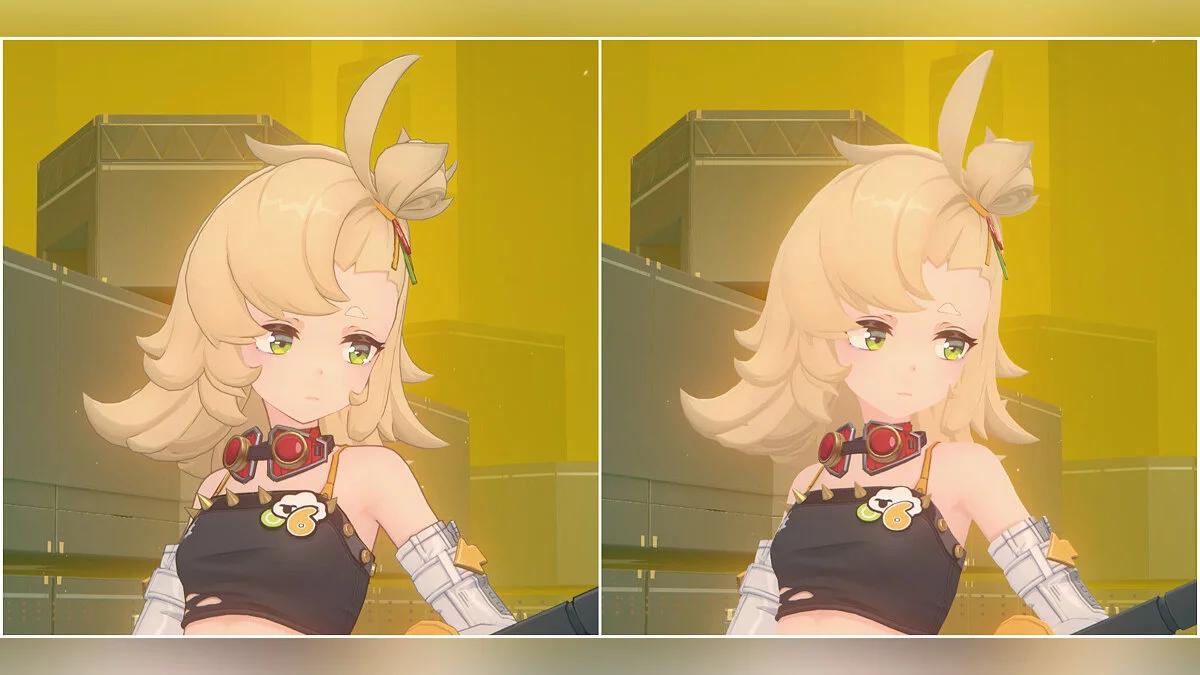
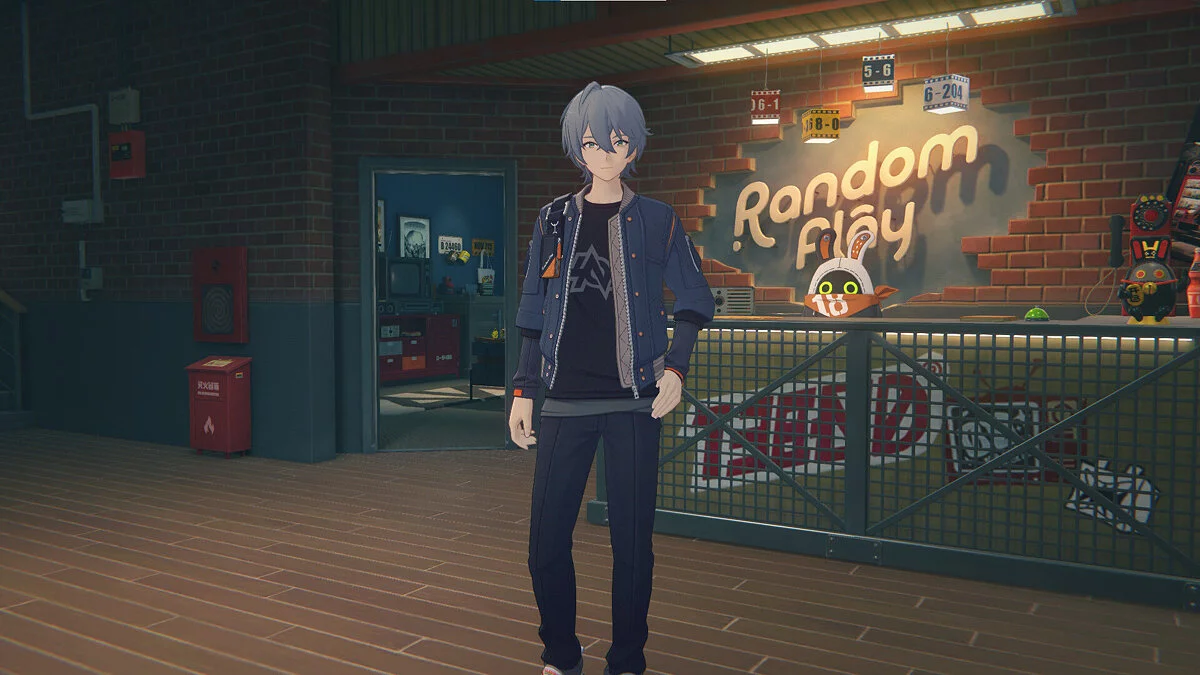
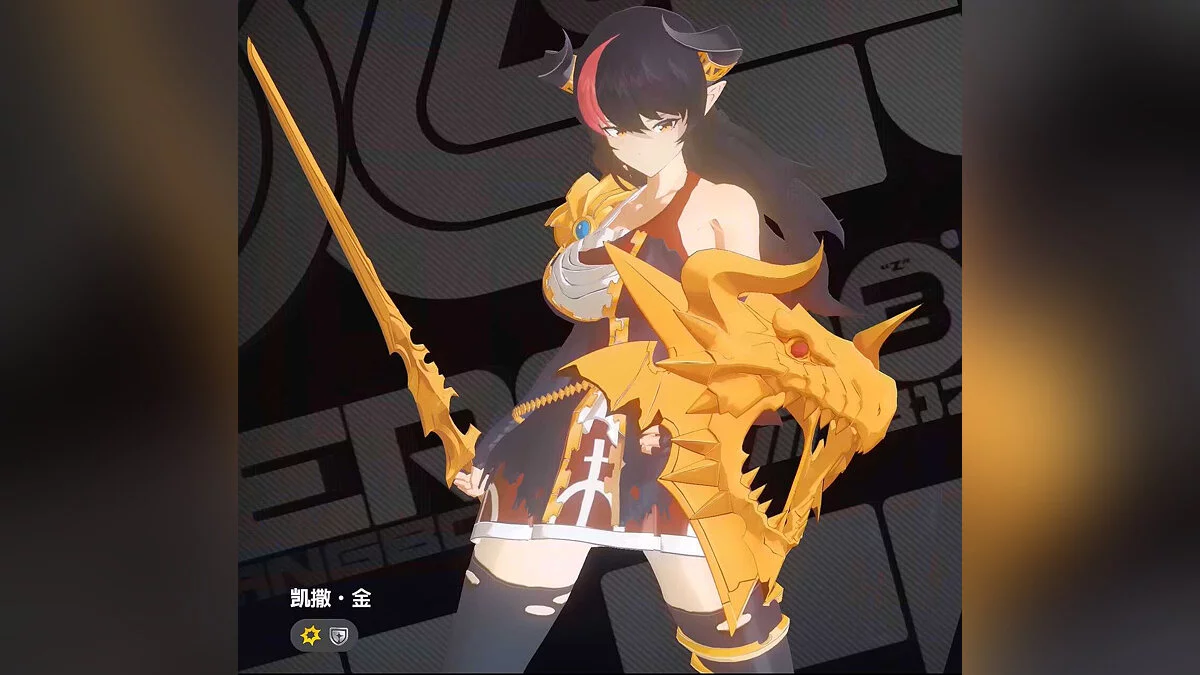
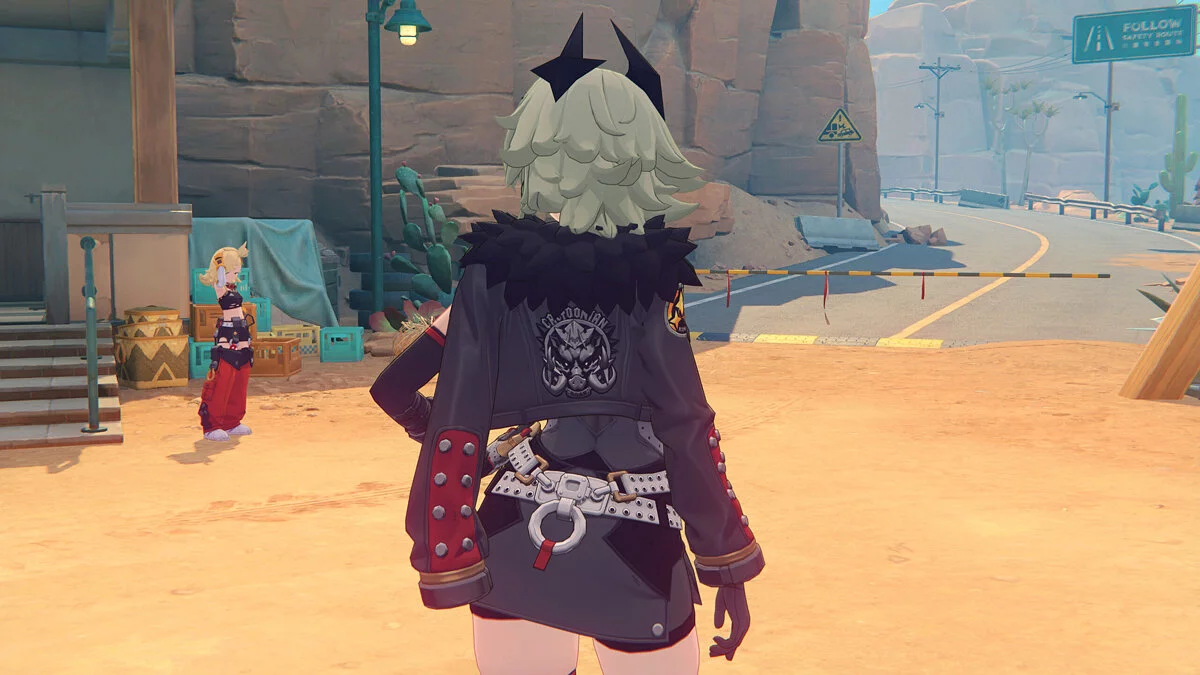
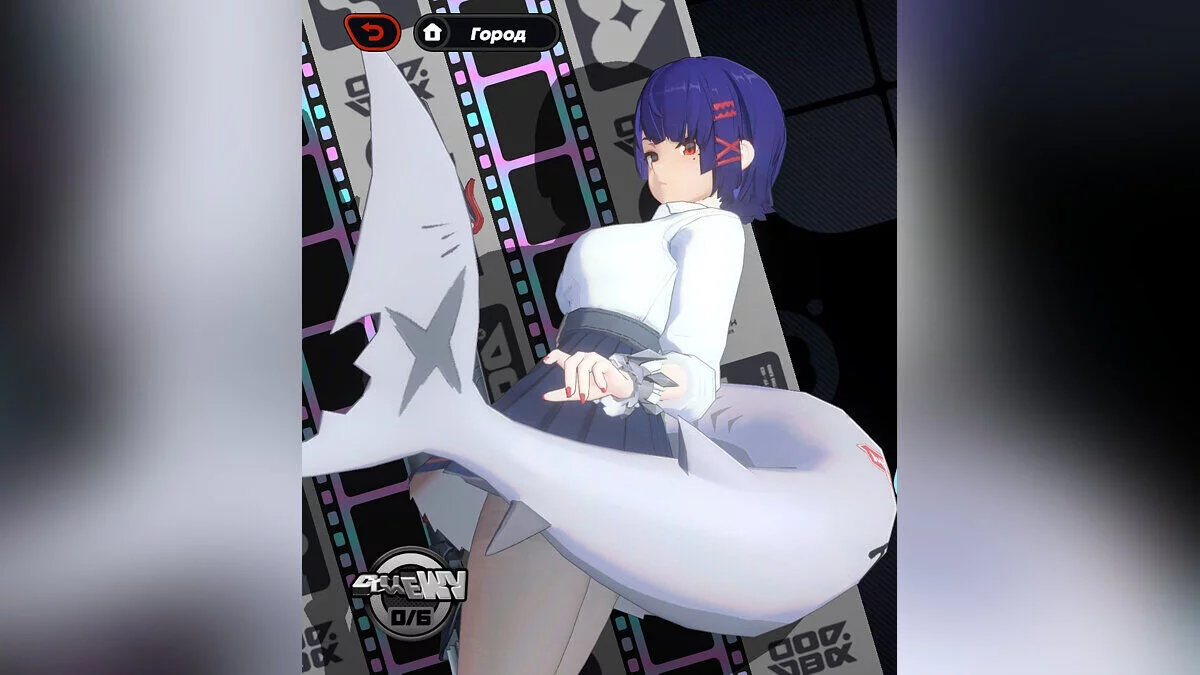
Free role-playing action game from the creators of Genshin Impact and Honkai: Star Rail. In the near future, the world was shaken by a catastrophe: mysterious... Read more
Players:
Steam:
Metacritic:
Russian voice-over
Author:
Русский Зенлесс
Uploaded by:

Size:
39.11 MB
Date:
July 23, 2025, 06:19 AM
Downloads:
653


-
Download (39.12 MB)July 23, 2025, 06:19 AMrusskaja-ozvuchka_1753240766_227785.zipArchive password: vgtimes
This is a Russian language patch in which the prologue is fully voiced.
How to launch:
- Download the file;
- Unzip the downloaded file into a single folder;
- Run the RusskiyZenless.exe program. The program will try to automatically find the path to the installed game. If it fails, it will ask you to enter the path manually;
- Specify the path to the game (if necessary). If the program could not find the game automatically, you will see the message: "The path to the game was not found automatically. Please specify the path to the game folder manually (for example, C:\Program Files\HoYoPlay\games\ZenlessZoneZero Game):". Enter the full path to the game folder (for example, C:\Program Files\HoYoPlay\games\ZenlessZoneZero Game) and press Enter.
- Wait for the installation to complete. When finished, you will see the message: "Russian voice-over successfully installed!".
Notes:
- The game must have the English voice-over installed and selected: the Russian voice-over only works under this condition, so you need to go to the game settings and make sure that English is selected for voices;
- Data.json file: this file must be in the same folder as RusskiyZenless.exe. It contains information about the audio files and is required for the installation of the voice-over;
- Access issues: if the program cannot create or delete files, try running it as administrator.
Useful links: