Free role-playing action game from the creators of Genshin Impact and Honkai: Star Rail. In the near future, the world was shaken by a catastrophe: mysterious... Read more
Ye Shunguang high heels


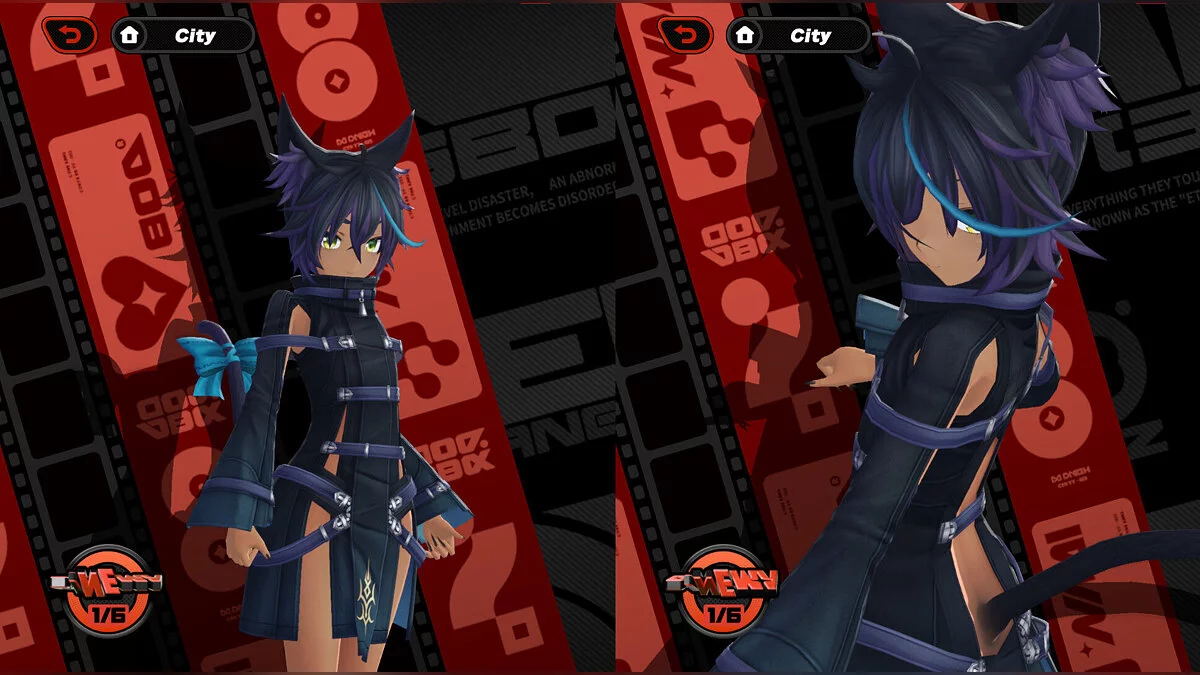
This mod adds a collection of luxurious qipao-style dresses for the character, available in various color options. Each dress features an exquisite design, elegant patterns, and unique details that emphasize the heroine’s grace and individuality. Thanks to high-quality textures and well-crafted animation, the outfits look impressive and fit seamlessly into the game’s atmosphere.
The set includes options in classic white, black, red, and dark blue with gold trim. The dresses are perfect for those who want to refresh the character’s appearance and add elegance, Asian charm, and a bit of boldness.
The mod supports color changes directly in the game, allowing you to choose the right look for any mood.
Controls:
- Toggle ribbon — 6 (hair ribbon, arm ribbon);
- Toggle hair color — 7;
- Toggle hair color ultimate — CTRL + 7 (brown, white, black, red);
- Toggle pantsu style and leg accessory — 8;
- Toggle makeup — 9;
- Toggle original and ballet heels — 0;
- Toggle heels color and tattoo — CTRL + 0 (original, white heels, tattoo on leg);
- Toggle dress style and qipao length — right (→) (original length, medium, short, mini, leotard);
- Toggle qipao front length only — CTRL + right;
- Toggle skin and clothing gloss — left (←) (original, shiny);
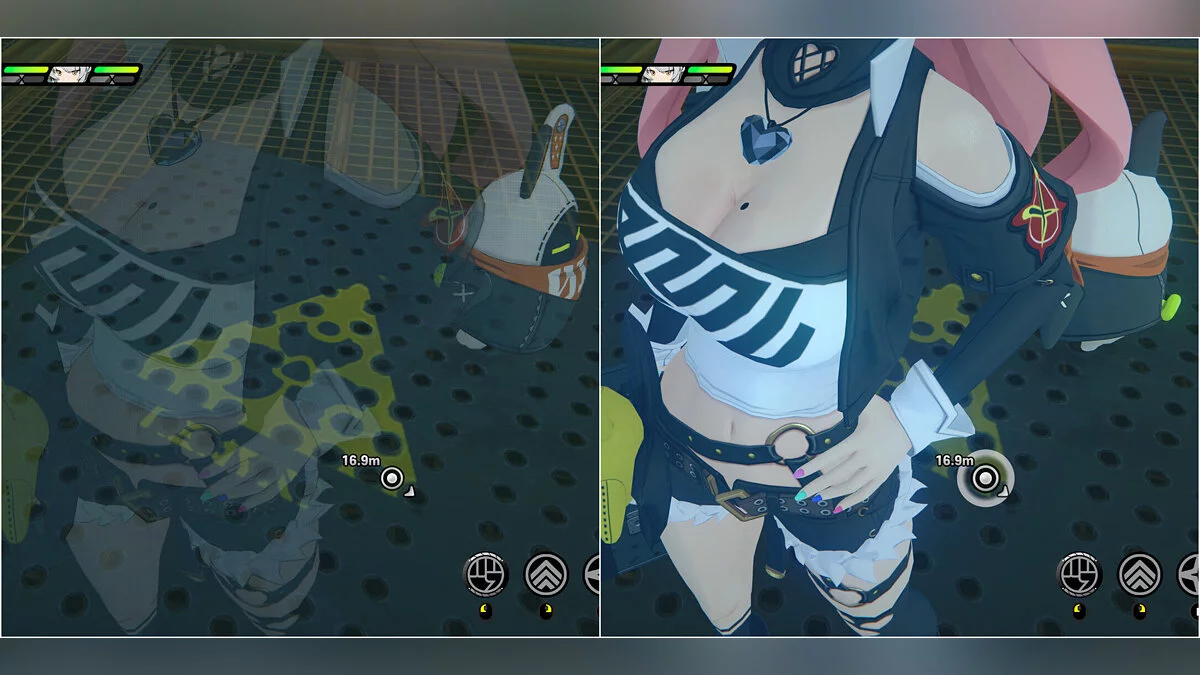
- Toggle qipao transparency — CTRL + left (original, more transparent, remove);
- Toggle tail and hair remove — up (↑);
- Toggle clothing color — down (↓);
- Toggle clothing color ultimate — CTRL + down (original white, ultimate white, red(2), black(2)).
Coloring Texture:
- Includes customizable separated textures that can be recolored;
- Choose colors for different parts such as nails, tassels, eyes, skin;
- Refer to the Coloring Guide Readme for usage instructions.
Updates:
- 14.2 — [update for OG mod only] Fixed texture bug on the back of the qipao. Added separate coloring textures for tassels, body skin, and leg skin. The qipao toggle CTRL + RIGHT is adjusted. CTRL + RIGHT now toggles the front qipao length individually, allowing different lengths for front and back.
Useful links: