
Windows 11 Users Report Data Loss Caused by Forced Microsoft Encryption Feature
 Diana Golenko
According to TechRadar, several users running Windows 11 24H2 have reported data loss caused by Microsoft’s BitLocker encryption feature. It turns out that BitLocker is automatically enabled during the setup of a new PC or when installing a clean version of the operating system.
BitLocker is a security system designed to encrypt drives and protect user data. However, it has faced criticism before—last year, the feature was accused of slowing down SSD performance by up to 45%. Now, PC owners using Windows 11 with BitLocker enabled are reporting a new issue: unexpected file loss.
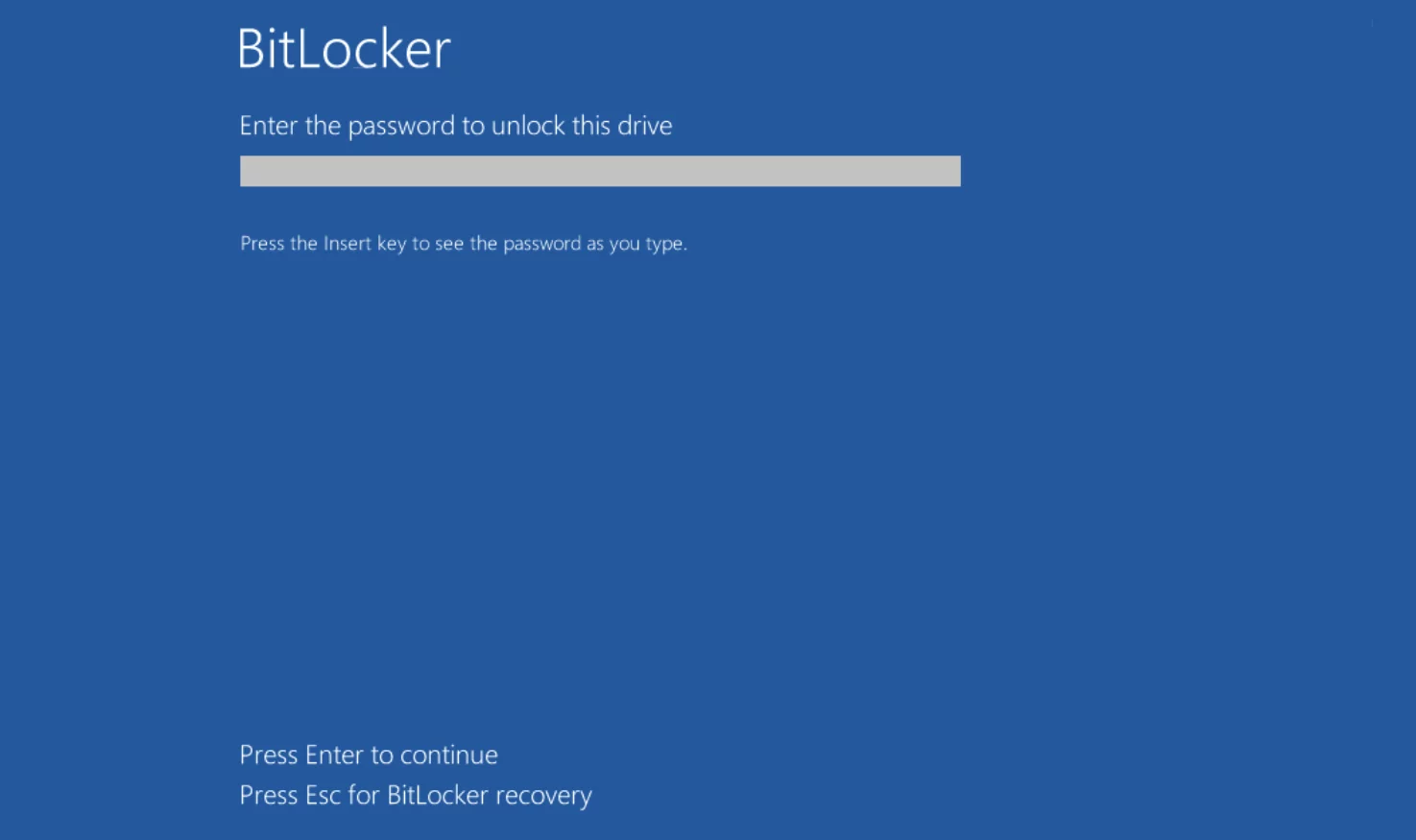
It’s worth noting that the problem does not affect users who simply upgraded their existing Windows 11 installations. In other cases, BitLocker is automatically turned on for the system drive, with the recovery key tied to the user’s Microsoft account. The catch is that most users are unaware that encryption has been activated, and if they delete or switch accounts, the recovery key disappears with it — resulting in inaccessible data. Microsoft provides no clear warning about this risk.
Users can disable BitLocker by navigating to: Settings > Privacy & Security > Device Encryption.
This follows the recent introduction of another controversial Windows 11 feature, which reportedly poses a risk of leaking banking data—though that feature, too, can thankfully be turned off.
-
 Windows Game Emulator for Android Halts Development After Controversy
 -
 Windows 10 Outperforms Windows 11 in Most Games — Even on High-End Rigs
 -
 How to Remove Programs from Autostart in Windows 10 and 11: A Complete Guide
 -
 Microsoft Adds Controversial Feature to New Windows 11 Update
 -
 Valve Rolls Out Beta Version of Proton 10.0 with Enhanced Support for Windows Games on Linux