Project Zomboid Build 42.20 Guide: What's New in the Stable Update
 Vladyslav Shamshurov
Stable Build 42 has finally reached the main branch of Project Zomboid and brought one of the biggest updates in years. Patch 42.20 changes not only individual balance values, but also core game systems: multiplayer, the map, lighting, crafting, professions, shooting, starting scenarios, loot, gamepad controls, and server stability. Below, we have collected the main things you need to know before launching the new version.
What to Do Before Launching Stable Build 42.20
Before breaking down the new mechanics, it is worth focusing separately on saves, mods, and the first launch after the update. These are the issues that most often cause problems: old saves may lose compatibility, modifications may break after moving to the new version, and online sessions may run unstably if the server is configured incorrectly.
Old Saves and Starting a New Game
With every major update, the developers stress the same point: saves from the previous version are not transferred to the new one automatically and are very likely to lose compatibility. The best option after moving to stable version 42.20 is to start a new save without mods and not try to manually move files between different game versions or different saves, since this can corrupt save data.
Mods and a Safe First Launch
For the first launches of the new version, it is better to play on whitelisted servers or in Steam co-op, disable mods, including client-side ones, and avoid using debugging tools during online sessions, since they can reduce server performance. Also keep save compatibility in mind: old saves from previous stable Build 42 versions, and especially from Build 41, should not be moved into the stable build unless absolutely necessary, because this may cause errors and damage game data.
Multiplayer, Servers, and Anti-Cheat
Stable version 42.20 noticeably changes online play: more actions are handled server-side, anti-cheat has become stricter, and some old desync and performance issues have been fixed. This section matters not only for server administrators, but also for regular players who host Steam co-op sessions with friends.
Server-Side Inventory and Action Synchronization

Multiplayer in stable Build 42 is fairer and more stable than ever before. The inventory system, including item transfers, container interactions, and loot distribution, is now handled entirely server-side, as are all TimedActions. The client is responsible only for visual display, while the actions themselves are executed by the server. On top of that, a full set of anti-cheat systems is enabled, including Speed, Hit, NoClip, Inventory, and others. Dozens of desync issues with remote player states have been fixed, and the NetworkState system has been reworked to prevent bugs with stuck animations.
Stronger Anti-Cheat and Server Protection
Build 42.20 added extra anti-cheat mechanisms for commands, experience, access rights, and safehouses, and also restored IP bans for Steam servers with direct connection. In addition, exploits involving item duplication, cheat-level character endurance, and several other vulnerabilities used by dishonest players on multiplayer servers have been fixed.
Sprinter Zombies on Servers
Server administrators can now enable sprinter zombies directly in Sandbox settings for multiplayer sessions. This setting is completely optional and available through the standard SandboxVars config. Server owners who prefer classic slow zombies can simply leave it disabled without losing access to the rest of the patch's new features.
Loot Respawn and Multiplayer Performance

The issue that caused world loot to stop respawning in online play has been fixed, along with serious performance drops and stutters during multiplayer sessions.
Server Crash When Colliding with an Animal
A server crash that occurred when a character collided with an animal while inside a safehouse has been fixed. It was a rather unexpected bug, but a critical one for server stability.
Modes, Shooting, and Difficulty
This section covers how the game itself has changed in combat and scenario selection. It includes new presets, shooting changes, sprinters in Extinction mode, weapon fixes, and adjustments that affect survival difficulty.
New Apocalypse, Outbreak, Rising, and Extinction Modes

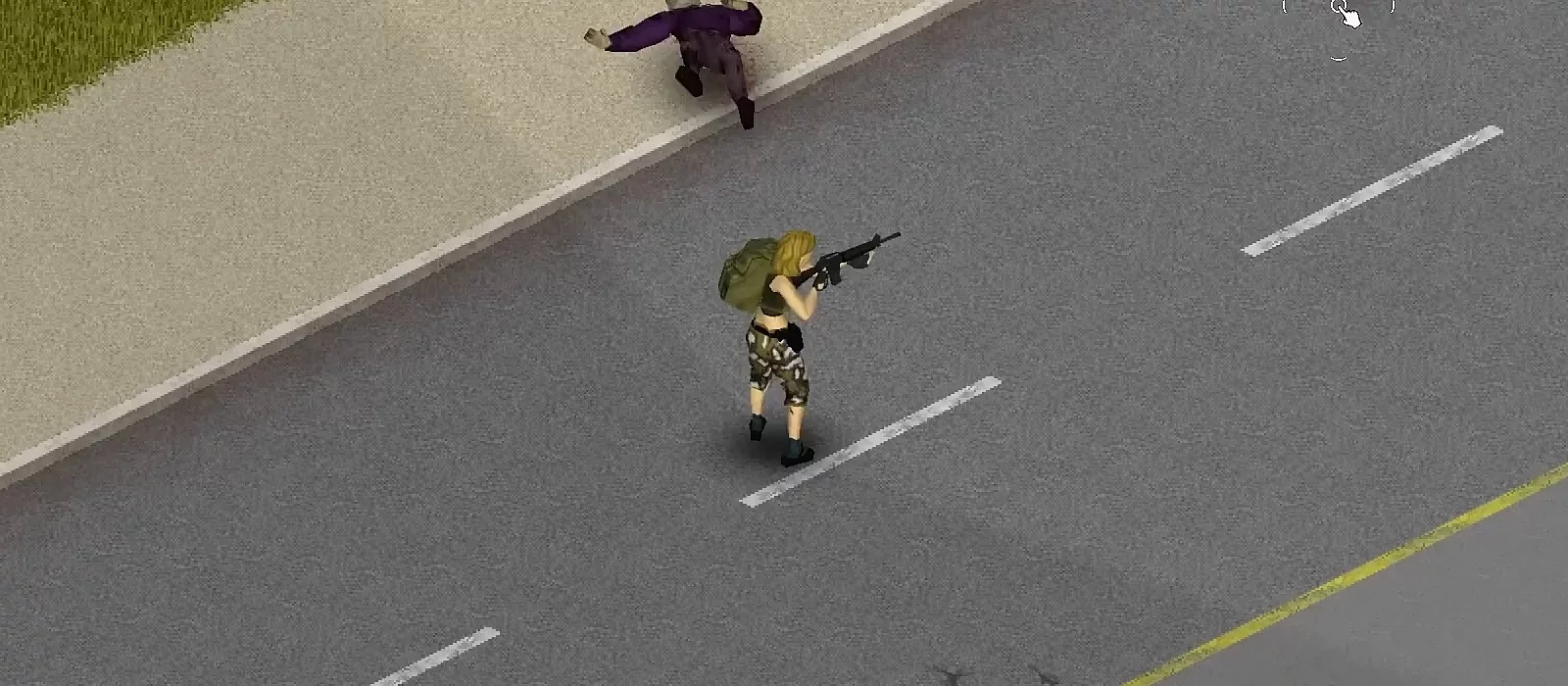
The latest build added new firearms and completely reworked the set of game modes. The presets now include the more canonical Apocalypse, the faster-paced Outbreak, the calmer Rising, and the brutal Extinction, where zombies can sprint. At the same time, tool durability has been noticeably increased across all game modes.
Shooting and Head Priority

The target selection system for firearms has been improved: head hits are now prioritized before the game analyzes hits to other zombie body parts. This makes shooting more predictable and consistent in both single-player and multiplayer sessions.
Fix for Point-Blank Shooting Misses
An issue has been fixed where point-blank shots missed because the weapon muzzle position was calculated as being inside the target model. This caused illogical misses when shooting zombies from almost no distance.
Changes to Crafted and Primitive Weapons
The balance of crafted and primitive weapons has been adjusted:
- Weapon crafting has become more difficult to better reflect these items as crude handmade tools. This makes crafting more demanding and better matches the role of such weapons in the game.
- Wooden shovels have been weakened, making them less effective and encouraging players to look for more reliable tools.
- Crafting large stone axes or special stone tools now requires more resources or a higher skill level.
Character Balance, Professions, and Skills
This section covers changes that affect character development: professions, traits, skills, experience, infected wounds, mood, unhappiness, and action speed.
Professions, Traits, and Skills Rebalanced
The stable build fully revised the system of starting professions and traits. Most professions received more general skill bonuses instead of the narrow specialized perks they had before. At the same time, the Tailoring skill was reworked, and firearms balance was adjusted.
Targeted Profession Changes and Infected Wounds

Following the large rebalance from 42.16, the new build made targeted changes: Doctor and Nurse now cost 0 points instead of -2, Electrician became cheaper, going from -4 to -2 points, and a long-standing bug with the Cook profession was fixed. It now correctly gives a Short Blade bonus instead of a Short Blunt bonus. Infection wound damage in Apocalypse mode was raised from 0.0 to 1.0, so infected wounds now pose a real threat to the character in the standard game mode instead of being just a cosmetic effect.
Profession and Trait Changes

The Tourist profession cost changed from -6 to -5 points. The Hunter trait was weakened: its trapping bonus was removed and replaced with the Tracker trait, which players consider noticeably less useful. The Mountaineer trait was buffed, with its cost reduced by 1 point, although the stronger Lumberjack trait still remains the preferred choice and may limit Mountaineer's usefulness.
New Skills
A bug-fix patch was also released after the main update. It added three new skills:
- Mason: provides two levels in Masonry.
- Inventor: reduces skill level requirements for research.
- Craftsman: provides one level in Glassmaking and Pottery.
Other Experience and Leveling Changes
The patch includes several changes to experience gain that may affect skill leveling:
- Laying stones: now grants more Masonry experience, making the process more useful for character development.
- Stone blocks: now require Masonry level 1 to craft, and the experience they give corresponds to the required skill level.
- Stone wheels and anvils: now have difficulty level 2, making Masonry easier to level.
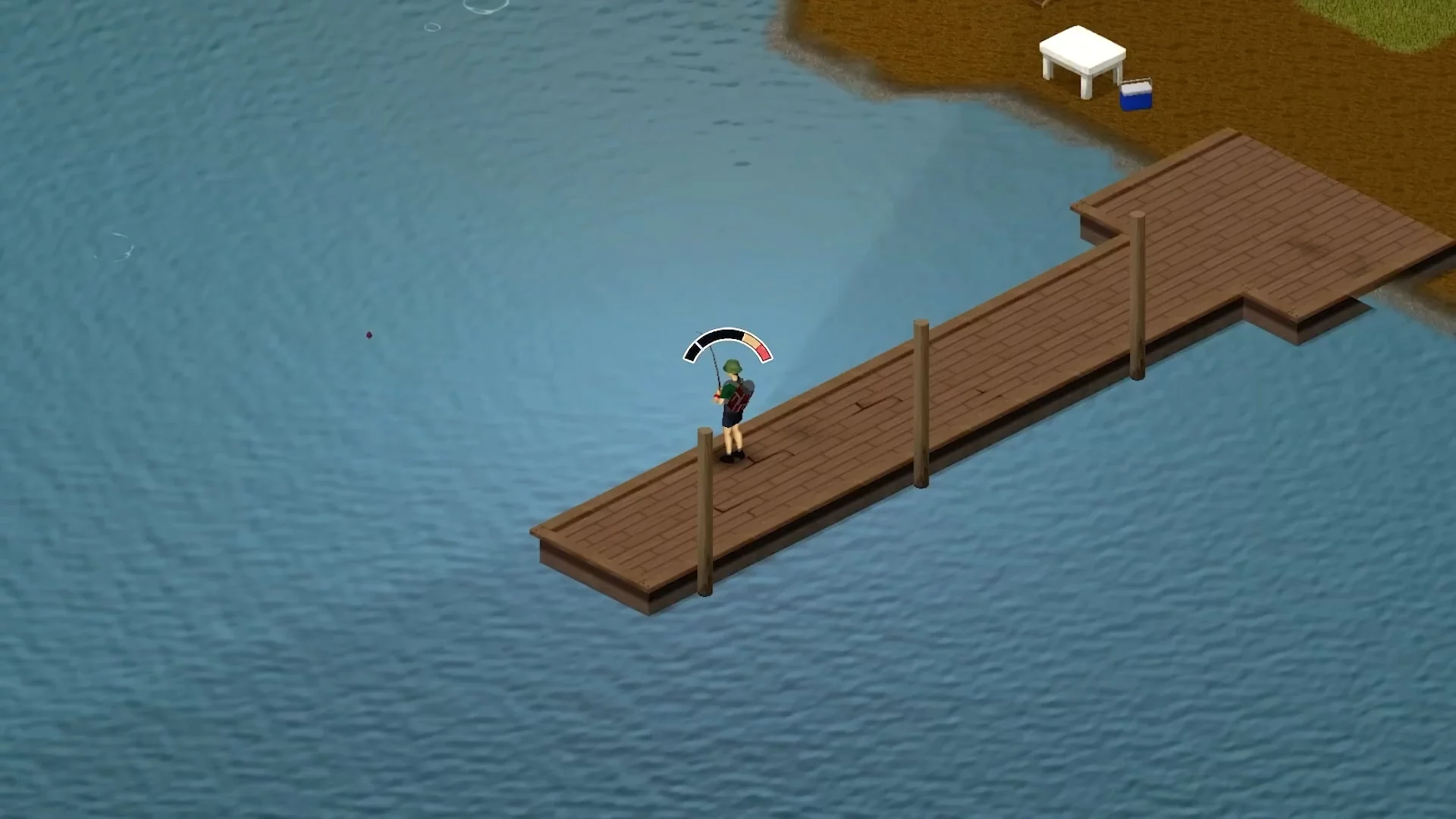
- Fishing: now grants Butchering experience instead of Cooking experience, which makes the process more logical.
- Research items: experience from using them has been completely removed.
- Weapon tooltips: if a weapon does not grant experience in a certain skill, a warning tooltip appears so players can adjust their actions and avoid wasting time.
- Building slabs: now gives more experience, averaging 10 points per skill level. This change encourages players to build rather than dismantle objects.
These changes are aimed at improving the balance and functionality of early skill levels, while also making certain skills easier to level.
Buffs, Debuffs, and Action Speed
In the latest update, the developers reworked buff and debuff mechanics. If your character reaches the maximum level of mood or unhappiness, any action now takes twice as long to complete. This makes managing these statuses more important than ever and requires players to pay close attention to their character's condition.
Map, World, and New Points of Interest
This section covers changes related to world exploration: starting locations, new biomes, flyers, looted buildings, rare finds, and temporarily removed objects. This makes it easier to understand what exactly changed on the map and where to look for new content.
New Sandbox Starting Locations
The patch added extra starting locations to Sandbox mode beyond the four classic towns: Brandenburg, Echo Creek, Ekron, Fallas Lake, Irvington, March Ridge, and Valley Station. One important note: starting profession selection is still tied only to the four canonical towns. The new locations are available only when playing without taking the character's specific profession into account.
New Biomes: Lake and River
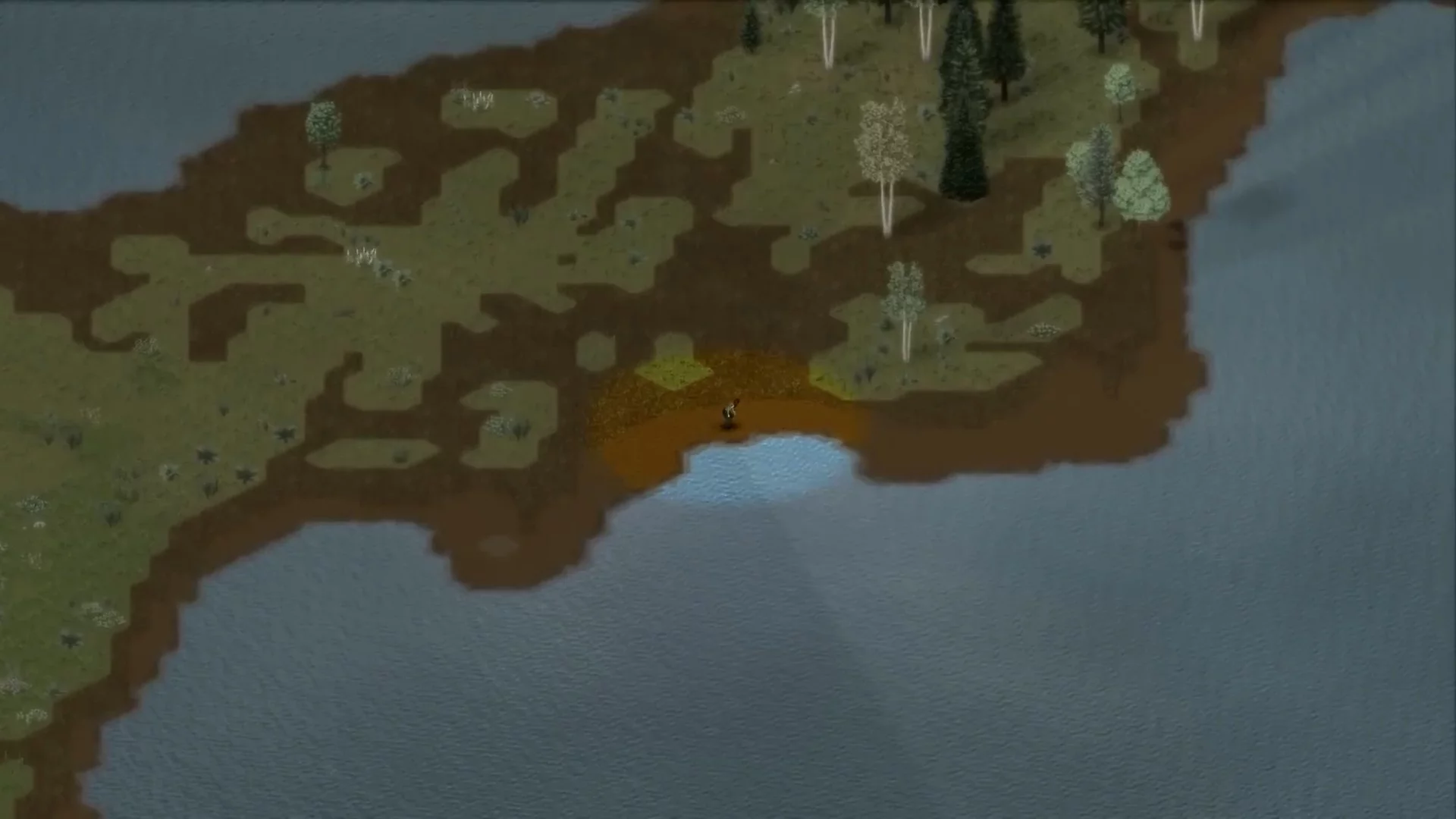
Two new biomes, Lake and River, now decorate the game world, adding variety and new exploration opportunities.
Flyers with Valuable Locations
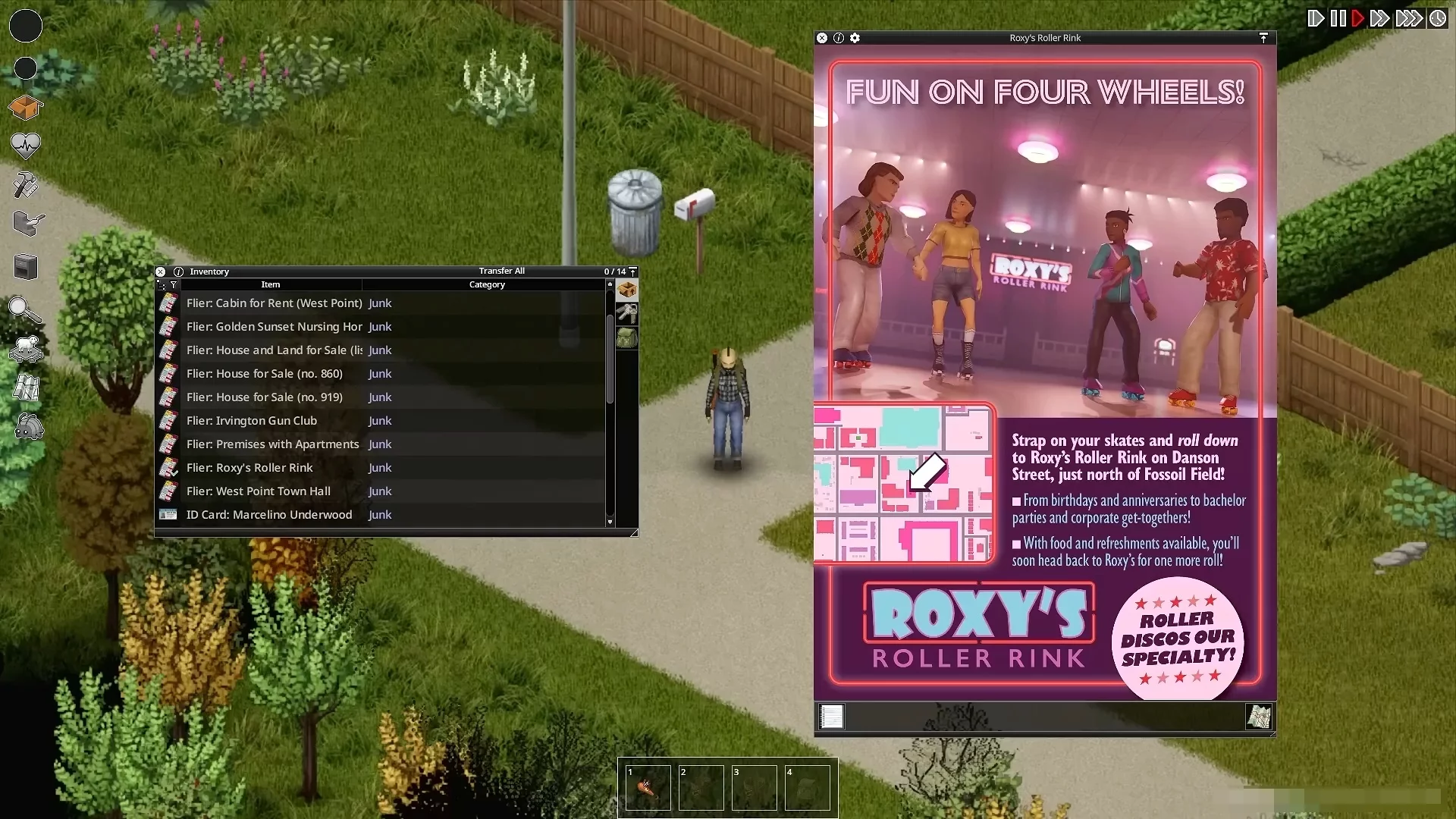
Five new flyers are now available to study, helping players find more valuable resource locations.
Looted Buildings
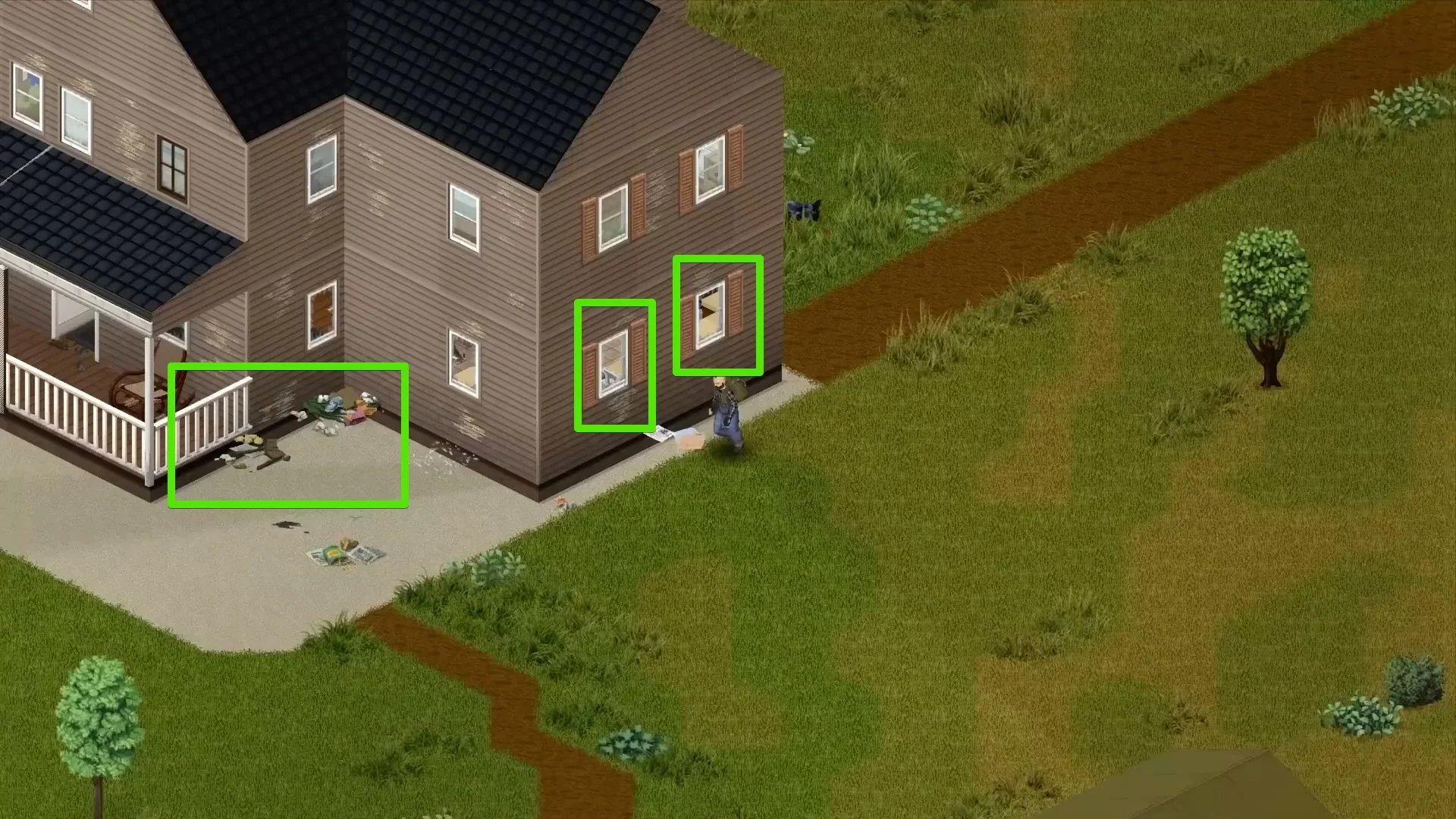
Changes to looted buildings:
- Ground-floor windows now always remain unlocked, so players can enter a building even if other entrances are unavailable.
- Ground-floor doors and windows will often be destroyed, serving as a clear sign that the building has already been looted.
- Trash and corpses now appear around buildings, adding realism and indicating looter activity.
- Looting on basement floors now decreases in proportion to the number of underground levels, making lower levels safer and less stripped clean.
Artifacts and Rare Finds
A new category of artifacts has appeared in the game: rare finds that can be discovered outside towns. This adds more excitement for treasure hunters and explorers.
Temporary Removal of Railroad Tracks

Railroad tracks and some railbed elements have been temporarily removed from the game. The developers clarified that these objects will return only after the mechanics connected to them are fully completed, so unfinished and potentially problematic content is not left in the game.
Crafting, Items, and Loot
This section covers changes related to resources and items: armor, firewood, screwdrivers, coins, recipes, spawning, loot tables, cigarettes, fuel, dental floss, and sledgehammers.
Loot, Cigarettes, Fuel, and Tailoring Changes

In every game mode except Extinction, the chance to find cigarettes and dental floss in the miscellaneous loot category has been increased, while dental floss now officially works as a full alternative to thread for the Tailoring skill. The chance to find fuel in vehicle tanks has also been increased in Apocalypse mode. The developers continue to fine-tune loot tables for specific locations, fixing cases where needed items did not appear in wild plant gathering tables.
Food Loot Tables
Food loot tables now focus on wild plants, herbs, insects, and crops that provide seeds. This is especially useful for farm and greenhouse owners.
New Item Spawns
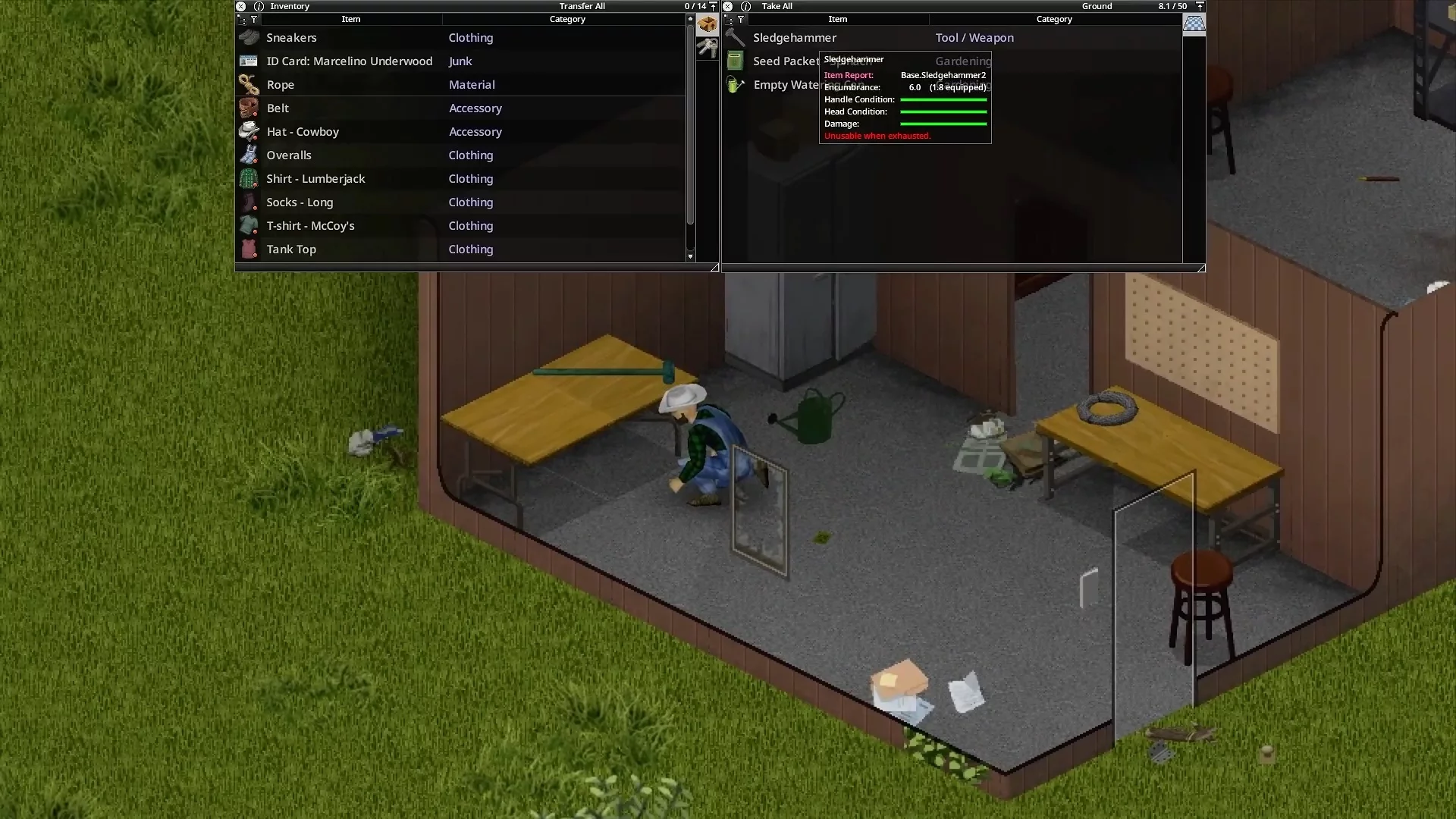
Sledgehammers can now be found in farm sheds, garages, and even in the trunks of some cars. This makes them more accessible, so players no longer have to spend a long time looking for a weapon early in the game.
Metal Armor
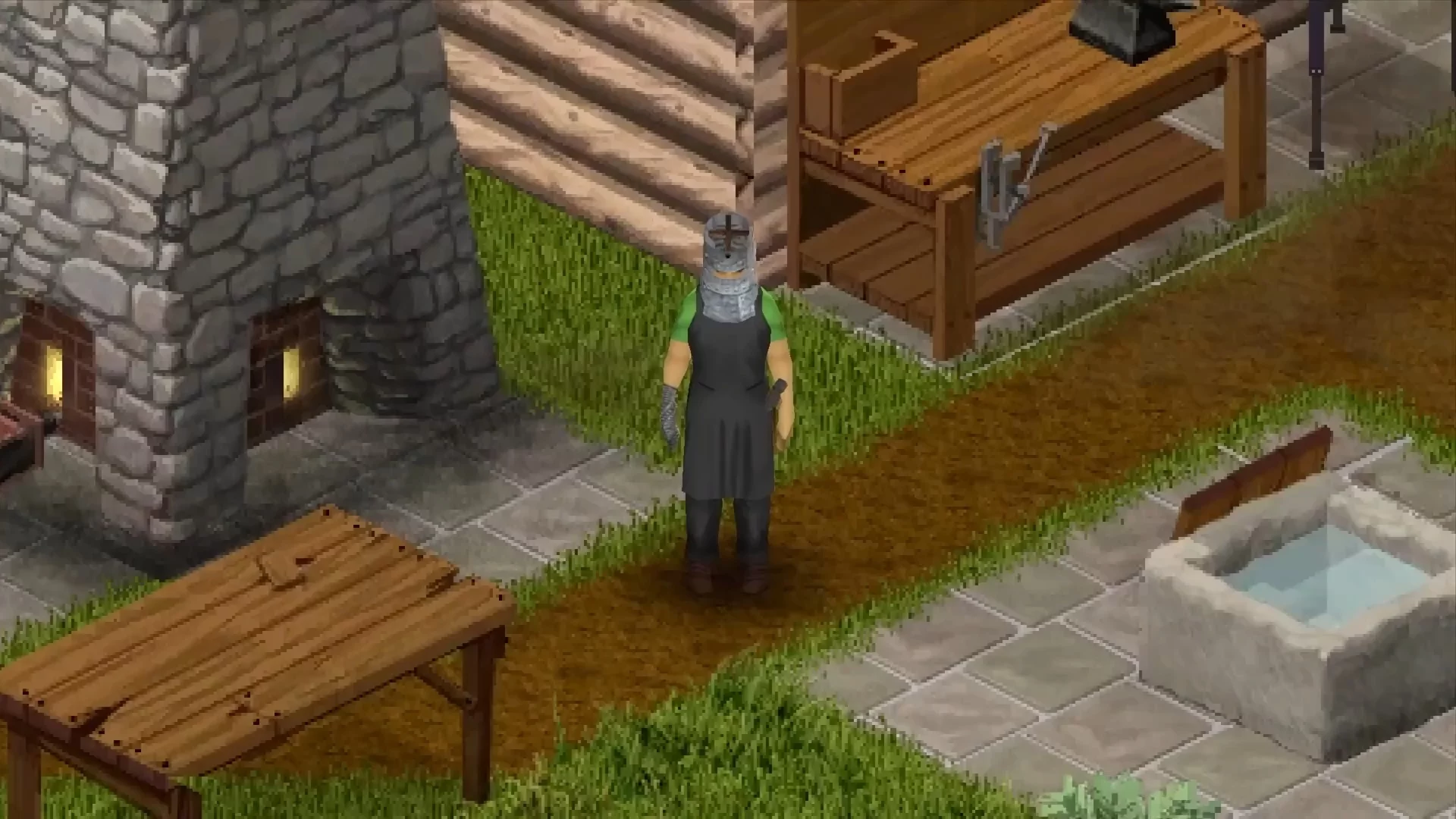
Metal armor has finally become part of the game. The developers have made significant progress on research connected to creating armor from welded scrap and forged items. Missing recipes, such as the forge and shovel head, have been added to the game, significantly expanding crafting options and allowing players to better prepare for the challenges of the zombie apocalypse.
Improvised Screwdrivers
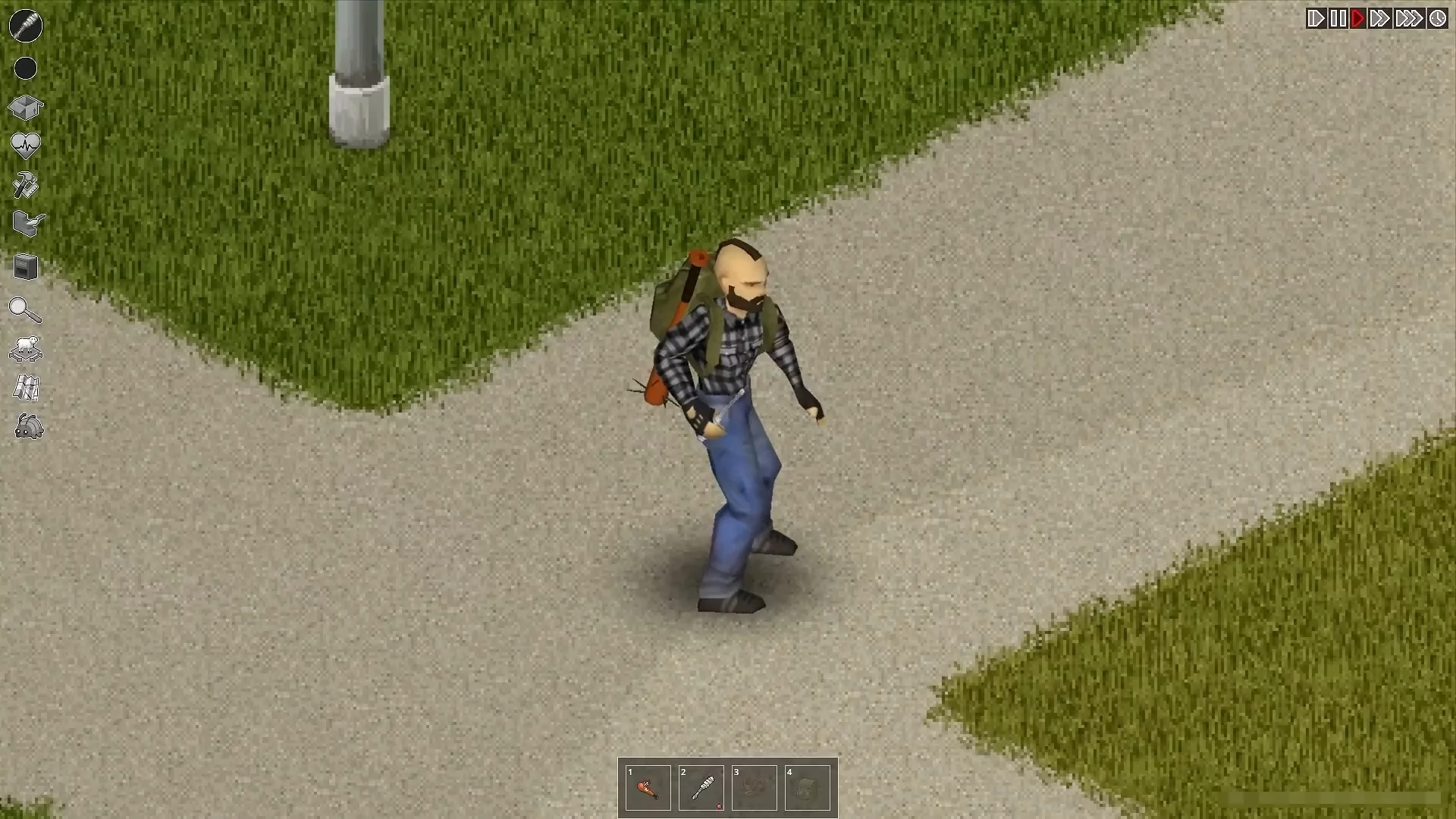
Improvised screwdrivers have also been added to the game and are now craftable. This item serves as an alternative tool for Mechanics and Carpentry, making it useful for players who prefer repair and construction.
Firewood and Firewood Bundles
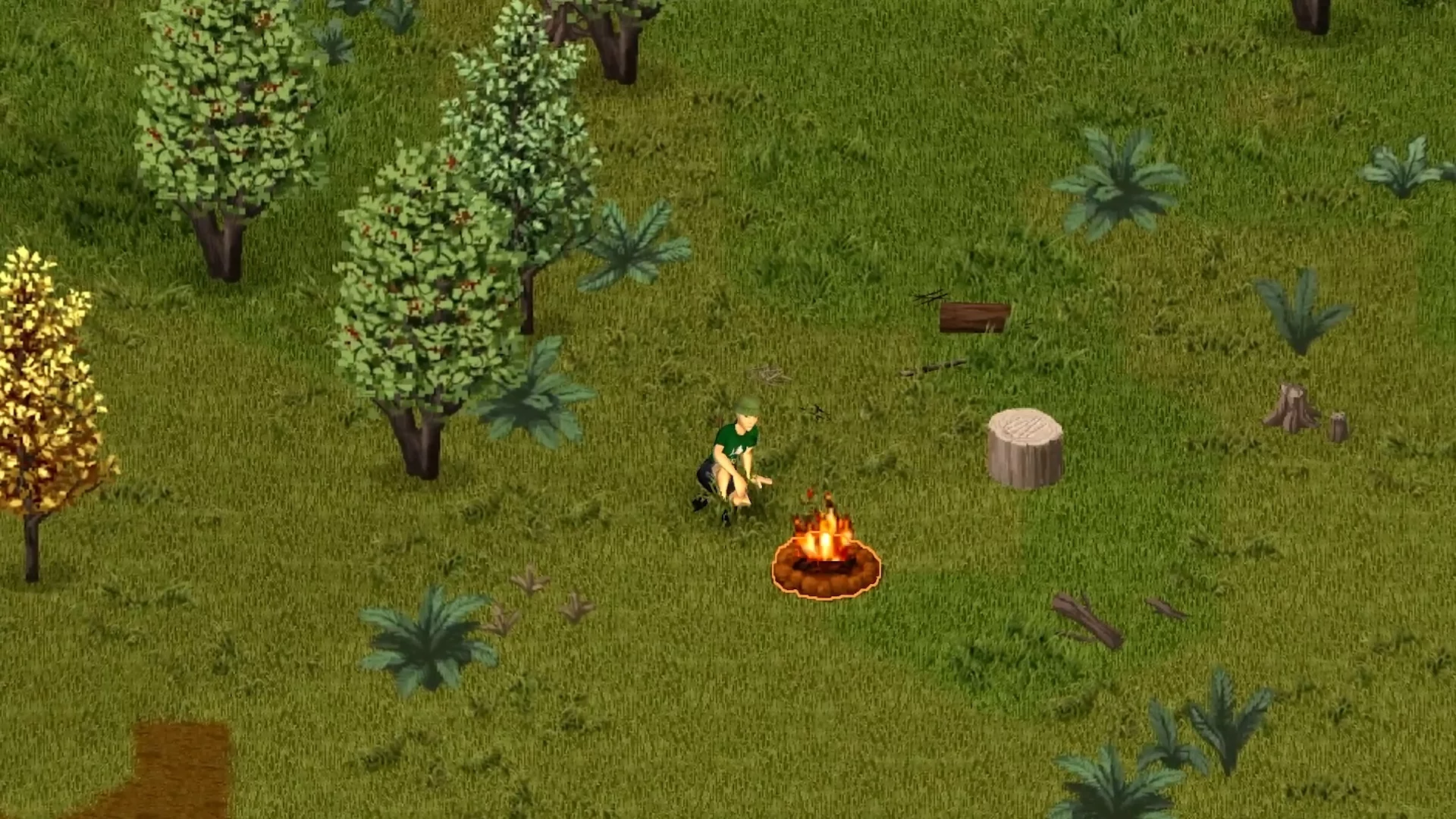
The game now includes firewood bundles and nail firewood, which burn significantly longer than regular wooden items. You can chop branches or logs to obtain firewood, and also collect wood chips, which are useful for lighting a campfire.
New Crafting Recipes
New craftable items include carved wooden cups, an improvised machete-blade knife, wooden rods, and metal from branches. Recipes for processing and forging metal items have also been added, including the use of silver and gold jewelry.
Coins, Gold, and Silver
Gold and silver coins have been added to the game, although they cannot currently be found or crafted. However, they can be used together with gold and silver scrap to forge gold and silver sheets, which will become useful crafting materials.
Animals, Butchering, and Survival
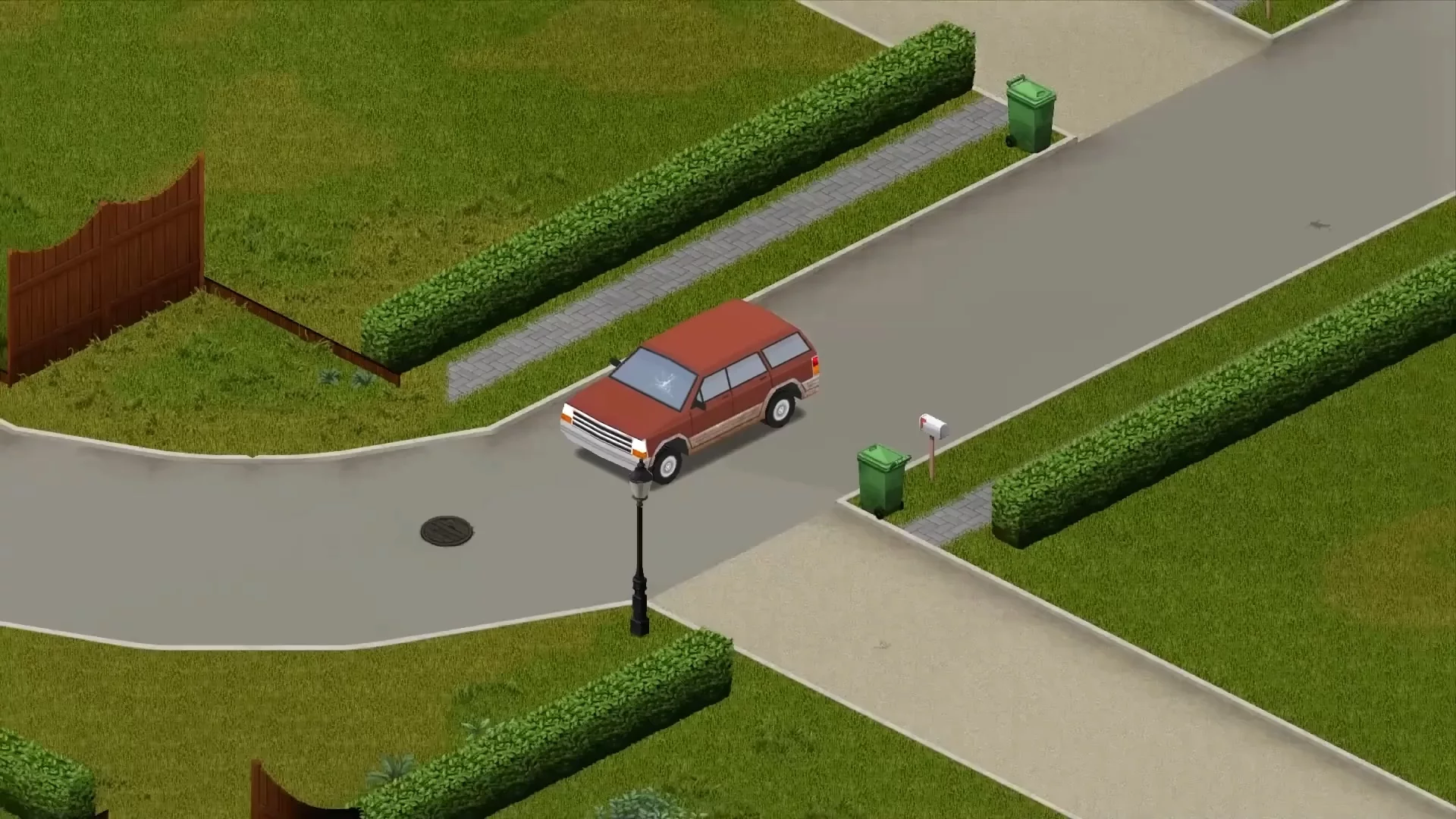
Animals are now connected not only to atmosphere, but also to survival, resources, livestock care, and loot quality. Because of that, raccoons, animal behavior, vehicle-related stress, and butchering are best kept in one section.
Raccoons
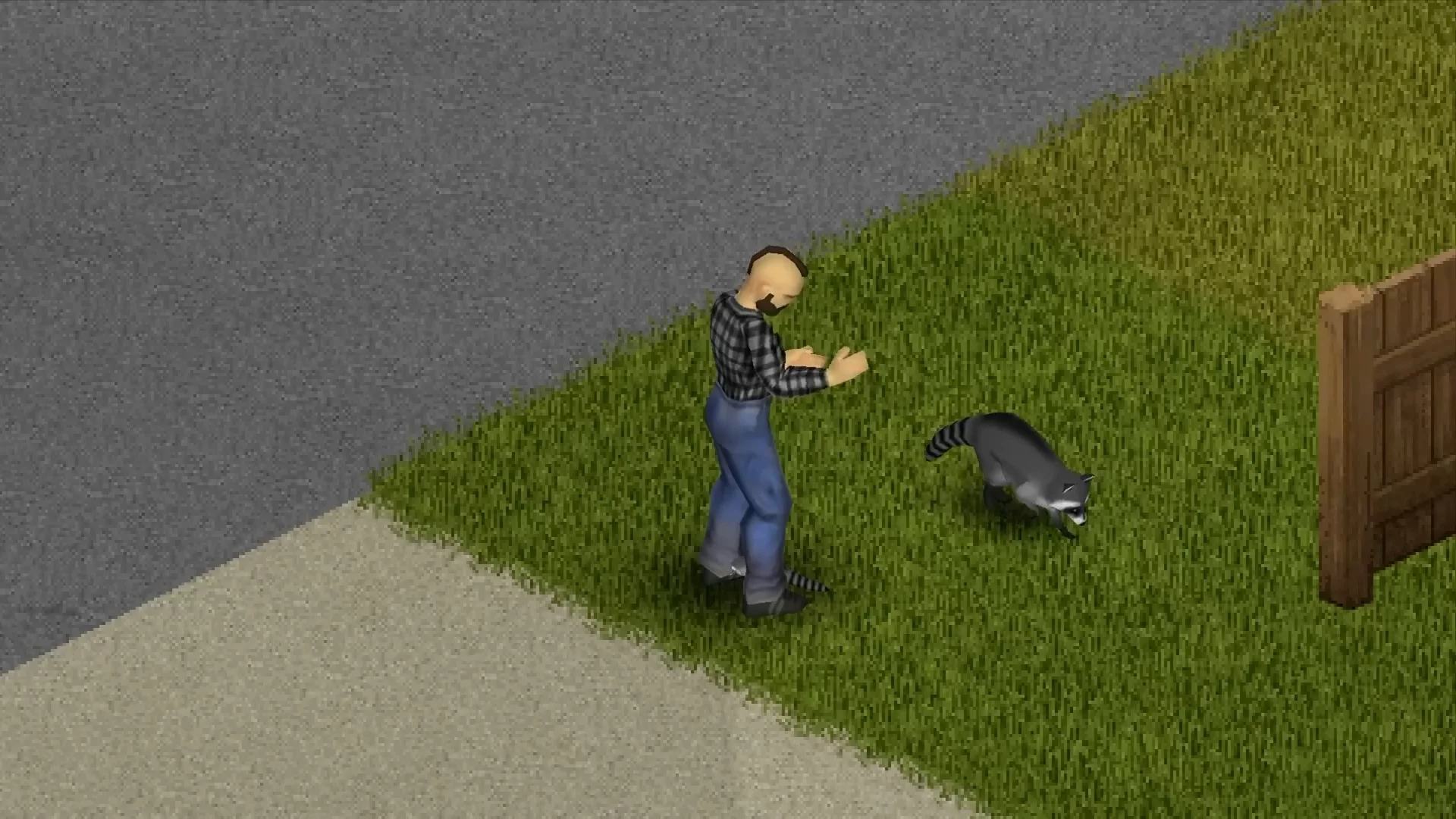
Raccoons are new small inhabitants of the game that add fresh dynamics to gameplay. Despite minor issues with climbing fences, they function quite reliably. It is interesting to watch how they interact with player shelters: they create trash piles, steal food, and even let themselves be petted. Still, do not forget that you can turn these animals into a hat if you suddenly need an extra resource.
Animal Behavior and Bodies of Water
Animals now recognize bodies of water such as rivers, lakes, and ponds, and can drink from them if they are within their habitat zone. It is recommended to build pens near water to make animal care easier. Their behavior has also been changed: animals can now look around, and their food habits have become more varied and realistic.
Animal Stress Near Cars
A bug has been fixed where animals' stress level instantly jumped to 100% if a running car engine was nearby. Because of this, livestock kept panicking even when there was no real threat.
Animal Butchering and Meat Quality
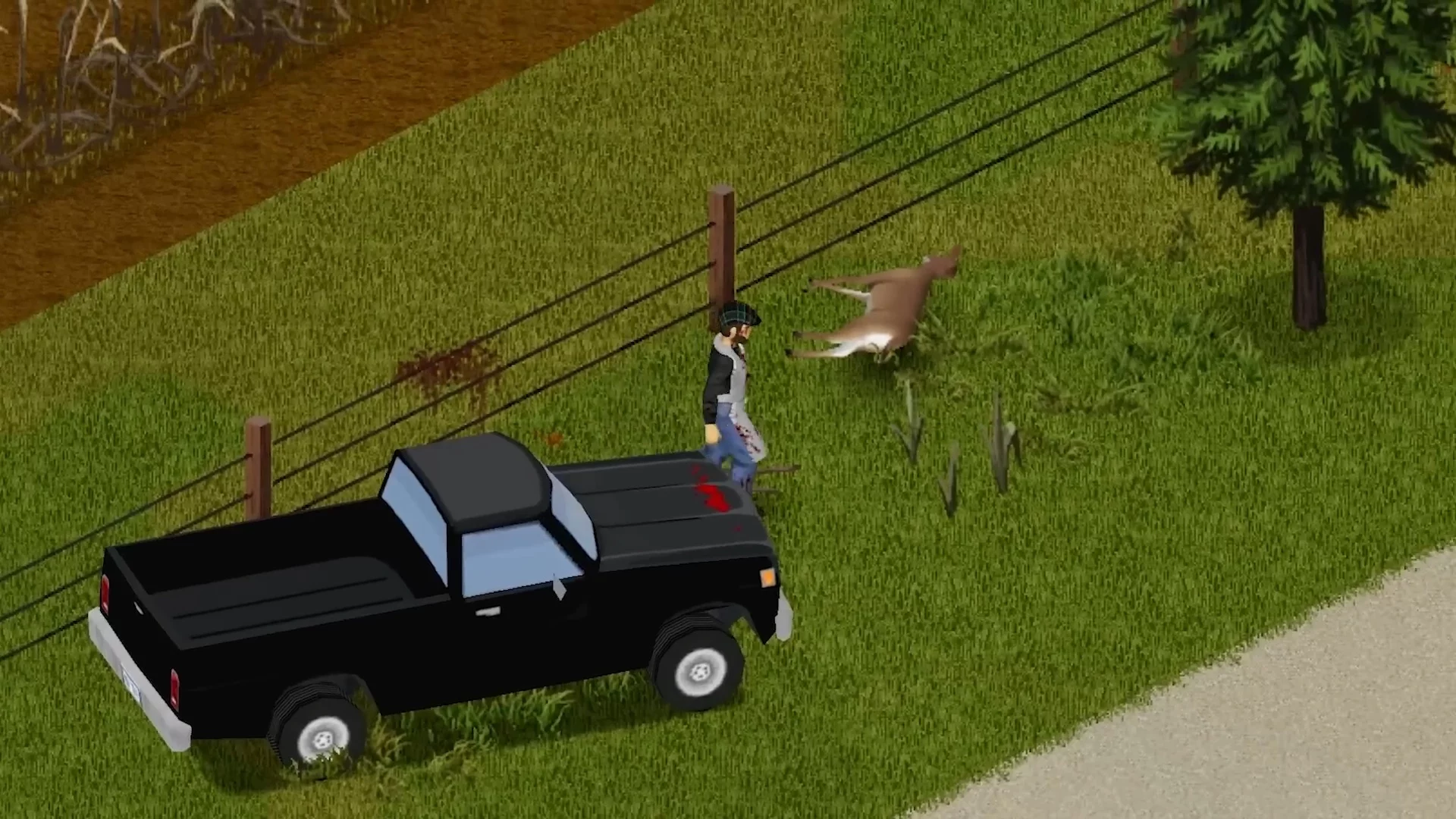
Meat quality and quantity now deteriorate over time after an animal dies. If a carcass is left too long, the meat may spoil. In addition, killing an animal with a vehicle now results in less meat and lower quality.
Interface, Controls, and Convenience
Besides new items, modes, and balance changes, stable version 42.20 adds several quality-of-life improvements: gamepad controls, interface scaling, pausing while reading the map, new animations, rain collector behavior, and campfire improvements.
Gamepad Controls and Button Remapping
The patch significantly expanded controller support: gamepad button remapping has been added, along with a new control customization menu, expanded sitting idle animations, and support for the X button to clear text fields. A vertical scrollbar has also been added to the Survival Guide, and the user list interface has been updated. In addition, issues with controller controls were fixed on the map selection, load game, world map, crafting station, notes, running, and aiming screens.
New Animations, Propane Tanks, and Map Reading Pause
New animations were added for several weapon reload sequences, along with fresh propane tank assets and new trash bins near Spiffo's and Pizza Whirled restaurants. One of the most useful additions is a new accessibility option for map reading: when enabled, the game automatically pauses while the map is open, which is convenient for players who want to calmly orient themselves without risking their character.
Interface Scaling
Sidebar elements can now be scaled in the settings. This is especially useful for users with high screen resolutions.
Car Alarm Sound
A new script property has been added that allows the standard car alarm sound to be replaced with any other sound. If no custom sound is specified, the regular horn will be used.
Rain Collectors
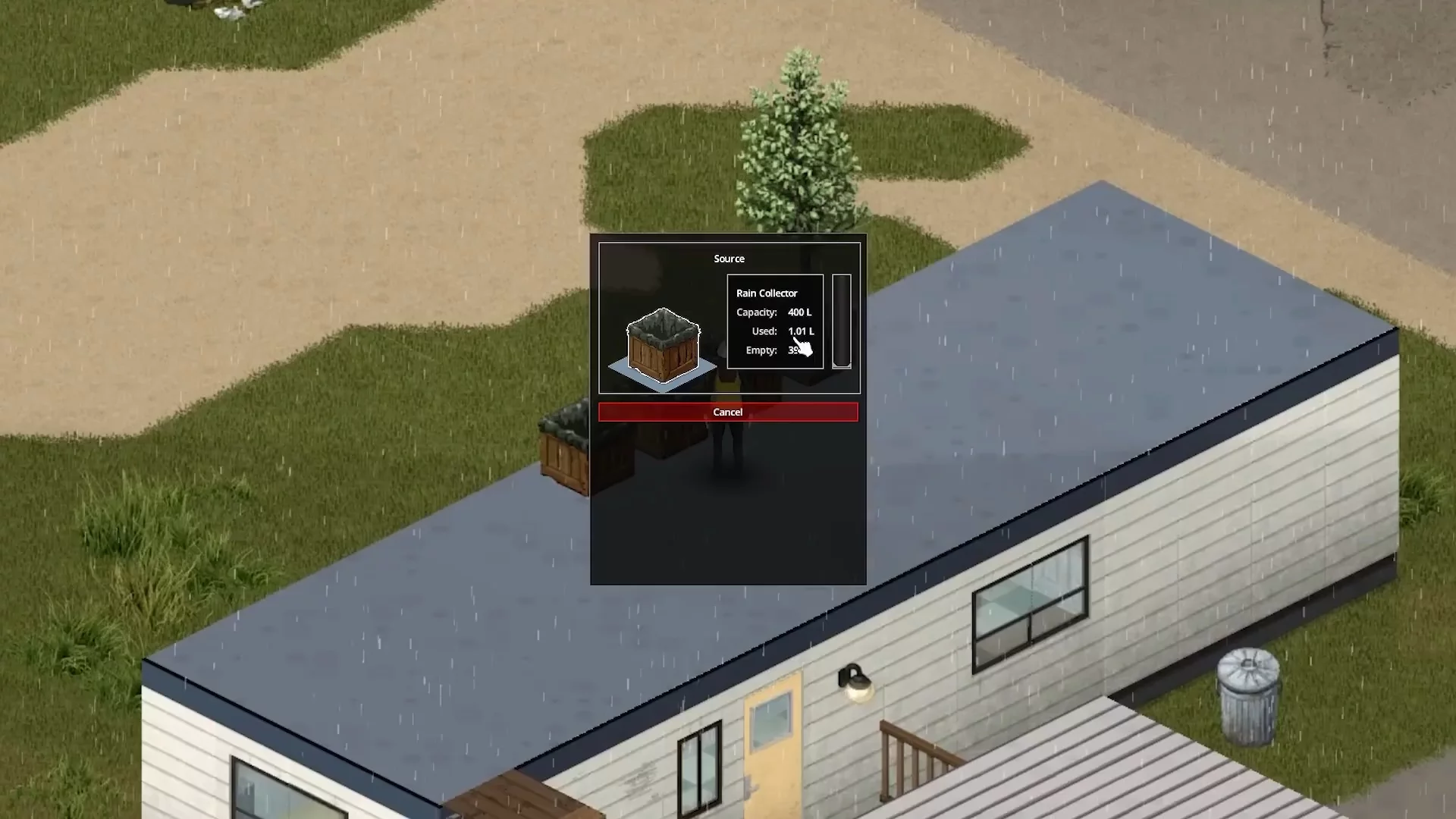
Rain collectors can now fill with water even when the player is outside their shelter. Previously, mods were required for this, but they are no longer needed. However, it is not yet clear whether this change also applies to livestock troughs.
Campfire Improvement
Campfires received increased capacity, allowing buckets to be used for purifying water and making the process more convenient.
Lighting and Indoor Visibility
Lighting changes deserve a separate mention, because they do not directly affect balance, but they do change how interiors feel and how convenient it is to explore barricaded houses.
Lighting, Barricades, and Curtains

Interior lighting has been improved, and barricades, except metal sheets, as well as curtains now let some light through, even if line of sight through them is still blocked. This change makes barricaded rooms visually less gloomy without affecting stealth mechanics.
The change matters not only visually. Barricaded houses no longer look equally dark, making indoor navigation easier, while stealth and visibility logic do not turn into a new mechanic.
Bug Fixes and Performance
The final technical section collects fixes that are not worth spreading across the entire article as separate major headings. They matter for long saves, servers, vehicles, animals, generators, loot respawn, and overall performance.
Major Stability Fixes

A separate part of the patch is dedicated to bug fixes and stability. These changes may not look noticeable in the first few minutes of play, but they are exactly what matter for long saves, servers, vehicles, animals, generators, loot respawn, and overall performance.
The build fixed a performance drop while driving vehicles in cities, a bug that made all animals in the game female, an exploit involving mixing water with other liquids, an issue that prevented players from vaulting onto concrete blocks, and several generator-related problems. In addition, a bug that prevented zombies from crawling under burning vehicles was fixed, along with issues involving remote explosive devices and a freeze after firing a lever-action rifle.
Zombies No Longer Follow Players Between Towns
A bug in the chunk sound list system has been fixed. Previously, when a chunk was reused, its sound list was not cleared, which allowed zombies to literally follow the player into another town by mistakenly continuing to react to a sound source that had long since disappeared.
Dragging Corpses and Character Overexertion

A bug involving excessive character overexertion when trying to drag a corpse 15-20 tiles has been fixed. Previously, this caused unreasonably harsh stamina consequences for a normal gameplay action.
General Stability and Minor Fixes
The developers separately fixed more than 50 smaller bugs affecting multiplayer, the crafting system, and world generation. Most of them were not described in detail in the patch notes, but together they noticeably improved the game's overall stability.
Frequently Asked Questions

After the release of stable version 42.20, players most often have questions about old saves, mods, multiplayer, sprinter zombies, new modes, and map changes. Below, we have collected short answers to the main points: whether you should start a new game, whether saves can be transferred, how to safely test mods, and what changed on servers after the update.
Do you need to start a new game after patch 42.20?
Yes, it is better to start a new save without mods. Old saves from previous versions may run unstably or lose compatibility, especially if you played with modifications or tried to move files between different builds.
Do old mods work after the update?
There is no guarantee. After moving to stable version 42.20, it is better to temporarily disable mods, check that the clean game launches, and then add modifications back one by one. Be especially careful with map, interface, multiplayer, crafting, and balance mods.
What changed in multiplayer?
The main change is that inventory, containers, loot, and timed actions have been moved server-side. Thanks to this, online sessions should become fairer and more stable, while anti-cheat now tracks speed, hits, NoClip, inventory, and other violations more effectively.
Can sprinter zombies be enabled on a server?
Yes, server administrators can enable sprinter zombies through Sandbox settings. This is an optional setting, so servers with classic slow zombies are not going anywhere.
What new modes were added?
Stable Build 42 includes updated Apocalypse, Outbreak, Rising, and Extinction modes. The last one is especially important for hardcore fans: in Extinction, zombies can run, so this preset noticeably changes the pace of survival.
What happened to old saves?
Saves from previous versions should not be manually transferred into the new build. The best option after a major patch is to start a new game without mods to avoid data corruption, item errors, and world issues.
What changed on the map?
Version 42 expands Knox Country, adds new Sandbox starting locations, and makes the map more varied thanks to new towns, locations, and unique buildings. If you want a predictable start, it is better to choose one of the classic towns. If exploring the new map matters more, you can start in the additional locations.
Should you play multiplayer immediately after the update?
You can, but it is better to choose whitelisted servers or Steam co-op with friends. During the first launches of the stable version, it is safer to disable mods, avoid using debugging tools, and stay away from overloaded servers to reduce the risk of desyncs and performance issues.

-
 All Elden Ring Endings Explained: How to Get Every Ending and Which Is Best
 -
 Valheim Save File Location: Where to Find Your Saves
 -
 Valheim Materials Guide: Where to Find Every Crafting Resource
 -
 The New Project Zomboid Build Receives a Massive Update With Multiplayer
 -
 105,000 people are now playing zombie survival game Project Zomboid at the same time — the record fell within three days thanks to a massive update
 -
 Project Zomboid in First Person, With Hills and Deep Water: Modders Are Reshaping the Survival Game — Even Zombies Can Dive Now